Deferred Compensation Form For Independent Contractors
Description



Get your form ready online
Our built-in tools help you complete, sign, share, and store your documents in one place.
Make edits, fill in missing information, and update formatting in US Legal Forms—just like you would in MS Word.
Download a copy, print it, send it by email, or mail it via USPS—whatever works best for your next step.
Sign and collect signatures with our SignNow integration. Send to multiple recipients, set reminders, and more. Go Premium to unlock E-Sign.
If this form requires notarization, complete it online through a secure video call—no need to meet a notary in person or wait for an appointment.
We protect your documents and personal data by following strict security and privacy standards.

Make edits, fill in missing information, and update formatting in US Legal Forms—just like you would in MS Word.

Download a copy, print it, send it by email, or mail it via USPS—whatever works best for your next step.

Sign and collect signatures with our SignNow integration. Send to multiple recipients, set reminders, and more. Go Premium to unlock E-Sign.

If this form requires notarization, complete it online through a secure video call—no need to meet a notary in person or wait for an appointment.

We protect your documents and personal data by following strict security and privacy standards.
Looking for another form?



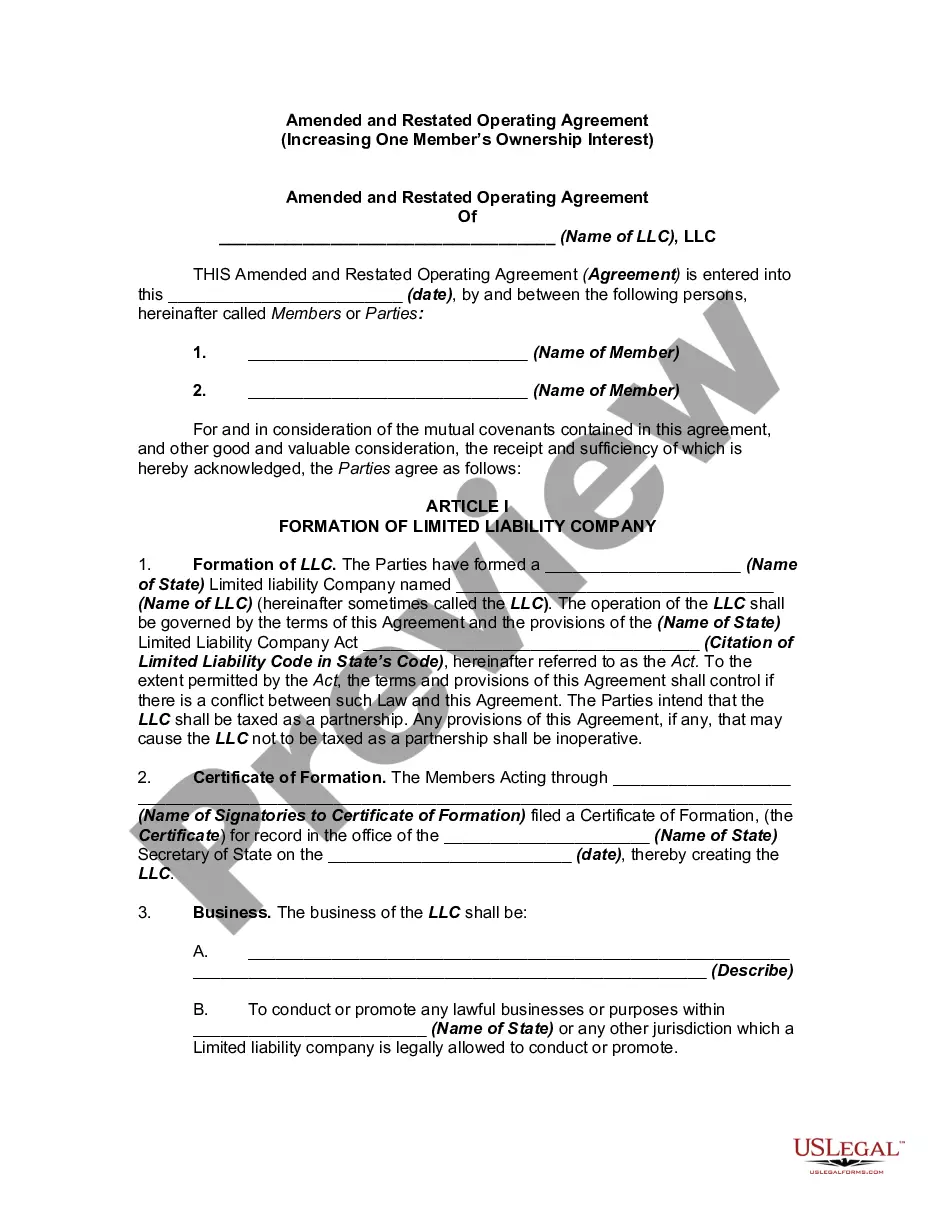


How to fill out Deferred Compensation Agreement - Short Form?
Drafting legal paperwork from scratch can sometimes be a little overwhelming. Some cases might involve hours of research and hundreds of dollars spent. If you’re searching for a simpler and more cost-effective way of preparing Deferred Compensation Form For Independent Contractors or any other paperwork without the need of jumping through hoops, US Legal Forms is always at your disposal.
Our online collection of over 85,000 up-to-date legal documents covers virtually every aspect of your financial, legal, and personal affairs. With just a few clicks, you can quickly access state- and county-specific templates diligently prepared for you by our legal specialists.
Use our platform whenever you need a trusted and reliable services through which you can quickly locate and download the Deferred Compensation Form For Independent Contractors. If you’re not new to our website and have previously created an account with us, simply log in to your account, locate the template and download it away or re-download it at any time in the My Forms tab.
Not registered yet? No worries. It takes minutes to set it up and navigate the catalog. But before jumping directly to downloading Deferred Compensation Form For Independent Contractors, follow these recommendations:
- Review the form preview and descriptions to ensure that you are on the the form you are looking for.
- Make sure the form you select conforms with the regulations and laws of your state and county.
- Pick the best-suited subscription option to get the Deferred Compensation Form For Independent Contractors.
- Download the file. Then fill out, certify, and print it out.
US Legal Forms boasts a good reputation and over 25 years of experience. Join us today and transform form completion into something easy and streamlined!
Form popularity
FAQ
If you're self-employed, you can open a Simplified Employee Pension Plan (SEP) that may allow you to contribute thousands of dollars each year to a tax-deferred account. SEPs are similar to 401(k) and other corporate retirement plans in that both are funded with money you make before taxes, or pre-tax contributions.
Service-provider (independent contractor): First name, middle initial, and last name. Social Security number. Address. Start date of contract (if no contract, date payments equal $600 or more) Amount of contract, including cents (if applicable) Contract expiration date (if applicable)
Answer: Employees, independent contractors and directors who have entitlements to receive nonqualified deferred compensation are affected by Section 409A, and entities that perform services can be affected.
An employer also reports such amounts in box 12 of Form W-2 using code Z. See Q&A-33. A payer reports to a nonemployee the total amount of deferrals for the year under a nonqualified deferred compensation plan in box 15a of Form 1099-MISC. See Q&A-30.
Unlike FICA, the self-employment tax rules do not have a special timing rule for deferred compensation amounts. Such amounts are only taxable for SECA when paid or otherwise includable in income (e.g., a 409A violation).