Employment Application Edit Form Mobile Number Change In Pennsylvania
Description

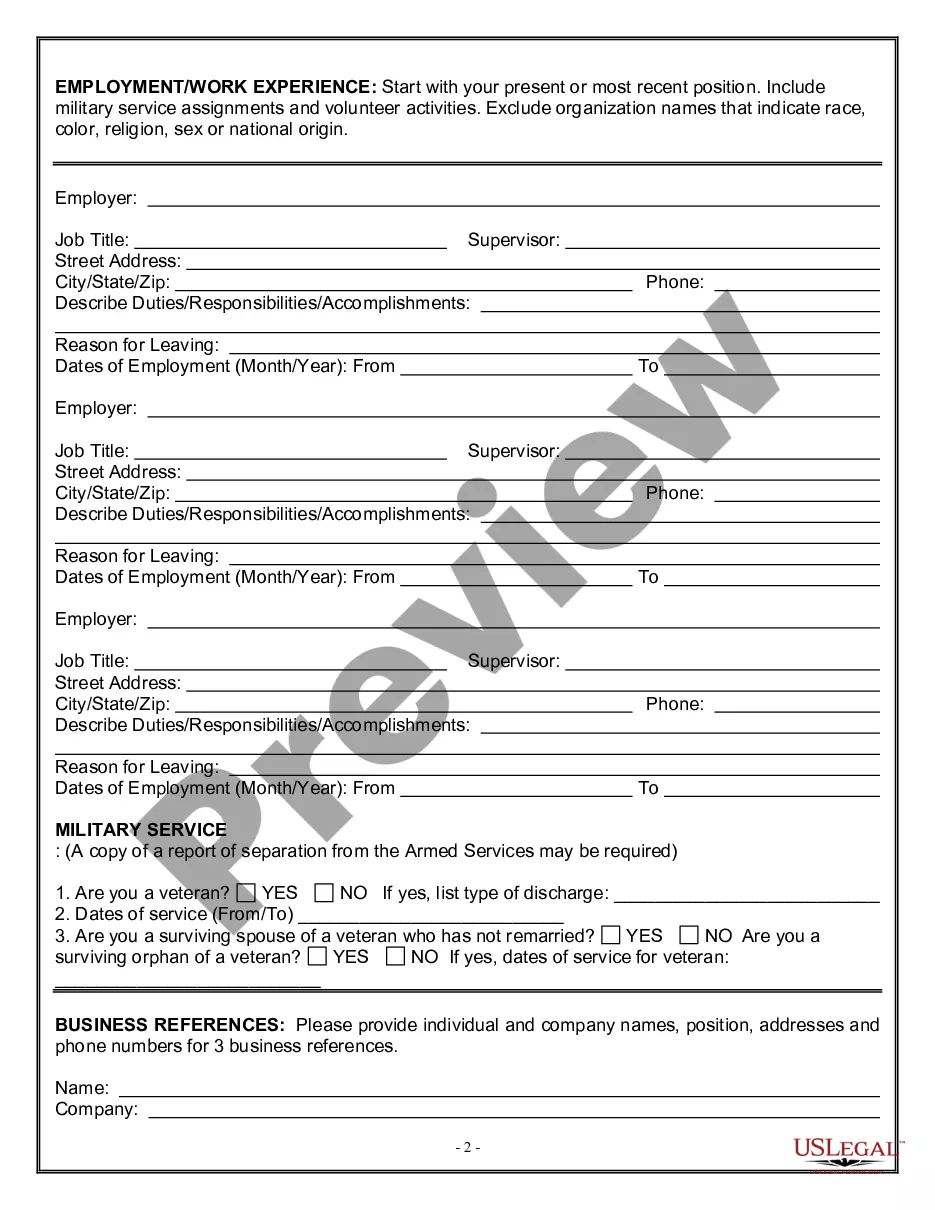
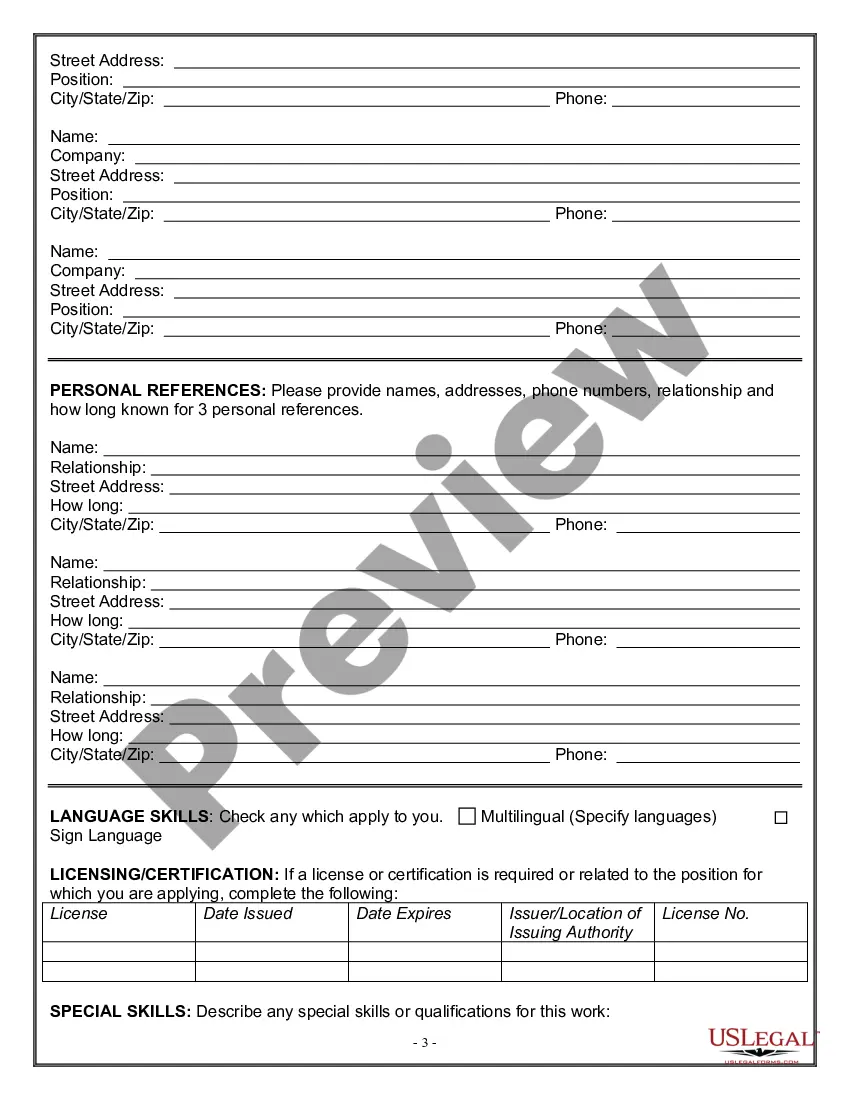
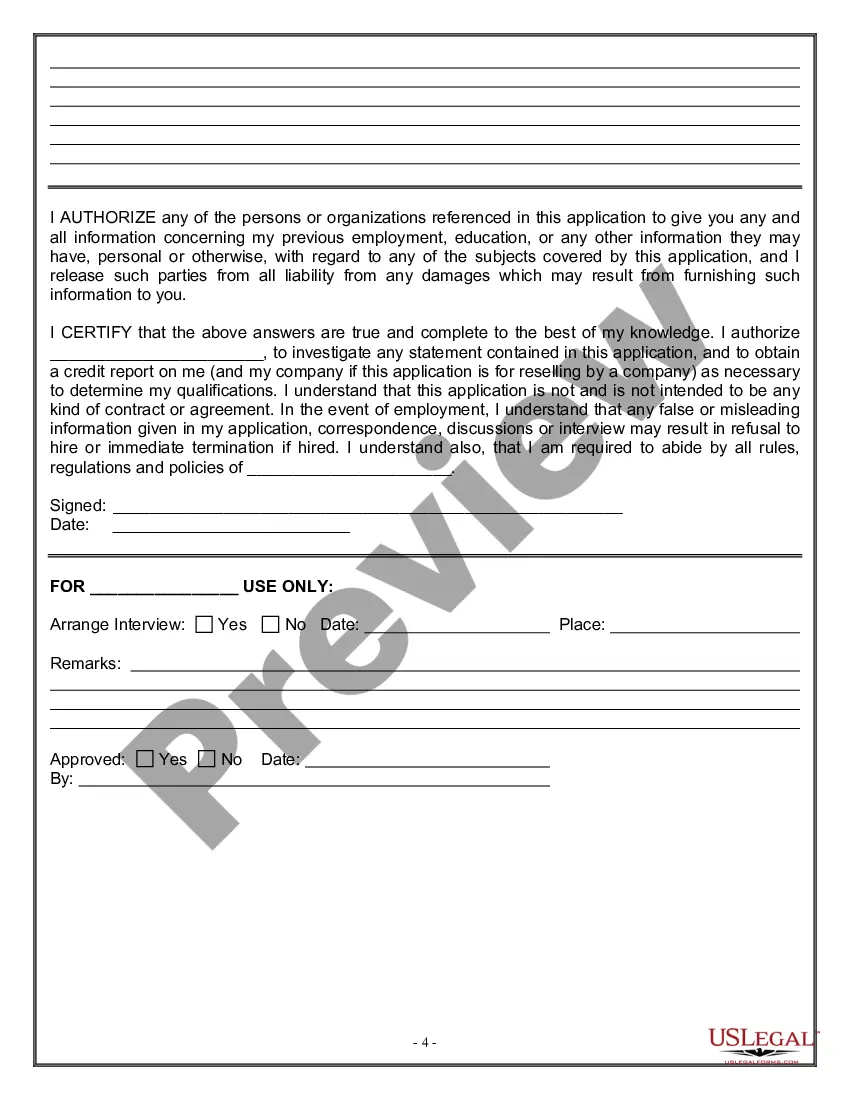
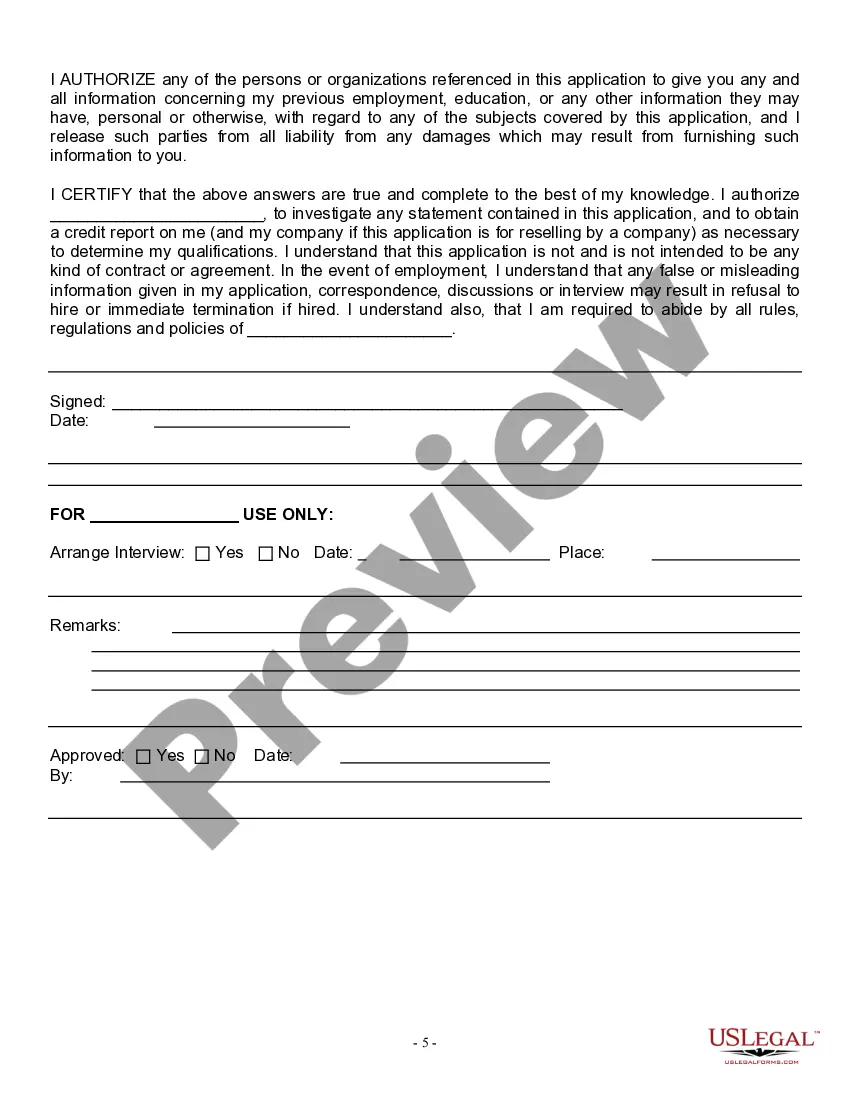
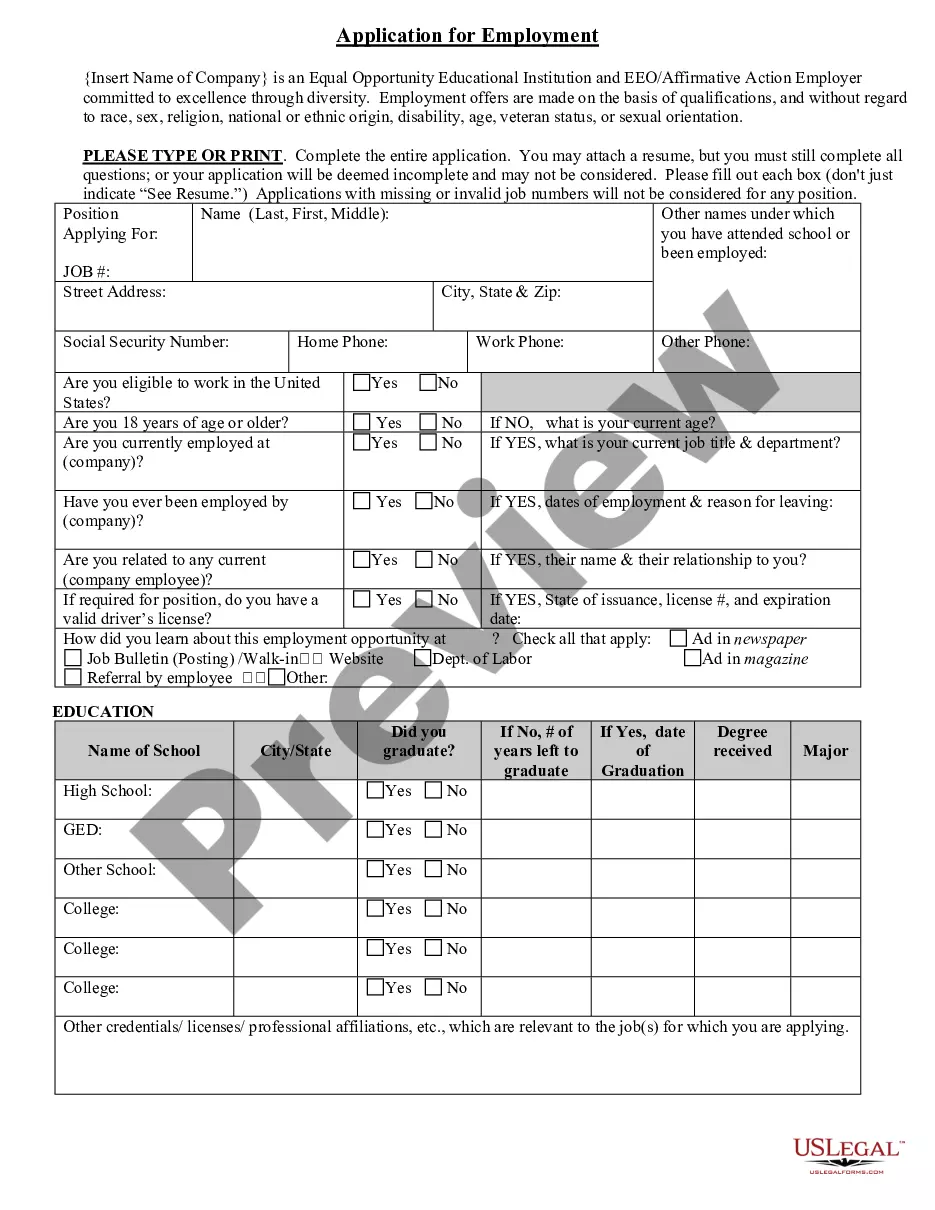
Get your form ready online
Our built-in tools help you complete, sign, share, and store your documents in one place.
Make edits, fill in missing information, and update formatting in US Legal Forms—just like you would in MS Word.
Download a copy, print it, send it by email, or mail it via USPS—whatever works best for your next step.
Sign and collect signatures with our SignNow integration. Send to multiple recipients, set reminders, and more. Go Premium to unlock E-Sign.
If this form requires notarization, complete it online through a secure video call—no need to meet a notary in person or wait for an appointment.
We protect your documents and personal data by following strict security and privacy standards.

Make edits, fill in missing information, and update formatting in US Legal Forms—just like you would in MS Word.

Download a copy, print it, send it by email, or mail it via USPS—whatever works best for your next step.

Sign and collect signatures with our SignNow integration. Send to multiple recipients, set reminders, and more. Go Premium to unlock E-Sign.

If this form requires notarization, complete it online through a secure video call—no need to meet a notary in person or wait for an appointment.

We protect your documents and personal data by following strict security and privacy standards.
Looking for another form?
Form popularity
FAQ
What's the difference between Civil Service and Non-Civil Service jobs? Civil service positions require applicants to take a competitive exam (online or at a test center). Non-civil service positions do not require an exam.
A good score on the civil service exam generally ranges from 70 to 100, with scores below 70 considered failing.
The key difference between civil service and non-civil service jobs is that non-civil service positions do not require an exam. For civil service jobs, candidates must pass a competitive examination, either online or at a testing center.
The civil service or merit system hires, retains, and promotes people based on their qualifications and ability to perform the work. The State Civil Service Commission (SCSC) administers the merit system.
Pennsylvania New Hire Paperwork I-9 form for employee eligibility requirements. W-4 form for federal tax reporting. Pennsylvania New Hire Reporting form. Disability Self-Identification (required for companies doing business with the government) PA New Hire Reporting Form.
The most common way to write your phone number on a resume is by using parentheses around the area code and adding a dash after the first three digits of your phone number. Here are a few other acceptable ways you can write your phone number: 123.456. 7890.
