Employment Eligibility Documents In Arizona
Description

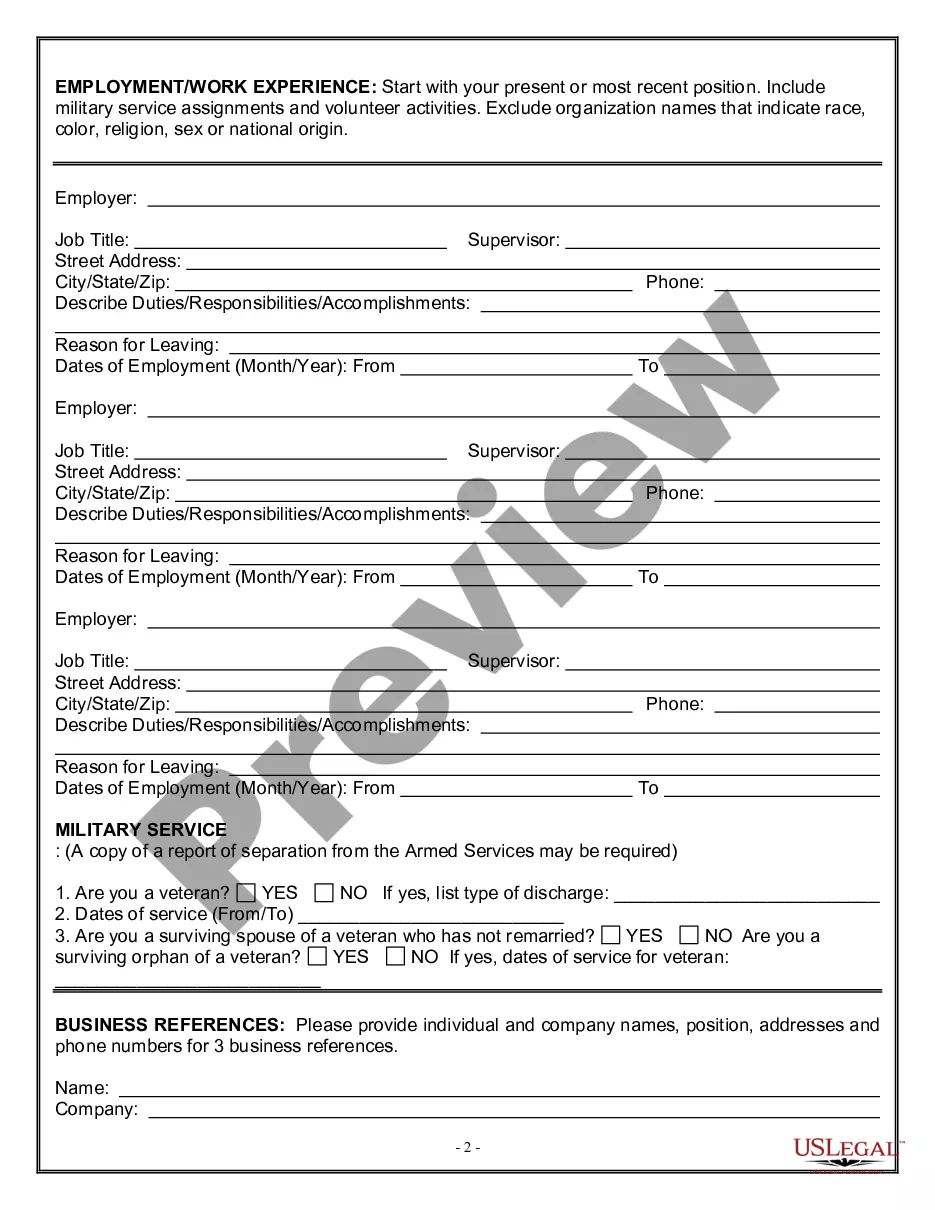
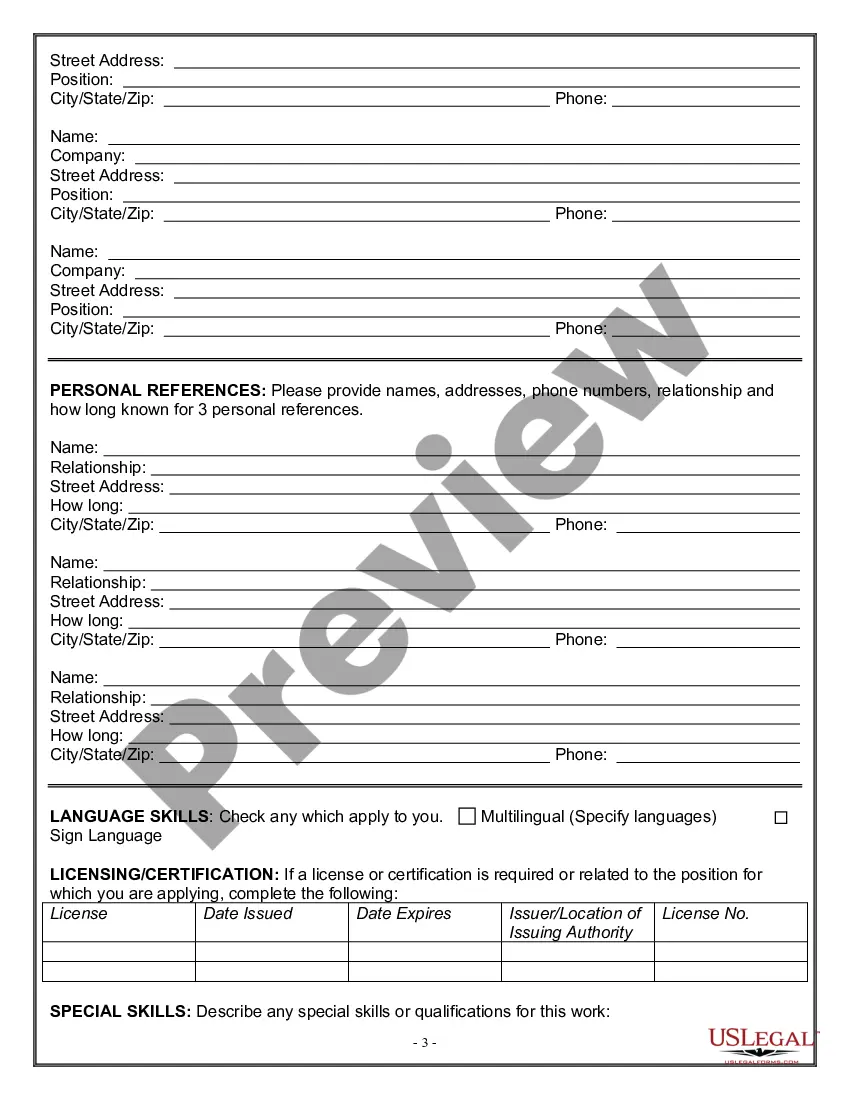
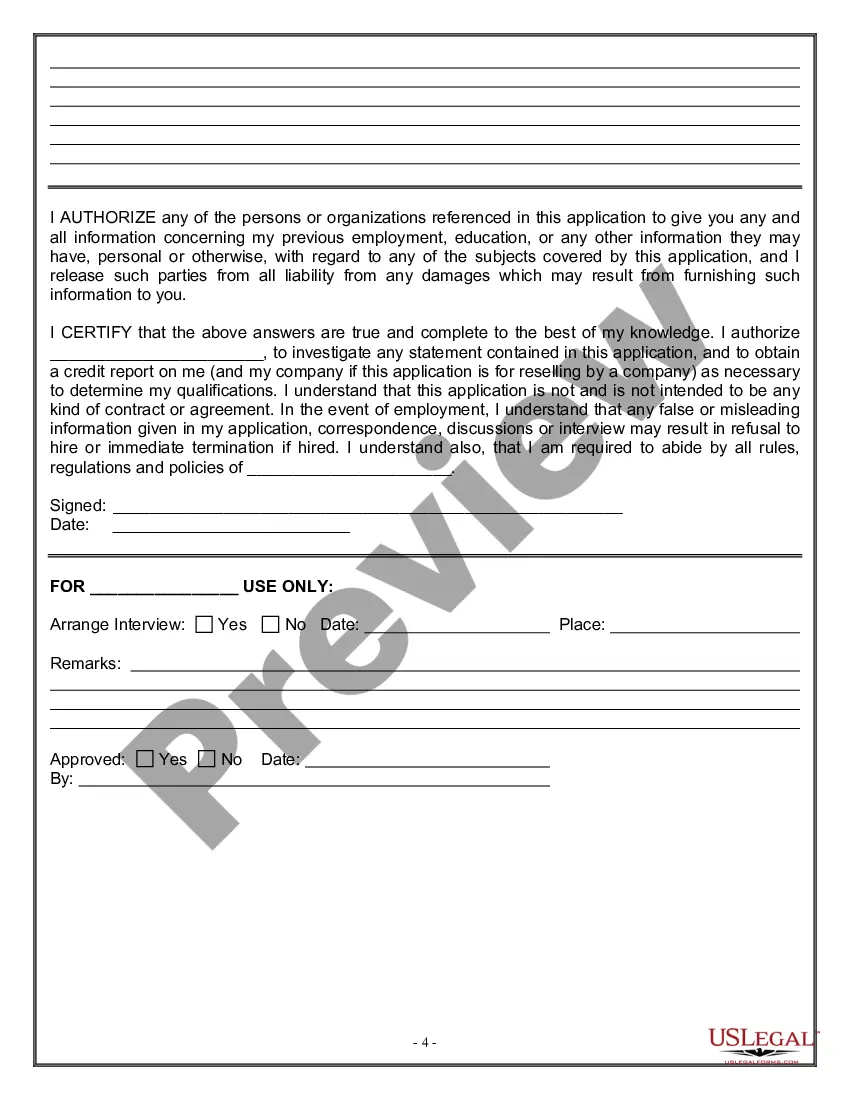
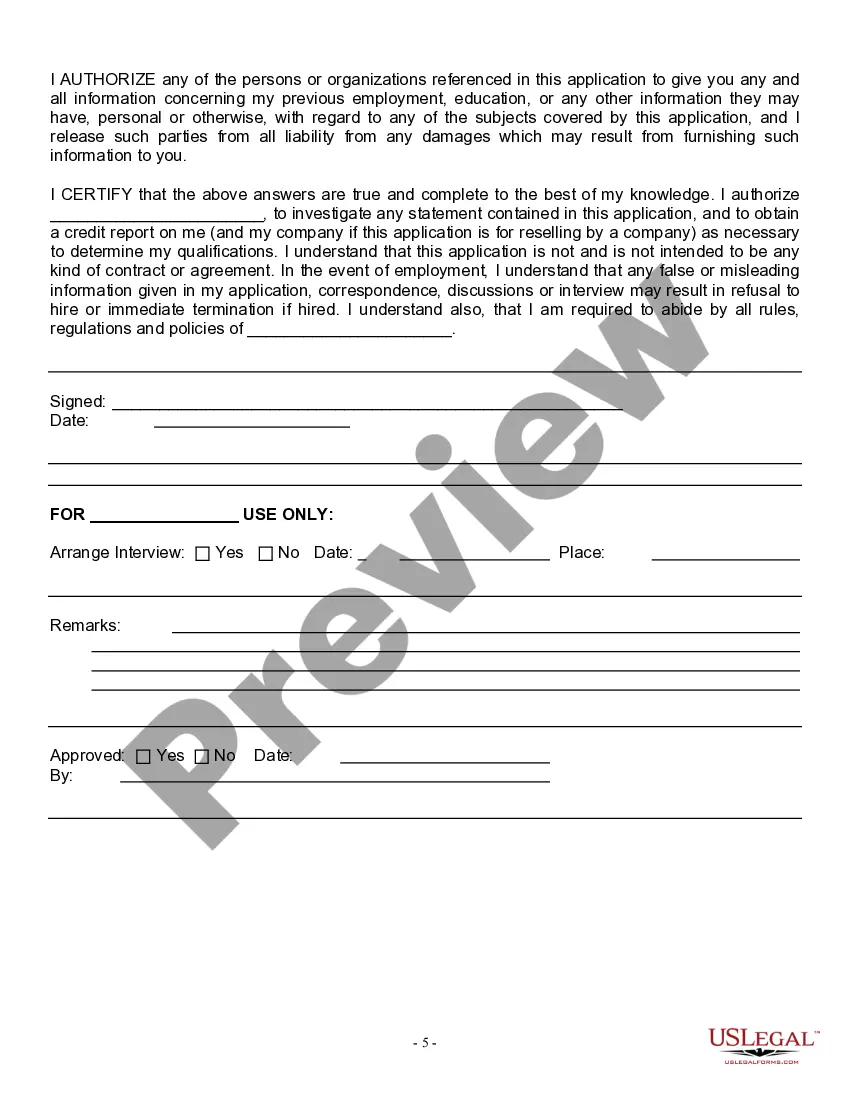
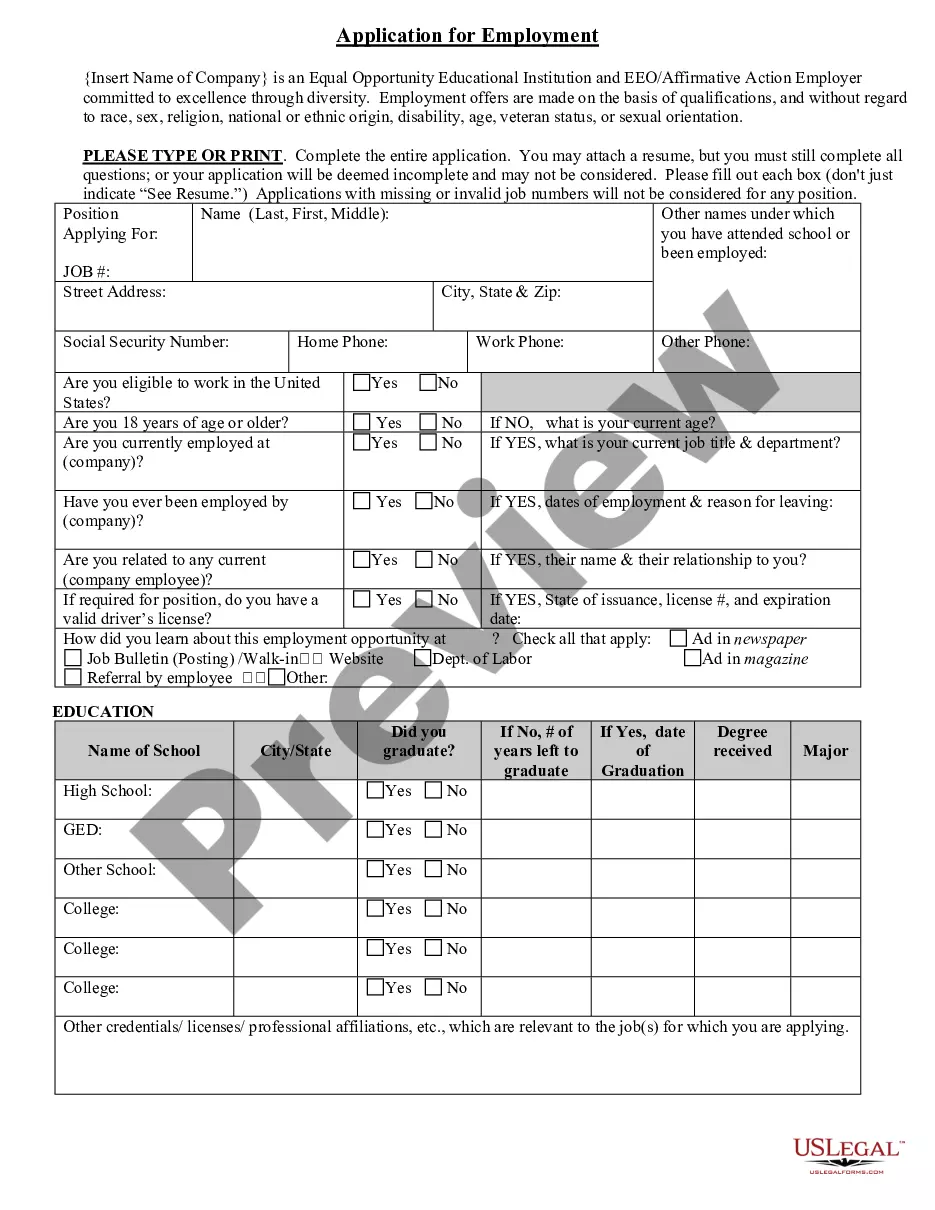
Get your form ready online
Our built-in tools help you complete, sign, share, and store your documents in one place.
Make edits, fill in missing information, and update formatting in US Legal Forms—just like you would in MS Word.
Download a copy, print it, send it by email, or mail it via USPS—whatever works best for your next step.
Sign and collect signatures with our SignNow integration. Send to multiple recipients, set reminders, and more. Go Premium to unlock E-Sign.
If this form requires notarization, complete it online through a secure video call—no need to meet a notary in person or wait for an appointment.
We protect your documents and personal data by following strict security and privacy standards.

Make edits, fill in missing information, and update formatting in US Legal Forms—just like you would in MS Word.

Download a copy, print it, send it by email, or mail it via USPS—whatever works best for your next step.

Sign and collect signatures with our SignNow integration. Send to multiple recipients, set reminders, and more. Go Premium to unlock E-Sign.

If this form requires notarization, complete it online through a secure video call—no need to meet a notary in person or wait for an appointment.

We protect your documents and personal data by following strict security and privacy standards.
Looking for another form?










Form popularity
FAQ
In many cases, document verification involves comparing the information presented on the document with external databases or reference documents to detect any inconsistencies or discrepancies. This can help prevent fraud, identity theft, and other forms of deception.
A large number of documents are highly suitable for document verification technology, including passports, driver's licenses, national ID cards, workplace ID or entry passes, permits, legal documents, and bank cards.
Documents you need Examples: Primary document: Driver's license, passport, or other government-issued photo. Secondary document: Social Security card, utility bill, or vehicle registration.
The INA requires employers to verify the identity and employment eligibility of all employees hired after November 6, 1986, by completing the Employment Eligibility Verification (I-9) Form, and reviewing documents showing the employee's identity and employment authorization.
Documents that Establish Identity Driver's license or ID card issued by a State or outlying possession of the United States provided it contains a photograph or information such as name, date of birth, gender, height, eye color, and address. U.S. Military card or draft record. Military dependent's ID card.
What information should be sought during employment verifications? Dates/length of employment. Job titles and time spent at each position within the company. Overall job performance. Reason for termination or separation. Job-related knowledge, qualifications and skills. Safety or behavioral violations, if any.
4. In addition to the W4 above, an employee must fill out the 4 form for the state of rizona to disclose their withholding allowance. New Hire Reporting. In rizona, local businesses must report any new employee they hire within 20 days. Local Requirements. Notice of Coverage. I9.
Types and methods of document verification Manual Verification. Historically, document validation was a predominantly manual process. Automated Document Scanning. Advancements in technology led to the automation of document verification. Optical Character Recognition (OCR) ... Machine Learning and AI. Biometric Verification.
Social Security card Almost all employers will require that you have a Social Security number. To get a Social Security card, you need to show proof of citizenship, proof of your age, and proof of identity.
Each employer must use the E-Verify program after hiring an employee to verify the employment eligibility of the employee and must keep a record of the verification for the duration of the employee's employment or at least three years, whichever is longer.
