Job Application Format With Resume In Illinois
Description

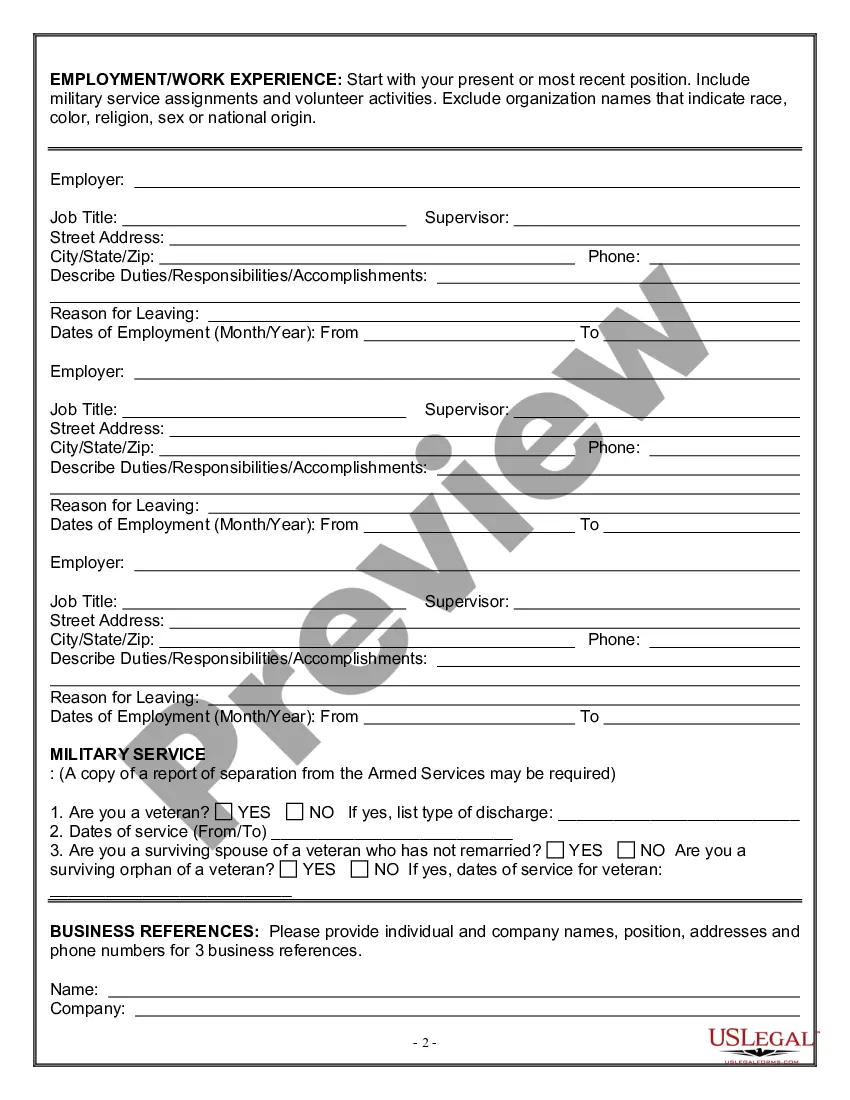
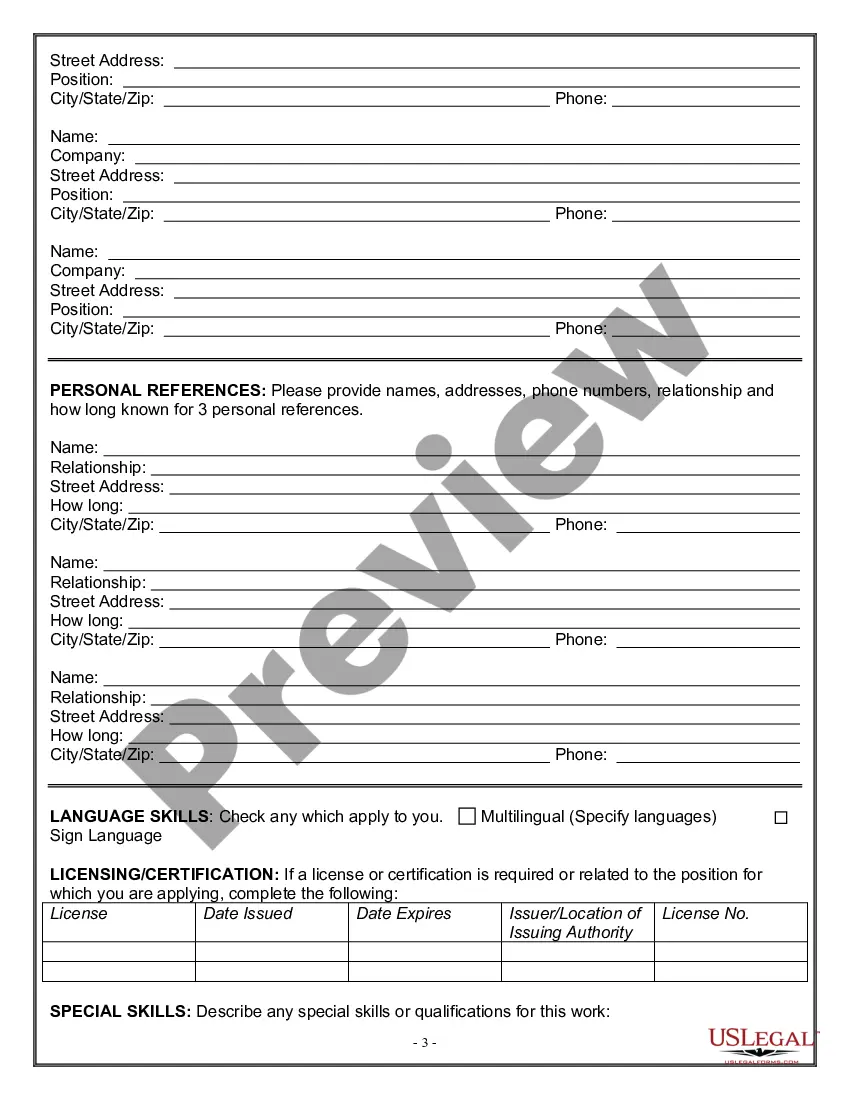
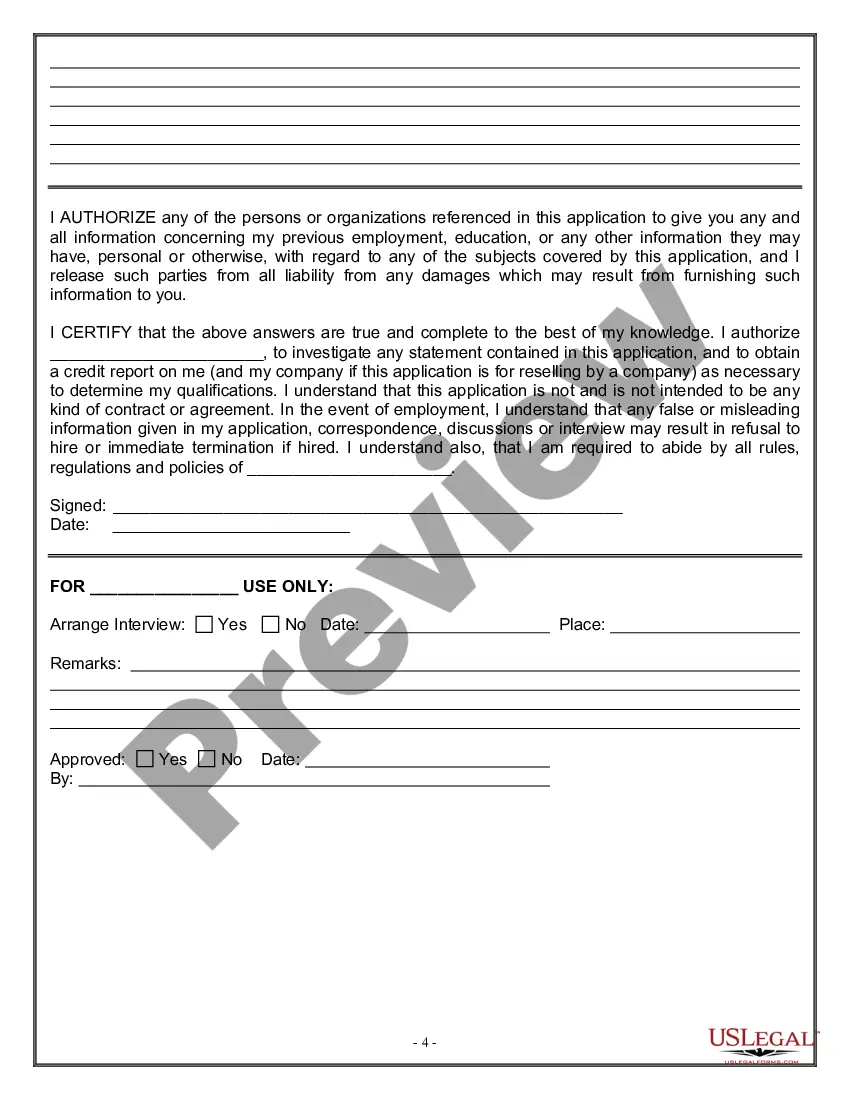
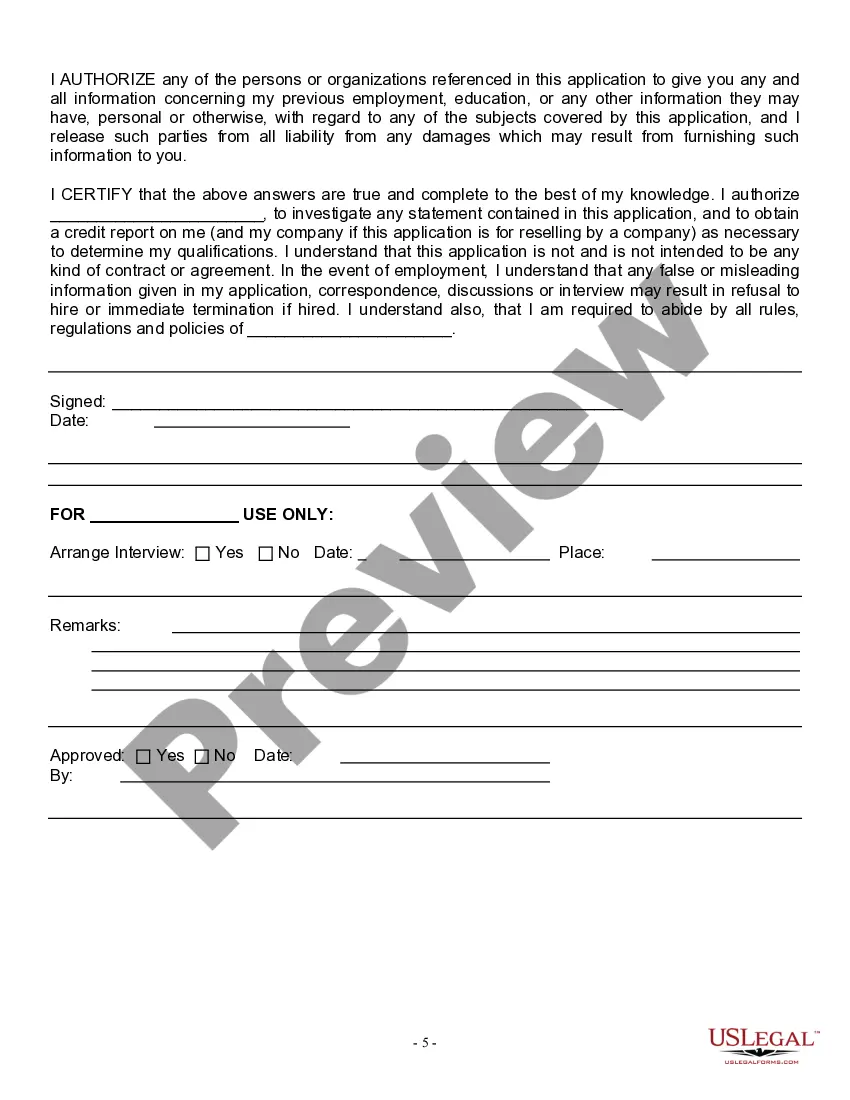
Get your form ready online
Our built-in tools help you complete, sign, share, and store your documents in one place.
Make edits, fill in missing information, and update formatting in US Legal Forms—just like you would in MS Word.
Download a copy, print it, send it by email, or mail it via USPS—whatever works best for your next step.
Sign and collect signatures with our SignNow integration. Send to multiple recipients, set reminders, and more. Go Premium to unlock E-Sign.
If this form requires notarization, complete it online through a secure video call—no need to meet a notary in person or wait for an appointment.
We protect your documents and personal data by following strict security and privacy standards.

Make edits, fill in missing information, and update formatting in US Legal Forms—just like you would in MS Word.

Download a copy, print it, send it by email, or mail it via USPS—whatever works best for your next step.

Sign and collect signatures with our SignNow integration. Send to multiple recipients, set reminders, and more. Go Premium to unlock E-Sign.

If this form requires notarization, complete it online through a secure video call—no need to meet a notary in person or wait for an appointment.

We protect your documents and personal data by following strict security and privacy standards.
Looking for another form?








Form popularity
FAQ
Most American resumes are written using a chronological resume format, which means that your work experience is listed in the order in which you held each job, with the most recent position at the top.
Log in to your job seeker account and select My Resumes. You may upload a resume that is saved as a . doc, . docx, or .
As long as you make sure you include all the pertinent info, the uploaded resume is fine. We generally tell people to use the resume builder because HR will disqualify your resume for very simple BS. The resume builder assures that you don't leave that BS off the resume.
How to create a professional resume Choose the right format. A format is the style and order in which you display information on your resume. Tailor your resume for each position. Add a resume summary or objective. List your soft and hard skills. Detail your professional history. Proofread your resume.
Use reverse chronological order to list your experience—start with your most recent experience first and work your way back. Use either bullet or paragraph format to describe your experiences and accomplishments. Use plain language—avoid using acronyms and terms that are not easily understood.
Format Use reverse chronological order to list experience. Tailor your resume to include information relevant to the specific position you are applying to. Be concise and keep paragraphs short. Use bullets to describe your experiences and accomplishments. Ensure correct grammar and no spelling errors.
How to create a professional resume Choose the right format. Include your name and contact information. Tailor your resume for each position. Add a resume summary or objective. List your soft and hard skills. Detail your professional history. Include an education section. Consider adding optional sections.
