Application For Dental Office Employment Form Template In Riverside
Description
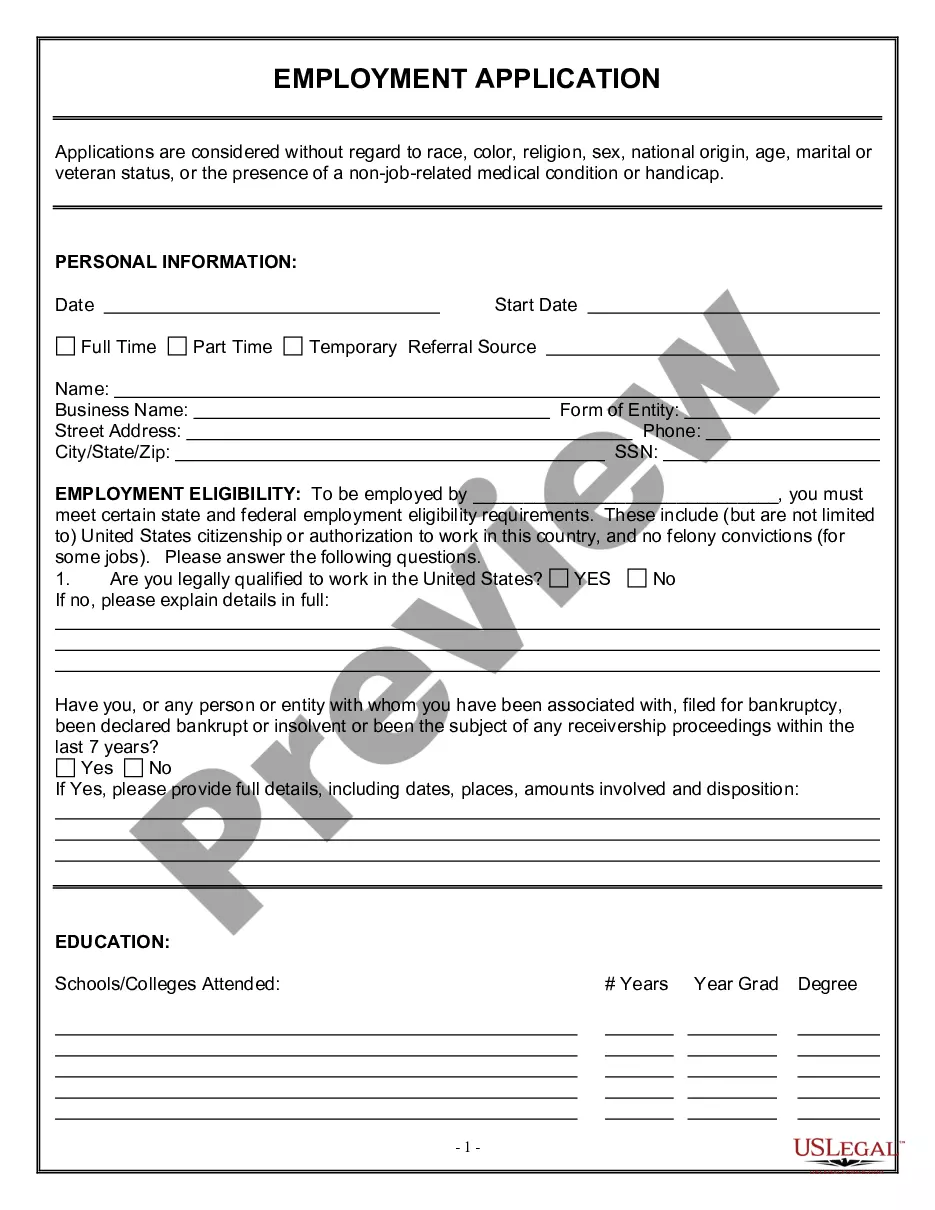
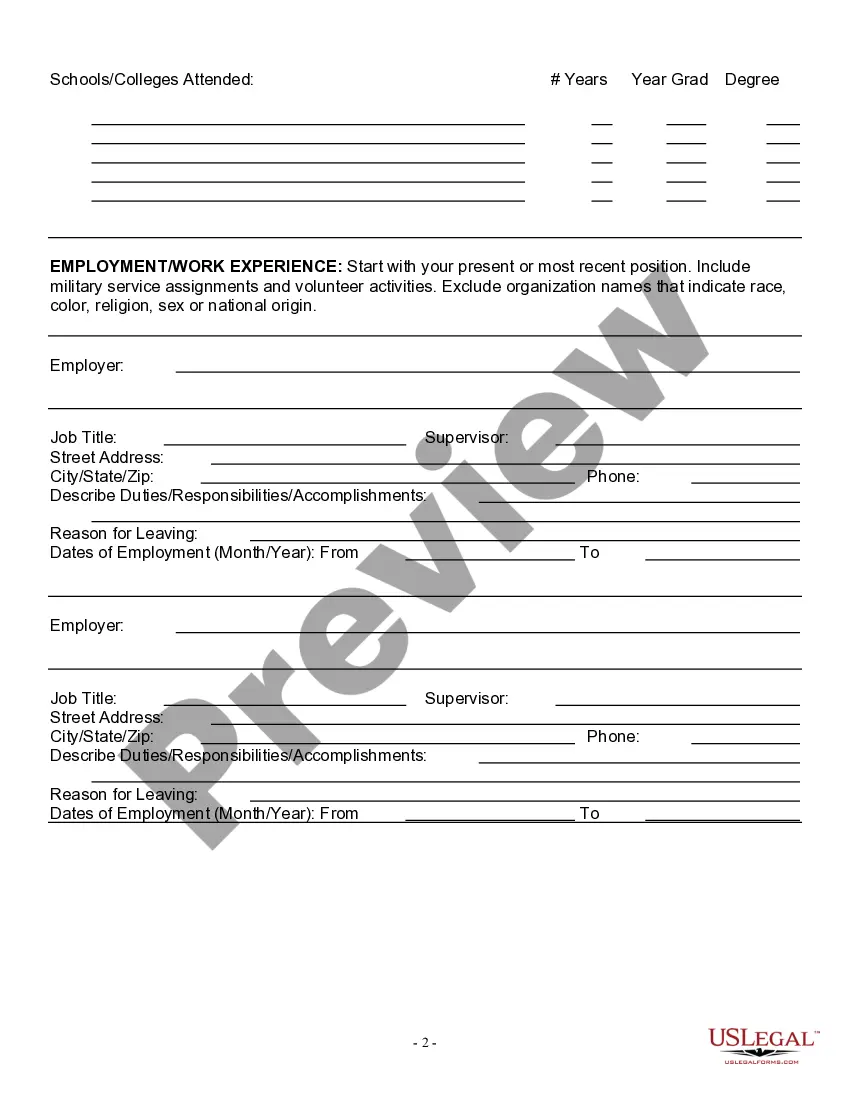
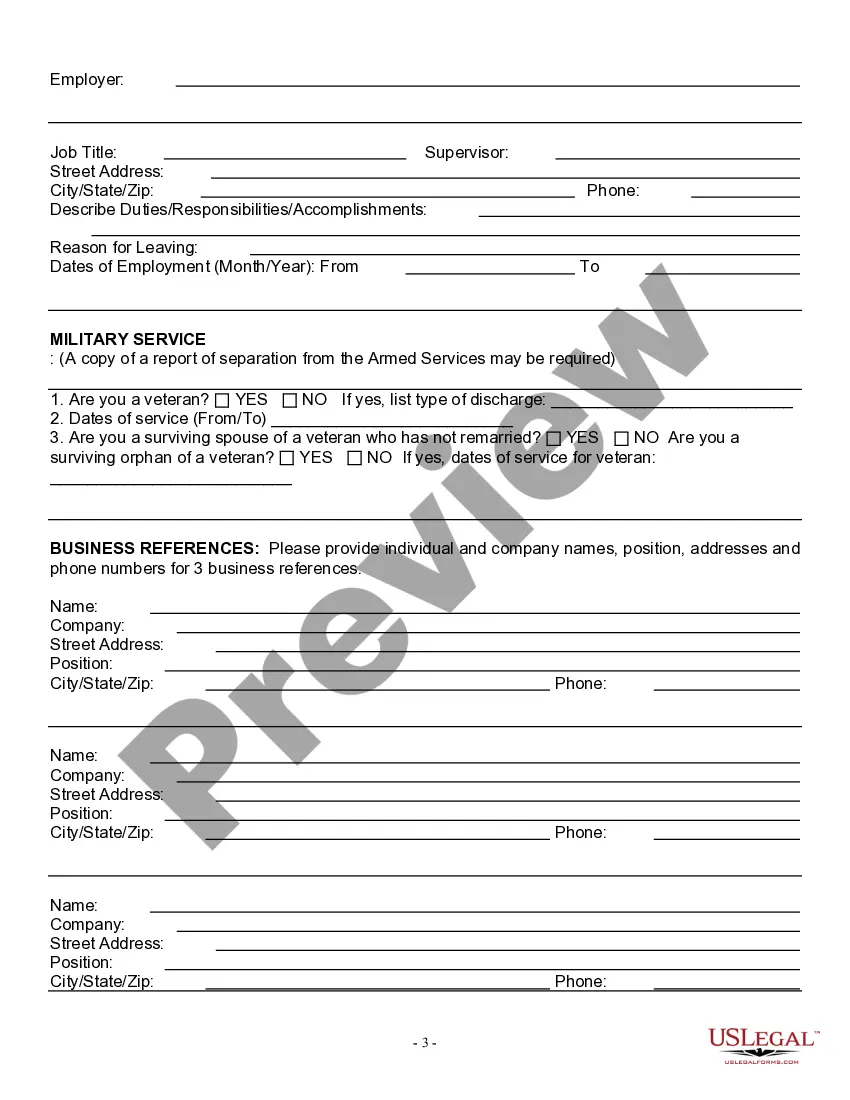
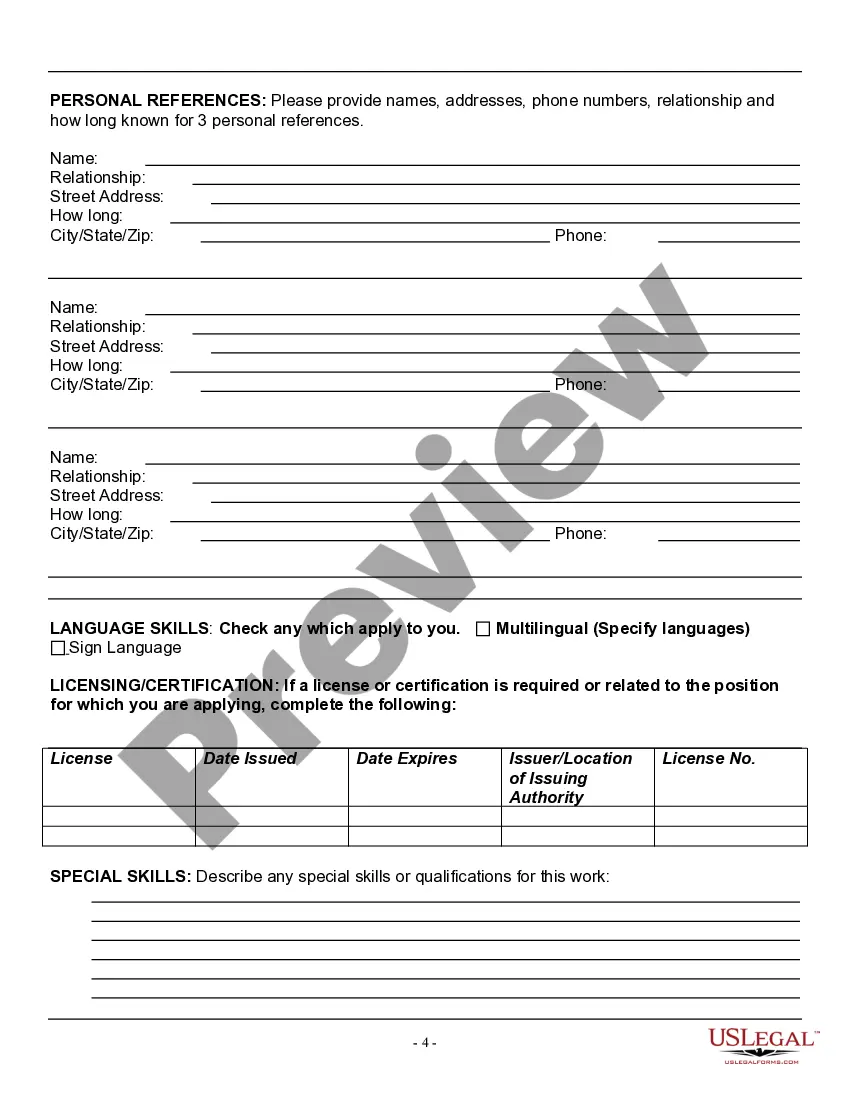
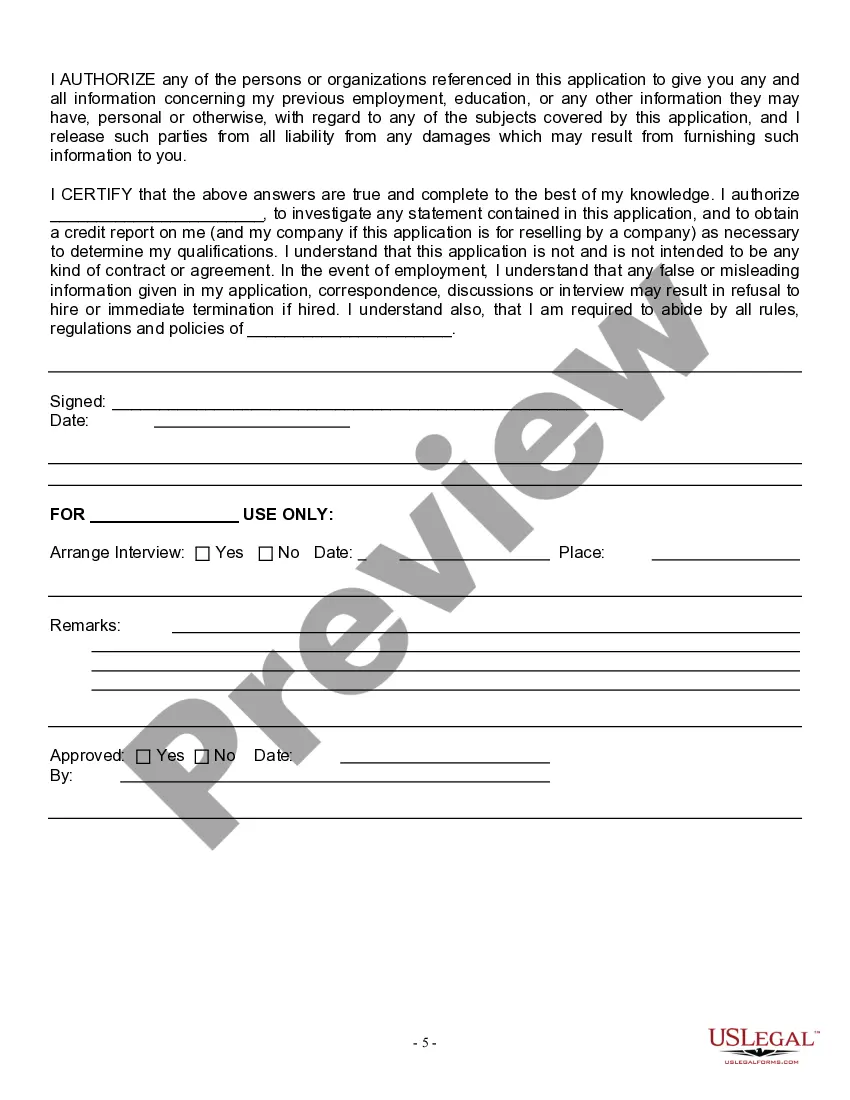
Get your form ready online
Our built-in tools help you complete, sign, share, and store your documents in one place.
Make edits, fill in missing information, and update formatting in US Legal Forms—just like you would in MS Word.
Download a copy, print it, send it by email, or mail it via USPS—whatever works best for your next step.
Sign and collect signatures with our SignNow integration. Send to multiple recipients, set reminders, and more. Go Premium to unlock E-Sign.
If this form requires notarization, complete it online through a secure video call—no need to meet a notary in person or wait for an appointment.
We protect your documents and personal data by following strict security and privacy standards.

Make edits, fill in missing information, and update formatting in US Legal Forms—just like you would in MS Word.

Download a copy, print it, send it by email, or mail it via USPS—whatever works best for your next step.

Sign and collect signatures with our SignNow integration. Send to multiple recipients, set reminders, and more. Go Premium to unlock E-Sign.

If this form requires notarization, complete it online through a secure video call—no need to meet a notary in person or wait for an appointment.

We protect your documents and personal data by following strict security and privacy standards.
Looking for another form?




Form popularity
FAQ
Tips for answering job application questions Use the job description and your research on the company to supplement your answer with relevant information. Use the STAR technique (AKA “show don't tell”) to answer where possible. Provide concrete examples, not just statements.
How to fill out a job application Read the application before filling it out. Take your time. Answer completely and truthfully. Include your resume . Fill out job information chronologically. Put in the extra effort. Research your salary.
An application form will usually ask for some personal information about you, such as your full name, date of birth, address, phone number and email address. The form might also ask you for a few sentences to introduce yourself. You can use this answer to say why you're interested in this job or training.
Typical sections of an application form include: Personal information - give basic details, such as name and email address. Educational background - provide information on your academic achievements, including the institutions you've attended, courses taken and qualifications gained.
5 Great Dental Office Organization Ideas The Benefits of a Well-Organized Dental Office. Get Rid of Things You Don't Need. Have a Place For Your Supplies and Put Each in Its Place. Label All Dental Office Supplies. Keep Dental Operatory Turnover Supplies in One Place. Create Dental Process Guides.
Top 10 tips for writing an outstanding application letter Address the letter. Get a copy of the job description. Make the letter personal. Research the school. Write an engaging first paragraph. Make sure the information you share is accurate. Keep the letter concise. Make the letter a separate document.
An application form will usually ask for some personal information about you, such as your full name, date of birth, address, phone number and email address. The form might also ask you for a few sentences to introduce yourself. You can use this answer to say why you're interested in this job or training.
Your application form must follow an organized structure. My suggestion is for you to divide it into parts by topic. For example, have a section for personal information (name, email address, the preferred method for contact, etc.), another for education (degrees and certificates), and one more for work background.
Acing the Online Application Form Know which sections matter. Many parts of the form are administrative and are only read by the HR department. Map your Skills and Experience. Write your CV first. Tailor your Career History section. Use Supporting Documents. Argue your Case. Get across your Enthusiasm.
