Notary Public Form Application With Signature In Salt Lake
Description

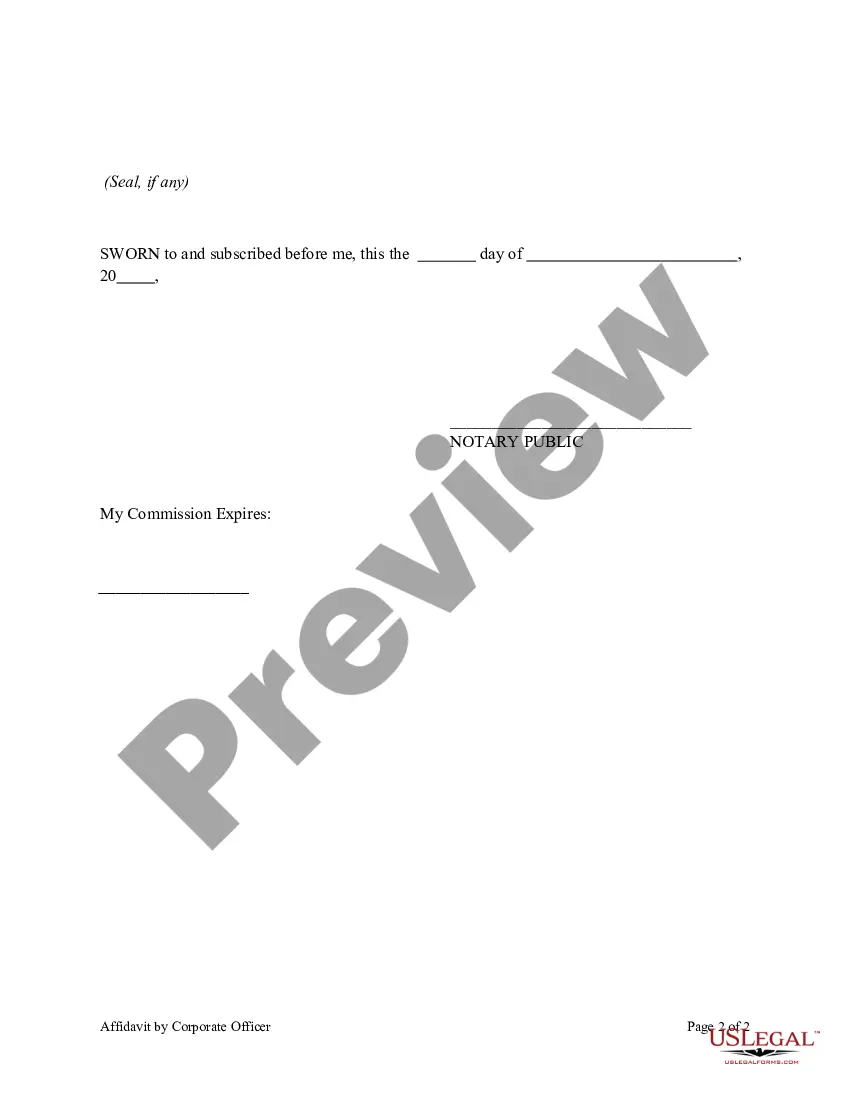
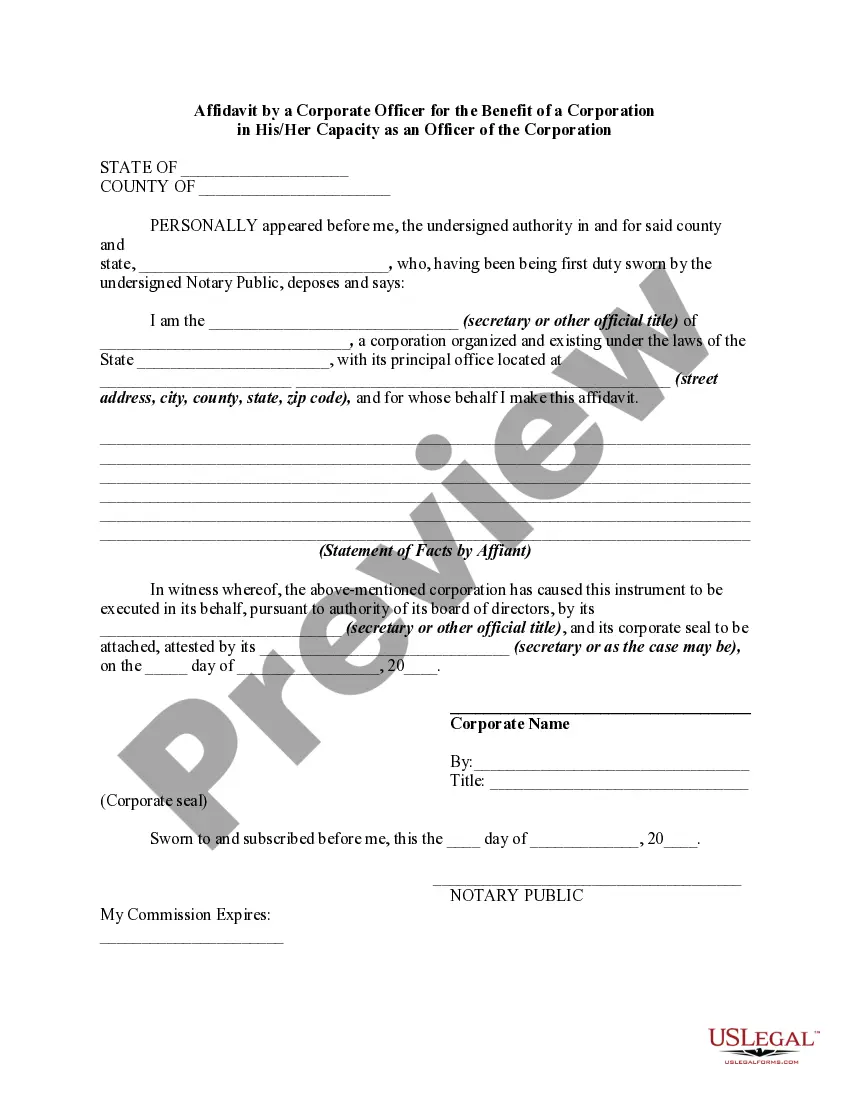
Get your form ready online
Our built-in tools help you complete, sign, share, and store your documents in one place.
Make edits, fill in missing information, and update formatting in US Legal Forms—just like you would in MS Word.
Download a copy, print it, send it by email, or mail it via USPS—whatever works best for your next step.
Sign and collect signatures with our SignNow integration. Send to multiple recipients, set reminders, and more. Go Premium to unlock E-Sign.
If this form requires notarization, complete it online through a secure video call—no need to meet a notary in person or wait for an appointment.
We protect your documents and personal data by following strict security and privacy standards.

Make edits, fill in missing information, and update formatting in US Legal Forms—just like you would in MS Word.

Download a copy, print it, send it by email, or mail it via USPS—whatever works best for your next step.

Sign and collect signatures with our SignNow integration. Send to multiple recipients, set reminders, and more. Go Premium to unlock E-Sign.

If this form requires notarization, complete it online through a secure video call—no need to meet a notary in person or wait for an appointment.

We protect your documents and personal data by following strict security and privacy standards.
Looking for another form?



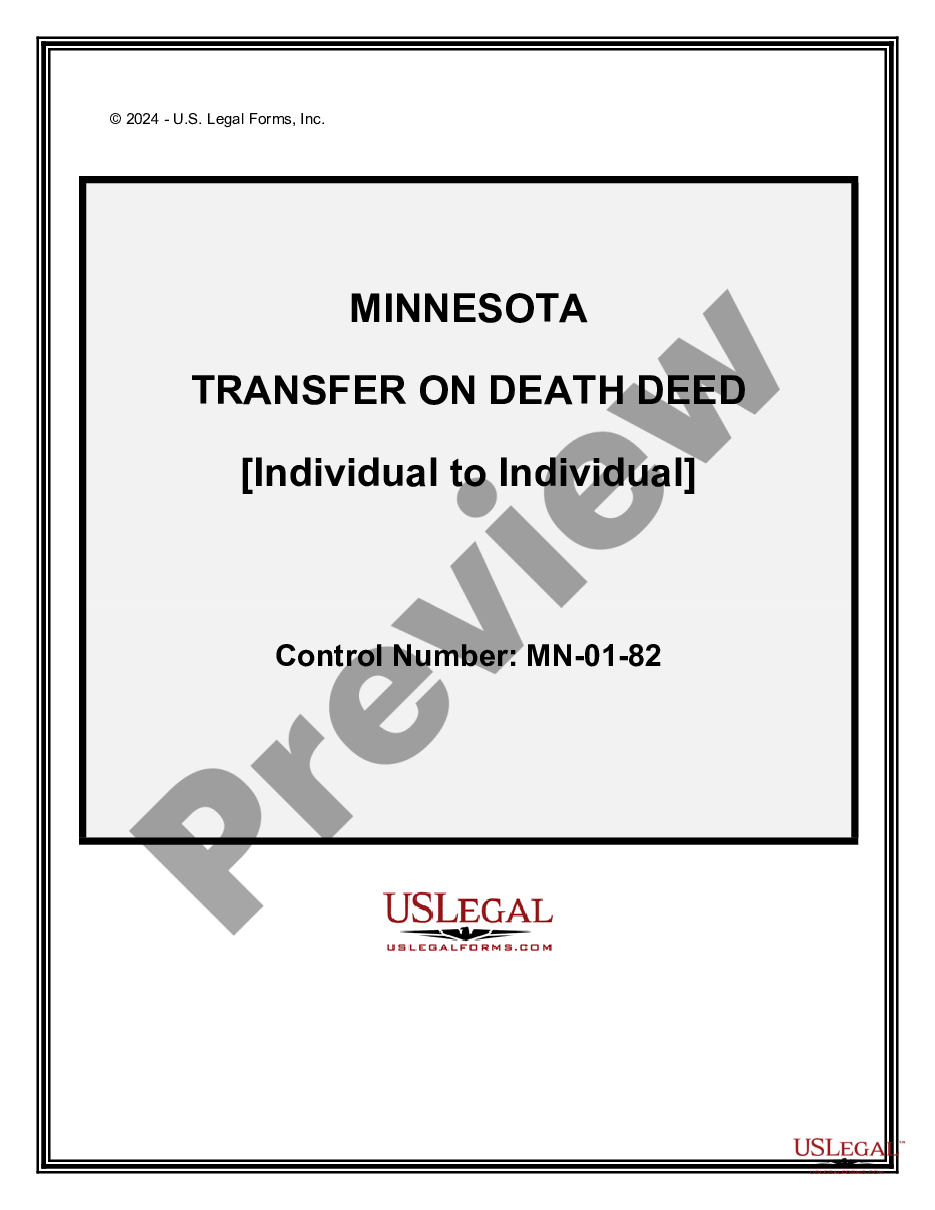
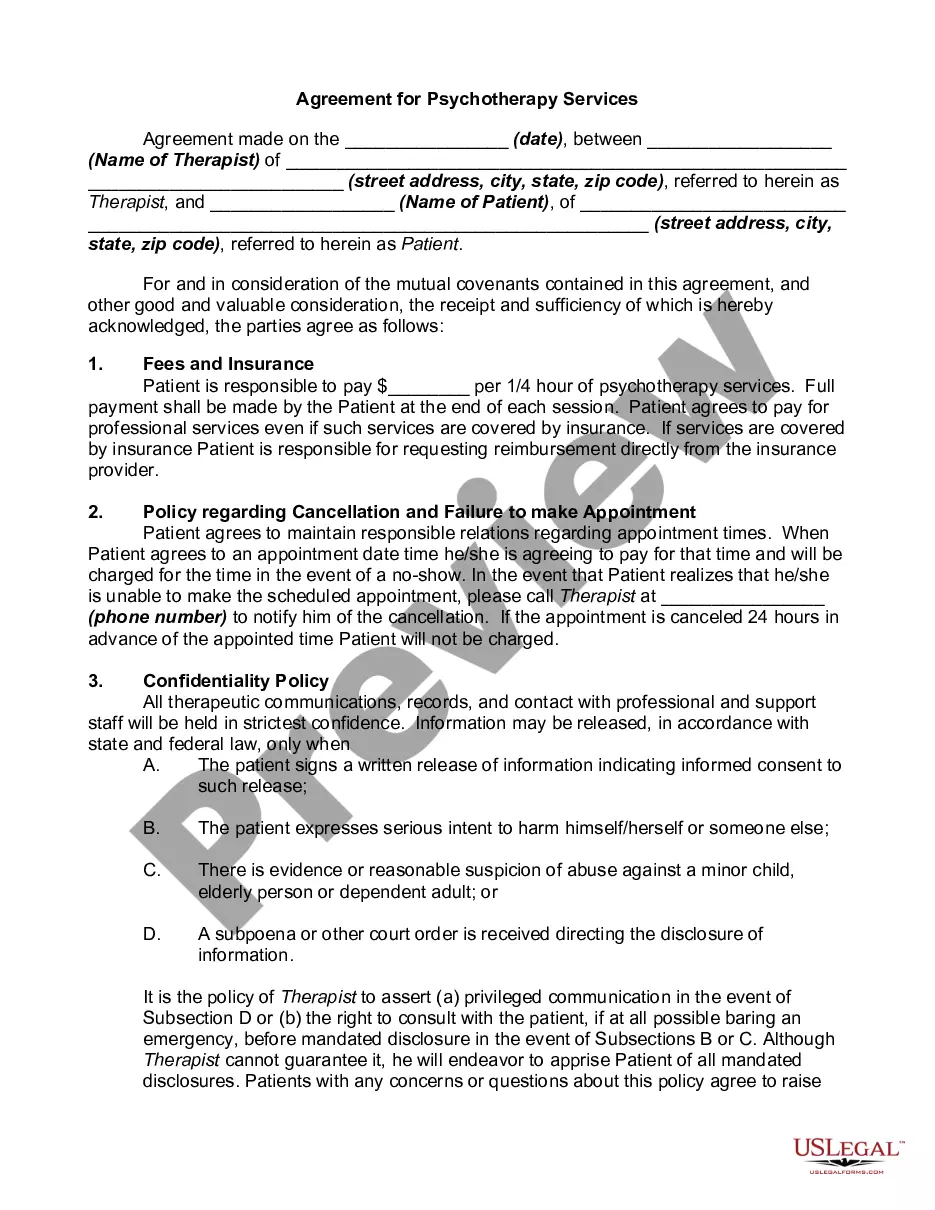


Form popularity
FAQ
Always write the location where the notarization actually took place. For example, if the notarization took place in Los Angeles County, California, you would write “State of California” and “County of Los Angeles.”
Write the name of the person swearing to the truthfulness of the contents of the documents. Sign your name exactly as it appears on file with the Secretary of State and affix the official notary seal so that all the required elements of the notary seal appear legibly.
On the ____ day of ____ in the year ____ before me, the undersigned, personally appeared ________________________________, personally known to me or proved to me on the basis of satisfactory evidence to be the individual(s) whose name(s) is (are) subscribed to the within instrument and acknowledged to me that he/she/ ...
An Acknowledgement of Signature or Acknowledgement of Execution is a notary which verifies that a particular person signed a given document. It is often used for legal agreements, business documents, etc.
One of the most common mistakes that notaries make is not printing or signing their name exactly as it appears on their notary commission.
Notaries also perform a variety of other tasks, like administering oaths and affirmations and certifying copies of documents. They don't always need to witness a document's signing as long as they can verify the identities of the signees.
Complete the following steps to become a Utah Notary Public and get your Certificate of Authority in just under 2 weeks!
Yes, online notary is legal in Utah under Utah Code § 46-1-1. Utah law also recognizes and accepts online notarizations performed by out-of-state notaries under their state rules. (See Utah Code § 57-2a-3.)
In order to complete an online notarization in Utah, you'll need the following: An original, unsigned document (Don't sign it before uploading! ... A computer, iPhone, or Android phone with audio and video capabilities. A valid government–issued photo ID. A U.S. social security number for secure identity verification.
