Notary Public Form Application With Signature In Sacramento
Description

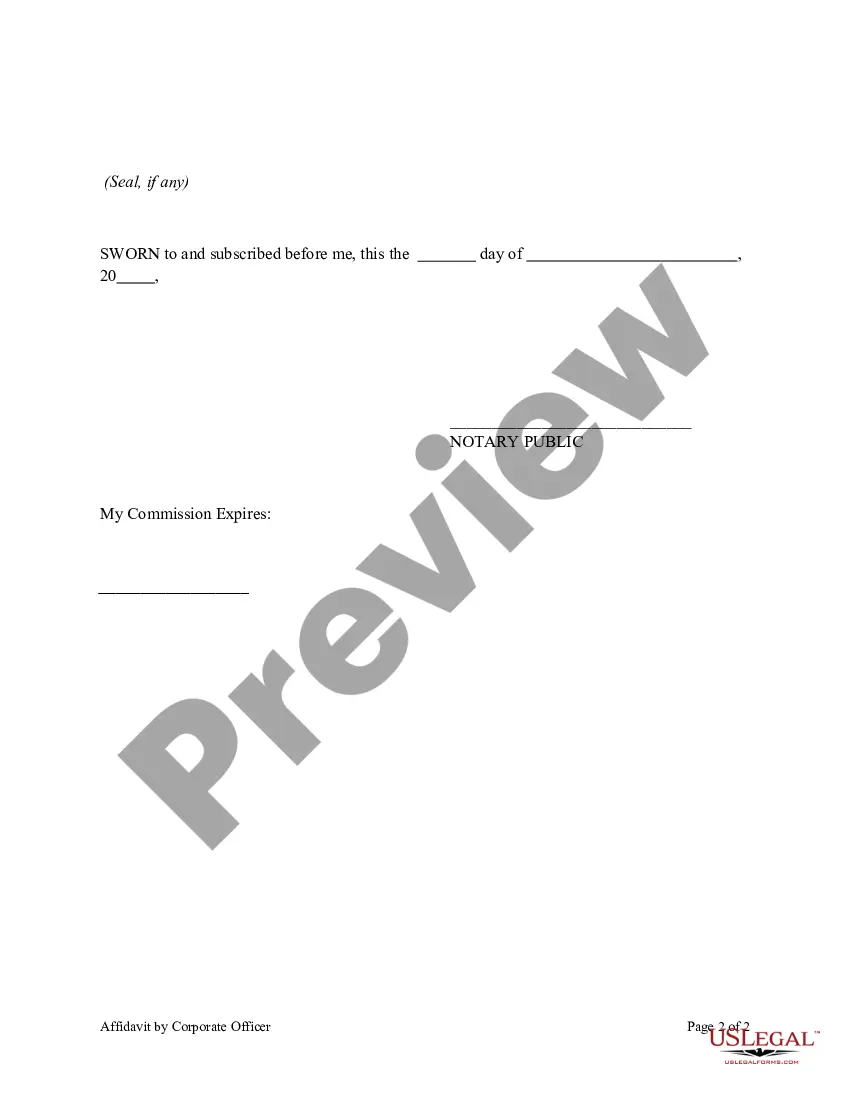
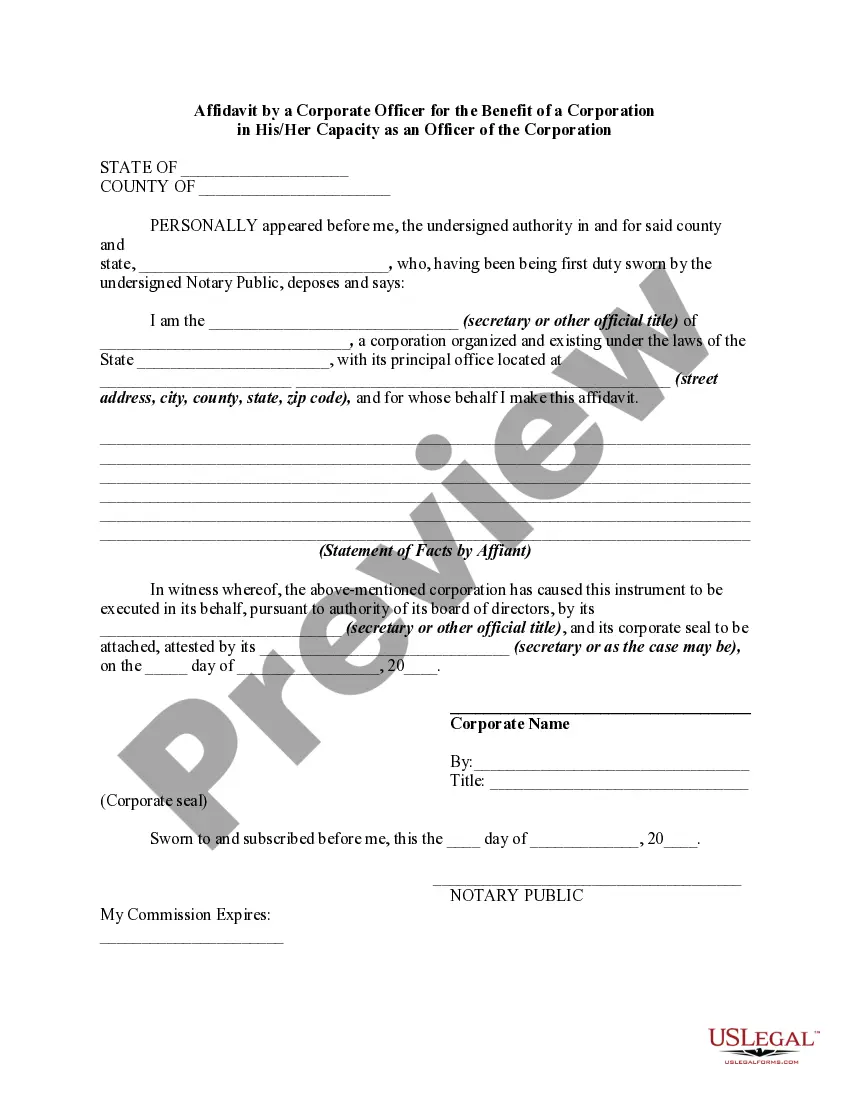
Get your form ready online
Our built-in tools help you complete, sign, share, and store your documents in one place.
Make edits, fill in missing information, and update formatting in US Legal Forms—just like you would in MS Word.
Download a copy, print it, send it by email, or mail it via USPS—whatever works best for your next step.
Sign and collect signatures with our SignNow integration. Send to multiple recipients, set reminders, and more. Go Premium to unlock E-Sign.
If this form requires notarization, complete it online through a secure video call—no need to meet a notary in person or wait for an appointment.
We protect your documents and personal data by following strict security and privacy standards.

Make edits, fill in missing information, and update formatting in US Legal Forms—just like you would in MS Word.

Download a copy, print it, send it by email, or mail it via USPS—whatever works best for your next step.

Sign and collect signatures with our SignNow integration. Send to multiple recipients, set reminders, and more. Go Premium to unlock E-Sign.

If this form requires notarization, complete it online through a secure video call—no need to meet a notary in person or wait for an appointment.

We protect your documents and personal data by following strict security and privacy standards.
Looking for another form?





Form popularity
FAQ
byStep Guide to Notarizing Documents in California Step 1: Understand the Role of a Notary Public. Step 2: Locate a Notary Public. Step 3: Gather Your Documents. Step 4: Bring Proper Identification. Step 5: Sign the Document in the Presence of the Notary. Step 6: Verify Your Identity.
Specific to the real estate industry, California's online notarization law will provide clarity for underwriters and lenders to make Full eClosing — which has already been widely successful in other states — more widely available for homebuyers and sellers. Meaning, they can close entirely online.
California notaries public are authorized under current law to perform electronic notarizations as long as all the requirements for a traditional paper-based notarial act are met, including the use of a seal for all but two specific documents used in real estate transactions. California law requires a person to appear ...
Notaries can't notarize their own signatures. Notaries may not proceed with the notarization if the signer can't prove their identity. Unlike some states, California prohibits identification solely on personal knowledge—the signer must provide an acceptable form of ID, such as a driver's license, ID card, or passport.
Documents That Can't be Notarized Documents with blank or missing pages. Documents with faxed signatures (the signer must be present) Documents in which the notary has a financial interest or is not impartial for some other reason. Documents the notary suspects are false, deceptive, or illegal. Post-dated documents.
California Notaries may only certify copies of powers of attorney, or copies of the Notary's own journal entries if requested by the Secretary of State or a court.
California Notaries are authorized under law to perform in-person electronic notarizations (IPEN) if all the requirements for traditional paper-based notarizations are met.
One of the most common mistakes that notaries make is not printing or signing their name exactly as it appears on their notary commission.
In order to complete an online notarization in California, you'll need the following: An original, unsigned document (Don't sign it before uploading! ... A computer, iPhone, or Android phone with audio and video capabilities. A valid government–issued photo ID. A U.S. social security number for secure identity verification.
