General Affidavit Form With Pf Withdrawal In Illinois
Description
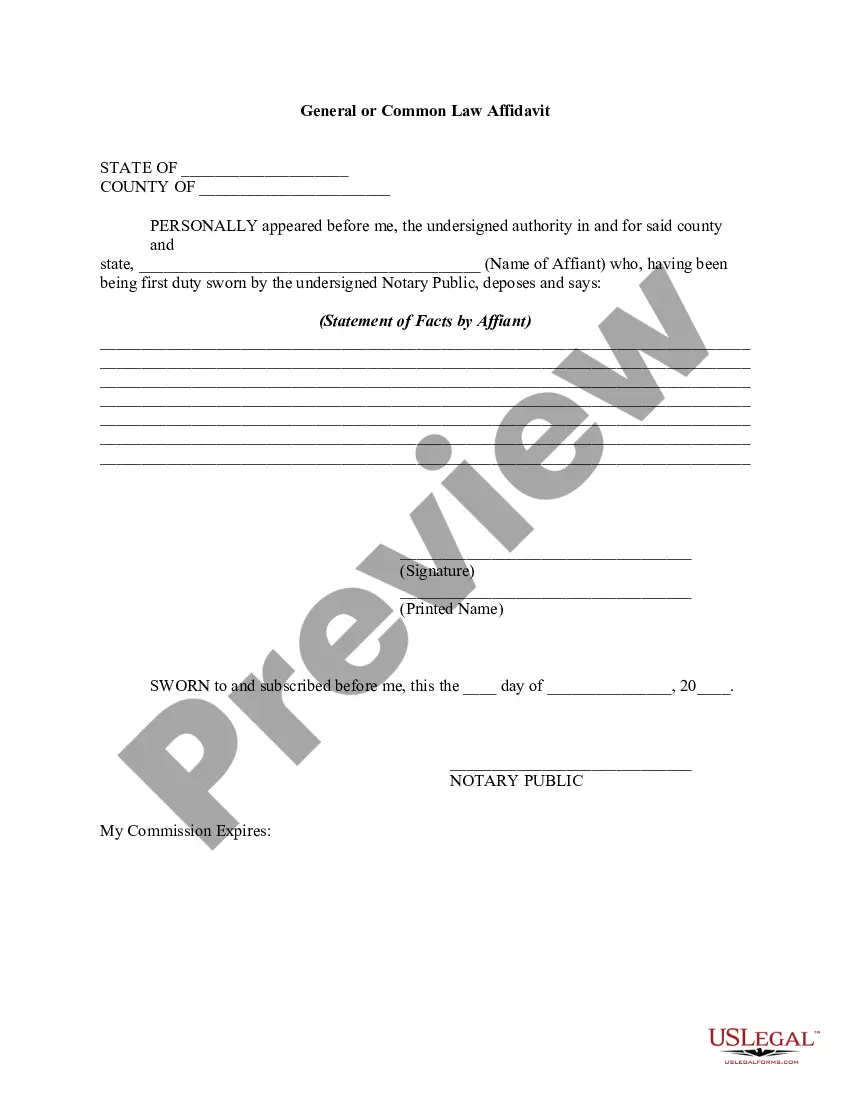
Get your form ready online
Our built-in tools help you complete, sign, share, and store your documents in one place.
Make edits, fill in missing information, and update formatting in US Legal Forms—just like you would in MS Word.
Download a copy, print it, send it by email, or mail it via USPS—whatever works best for your next step.
Sign and collect signatures with our SignNow integration. Send to multiple recipients, set reminders, and more. Go Premium to unlock E-Sign.
If this form requires notarization, complete it online through a secure video call—no need to meet a notary in person or wait for an appointment.
We protect your documents and personal data by following strict security and privacy standards.

Make edits, fill in missing information, and update formatting in US Legal Forms—just like you would in MS Word.

Download a copy, print it, send it by email, or mail it via USPS—whatever works best for your next step.

Sign and collect signatures with our SignNow integration. Send to multiple recipients, set reminders, and more. Go Premium to unlock E-Sign.

If this form requires notarization, complete it online through a secure video call—no need to meet a notary in person or wait for an appointment.

We protect your documents and personal data by following strict security and privacy standards.
Looking for another form?









Form popularity
FAQ
This Easy Form helps you provide financial information and documents to the other party and the court. It makes the statewide Financial Affidavit. This form is used in family and divorce cases where someone is requesting child support, temporary maintenance, or attorney's fees.
Write only about what you know or what you have seen. Do not include information that you have heard about or that you assume to be true. The language of the affidavit states that you are providing the information on your “personal knowledge” and this should be the standard that you use. Tell the truth.
(a) Any party may by written request direct any other party to produce for inspection, copying, reproduction photographing, testing or sampling specified documents, including electronically stored information as defined under Rule 201(b)(4), objects or tangible things, or to permit access to real estate for the purpose ...
(A) Appearance Not Required. A person commanded to produce documents, electronically stored information, or tangible things, or to permit the inspection of premises, need not appear in person at the place of production or inspection unless also commanded to appear for a deposition, hearing, or trial.
Thus, unless otherwise provided for by a specific supreme court rule or statutory authorization, an affidavit must be notarized to be valid. See Roth, 202 Ill.
There are a few general rules for filling out an affidavit form, regardless of the state in which you reside: Avoid wordiness. Write only about things that are within your personal knowledge. Be truthful. Use "I" statements. Number the paragraphs.
How to write a general affidavit? Title your affidavit. Don't forget to list any relevant contact or identification information that you may need to include in the heading. Write your statement. Verify that your information is true. Finalize and notarize.
Pertinent information about yourself, such as your name, address, occupation, and any other similar identifying information. Your statement or statements of fact; each separate statement of fact should be in its own paragraph. A notarization section that will be signed and dated by the notary public.
An affidavit is a sworn statement made under oath, often used in court proceedings, while a declaration is a more informal assertion that doesn't require an oath. These distinctions can have a significant impact on legal matters, affecting everything from court cases to personal transactions.
Steps To Obtain An Affidavit Step 1: Identify The Type Of Affidavit You Need. Determine the specific type of affidavit required. Step 2: Prepare Your Information. Gather all necessary information. Step 3: Draft The Affidavit. Compose the affidavit clearly and concisely. Step 4: Get The Affidavit Notarized.

