Accounts Receivable For Sale In Florida
Description



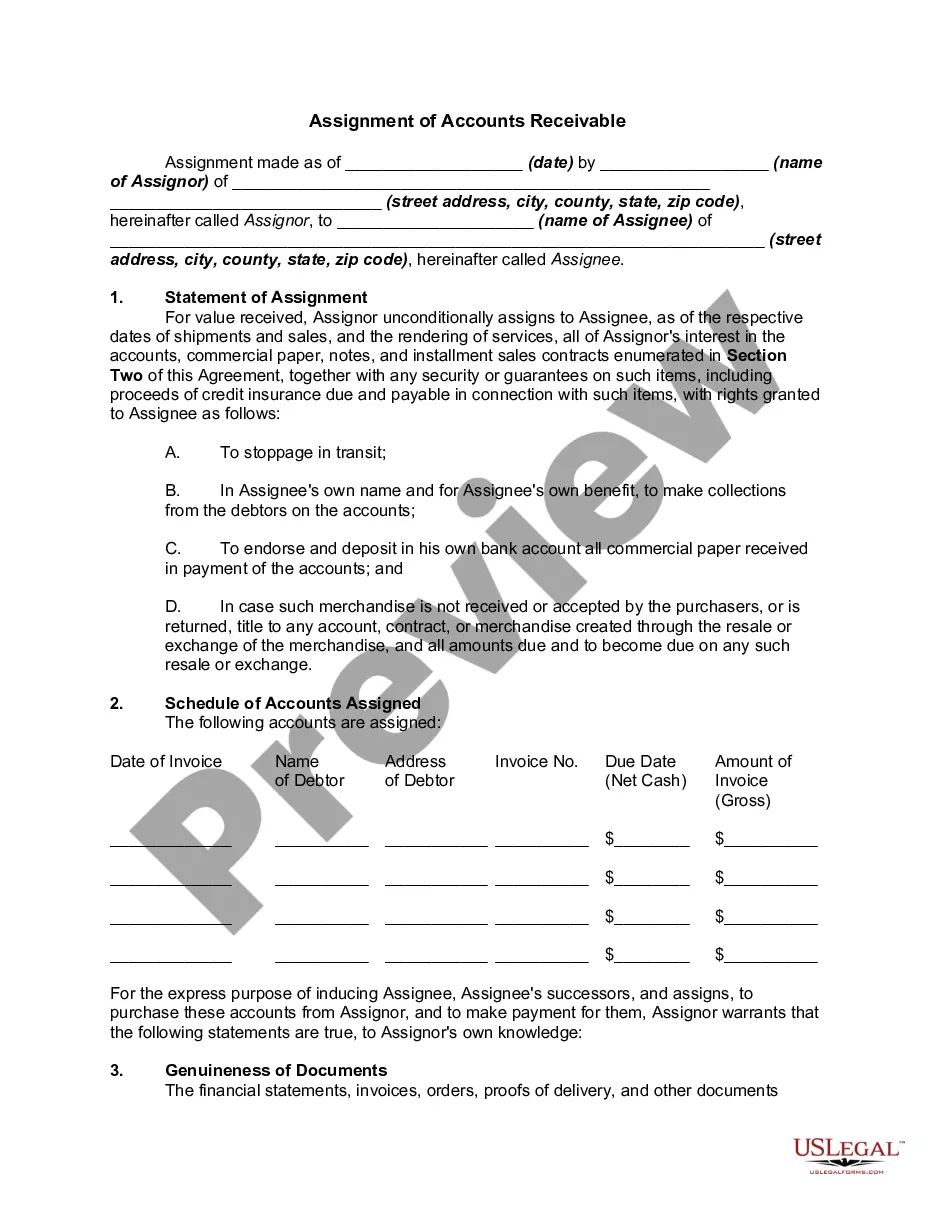
Get your form ready online
Our built-in tools help you complete, sign, share, and store your documents in one place.
Make edits, fill in missing information, and update formatting in US Legal Forms—just like you would in MS Word.
Download a copy, print it, send it by email, or mail it via USPS—whatever works best for your next step.
Sign and collect signatures with our SignNow integration. Send to multiple recipients, set reminders, and more. Go Premium to unlock E-Sign.
If this form requires notarization, complete it online through a secure video call—no need to meet a notary in person or wait for an appointment.
We protect your documents and personal data by following strict security and privacy standards.

Make edits, fill in missing information, and update formatting in US Legal Forms—just like you would in MS Word.

Download a copy, print it, send it by email, or mail it via USPS—whatever works best for your next step.

Sign and collect signatures with our SignNow integration. Send to multiple recipients, set reminders, and more. Go Premium to unlock E-Sign.

If this form requires notarization, complete it online through a secure video call—no need to meet a notary in person or wait for an appointment.

We protect your documents and personal data by following strict security and privacy standards.
Looking for another form?

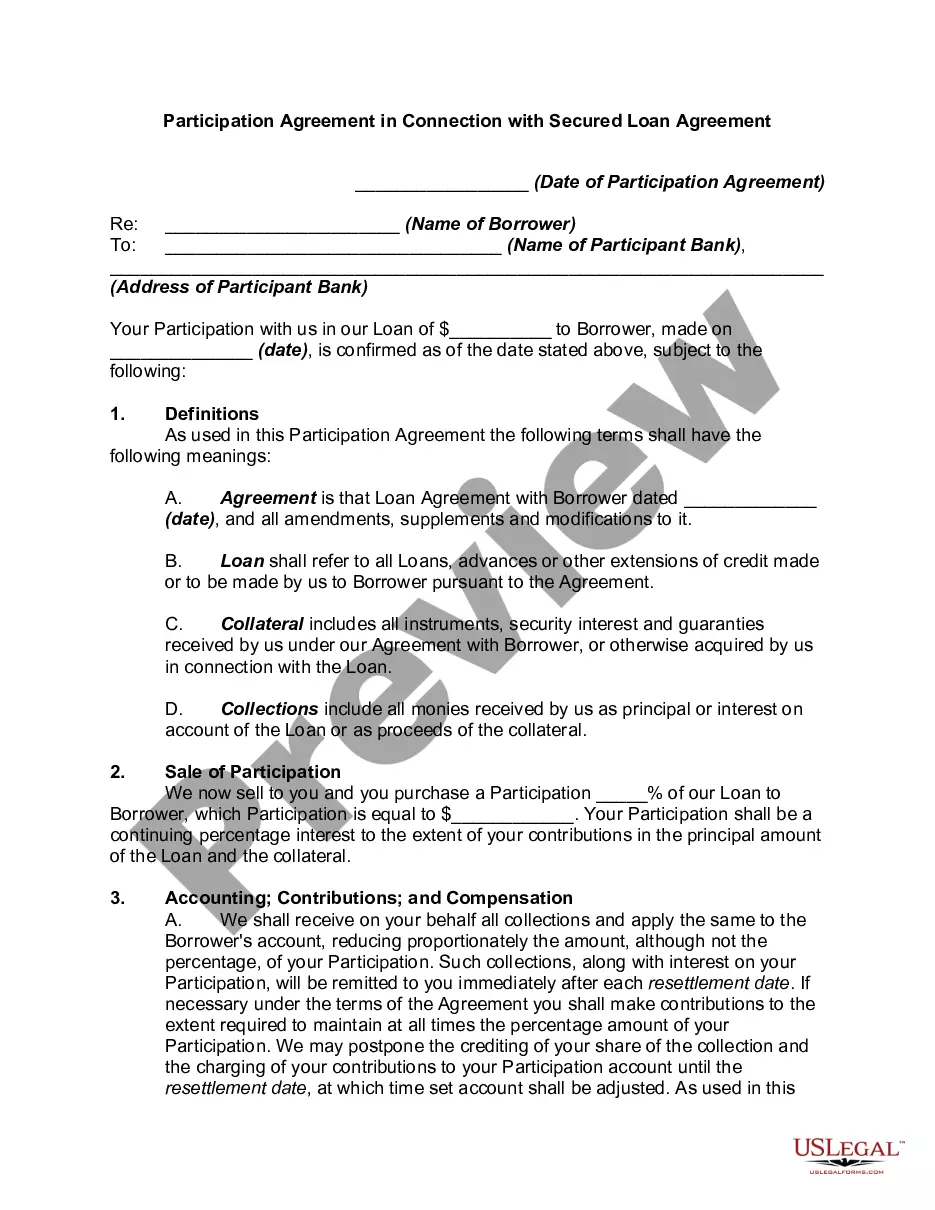

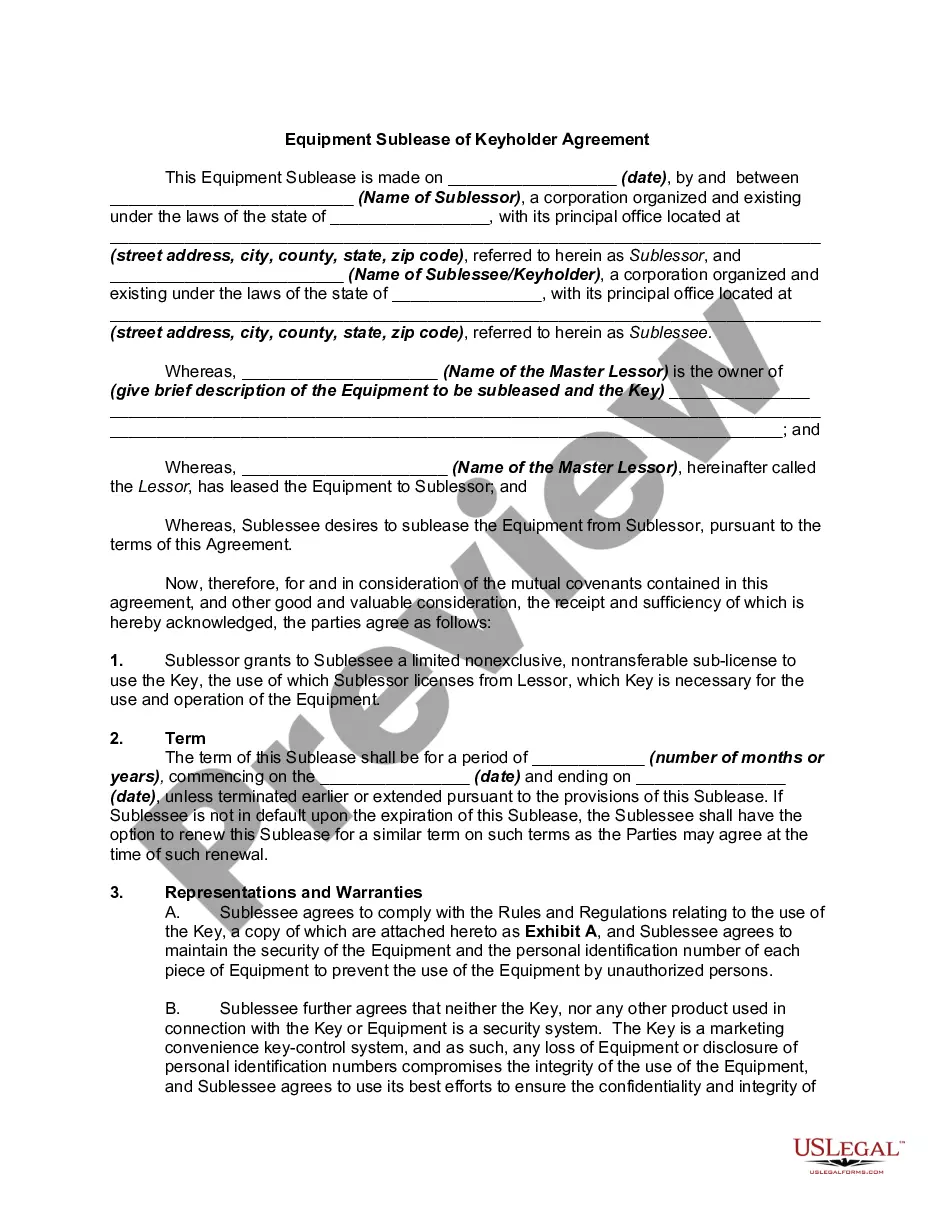
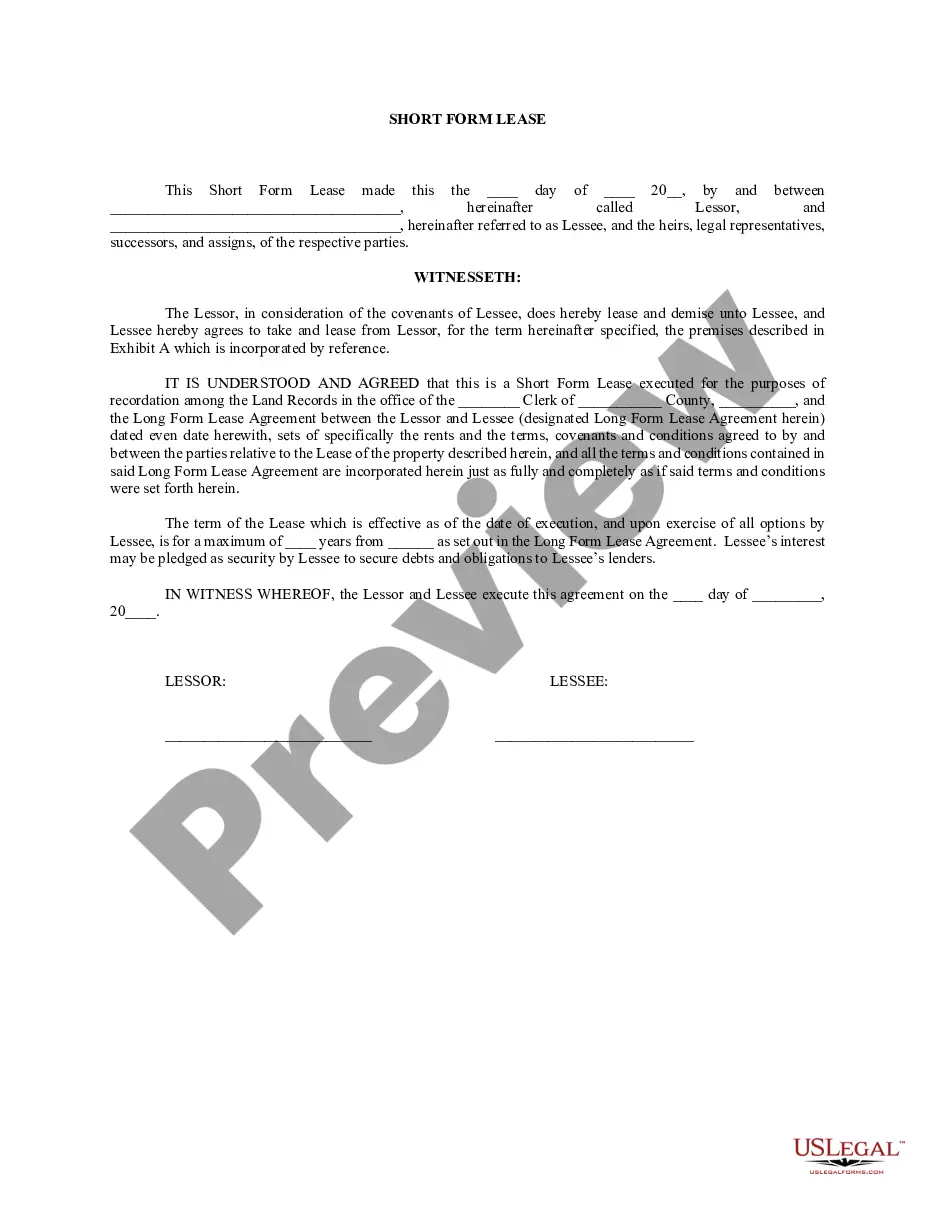




Form popularity
FAQ
How to record accounts receivable in a journal entry? Identify the transaction. Determine the amount of the accounts receivable. Debit the Accounts Receivable account. Credit the Sales Revenue account. Post the journal entry to the general ledger.
To report accounts receivable, gather information about outstanding amounts owed by customers, create an accounts receivable ledger, categorize the accounts by age, prepare a report that summarizes the outstanding amounts, analyze the report, and take action to collect payments and manage the balance.
What is an AR report? Accounts receivable reports (AR reports) are used to detail various aspects of a company's accounts receivable position. AR reports offer visibility over invoices and customer payments, including invoices sent, amounts outstanding, payments received, credit levels, and refunds due.
The Process of Selling Accounts Receivable Step 1: Evaluate Business Needs. Step 2: Research and Select the Right Factor. Step 3: Submit Invoices and Documentation. Step 4: Approval and Funding. Step 5: Communication with Customers. Step 6: Collection and Final Payment.
4 steps to prepare accounts receivable aging report Review open invoices. Categorize customers ing to the aging schedule. Create a list of customers with outstanding invoices. List customers ing to the number of days outstanding.
The 9 steps in the accounts receivable process A customer makes an order. You approve the customer for credit. You send the invoice. You manage collections. You investigate and address any existing disputes. You write off any uncollectible debt. You process the payment. You post the payment to the corresponding invoice(s)
Therefore, when a journal entry is made for an accounts receivable transaction, the value of the sale will be recorded as a credit to sales. The amount that is receivable will be recorded as a debit to the assets. These entries balance each other out.
Liquidation of Receivables In challenging financial situations such as mergers, acquisitions, bankruptcy, or general crisis, Receivables Control's liquidation professionals will quickly "surround" an accounts receivables portfolio to generate maximum recovery of the accounts receivable asset.
Accounts Receivable workflow is the series of steps a firm takes to collect and record payments for the products or services it provided within the last 12 months. The AR workflow begins when a product or service is purchased and ends when the customer completes payment for the product or service.
Follow these steps to calculate accounts receivable: Add up all charges. You'll want to add up all the amounts that customers owe the company for products and services that the company has already delivered to the customer. Find the average. Calculate net credit sales. Divide net credit sales by average accounts receivable.
