Patent For Application In Riverside
Description





Get your form ready online
Our built-in tools help you complete, sign, share, and store your documents in one place.
Make edits, fill in missing information, and update formatting in US Legal Forms—just like you would in MS Word.
Download a copy, print it, send it by email, or mail it via USPS—whatever works best for your next step.
Sign and collect signatures with our SignNow integration. Send to multiple recipients, set reminders, and more. Go Premium to unlock E-Sign.
If this form requires notarization, complete it online through a secure video call—no need to meet a notary in person or wait for an appointment.
We protect your documents and personal data by following strict security and privacy standards.

Make edits, fill in missing information, and update formatting in US Legal Forms—just like you would in MS Word.

Download a copy, print it, send it by email, or mail it via USPS—whatever works best for your next step.

Sign and collect signatures with our SignNow integration. Send to multiple recipients, set reminders, and more. Go Premium to unlock E-Sign.

If this form requires notarization, complete it online through a secure video call—no need to meet a notary in person or wait for an appointment.

We protect your documents and personal data by following strict security and privacy standards.
Looking for another form?








Form popularity
FAQ
Here are eight ways you can protect your app idea legally. Copyright your app. Register the trademark. Apply for a patent. Have everyone sign a non-disclosure agreement. Ask those involved to sign a non-compete agreement. Choose a reliable development partner. Document everything. Pursue cases of infringement.
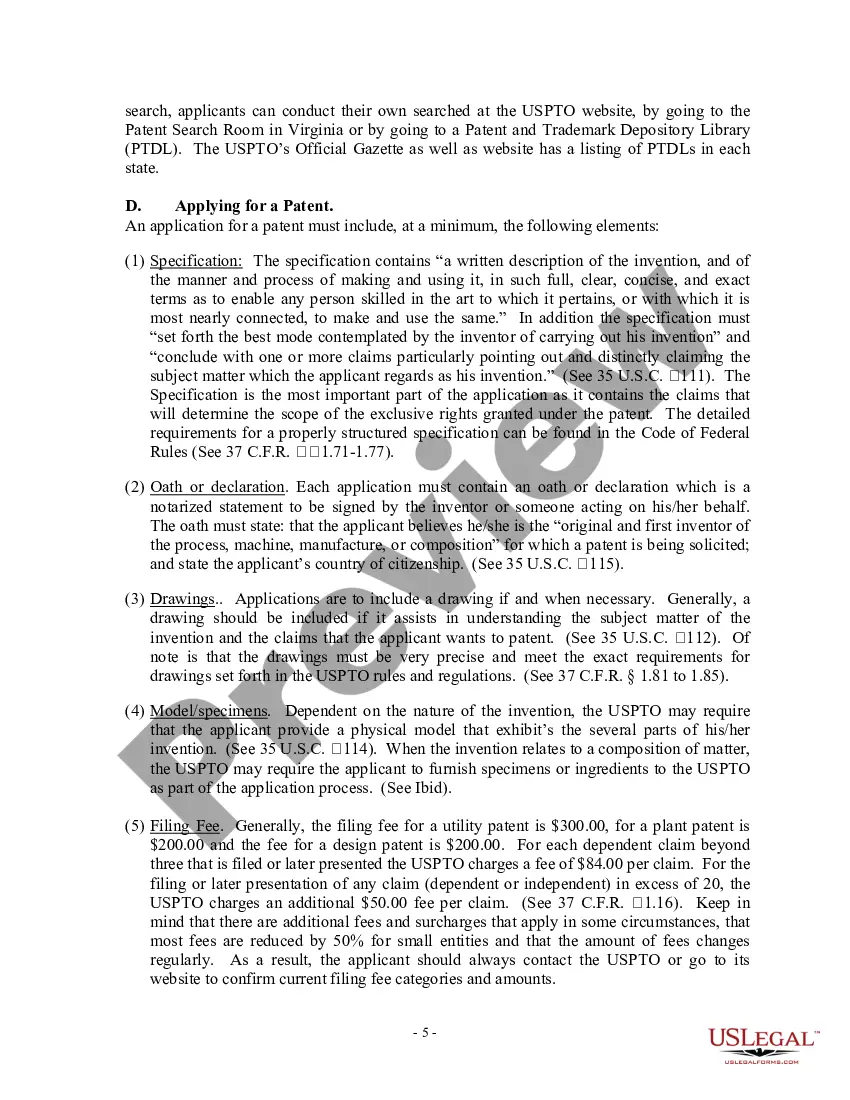
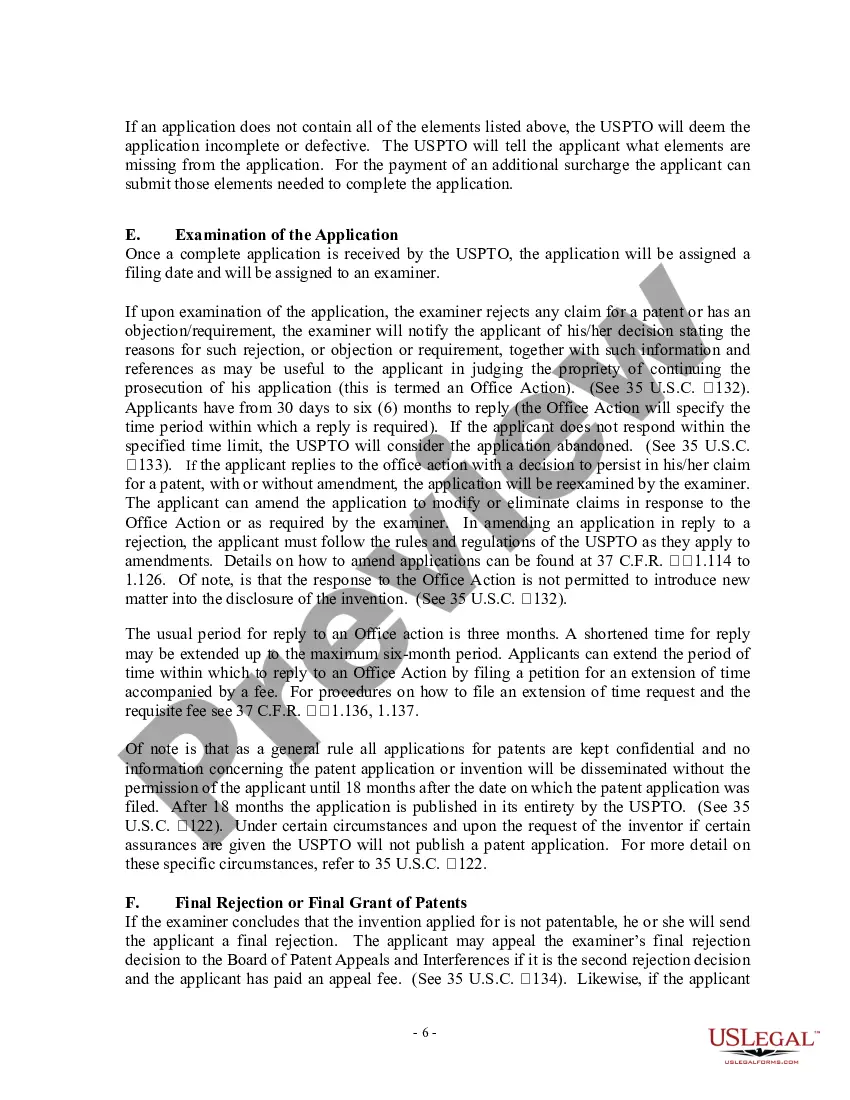
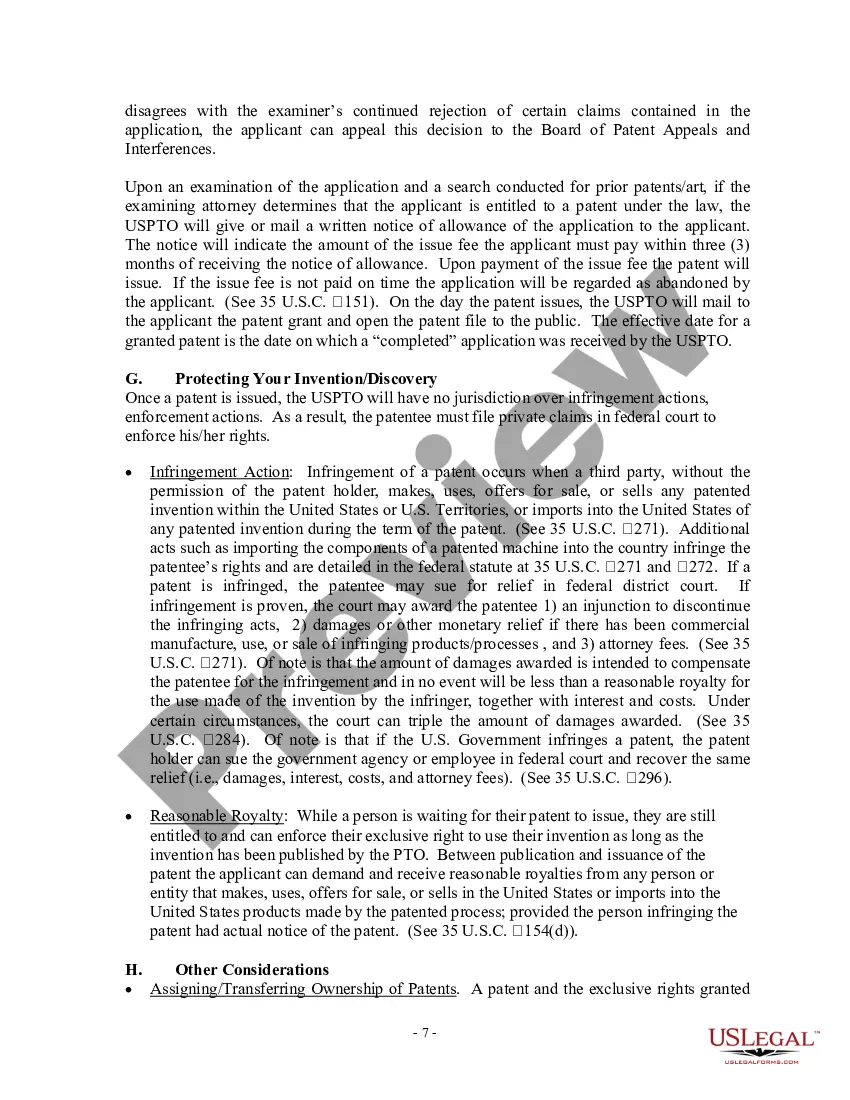
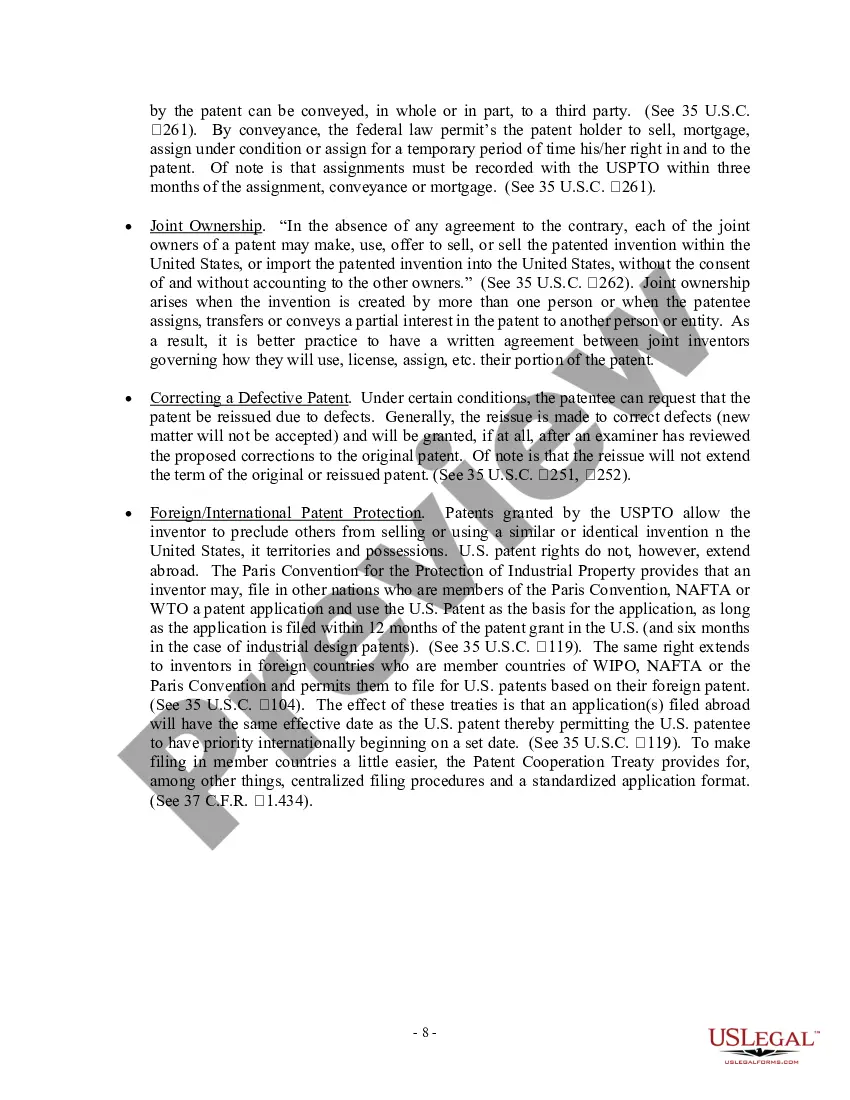
If you want to protect your software through the patent system, you must submit a patent application. Your application must describe your invention in detail (the specification), should include drawings, and must truthfully name the inventors of the invention.
Patent application forms can be found on the USPTO website. All of the forms related to patent applications can be found on the link here, or by navigating to the USPTO website and clicking on the “Forms” link under the “Apply for a Patent” section on the “Patents” page.
How to Apply and File a Patent in India? STEP 1: Invention Disclosure. STEP 2: Patentability Search. STEP 3: Filing an Application for a Patent. STEP 4: Patent Drafting. STEP 5: Filing the Patent Application. STEP 6: Request for Examination. STEP 7: Responding to Objections (if any) ... STEP 8: Grant of Patent.
Yes. You can patent your idea for an app. Are you bothered that someone might take it away from you and use it before you could apply it?
Clearly identify the patent being assigned: State the patent or patent application number, title, inventors, and filing date. Be signed by the assignors. Be notarized: If notarization isn't possible, have one or two witnesses attest to the signatures.
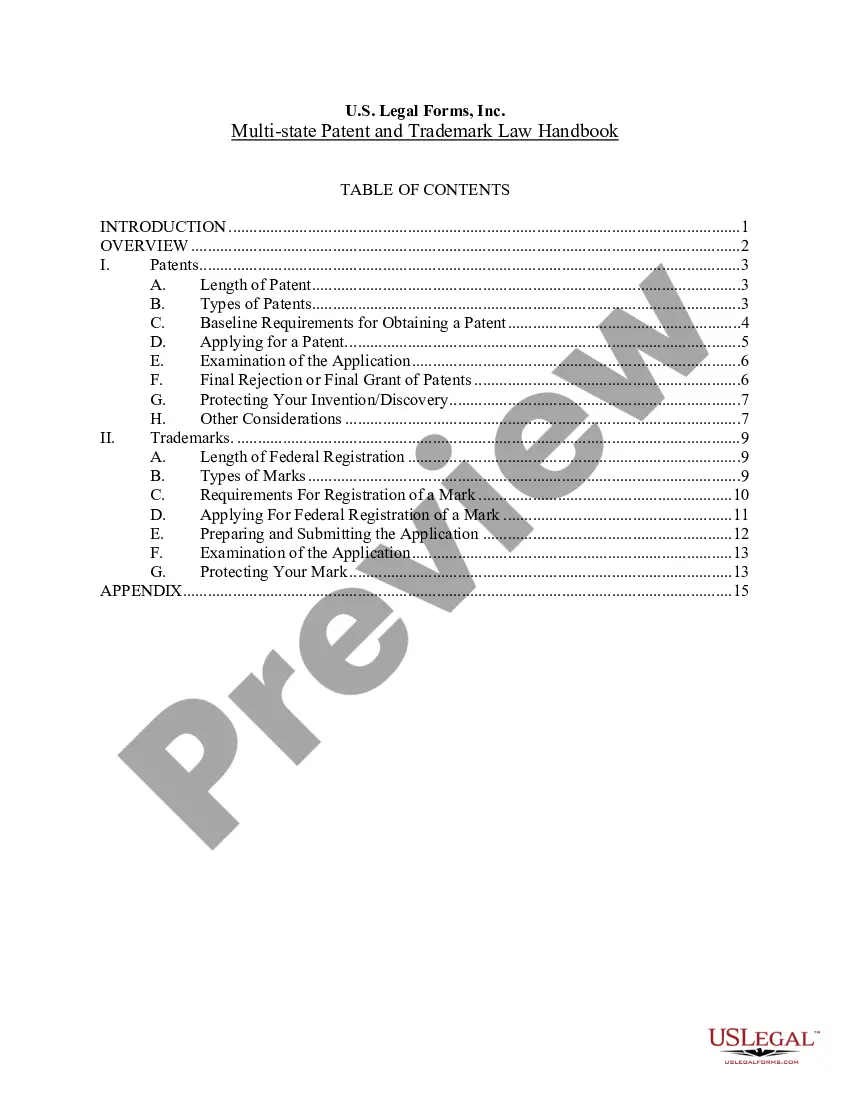
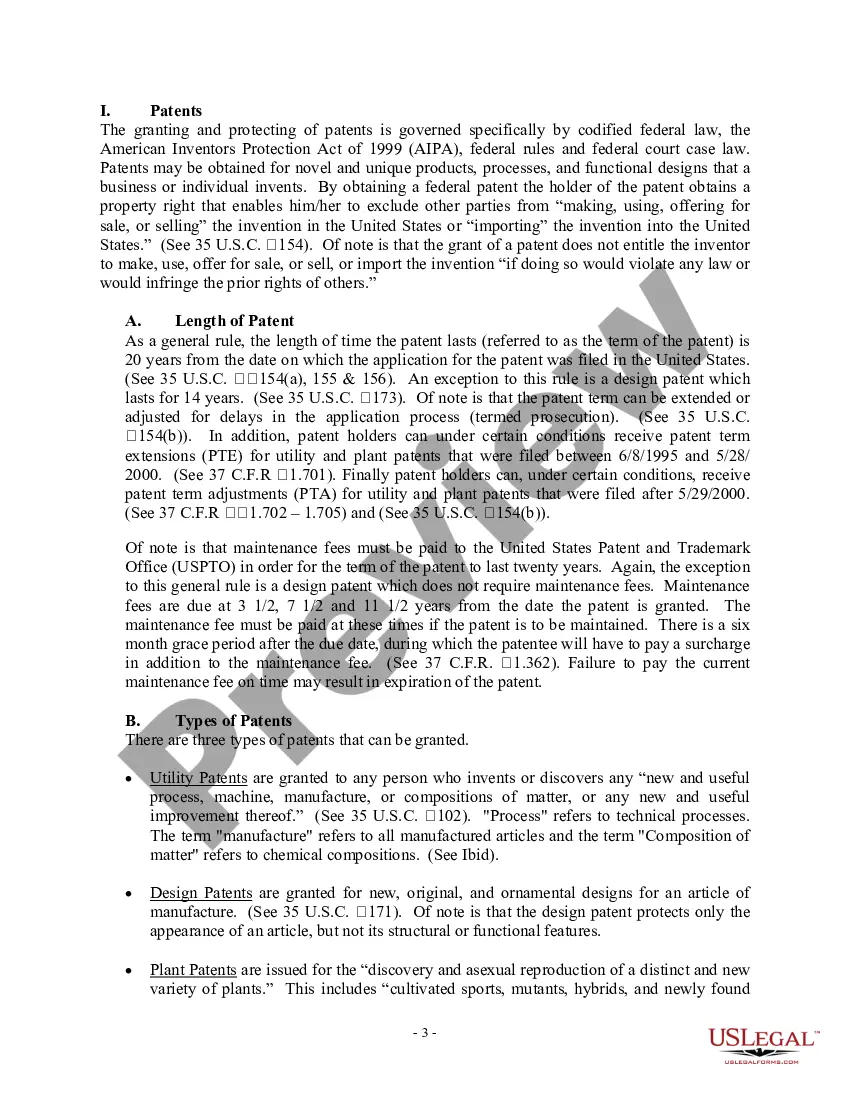
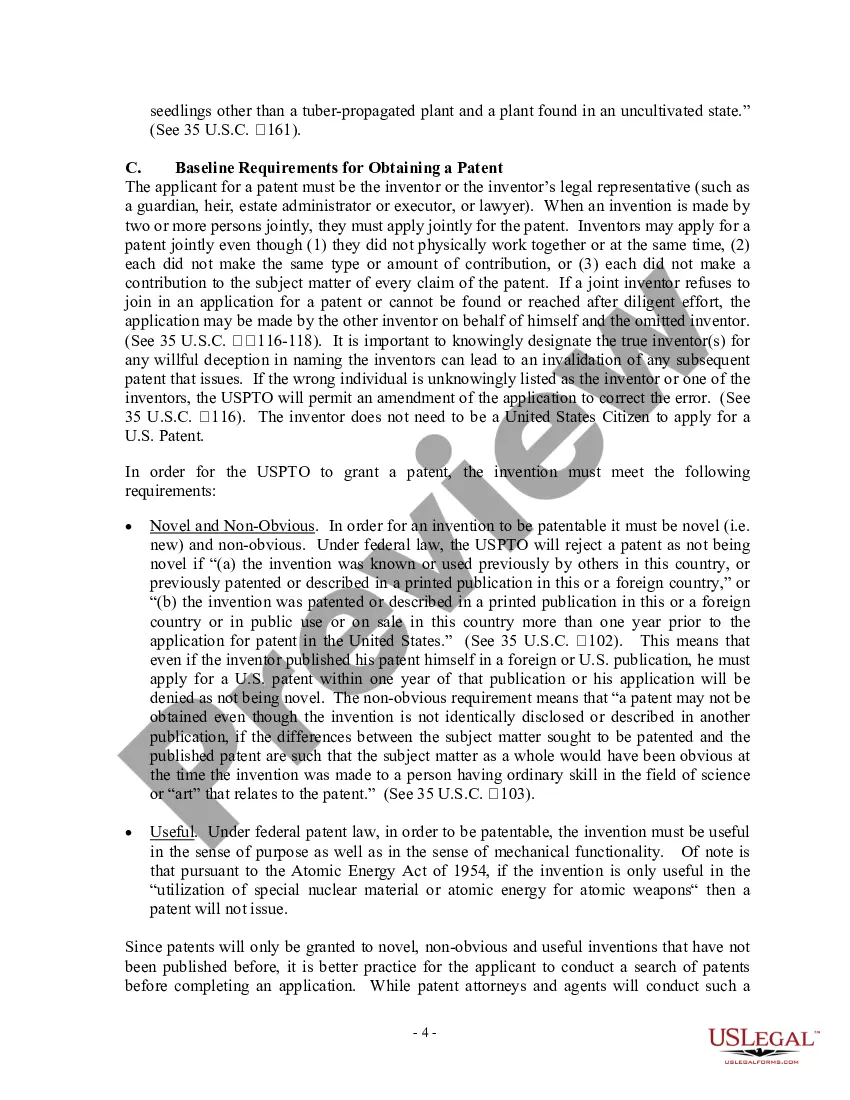
The five primary requirements for patentability are: (1) patentable subject matter; (2) utility; (3) novelty; (4) non-obviousness; and (5) enablement. Like trademarks, patents are territorial, meaning they are enforceable in a specific geographic area.
The specification should be in conformity with the requirements of the Patents Act 1992 and Patents Rules 1992, typed or printed on single sided A4 pages with margins of 2 to 3 centimeters. These margins should be blank, and each page should be numbered. Two copies of the specification must be submitted.
One can go to the USPTO official website and file a patent online. Publication: The Patent Office publishes the application on their official website after some time. Then, the application is ready to enter for the examination stage. Prosecution: During examination, the examiner may ask for a few clarifications.
In order for an invention to be patentable, the invention must be considered to be new or novel. This novelty requirement states that an invention cannot be patented if certain public disclosures of the invention have been made.
