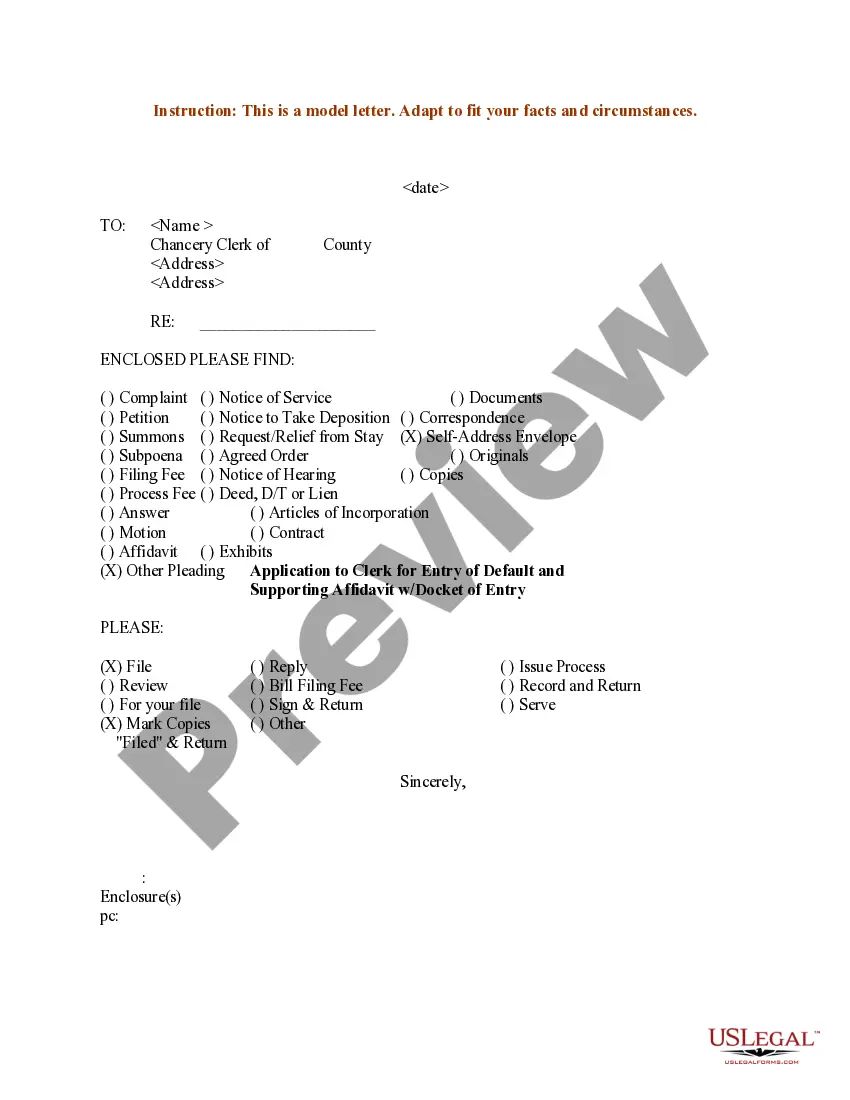
Filing Pleadings With The Court In Fulton
Description
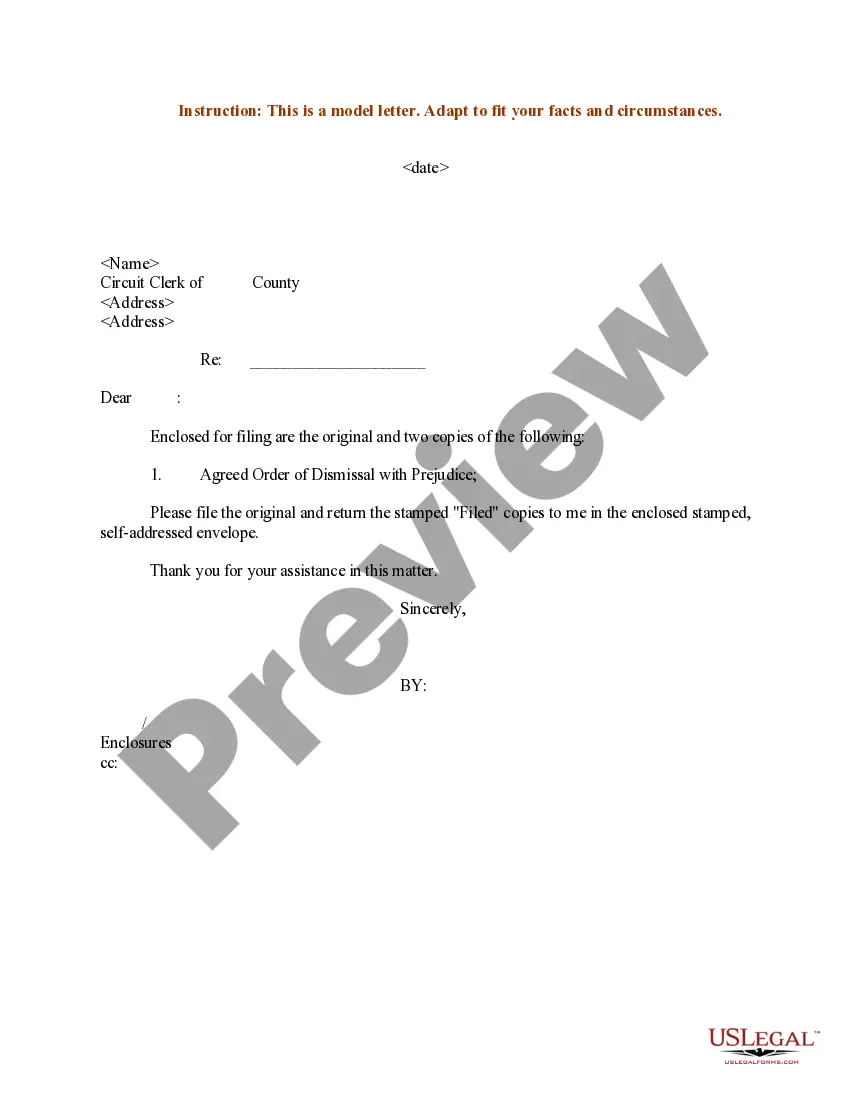
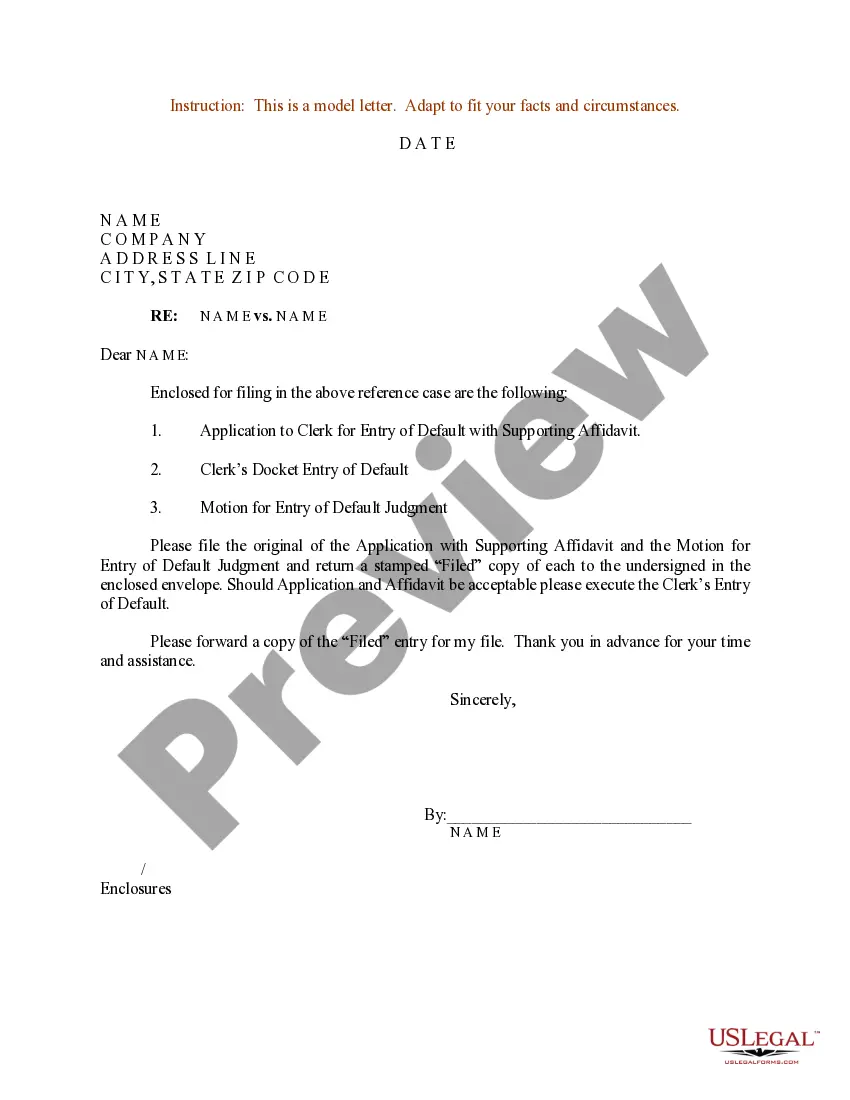
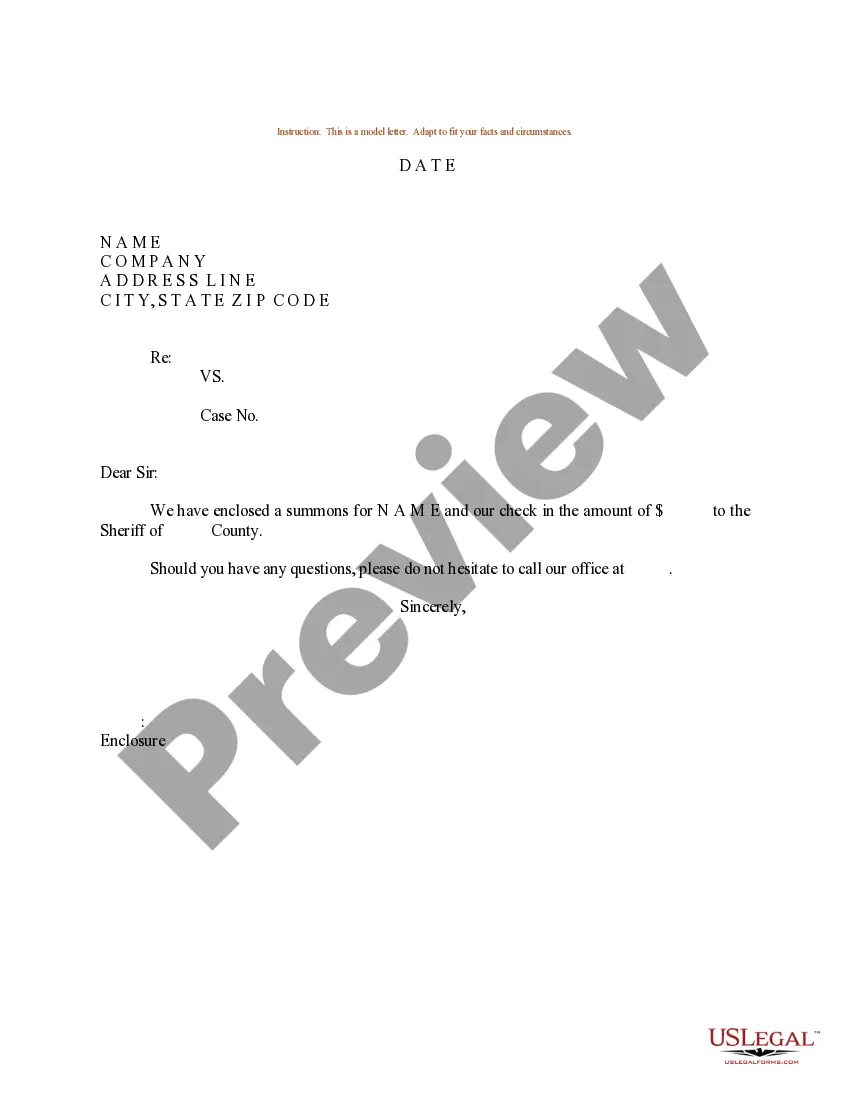
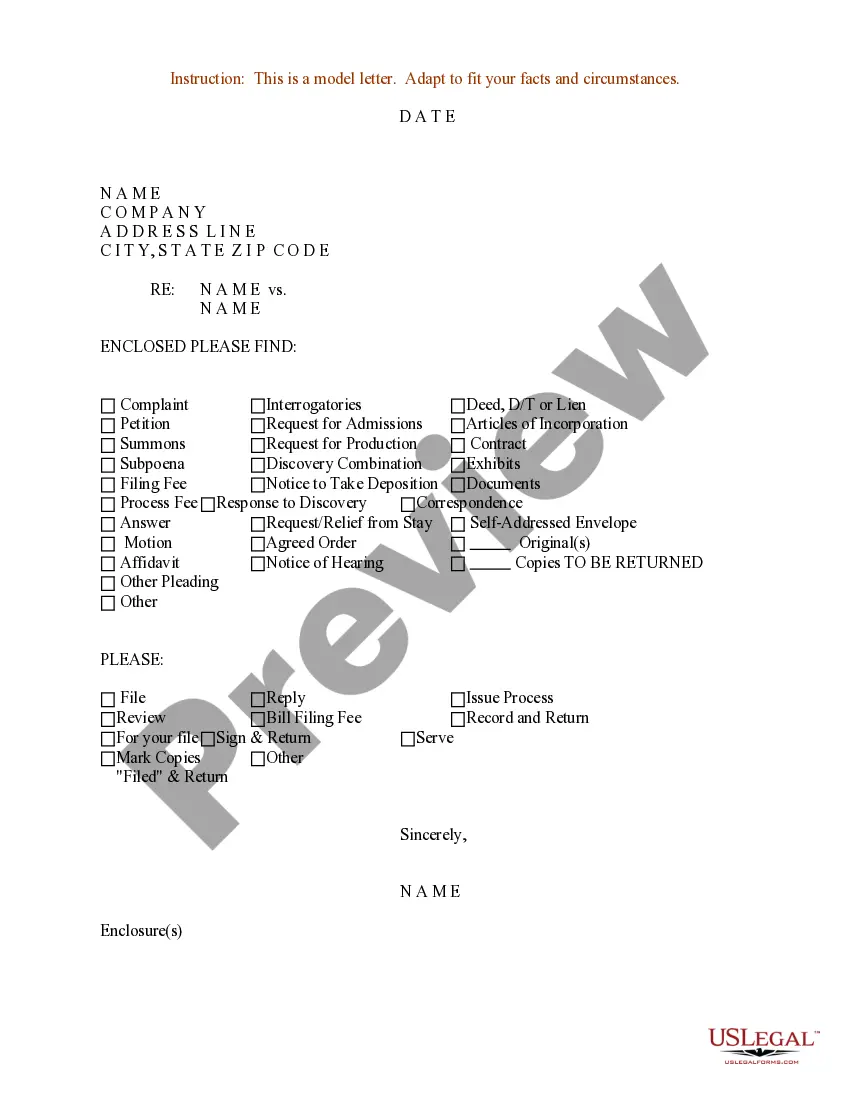
Get your form ready online
Our built-in tools help you complete, sign, share, and store your documents in one place.
Make edits, fill in missing information, and update formatting in US Legal Forms—just like you would in MS Word.
Download a copy, print it, send it by email, or mail it via USPS—whatever works best for your next step.
Sign and collect signatures with our SignNow integration. Send to multiple recipients, set reminders, and more. Go Premium to unlock E-Sign.
If this form requires notarization, complete it online through a secure video call—no need to meet a notary in person or wait for an appointment.
We protect your documents and personal data by following strict security and privacy standards.

Make edits, fill in missing information, and update formatting in US Legal Forms—just like you would in MS Word.

Download a copy, print it, send it by email, or mail it via USPS—whatever works best for your next step.

Sign and collect signatures with our SignNow integration. Send to multiple recipients, set reminders, and more. Go Premium to unlock E-Sign.

If this form requires notarization, complete it online through a secure video call—no need to meet a notary in person or wait for an appointment.

We protect your documents and personal data by following strict security and privacy standards.
Looking for another form?

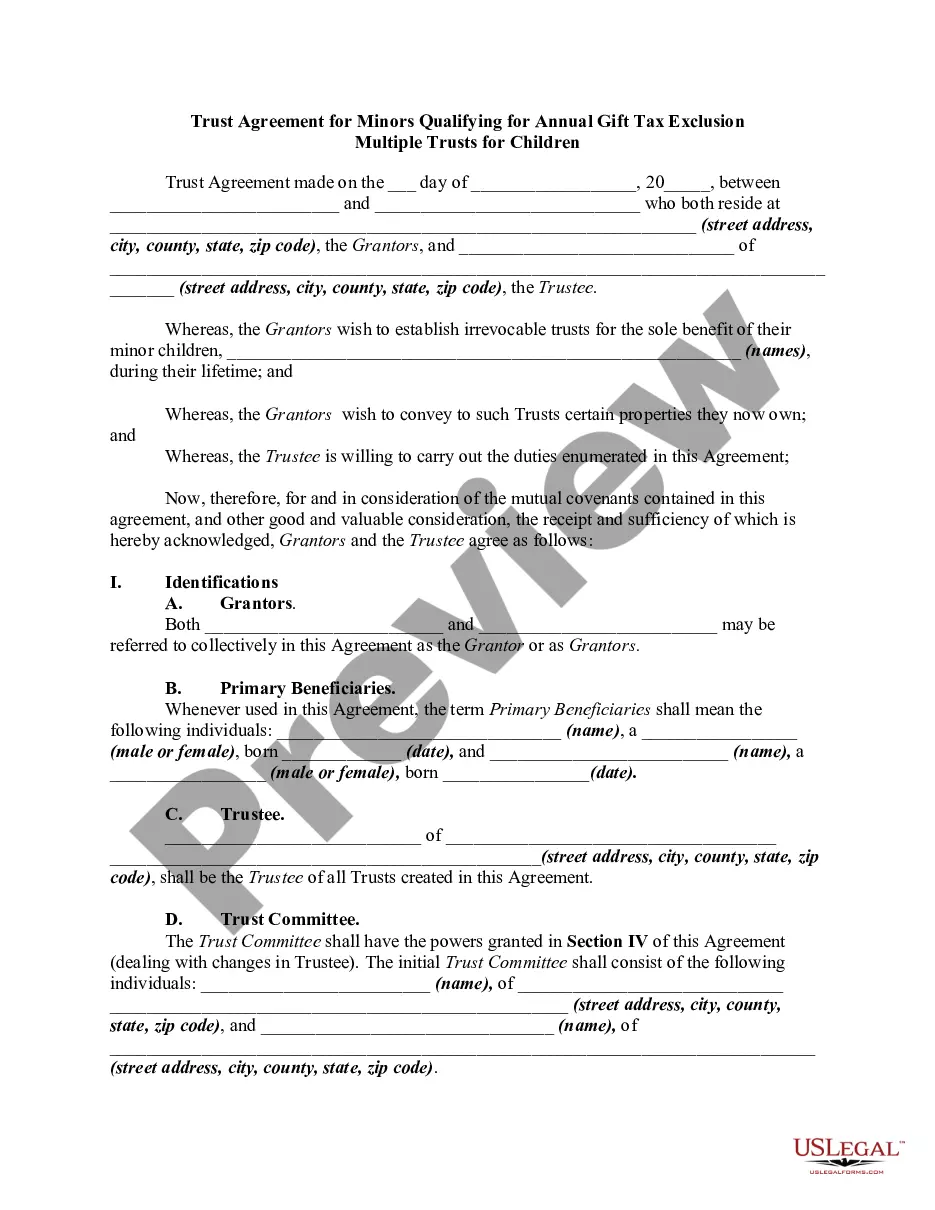





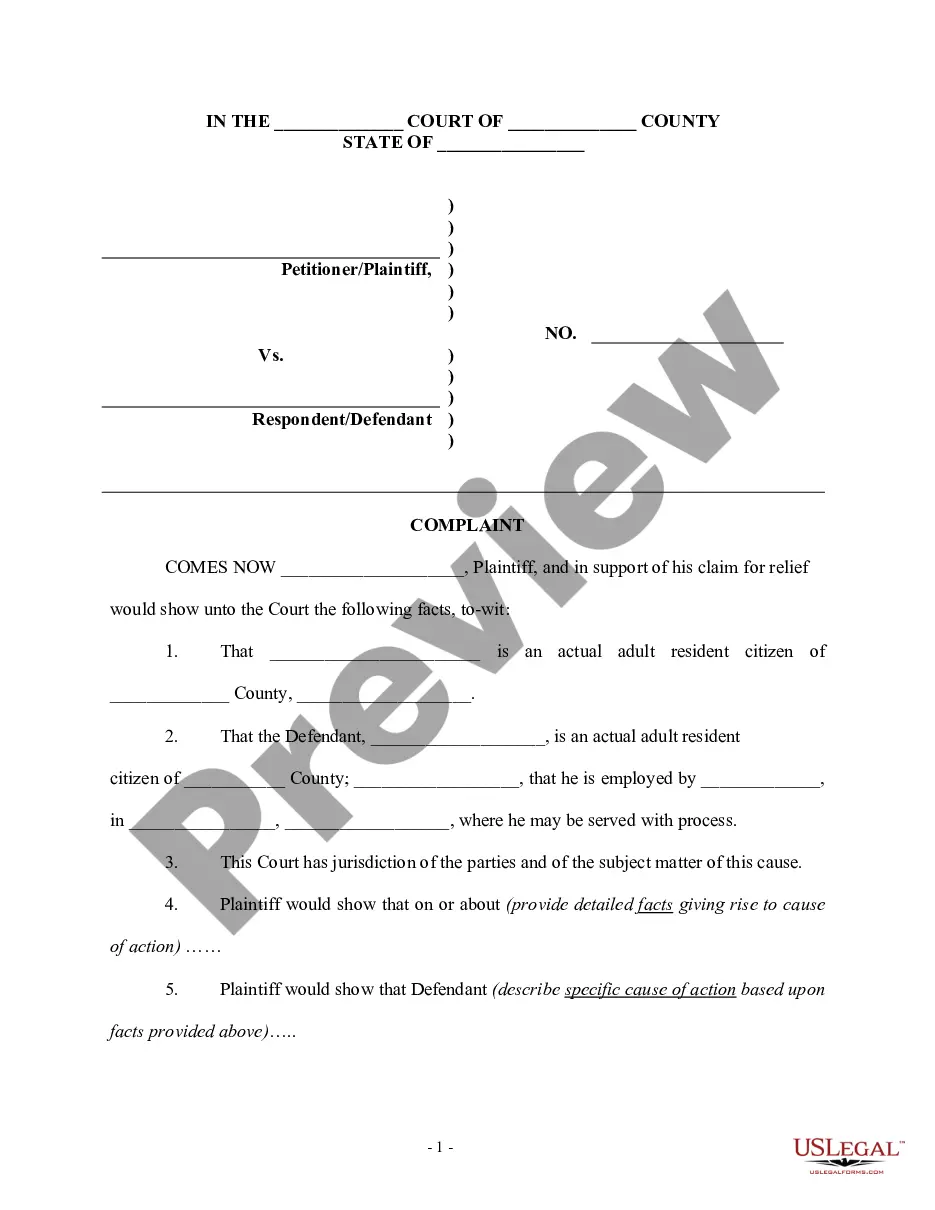

Form popularity
FAQ
If you want to file a motion, the process is generally something like this: You write your motion. You file your motion with the court clerk. The court clerk inserts the date and time your motion will be heard by the judge. You “serve” (mail) your motion to the other side.
Motion with Sealed or Partially Sealed Supporting Documents STEP 1: Select the “Motion” Event Type and Specific Motion You Wish to File. STEP 2: File the Provisionally Sealed Supporting Documents to Your Motion. STEP 3: File a Motion for Leave to File Under Seal with a Supporting Brief.
Odyssey eFileGA. allows users to open cases and file documents from a single website to many courts in Georgia from. anywhere — 24 hours a day, seven days a week.
No, you cannot file your own motions while represented by counsel. The only direct communications you may have with the judge while represented are: enter a plea; request to have your appointed attorney relieved (a "Marsden motion"); or request to represent yourself.
Unless otherwise ordered by the judge or as provided by law, each party opposing a motion shall serve and file a response, reply memorandum, affidavits, or other responsive material not later than 30 days after service of the motion.
Documents to be filed under seal therefore must be manually submitted to the Clerk of Court in paper form, accompanied by an Order sealing the Documents submitted. Also, filers submitting Documents to be filed under seal are required to E-File a "Notice of Filing under Seal".