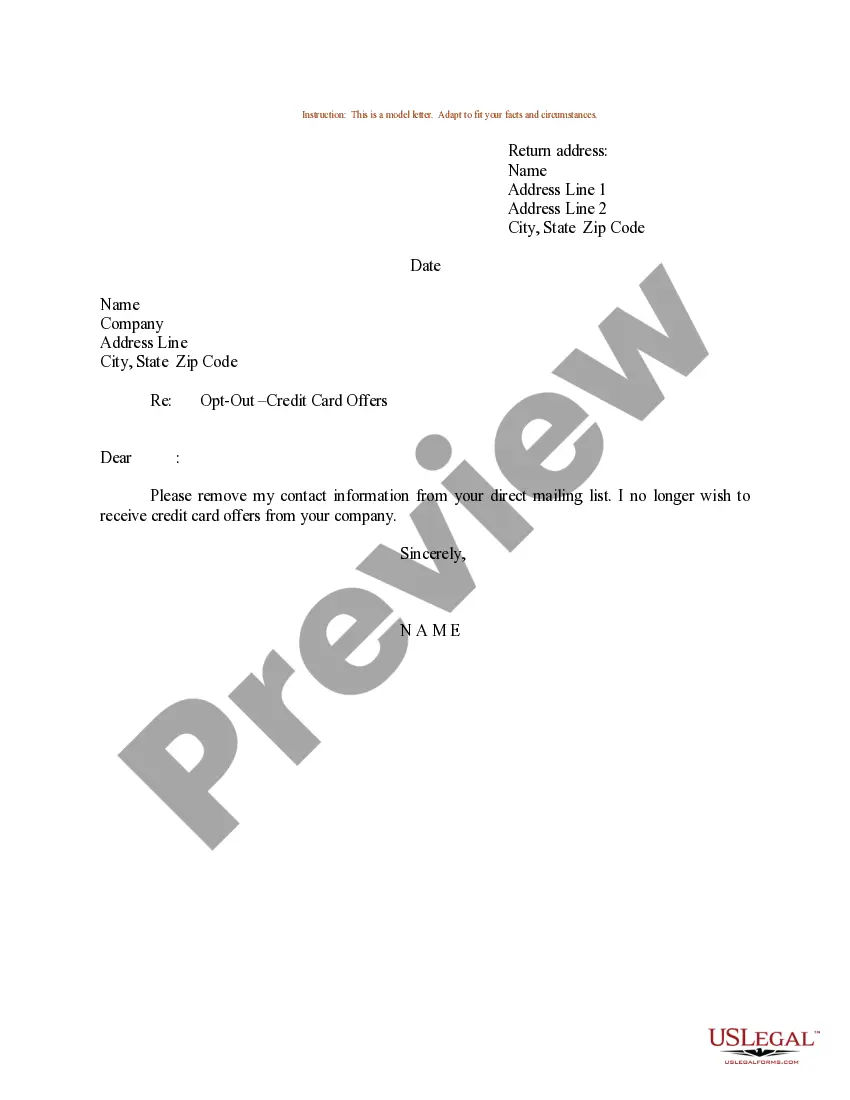
Sample Letter To Be Removed From Mailing List With The Irs In Wake
Description

Get your form ready online
Our built-in tools help you complete, sign, share, and store your documents in one place.
Make edits, fill in missing information, and update formatting in US Legal Forms—just like you would in MS Word.
Download a copy, print it, send it by email, or mail it via USPS—whatever works best for your next step.
Sign and collect signatures with our SignNow integration. Send to multiple recipients, set reminders, and more. Go Premium to unlock E-Sign.
If this form requires notarization, complete it online through a secure video call—no need to meet a notary in person or wait for an appointment.
We protect your documents and personal data by following strict security and privacy standards.

Make edits, fill in missing information, and update formatting in US Legal Forms—just like you would in MS Word.

Download a copy, print it, send it by email, or mail it via USPS—whatever works best for your next step.

Sign and collect signatures with our SignNow integration. Send to multiple recipients, set reminders, and more. Go Premium to unlock E-Sign.

If this form requires notarization, complete it online through a secure video call—no need to meet a notary in person or wait for an appointment.

We protect your documents and personal data by following strict security and privacy standards.
Looking for another form?








Form popularity
FAQ
Removing someone from your email list is very simple, and depending on the email client or marketing tools you use, the process of removing them is relatively the same. Go to your contacts, lists, subscribers, or audiences. Place a checkmark by each contact you want to remove. Choose to unsubscribe, or delete.
Write to explain why you disagree and include any documents and information you wish the IRS to consider, along with the bottom tear-off portion of the notice. Mail the information to the IRS address shown in the lower left part of the notice. Allow at least 30 days for a response.
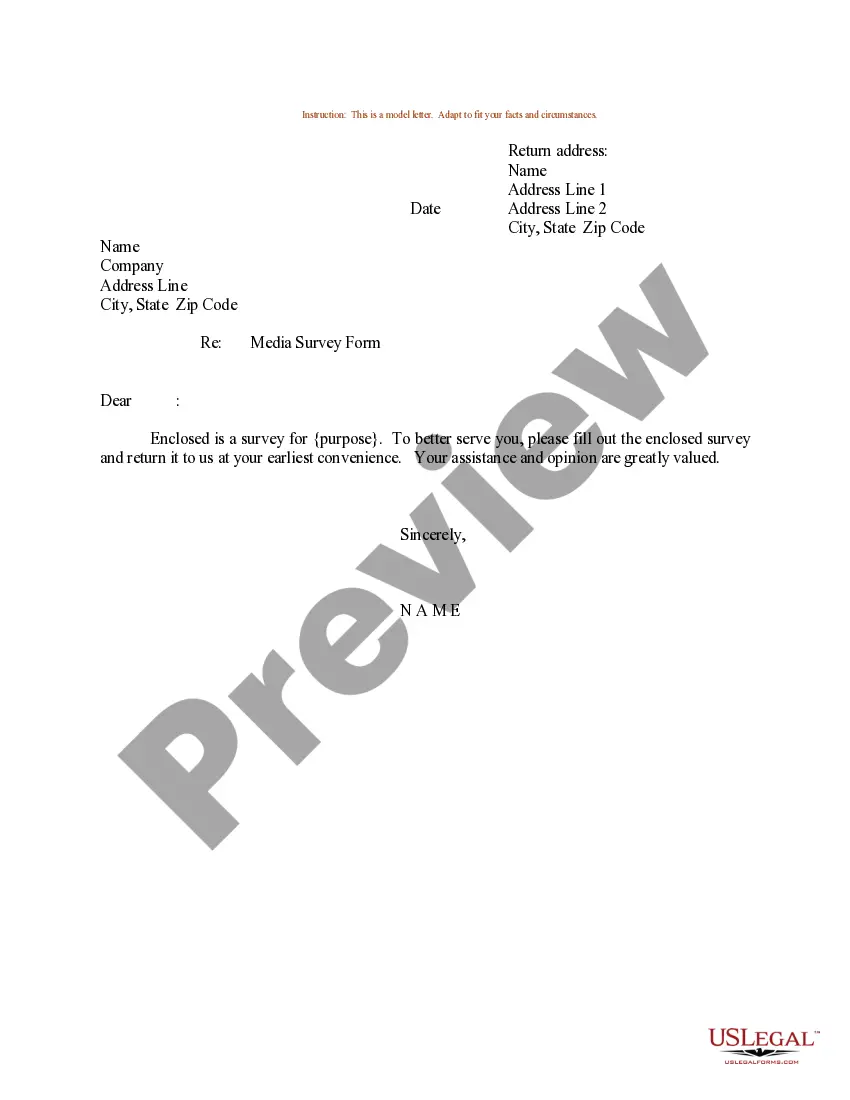
Dear Sir/Madam, This is a request that my personal information is removed from all of your mailing lists for unsolicited mail. I would like my name and address removed, effective immediately. You are currently sending unsolicited mail to: insert name, address, and zip code.
IRS Penalty Abatement Request Letter State the type of penalty you want removed. Include an explanation of the events and specific facts and circumstances of your situation, and explain how these events were outside of your control. Attach documents that will prove your case.
Make a copy of the notice you received from the IRS and include it with your letter. In the first paragraph of your letter, explain why you are writing the IRS. Mention the date of their notice. For example, you can write, “I am writing to request an abatement of $4,512.33 as assessed in the notice sent 7/3/2017.”
So, your explanation letter to IRS should include the following writing items: Name, address, and contact information of the taxpayer. An explanation expressing your desire to appeal the IRS conclusions. The tax period. A list of the points you disagree with and your explanations. Facts supporting your position.
Your first paragraph should state the purpose of your letter clearly. Make sure to include the specific issue that you are addressing and provide any relevant identification or case numbers.
Reach out to the biggest offenders and politely state what you did here. “I appreciate you keeping me in the loop, but I am starting to lose control of my inbox. Can you please only cc me in the following instances: x, y, z? Thank you—I want to be as helpful as possible going forward.”
Just email all and say something like , our client is no longer involved in this action please take me off this email chain.