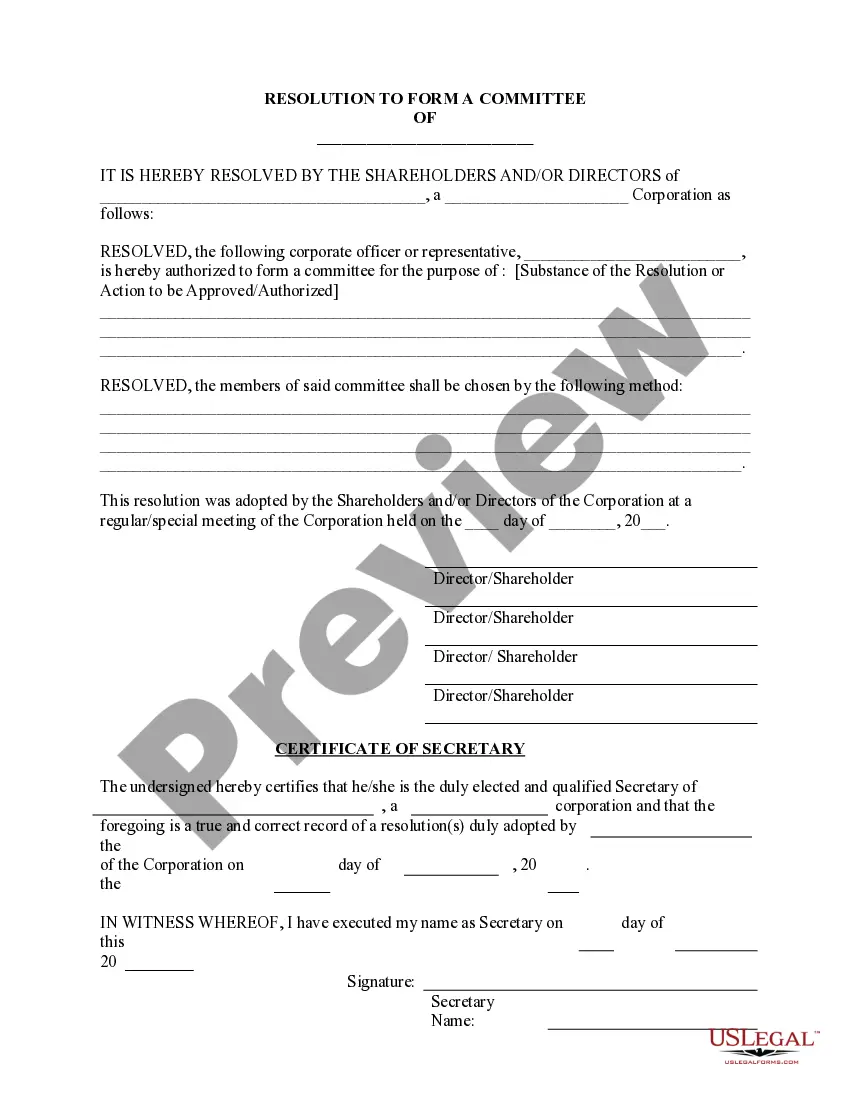
Corporate Resolution Form For Car In Bexar
Description





Get your form ready online
Our built-in tools help you complete, sign, share, and store your documents in one place.
Make edits, fill in missing information, and update formatting in US Legal Forms—just like you would in MS Word.
Download a copy, print it, send it by email, or mail it via USPS—whatever works best for your next step.
Sign and collect signatures with our SignNow integration. Send to multiple recipients, set reminders, and more. Go Premium to unlock E-Sign.
If this form requires notarization, complete it online through a secure video call—no need to meet a notary in person or wait for an appointment.
We protect your documents and personal data by following strict security and privacy standards.

Make edits, fill in missing information, and update formatting in US Legal Forms—just like you would in MS Word.

Download a copy, print it, send it by email, or mail it via USPS—whatever works best for your next step.

Sign and collect signatures with our SignNow integration. Send to multiple recipients, set reminders, and more. Go Premium to unlock E-Sign.

If this form requires notarization, complete it online through a secure video call—no need to meet a notary in person or wait for an appointment.

We protect your documents and personal data by following strict security and privacy standards.
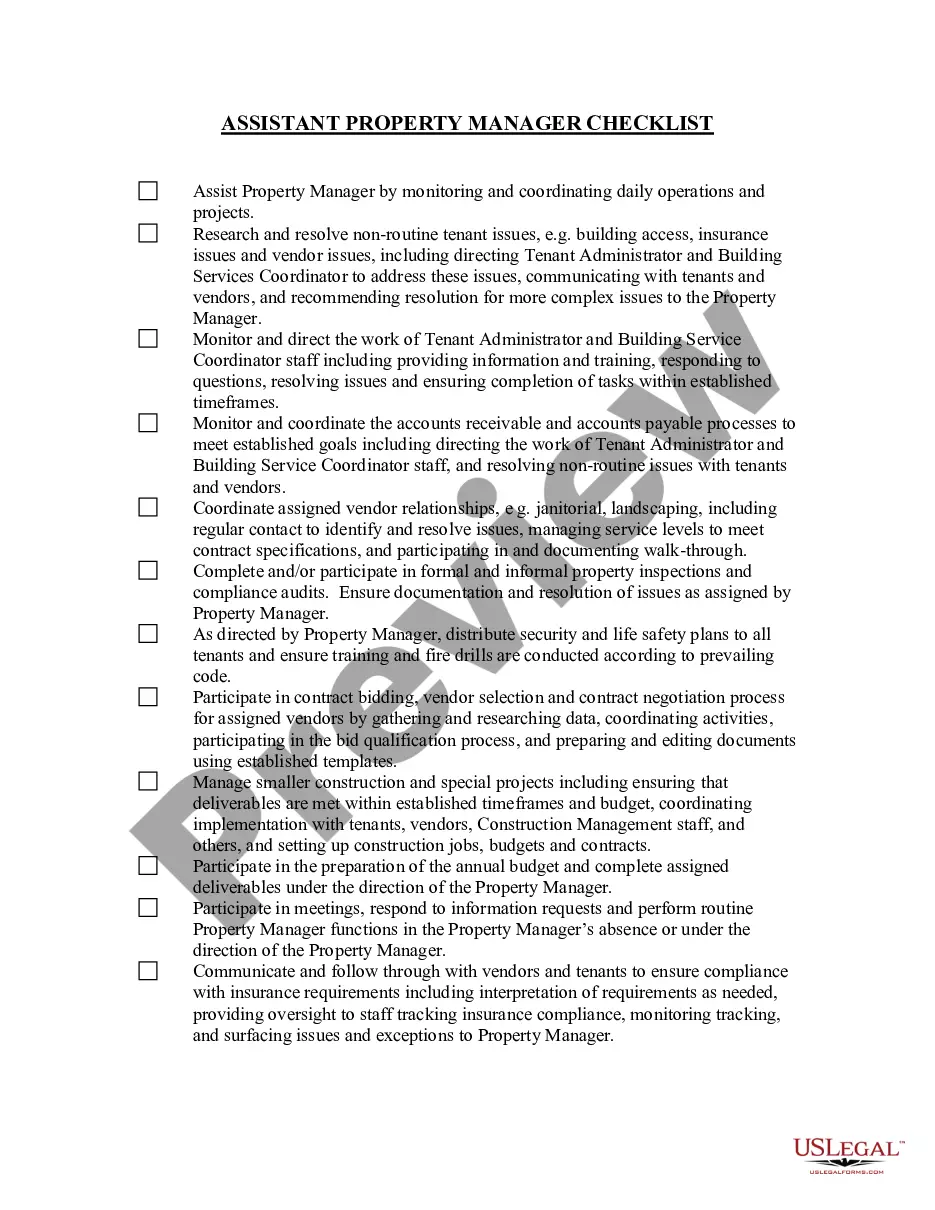
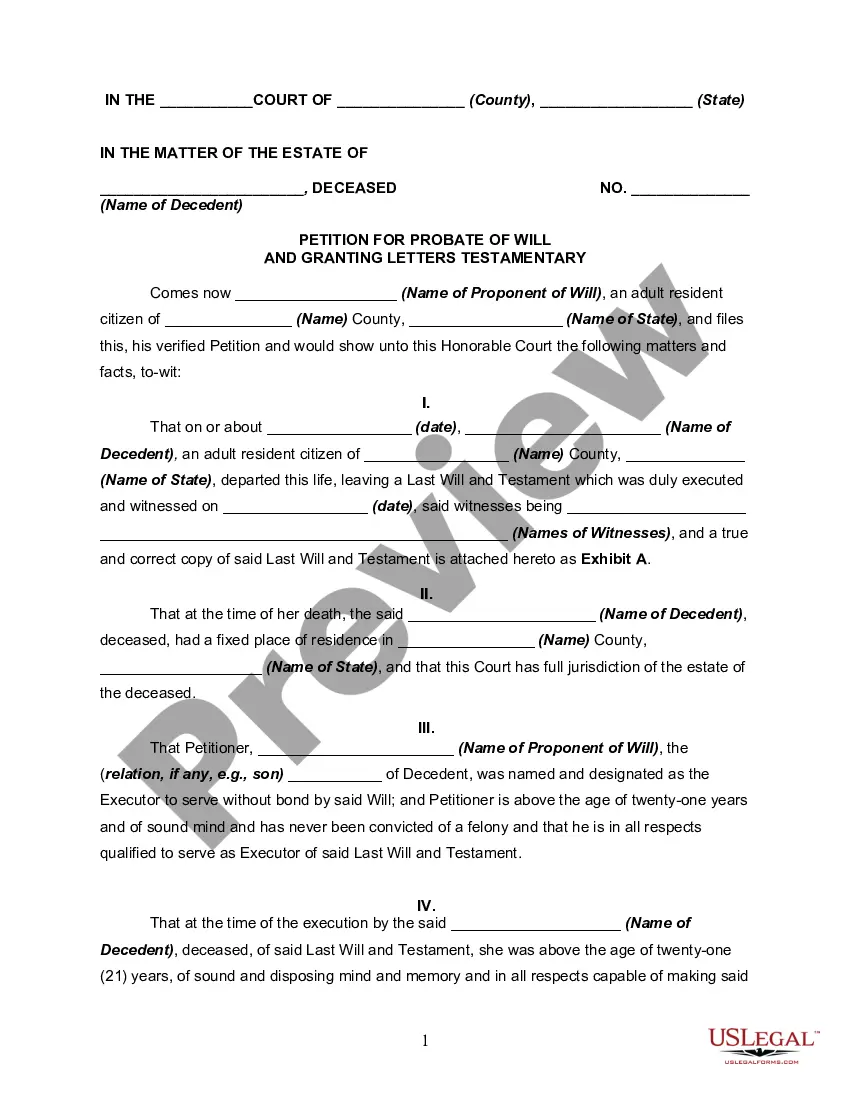
Looking for another form?








Form popularity
FAQ
What's included in a corporate resolution? Legal company identification. Company legal name. Title and purpose of the resolution. Signatures of the individual(s) designated to sign resolutions (typically a chairman) List of board members present at the meeting. Date, time, and location of a board meeting.
A corporate resolution document does not need to be notarized, although if it involves other transactions then those might have to be notarized. Once the document has been signed off and dated by the chairperson, vice-chairperson, corporate treasurer, and secretary, it becomes a binding document.
A resolution addresses a current specific problem or opportunity. It should include a call for specific action aimed at identifiable public officials. The resolution's message should be consistent with the organization's platform, or at least not inconsistent with it.
Guidelines for Writing Resolutions All resolutions should be typed single space in 12pt Calibri Font. All margins (top, bottom, left, right) must be one inch. WHEREAS and RESOLVED and RATIONALE phrases must be in bold and all caps. WHEREAS and RESOLVED and RATIONALE phrases must be follwed by a colon.
The title of the resolution must appropriately reflect the intent. Resolutions begin with "Whereas" statements, which provides the basic facts and reasons for the resolution, and conclude with "Resolved" statements which, identifies the specific proposal for the requestor's course of action.
Must include the specific date and time when the board met to pass the resolution. Must authorize a specific person or persons by name and title. Must include the types of contracts and agreements the specific individual or individuals can execute on behalf of the corporation.
A corporate resolution is a written document created by the board of directors of a company detailing a binding corporate action. A board of directors is a group of people that act as a governing body on behalf of the shareholders of a company.
Resolution noun (DECISION) a promise to yourself to do or to not do something: + to infinitive I made a resolution to give up chocolate. The resolution calls for a durable peace settlement. The resolution was carried by 210 votes to 160.
DMV Forms Application for Texas Title and/or Registration (Form 130-U) Texas Motor Vehicle Transfer Notification (VTR-346) Affidavit of Motor Vehicle Gift Transfer (Form 14-317) Application for Persons with Disabilities Parking Placard and/or License Plate (VTR-214) Application for Certified Copy of Title (VTR-34)
Corporate Resolution Authorizing Filing Select Bankruptcy menu. Select Other. Enter the case number using correct format and ensure case name and number match the document you are filing. Select Document event: Corp Resolution Auth Filing. Select the party filer. Browse, verify and attach the document (PDF file).
