Sample Acknowledgment Receipt Form For A Company In Washington
Description





Get your form ready online
Our built-in tools help you complete, sign, share, and store your documents in one place.
Make edits, fill in missing information, and update formatting in US Legal Forms—just like you would in MS Word.
Download a copy, print it, send it by email, or mail it via USPS—whatever works best for your next step.
Sign and collect signatures with our SignNow integration. Send to multiple recipients, set reminders, and more. Go Premium to unlock E-Sign.
If this form requires notarization, complete it online through a secure video call—no need to meet a notary in person or wait for an appointment.
We protect your documents and personal data by following strict security and privacy standards.

Make edits, fill in missing information, and update formatting in US Legal Forms—just like you would in MS Word.

Download a copy, print it, send it by email, or mail it via USPS—whatever works best for your next step.

Sign and collect signatures with our SignNow integration. Send to multiple recipients, set reminders, and more. Go Premium to unlock E-Sign.

If this form requires notarization, complete it online through a secure video call—no need to meet a notary in person or wait for an appointment.

We protect your documents and personal data by following strict security and privacy standards.
Looking for another form?
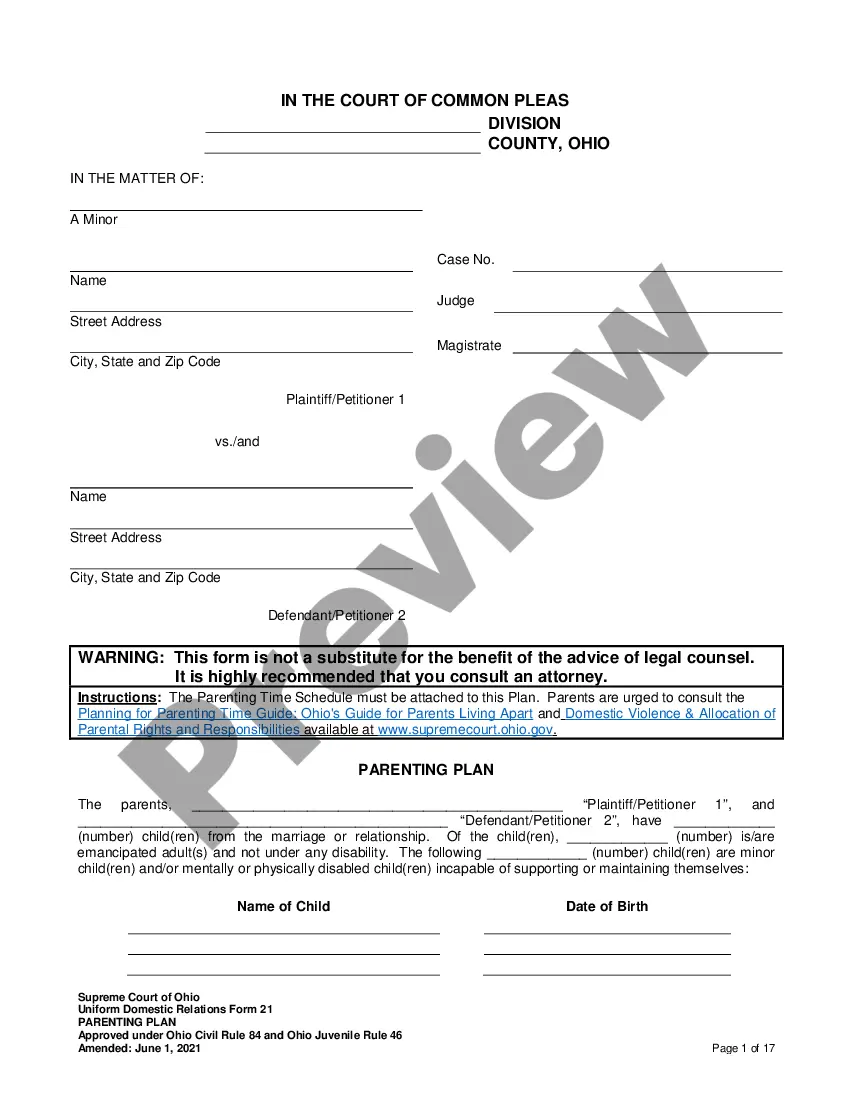



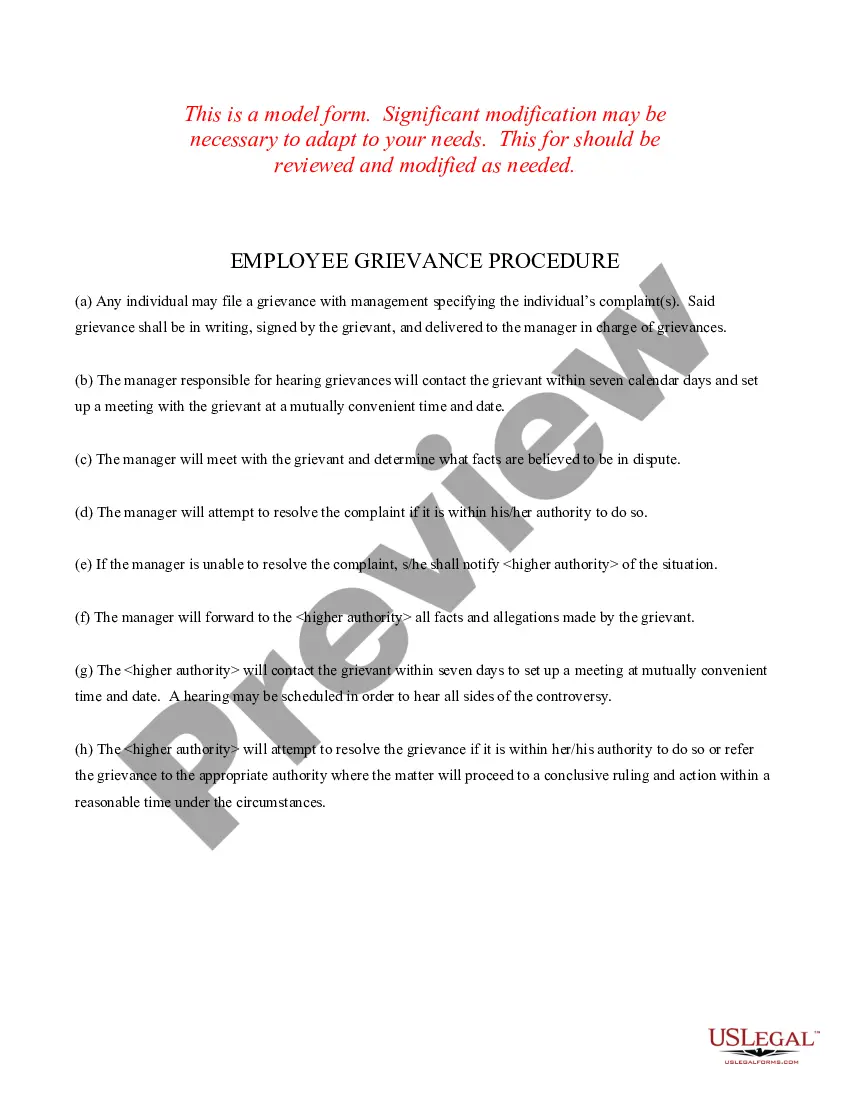
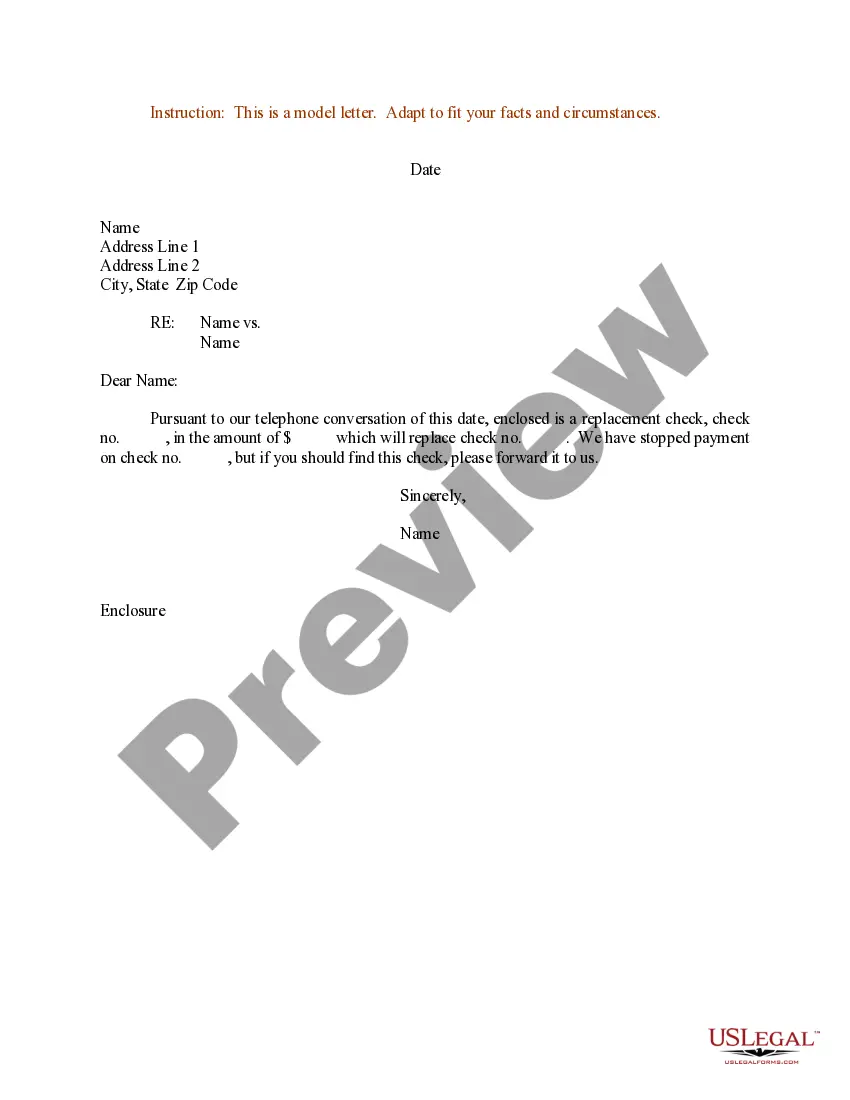

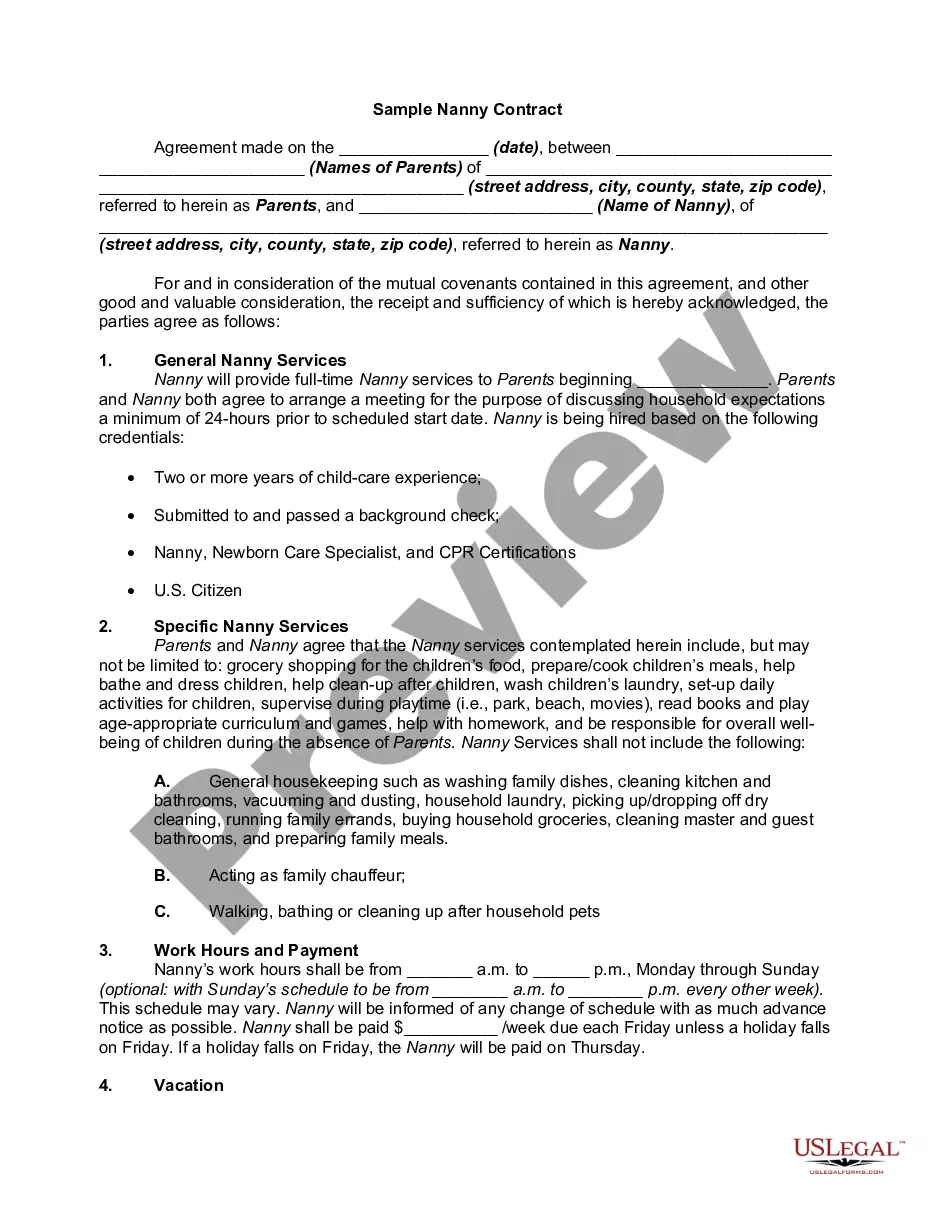

Form popularity
FAQ
Here are the basic steps to create an acknowledgment receipt: Use a company letterhead. Give the receipt a title. Write the statement of acknowledgment. Create a place for signatures and the date of the transaction. Explain any next steps. Provide contact information for further questions.
Acknowledgment Receipt, or Reimbursement Expense Receipt, is used when the payee is not a business entity and the BIR requires the payee to issue Official Receipts. An improvised receipt different from those set forth by the BIR shall be accepted for disbursements (ORs).
I understand and agree that I will read and comply with the policies contained in this manual and any revisions, that I am bound by the provisions contained therein, and that my continued employment is contingent on following those policies.
Tips for Writing Your Acknowledgement: Be specific: Instead of generic thanks, mention specific ways in which people helped you. Be sincere: Express your genuine appreciation for the help you received. Keep it concise: Acknowledgements should be brief and to the point.
Acknowledgement. Executive affirms that she has read this Agreement and been advised that she has twenty-one (21) days from the date she received it to sign this Agreement, and that she has been advised in writing to consult with an attorney prior to signing this Agreement.
Use these steps to write an acknowledgment receipt: Use a company letterhead. Use electronic or paper letterhead. Write acknowledgment statement. Sign and date. Explain the next step. Provide contact information.
Acknowledgement forms help companies to keep track of the employees who have received and understood policies, both when they are first hired and as policies evolve over time. They're useful for policies in any area, but are particularly important where privacy, confidentiality, and information security are concerned.
How to write an acknowledging receipt Begin with a professional letterhead or logo. You can begin by including the letterhead or logo of your employer . Include the acknowledgment statement. Sign the document. Describe what to do next. Add your contact information. Proofread and edit.
Acknowledgment of receipt for a document Dear (Recipient's name), I am writing to confirm that I have received the Document Name on Date. Thank you for sending this document.
Option 1: “Thank you for confirming on (insert the date you received their acknowledgment) that you have received my email that was sent on (insert the date you sent the original email).” Option 2: “Acknowledged.” Option 3: “I've received your email.” Option 4: “Thank you.” and sign off with “Best.”
