Bank Letter For Ach In Alameda
Description


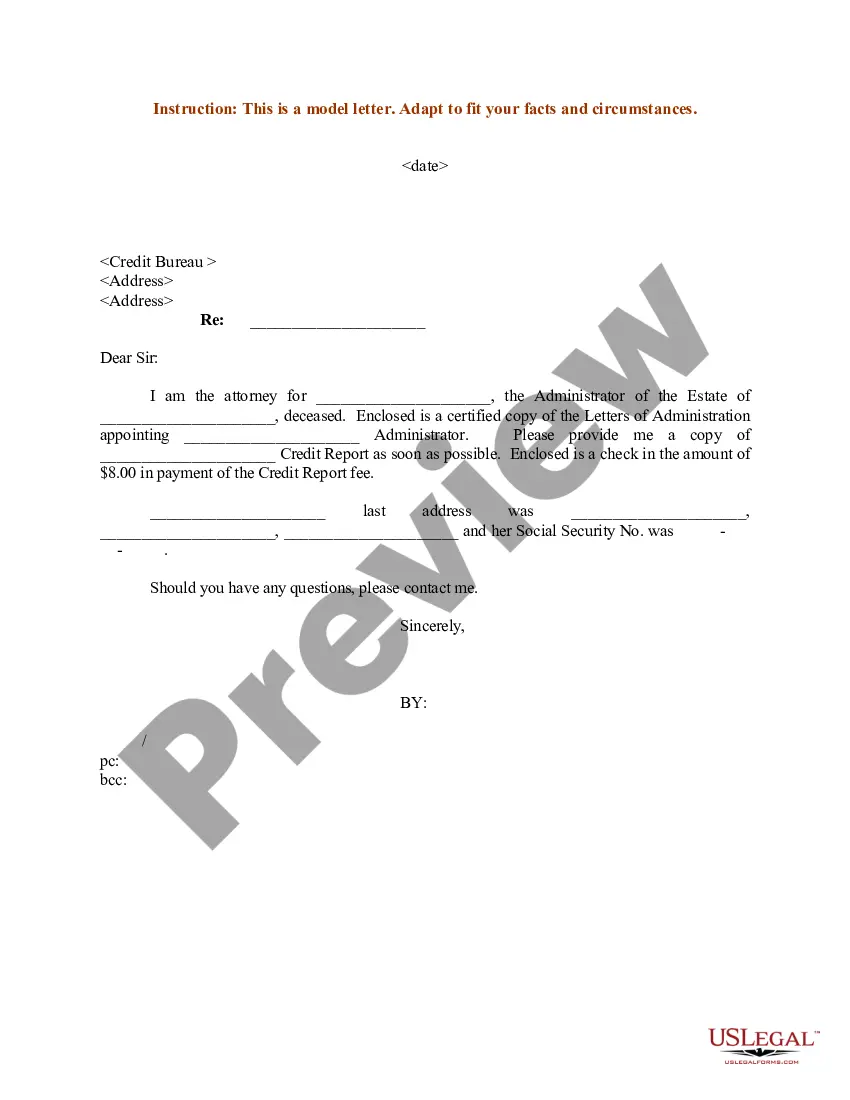

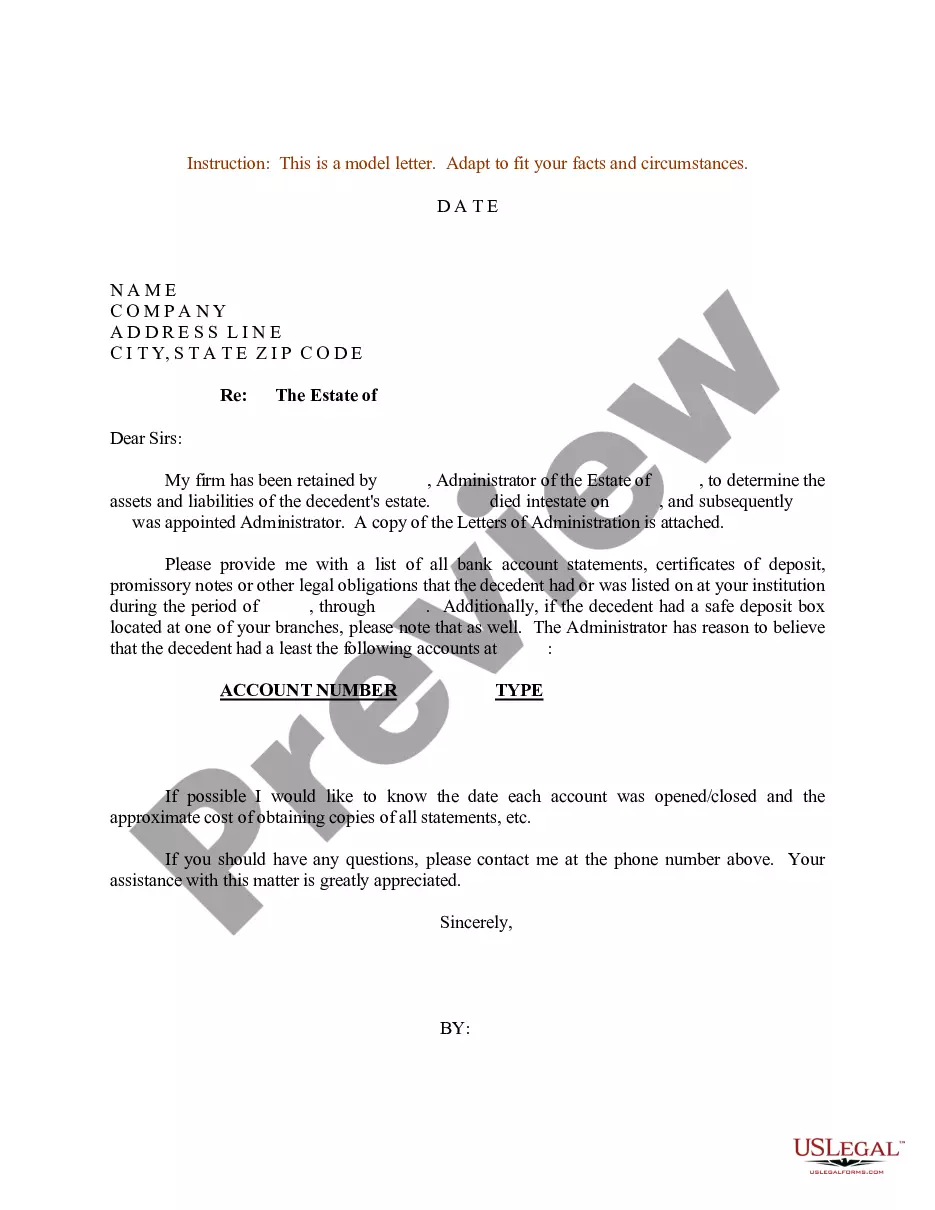
Get your form ready online
Our built-in tools help you complete, sign, share, and store your documents in one place.
Make edits, fill in missing information, and update formatting in US Legal Forms—just like you would in MS Word.
Download a copy, print it, send it by email, or mail it via USPS—whatever works best for your next step.
Sign and collect signatures with our SignNow integration. Send to multiple recipients, set reminders, and more. Go Premium to unlock E-Sign.
If this form requires notarization, complete it online through a secure video call—no need to meet a notary in person or wait for an appointment.
We protect your documents and personal data by following strict security and privacy standards.

Make edits, fill in missing information, and update formatting in US Legal Forms—just like you would in MS Word.

Download a copy, print it, send it by email, or mail it via USPS—whatever works best for your next step.

Sign and collect signatures with our SignNow integration. Send to multiple recipients, set reminders, and more. Go Premium to unlock E-Sign.

If this form requires notarization, complete it online through a secure video call—no need to meet a notary in person or wait for an appointment.

We protect your documents and personal data by following strict security and privacy standards.
Looking for another form?










Form popularity
FAQ
To make an ACH transfer, you'll need to provide the following details: Name. Routing/ABA number. Account number. Whether the bank account is a business or personal account. Transaction amount.
An ACH authorization form must include specific information to comply with NACHA Operating Rules and ensure proper processing of payments. Here are the key elements required: Personal information: Full name, address, phone number. Bank account details: Account number, routing number, account type (checking or savings).
To begin using ACH Debit or to make changes to an existing account, please take the following steps: Step 1: Fill Out the ACH Debit Application, CBP Form 400 and Send to CBP for Processing. Step 2: CBP Reviews the Application. Step 3: CBP Creates the ACH Account and Assigns a Payer Unit Number.
There are no rules on how you build your ACH form online or how it should look. As long as you have the necessary requirements, you can choose to make it on your own.
Setting up an ACH requires a savings or checking account, routing number, and bank account number. An ACH direct deposit can not happen until this data is shared with the payer. The account information of the payee is always required to set up a direct deposit.
ACH mandate has to be issued from the Bank Account registered with HDFC Bank Ltd. Mobile Number/Email Id registered with HDFC Bank Ltd. should be active for receiving the OTP for ACH Registration. IFSC and MICR should be verified or updated as mentioned on your Cheque/Passbook, whichever is latest.
To obtain a bank confirmation letter from your bank you may request in-person at a bank branch from one of the bankers, by a phone call to the bank, and depending on the financial institution, through their online platform.
A bank letter is an official document from your bank that provides important information about your business' official bank account.
To whom it may concern: I am writing to request direct deposit of my paycheck into my account at Commerce Bank. Enclosed is a completed Direct Deposit Authorization form, which includes the required bank account information as well as my contact information. A voided check is also enclosed.
How to Fill Out the ACH Authorization Form Correctly Inputting account details (account holder name, account number, routing number, account type). Verifying identity through instant bank verification or micro-deposits. Providing a digital signature.
