Sample Email Templates For Customer Service In Dallas
Description





Get your form ready online
Our built-in tools help you complete, sign, share, and store your documents in one place.
Make edits, fill in missing information, and update formatting in US Legal Forms—just like you would in MS Word.
Download a copy, print it, send it by email, or mail it via USPS—whatever works best for your next step.
Sign and collect signatures with our SignNow integration. Send to multiple recipients, set reminders, and more. Go Premium to unlock E-Sign.
If this form requires notarization, complete it online through a secure video call—no need to meet a notary in person or wait for an appointment.
We protect your documents and personal data by following strict security and privacy standards.

Make edits, fill in missing information, and update formatting in US Legal Forms—just like you would in MS Word.

Download a copy, print it, send it by email, or mail it via USPS—whatever works best for your next step.

Sign and collect signatures with our SignNow integration. Send to multiple recipients, set reminders, and more. Go Premium to unlock E-Sign.

If this form requires notarization, complete it online through a secure video call—no need to meet a notary in person or wait for an appointment.

We protect your documents and personal data by following strict security and privacy standards.
Looking for another form?
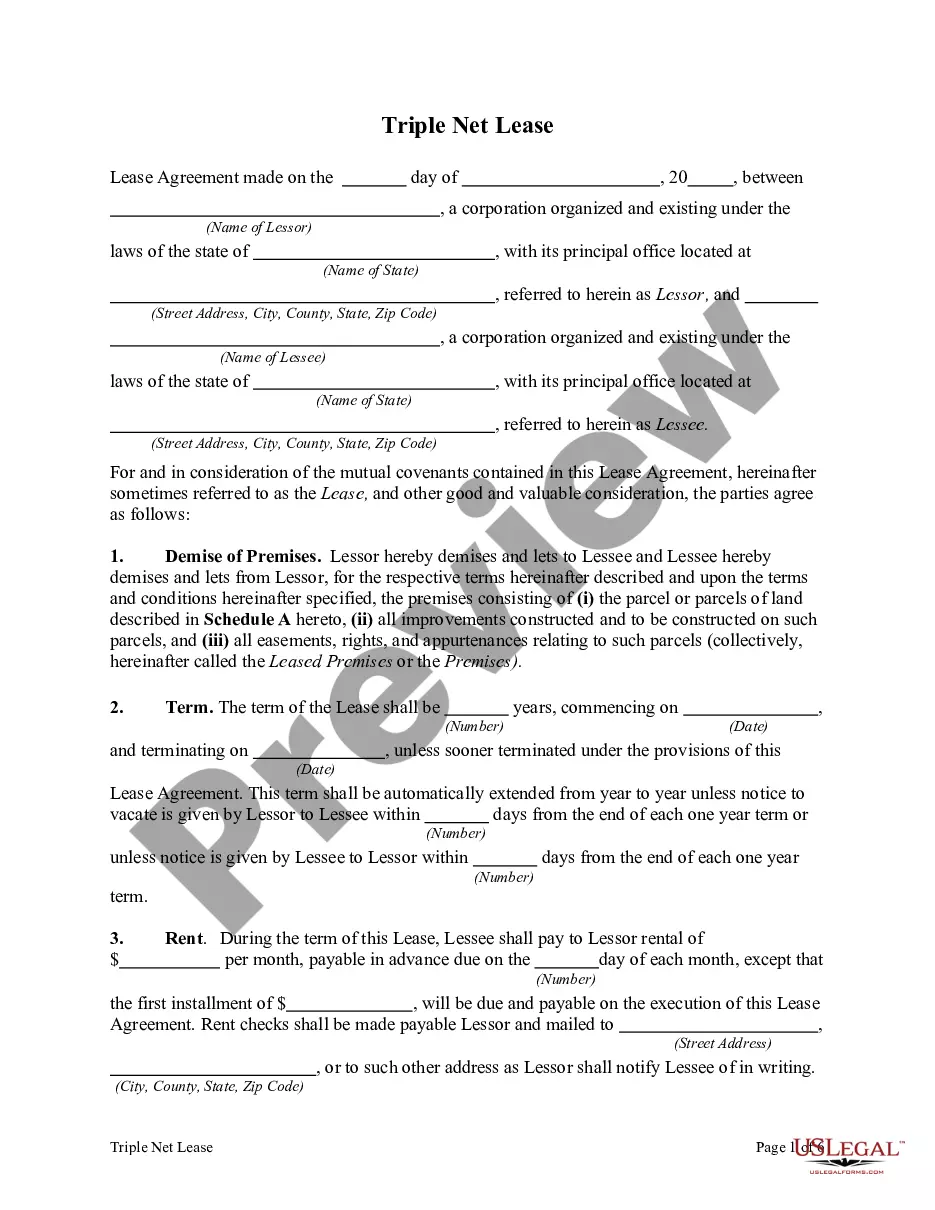
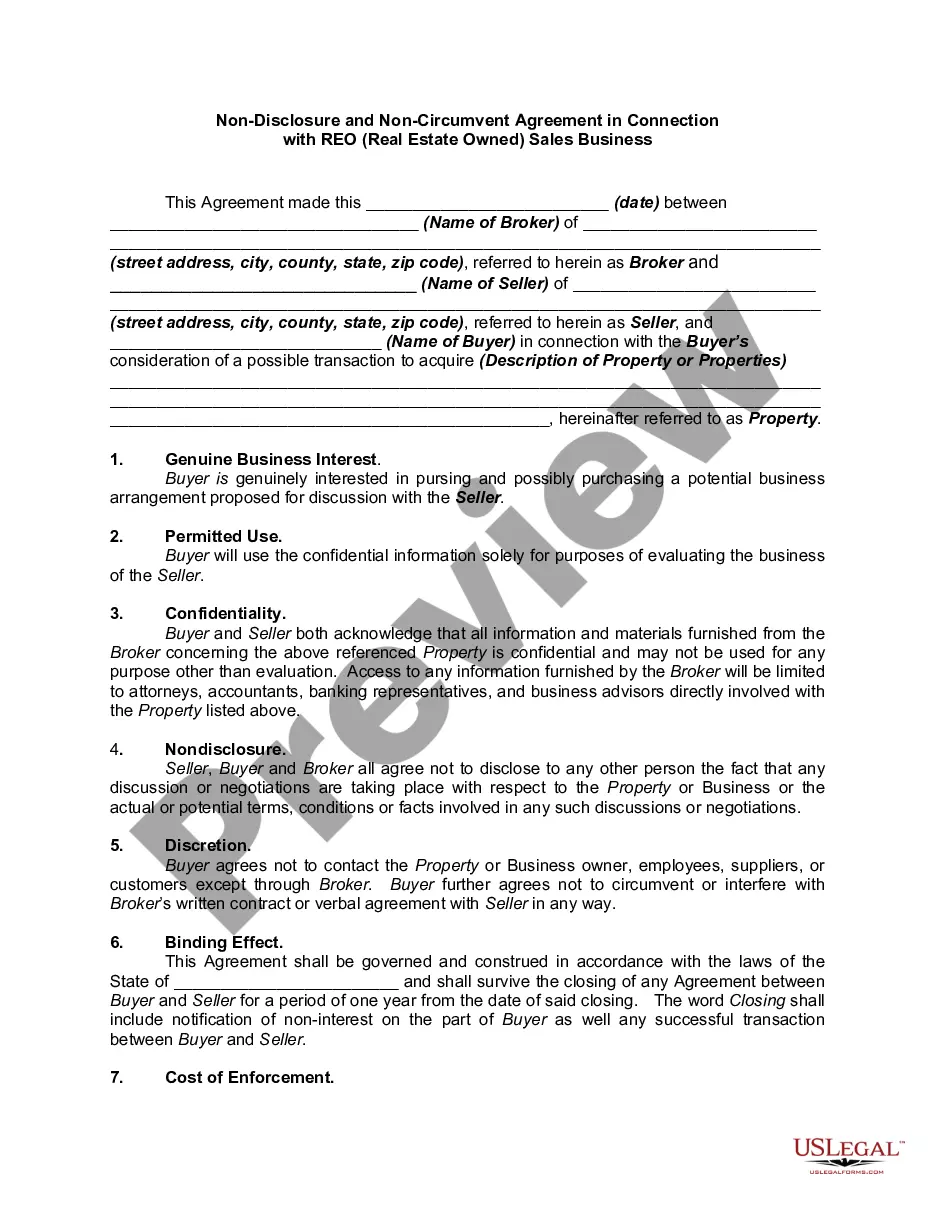

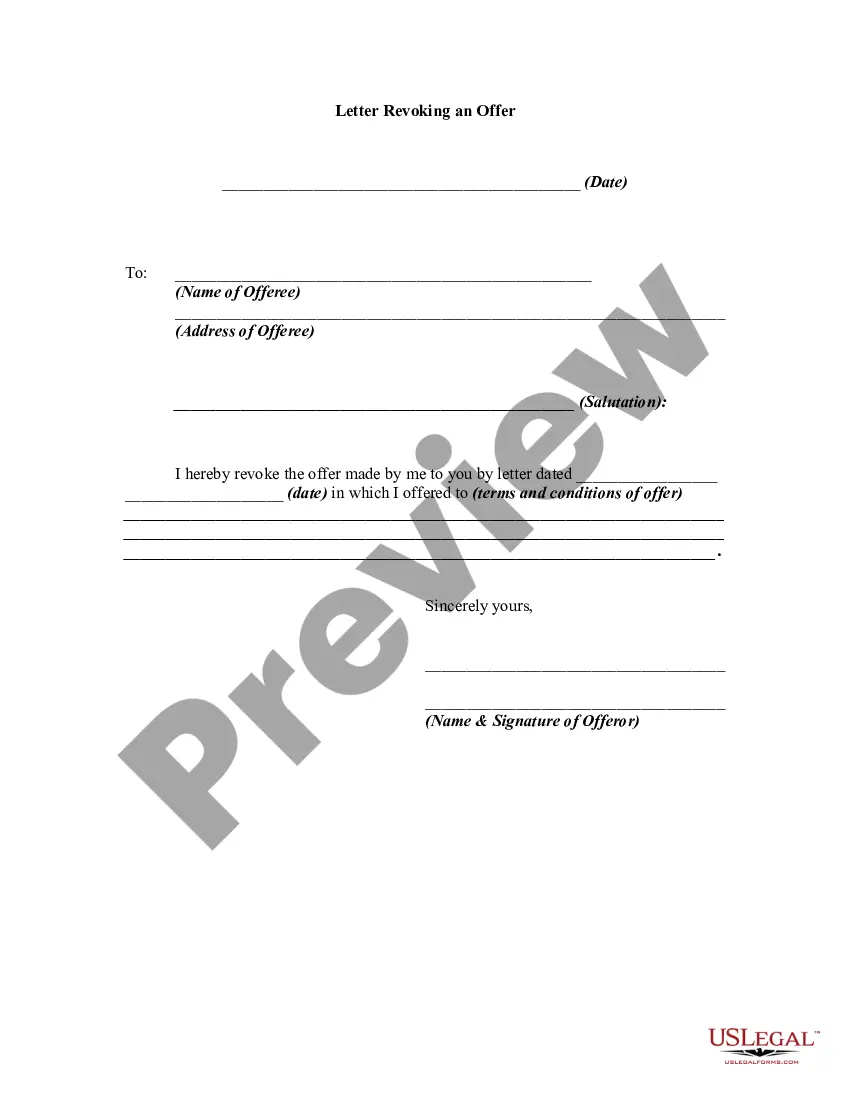
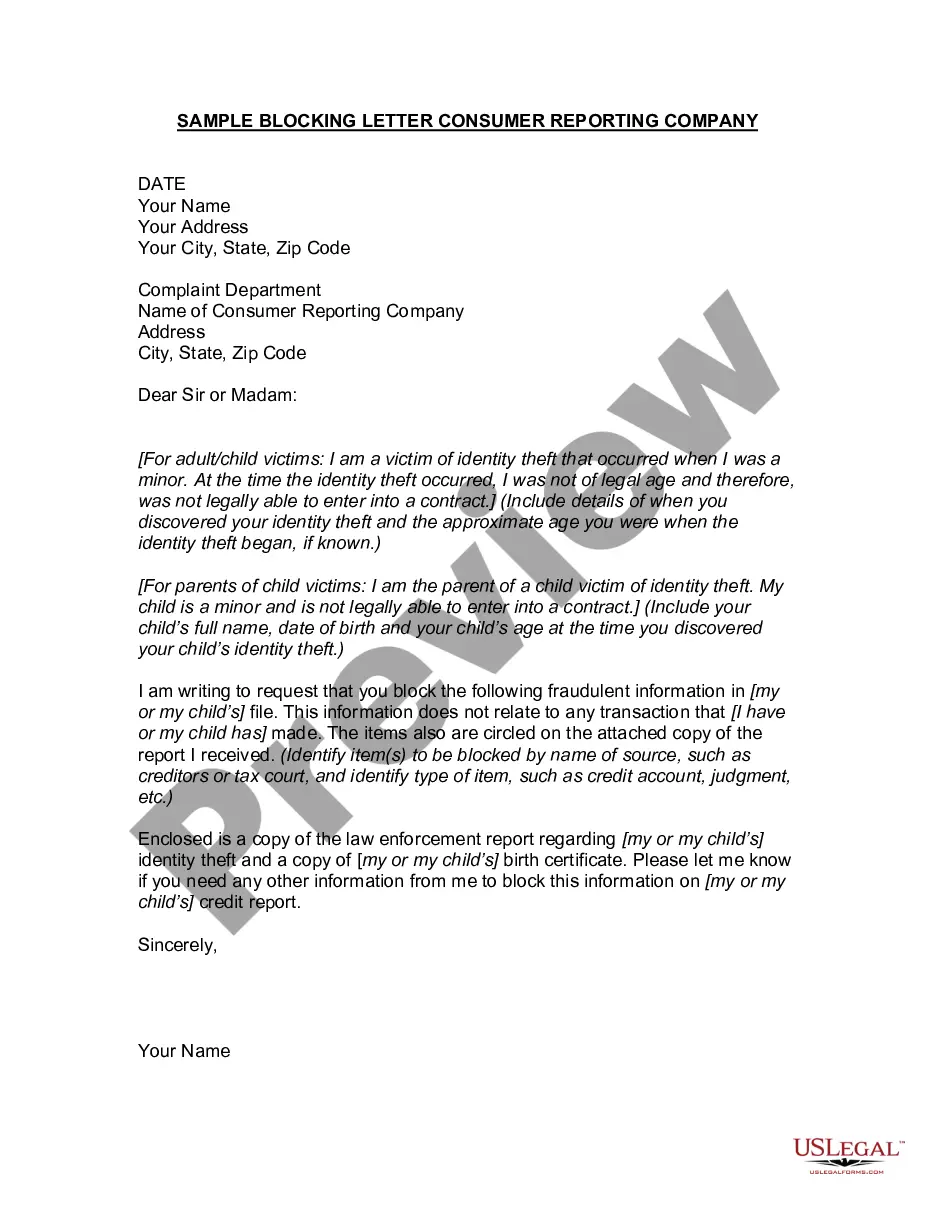
Form popularity
FAQ
Enhance customer service emails using templates to save time, reduce errors, and ensure consistency. Templates cover various scenarios like angry or happy customer responses and refund emails, improving efficiency and maintaining brand voice.
You first need to go to the Gear icon > Advanced Tab > Enable Templates. Then you can write an email and click the more icon (three vertical dots) and select Template.
Subject line: Customer name, technical support available Dear Customer name, I just wanted to make sure you benefit from our 24/7 assistance with any technical issues you may be experiencing. If you're experiencing any difficulties or have questions about our product, please don't hesitate to reach out.
The customer care email is a dedicated email address used by a company to receive and respond to customer inquiries regarding your product/service. It is usually something like support@companyname, help@companyname, or customercare@companyname. The specific email address varies depending on the company.
How to write an email complaint Identify and label the addressee. Before you write the email, identify who exactly needs to receive your email. Describe the issue. Attach supporting documentation. Explain the impact. Name your resolution desires. Make final formatting edits.
Tips for crafting a customer service email response Read their query thoroughly. Whether a customer sends a question, complaint or critique, it's important to read their message thoroughly. Be polite. Try to be kind and positive in your response. Find an answer. Offer a solution. Be clear. Thank them.
Dear Client's Name, I hope this message finds you well. My name is Your Name, and I am delighted to extend a warm greeting as a representative from Your Company. I wanted to take this opportunity to introduce myself and express our appreciation for the opportunity to work with you.
