Authorization Travel Document With Ilr In Santa Clara
Description


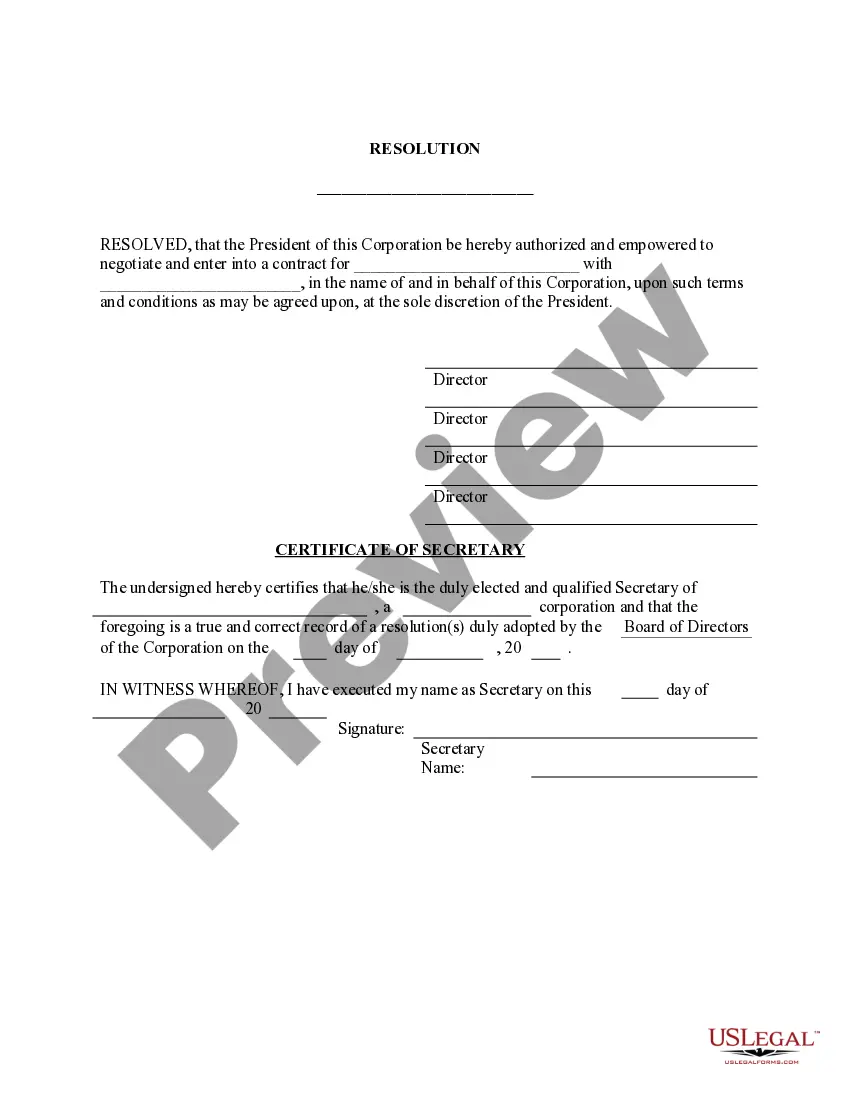

Get your form ready online
Our built-in tools help you complete, sign, share, and store your documents in one place.
Make edits, fill in missing information, and update formatting in US Legal Forms—just like you would in MS Word.
Download a copy, print it, send it by email, or mail it via USPS—whatever works best for your next step.
Sign and collect signatures with our SignNow integration. Send to multiple recipients, set reminders, and more. Go Premium to unlock E-Sign.
If this form requires notarization, complete it online through a secure video call—no need to meet a notary in person or wait for an appointment.
We protect your documents and personal data by following strict security and privacy standards.

Make edits, fill in missing information, and update formatting in US Legal Forms—just like you would in MS Word.

Download a copy, print it, send it by email, or mail it via USPS—whatever works best for your next step.

Sign and collect signatures with our SignNow integration. Send to multiple recipients, set reminders, and more. Go Premium to unlock E-Sign.

If this form requires notarization, complete it online through a secure video call—no need to meet a notary in person or wait for an appointment.

We protect your documents and personal data by following strict security and privacy standards.
Looking for another form?








Form popularity
FAQ
Photographs. A. If you are outside the United States and filing for a refugee travel document, or if you are in the United States and filing for advance parole document. You must submit two identical color photographs of yourself taken within 30 days of the filing of this application.
You must submit evidence such as your photo identification and proof of immigration status. You can file your application online or mail it to a direct filing address depending on your immigration status. Find tips for filing a form online. You must apply for a travel document before leaving the United States.
In general, filing your N-400 application online tends to result in faster processing times compared to filing by paper. USCIS typically processes online applications more efficiently because they are submitted electronically, allowing for quicker data entry and processing.

