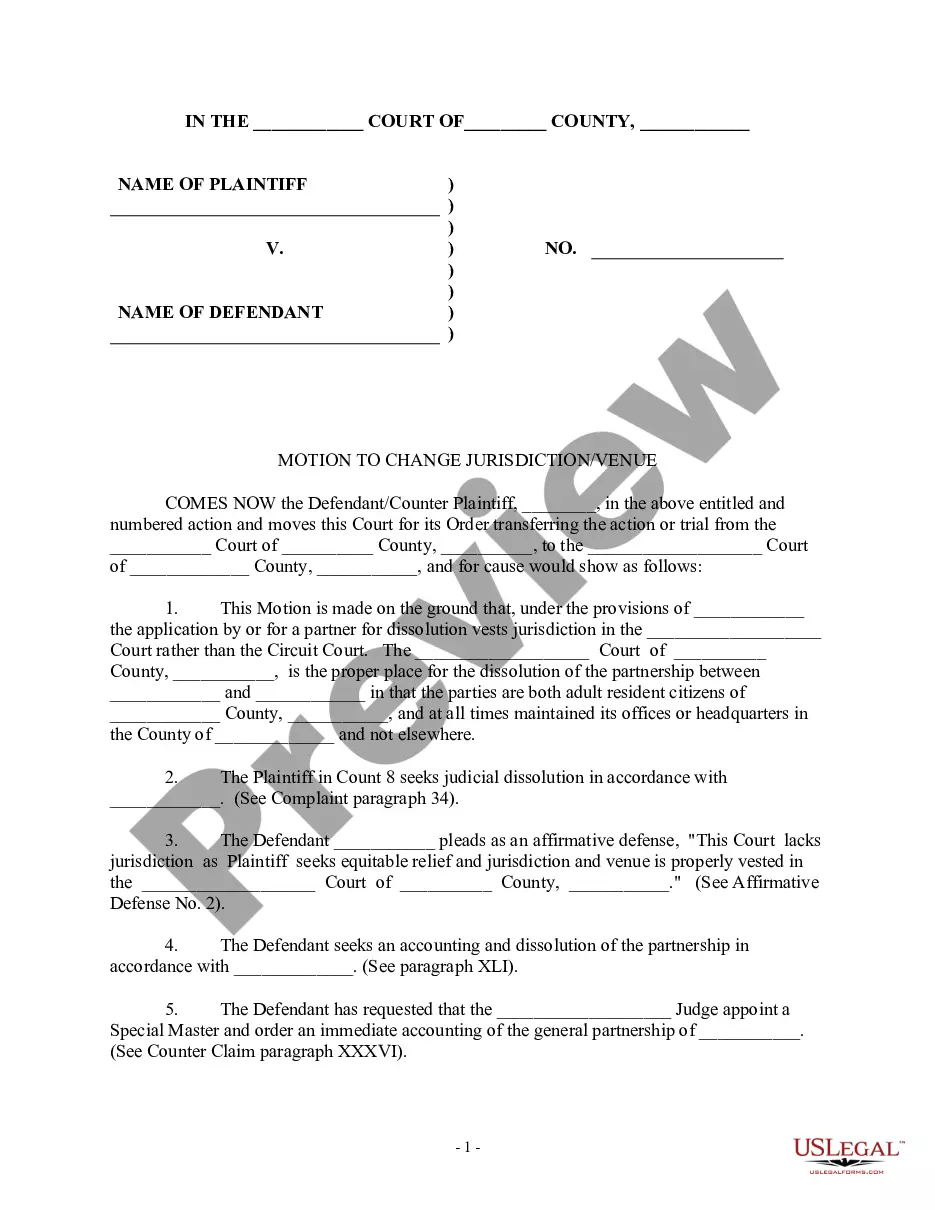
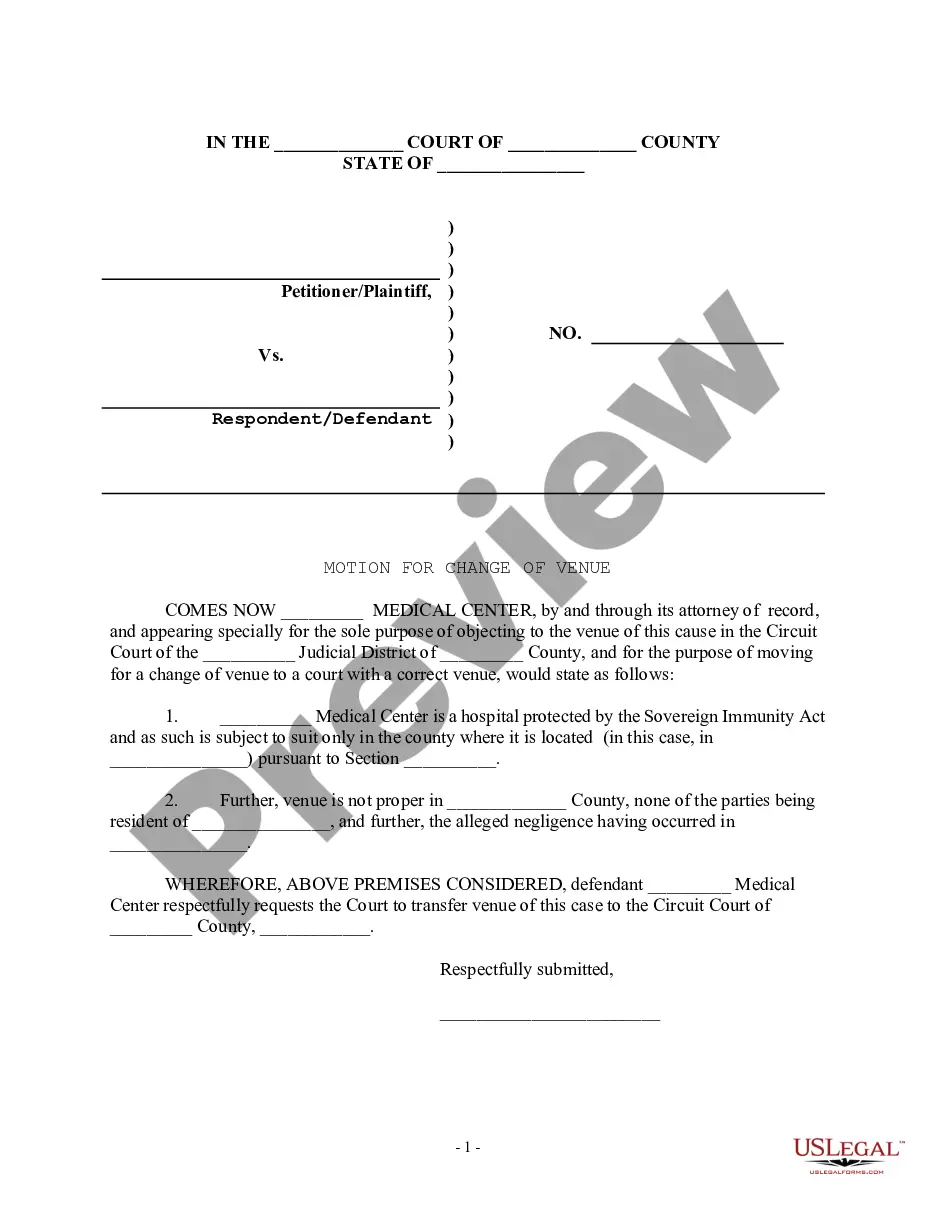
Change Of Venue Wording In Middlesex
Description
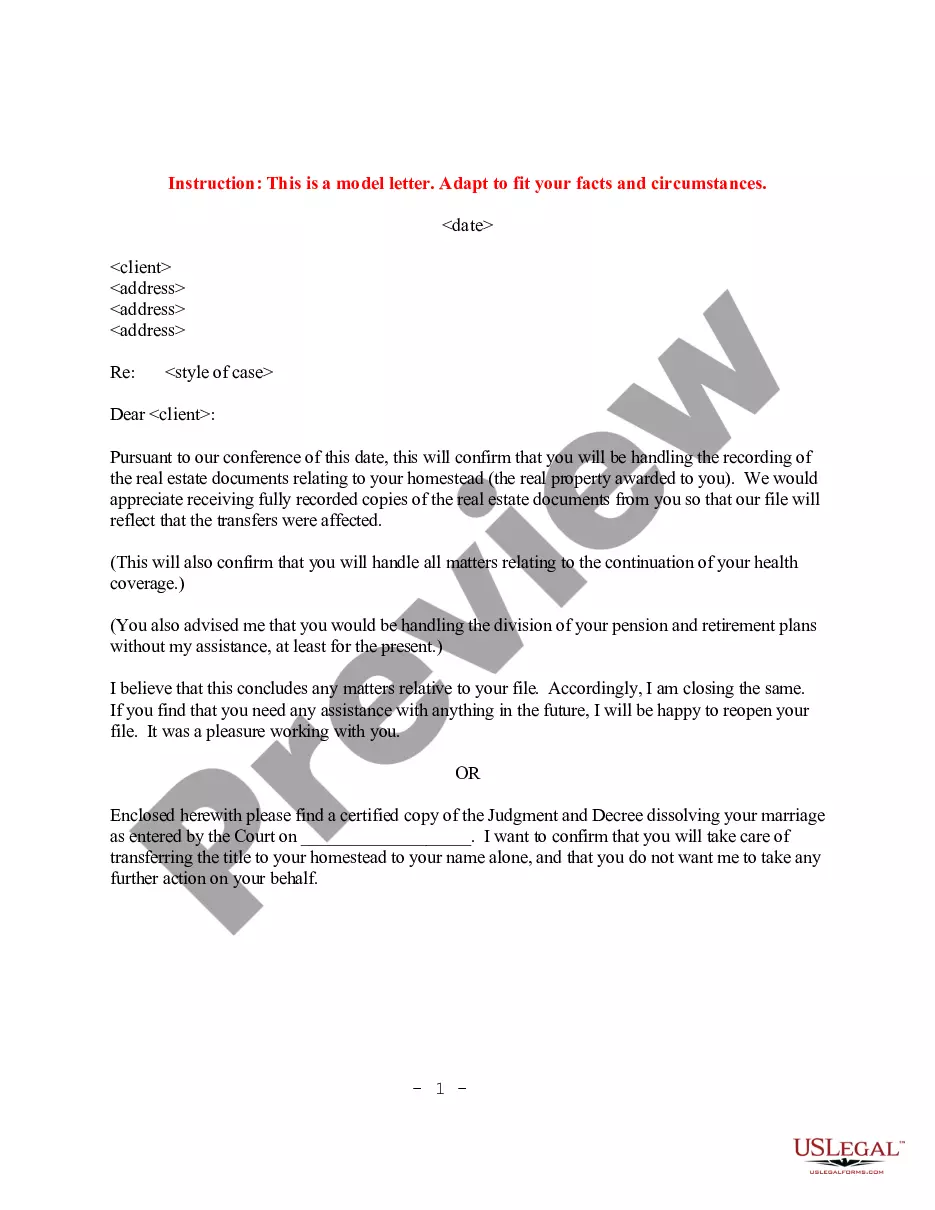
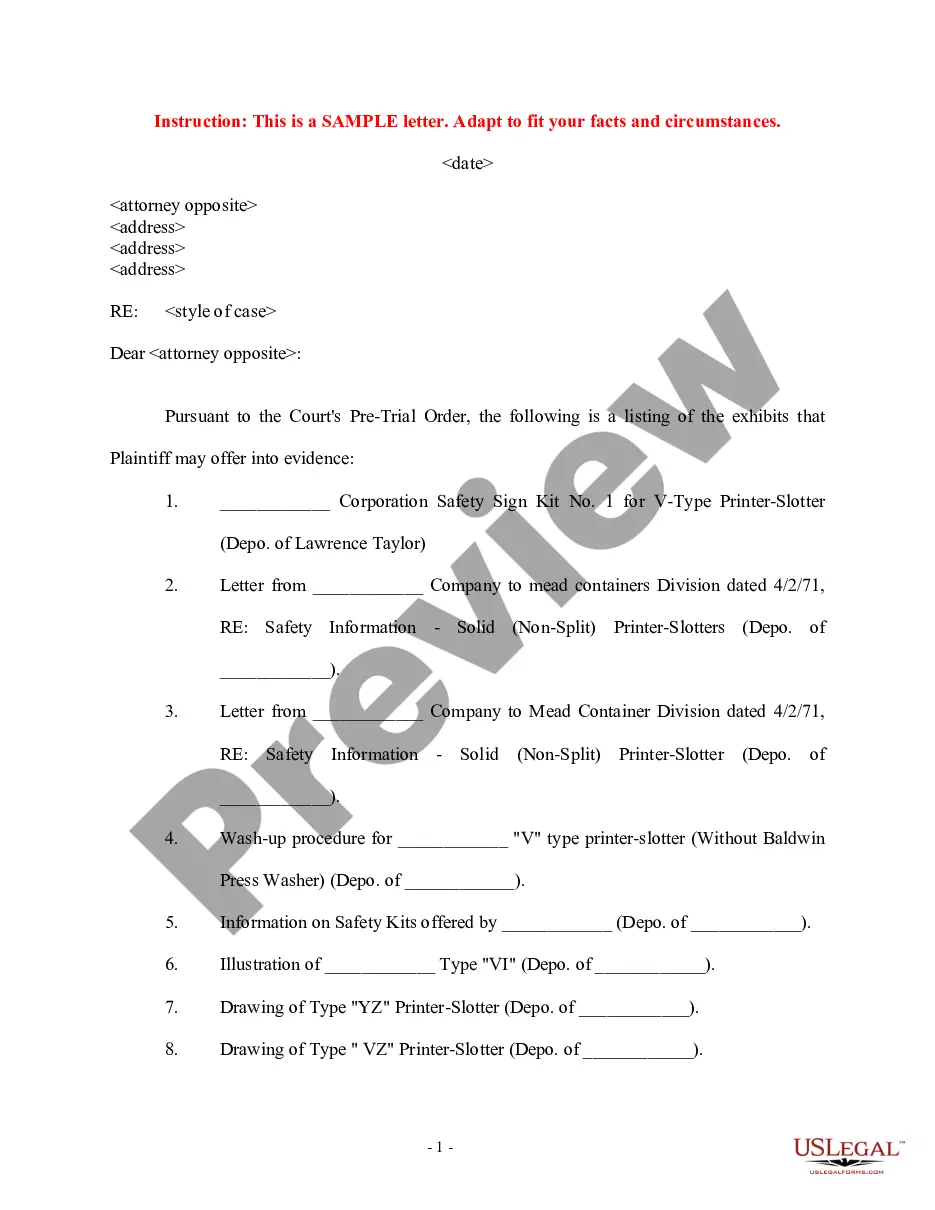
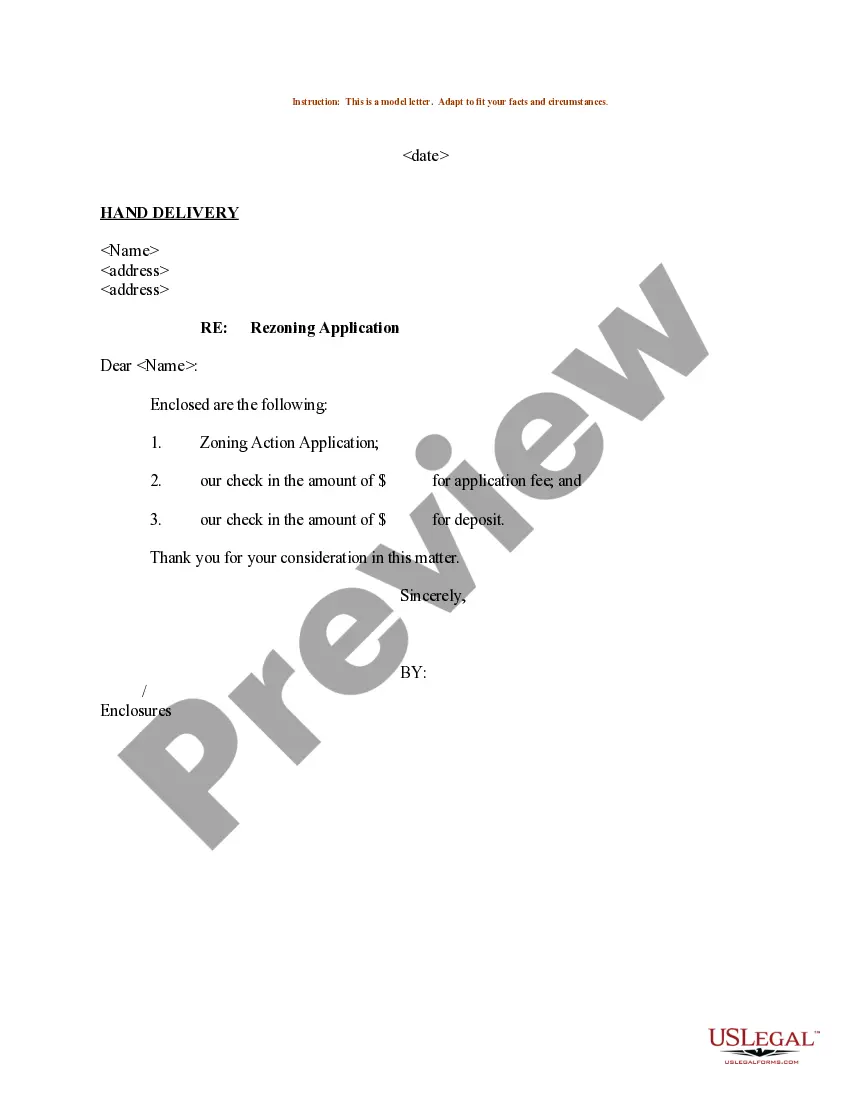
Get your form ready online
Our built-in tools help you complete, sign, share, and store your documents in one place.
Make edits, fill in missing information, and update formatting in US Legal Forms—just like you would in MS Word.
Download a copy, print it, send it by email, or mail it via USPS—whatever works best for your next step.
Sign and collect signatures with our SignNow integration. Send to multiple recipients, set reminders, and more. Go Premium to unlock E-Sign.
If this form requires notarization, complete it online through a secure video call—no need to meet a notary in person or wait for an appointment.
We protect your documents and personal data by following strict security and privacy standards.

Make edits, fill in missing information, and update formatting in US Legal Forms—just like you would in MS Word.

Download a copy, print it, send it by email, or mail it via USPS—whatever works best for your next step.

Sign and collect signatures with our SignNow integration. Send to multiple recipients, set reminders, and more. Go Premium to unlock E-Sign.

If this form requires notarization, complete it online through a secure video call—no need to meet a notary in person or wait for an appointment.

We protect your documents and personal data by following strict security and privacy standards.
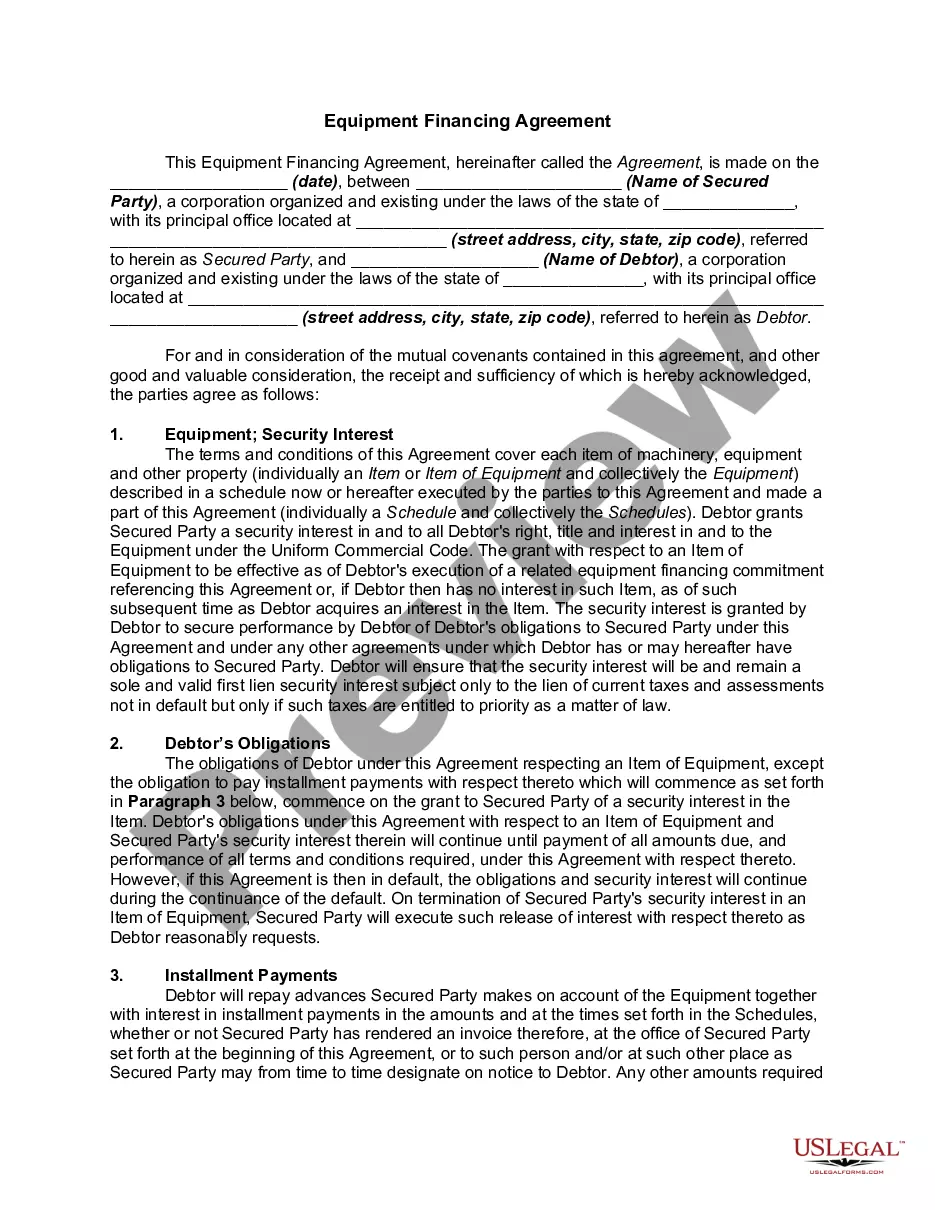
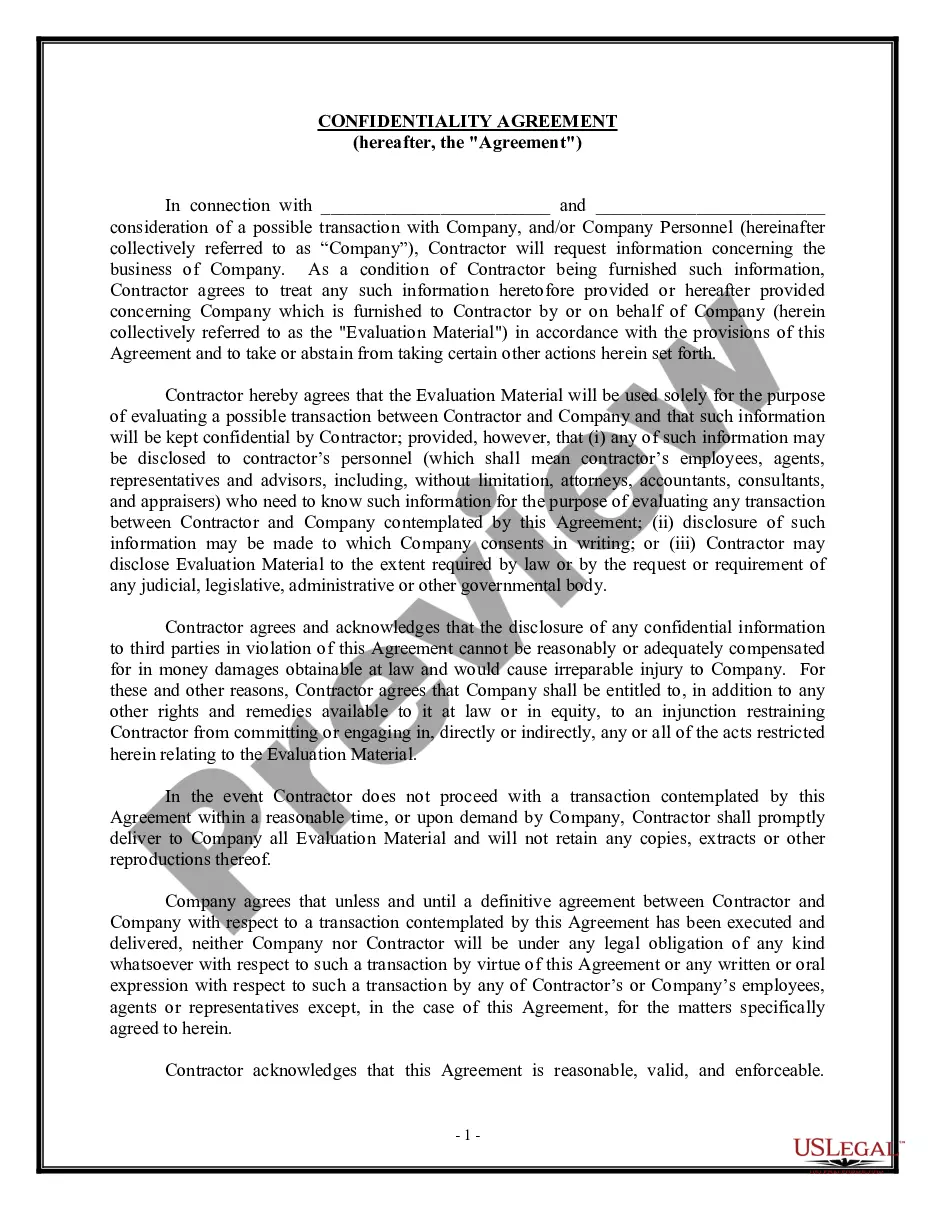
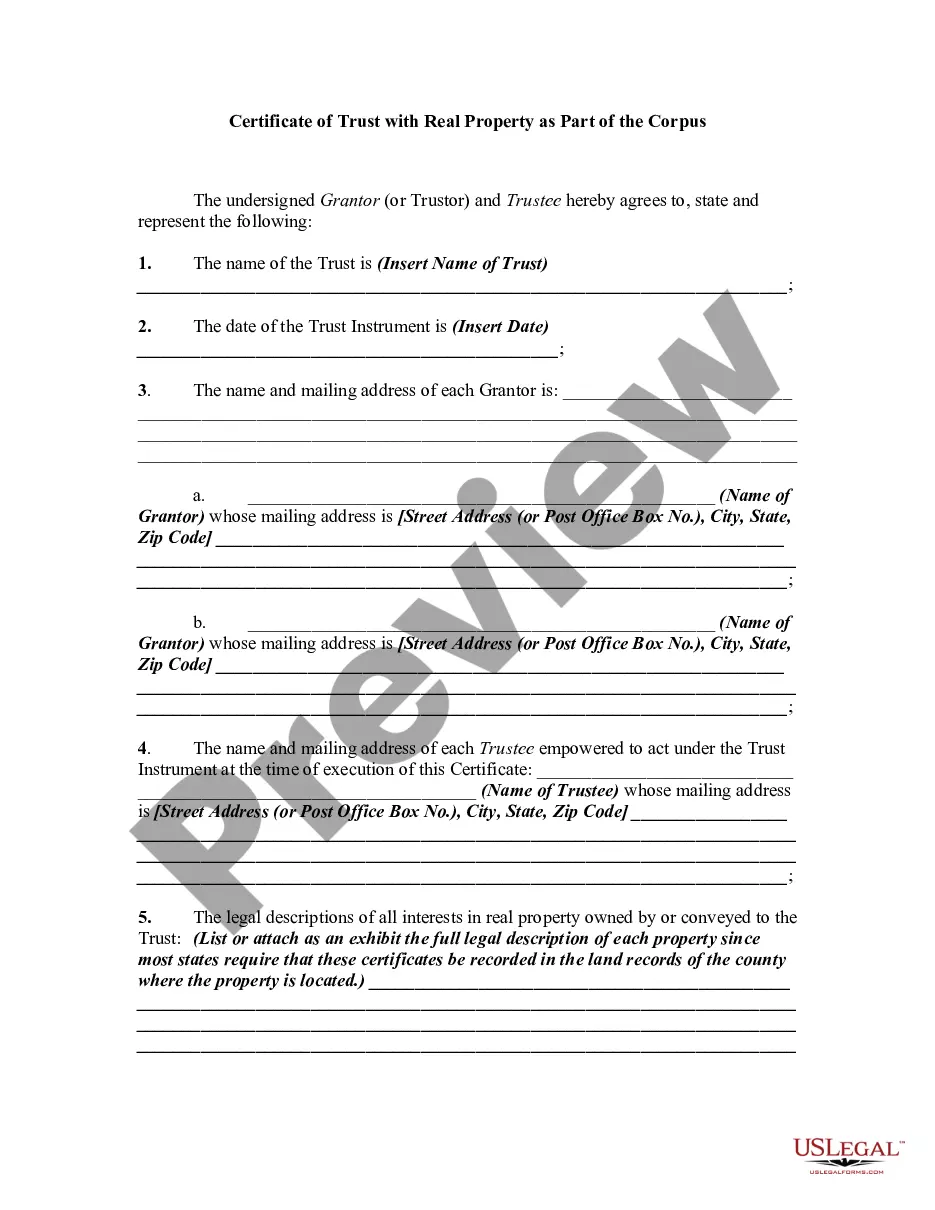
Looking for another form?






Form popularity
FAQ
Follow these steps to respond to a motion: Fill out the forms. You have to fill out at least 2 forms, maybe more, to file your opposition. File the forms. Turn in your completed forms by mail or efiling. Serve the other party. Get ready for the hearing. Prepare an order.
Here are the steps you should follow: Consult with Your Attorney. Review the Decision. Determine the Filing Deadline. Draft the Motion for Reconsideration. Attach Supporting Documents. File the Motion with the Court. Serve Copies to the Other Parties. Attend Hearings, if Scheduled:
12 Steps for Filing a Motion: Fill out the Notice of Motion (Form A) ... Get a court date for your motion – Court Calendar. Fill out the Confidential Litigant Information Sheet. Fill out the Certification in Support of Motion (Form B) ... Fill out the Proposed Order (Form C)
Within ten days after entry of judgment or order, unless such time is enlarged by court order, a party may apply for reconsideration by serving two copies of a motion on counsel for each of the opposing parties and filing nine copies thereof with the Supreme Court, or five copies thereof with the Appellate Division, as ...
12 Steps for Filing a Motion: Fill out the Notice of Motion (Form A) ... Get a court date for your motion – Court Calendar. Fill out the Confidential Litigant Information Sheet. Fill out the Certification in Support of Motion (Form B) ... Fill out the Proposed Order (Form C)
The Court Rules require that a motion for reconsideration of a final order must be filed within 20 days after the Order has been served and must “state with specificity the basis on which it is made, including a statement of the matters or controlling decisions which counsel believes the court has overlooked or as to ...
In New Jersey, begins by filing a motion referred to as an Order Enforcing Litigant's Rights. Individuals who continue to not cooperate with the order can be held in contempt of court, resulting in certain consequences. If there are no other options, this can sometimes include incarceration.
To move your case to another court, you must make a “Motion to Change Venue” in writing, and file one copy with the Court where your case is currently located and another copy with the Department of Homeland Security.
To move your case to another court, you must make a “Motion to Change Venue” in writing, and file one copy with the Court where your case is currently located and another copy with the Department of Homeland Security.
Certain people in proceedings before an immigration court can apply for relief from removal, such as adjustment of status to that of a lawful permanent resident, cancellation of removal, and certain waivers of inadmissibility.
