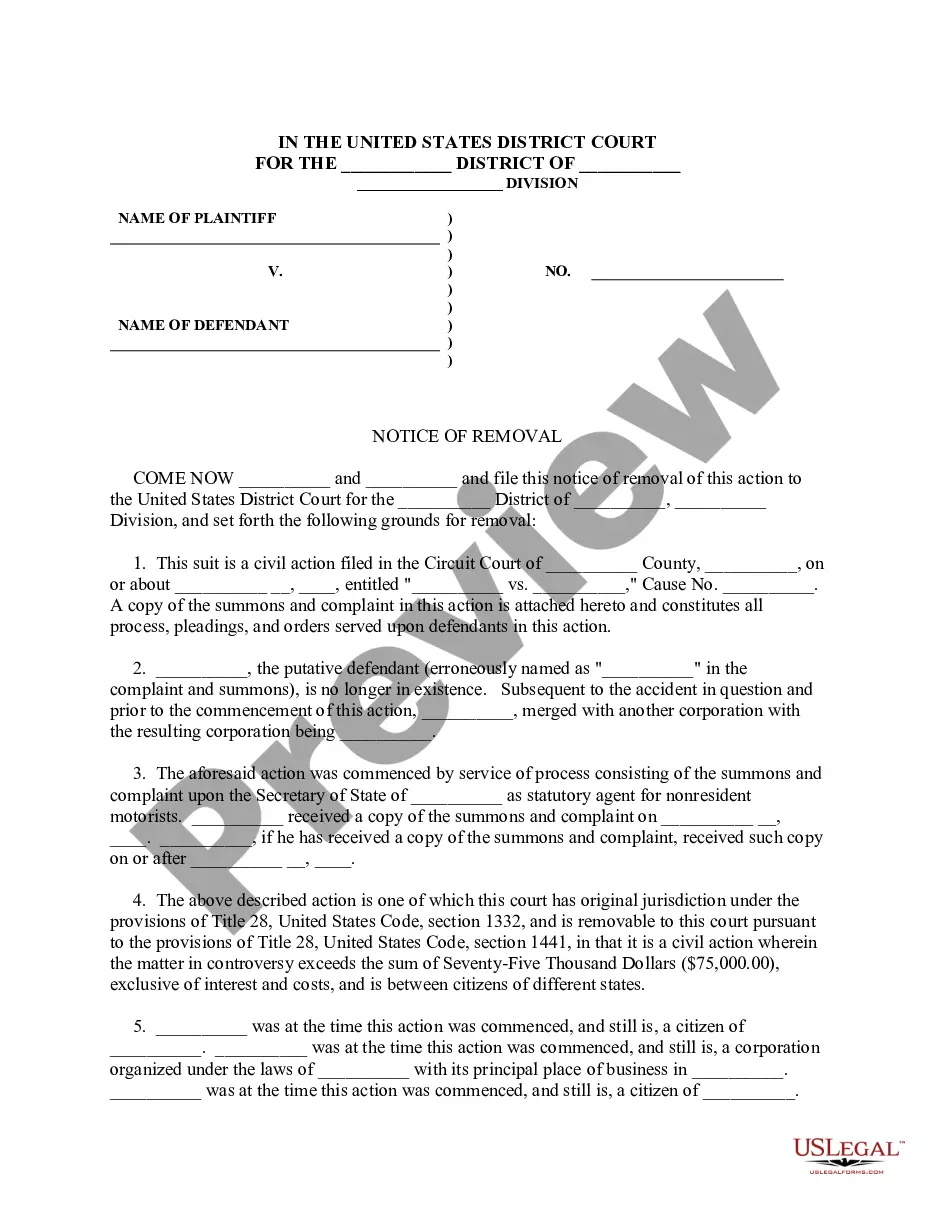
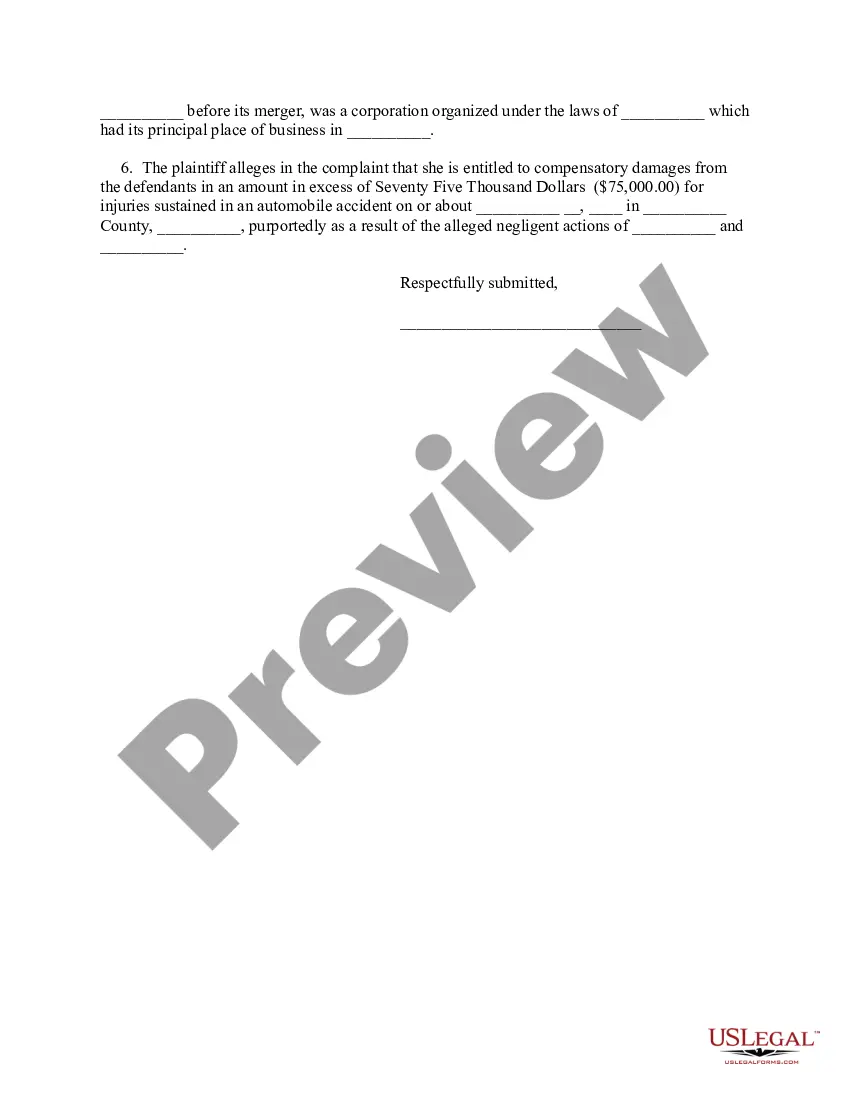
Notice Of Removal Template Without Signature In Cook
Description
Get your form ready online
Our built-in tools help you complete, sign, share, and store your documents in one place.
Make edits, fill in missing information, and update formatting in US Legal Forms—just like you would in MS Word.
Download a copy, print it, send it by email, or mail it via USPS—whatever works best for your next step.
Sign and collect signatures with our SignNow integration. Send to multiple recipients, set reminders, and more. Go Premium to unlock E-Sign.
If this form requires notarization, complete it online through a secure video call—no need to meet a notary in person or wait for an appointment.
We protect your documents and personal data by following strict security and privacy standards.

Make edits, fill in missing information, and update formatting in US Legal Forms—just like you would in MS Word.

Download a copy, print it, send it by email, or mail it via USPS—whatever works best for your next step.

Sign and collect signatures with our SignNow integration. Send to multiple recipients, set reminders, and more. Go Premium to unlock E-Sign.

If this form requires notarization, complete it online through a secure video call—no need to meet a notary in person or wait for an appointment.

We protect your documents and personal data by following strict security and privacy standards.
Looking for another form?









Form popularity
FAQ
To file electronically, go to , or link to the filing website via the Court's website . 13.5 What is the public website for information about the Court? For publicly available information, go to (no password required).
You may submit the complaint by regular mail to the Pro Se Intake Unit at Room 120, 500 Pearl Street, New York, NY 10007. By Email. You may email your complaint to Pro_Se_Filing@nysdcourts. The complaint must include your name, address, telephone number and email address (if available).
A defendant or defendants desiring to remove any civil action from a State court shall file in the district court of the United States for the district and division within which such action is pending a notice of removal signed pursuant to Rule 11 of the Federal Rules of Civil Procedure and containing a short and plain ...
I want to enter my appearance. How do I do that? You must log in to the CM/ECF System with your PACER account, enter the case number and then search for "Appearance of Counsel." The system will lead you through prompts to upload your appearance form and answer additional questions.