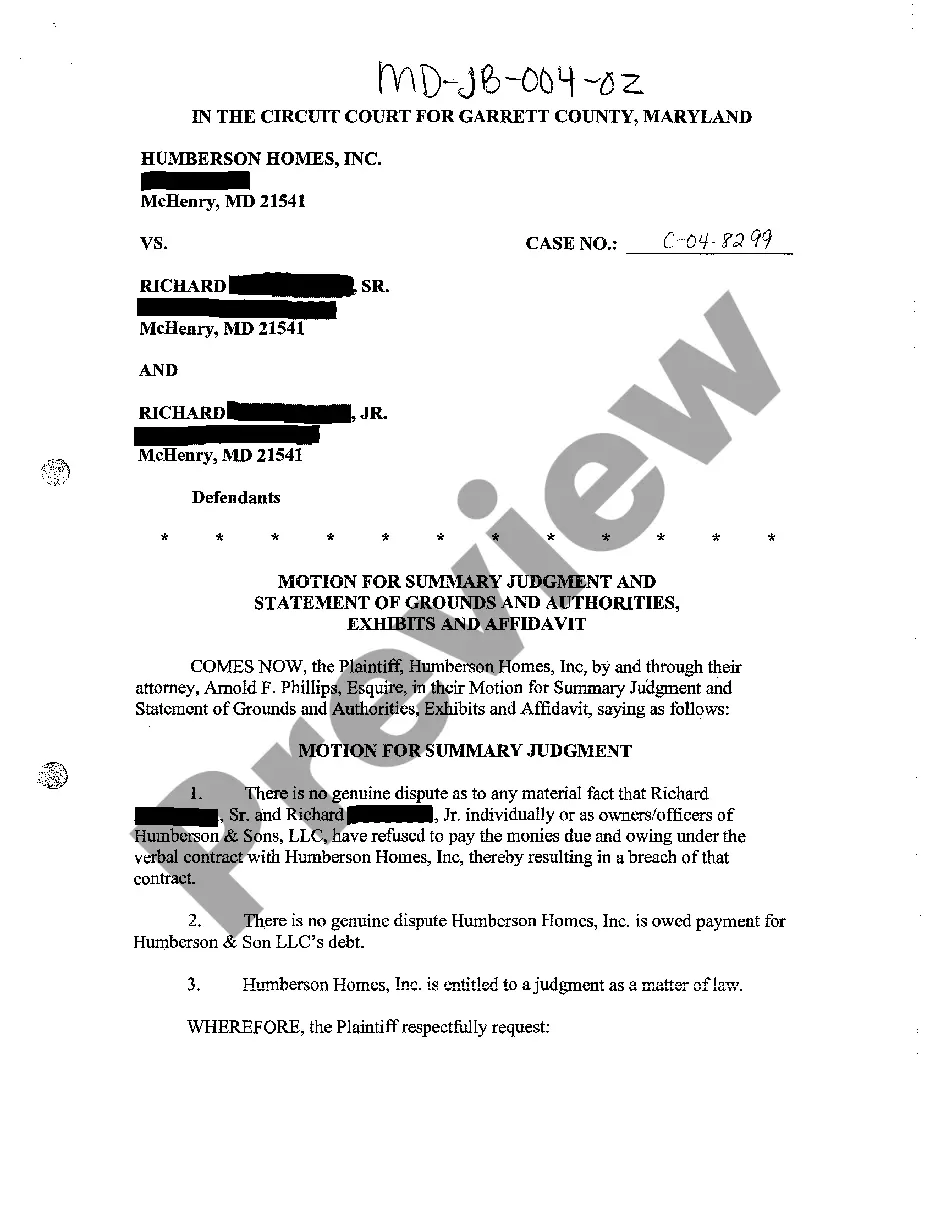
Notice Of Motion For Discovery In Hennepin
Description

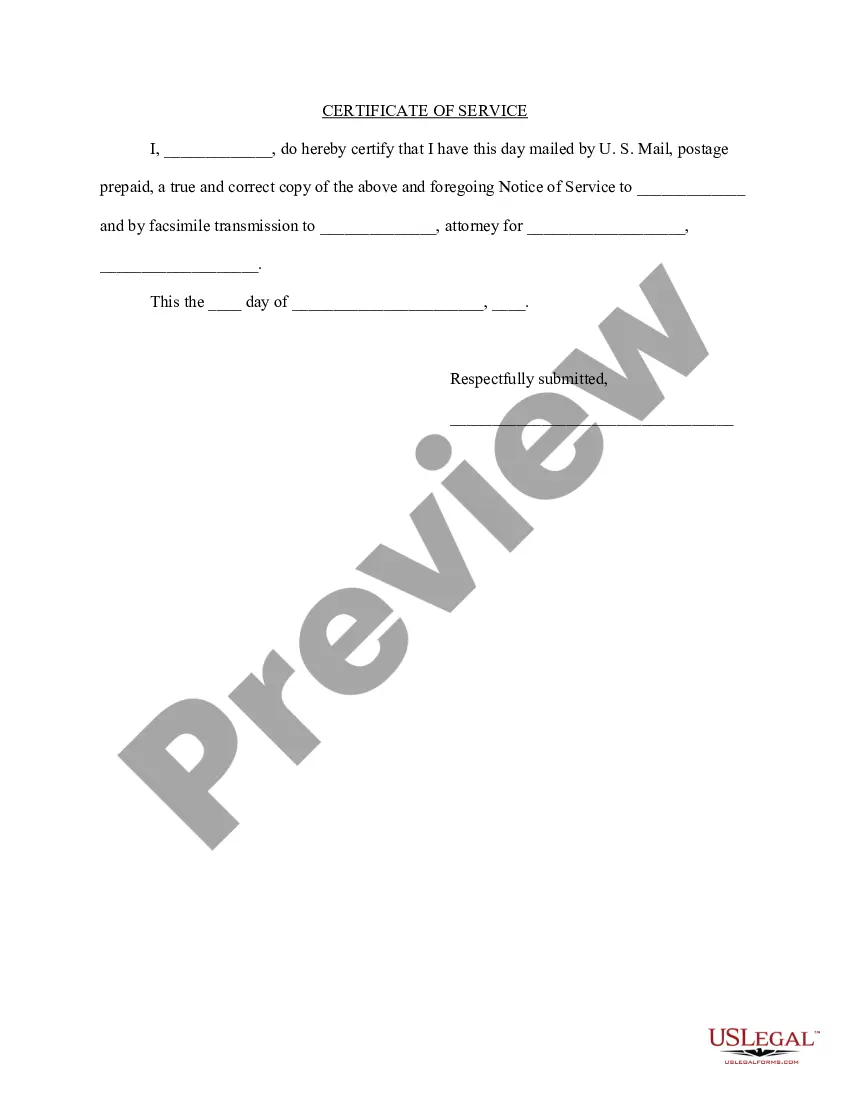
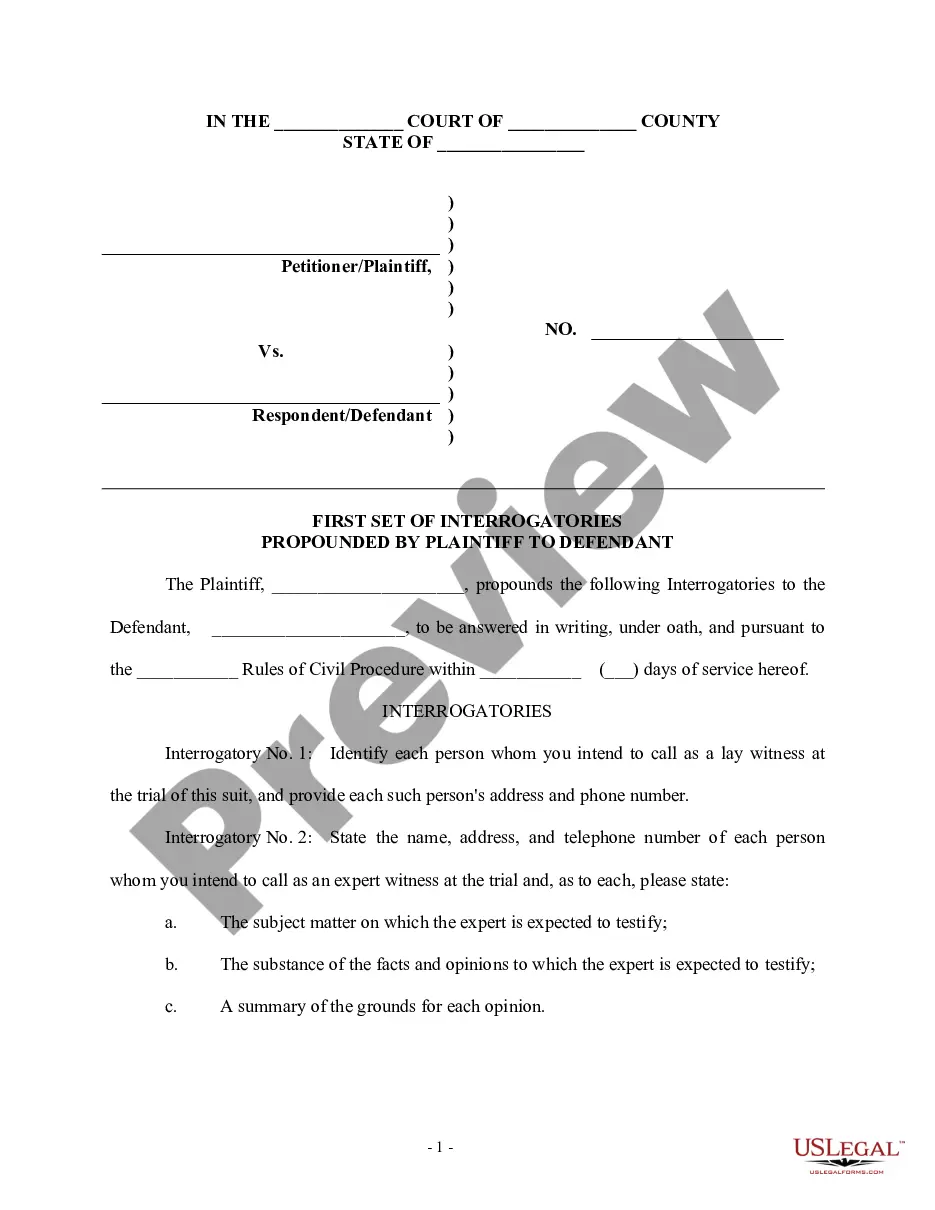
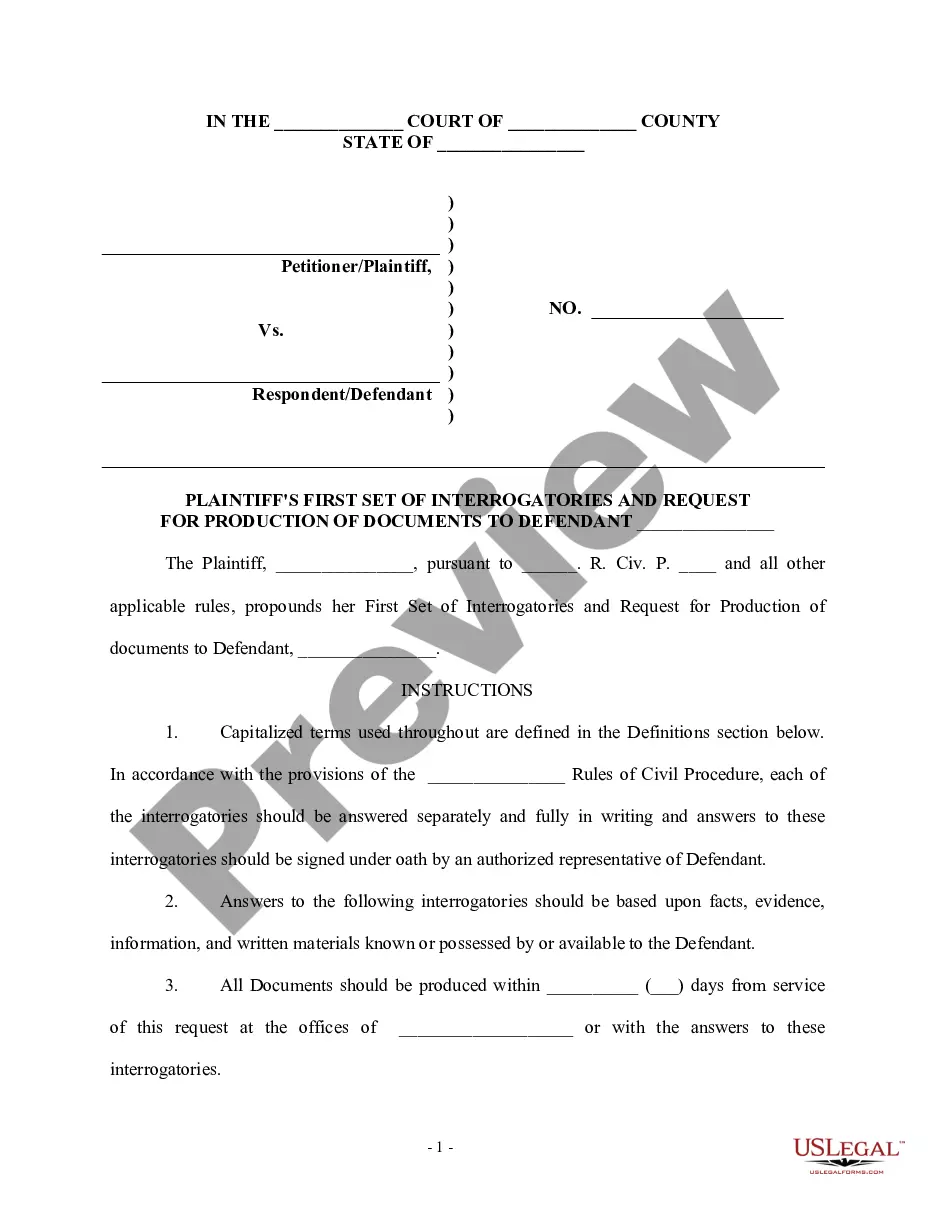
Get your form ready online
Our built-in tools help you complete, sign, share, and store your documents in one place.
Make edits, fill in missing information, and update formatting in US Legal Forms—just like you would in MS Word.
Download a copy, print it, send it by email, or mail it via USPS—whatever works best for your next step.
Sign and collect signatures with our SignNow integration. Send to multiple recipients, set reminders, and more. Go Premium to unlock E-Sign.
If this form requires notarization, complete it online through a secure video call—no need to meet a notary in person or wait for an appointment.
We protect your documents and personal data by following strict security and privacy standards.

Make edits, fill in missing information, and update formatting in US Legal Forms—just like you would in MS Word.

Download a copy, print it, send it by email, or mail it via USPS—whatever works best for your next step.

Sign and collect signatures with our SignNow integration. Send to multiple recipients, set reminders, and more. Go Premium to unlock E-Sign.

If this form requires notarization, complete it online through a secure video call—no need to meet a notary in person or wait for an appointment.

We protect your documents and personal data by following strict security and privacy standards.
Looking for another form?
Form popularity
FAQ
Discovery is how you gather the evidence you will need to prove your case as plaintiff, or defeat the plaintiff's case as a defendant. You use discovery to find out things like: What the other side plans to say about an issue in your case.
Rule 69. In aid of the judgment or execution, the judgment creditor, or successor in interest when that interest appears of record, may obtain discovery from any person, including the judgment debtor, in the manner provided by these rules.
Rule 35. The order may be made only on motion for good cause shown and upon notice to the party or person to be examined and to all other parties and shall specify the time, place, manner, conditions, and scope of the examination and the person or persons by whom it is made.
Instructions for filing a. Motion. in the Minnesota Court of Appeals. Step 1: Fill out the Motion form. Step 2: Fill out the Affidavit in Support of Motion form. Step 3: Serve your Motion and Affidavit on the opposing parties. Step 4: Proof of Service. Step 5: File the Motion, Affidavit, and Certificate of Service by Mail.
Rule 60. Clerical mistakes in judgments, orders, or other parts of the record and errors therein arising from oversight or omission may be corrected by the court at any time upon its own initiative or on the motion of any party and after such notice, if any, as the court orders.
How to submit forms and documents and update your information Update information and upload documents to InfoKeep. Upload to MNbenefits. Fax to 612-288-2981. Mail to: Hennepin County Human Services Department. P.O. Box 107. Minneapolis, MN 55440.
Additional ways to access court records Visit the District Court Records Center on the B-Level of the Hennepin County Government Center, or request a copy of the record by mail.
Court filings with exhibits attached as part of the court filing must be submitted to the court at the time of filing with the court (either in person, by mail, or through the eFile and eServe (eFS) System).
You will need to know the names of the parties or the court file number to pull up the court files online. The public can also access court documents from public access computer terminals at any Minnesota district (county) courthouse or at the Minnesota State Law Library.