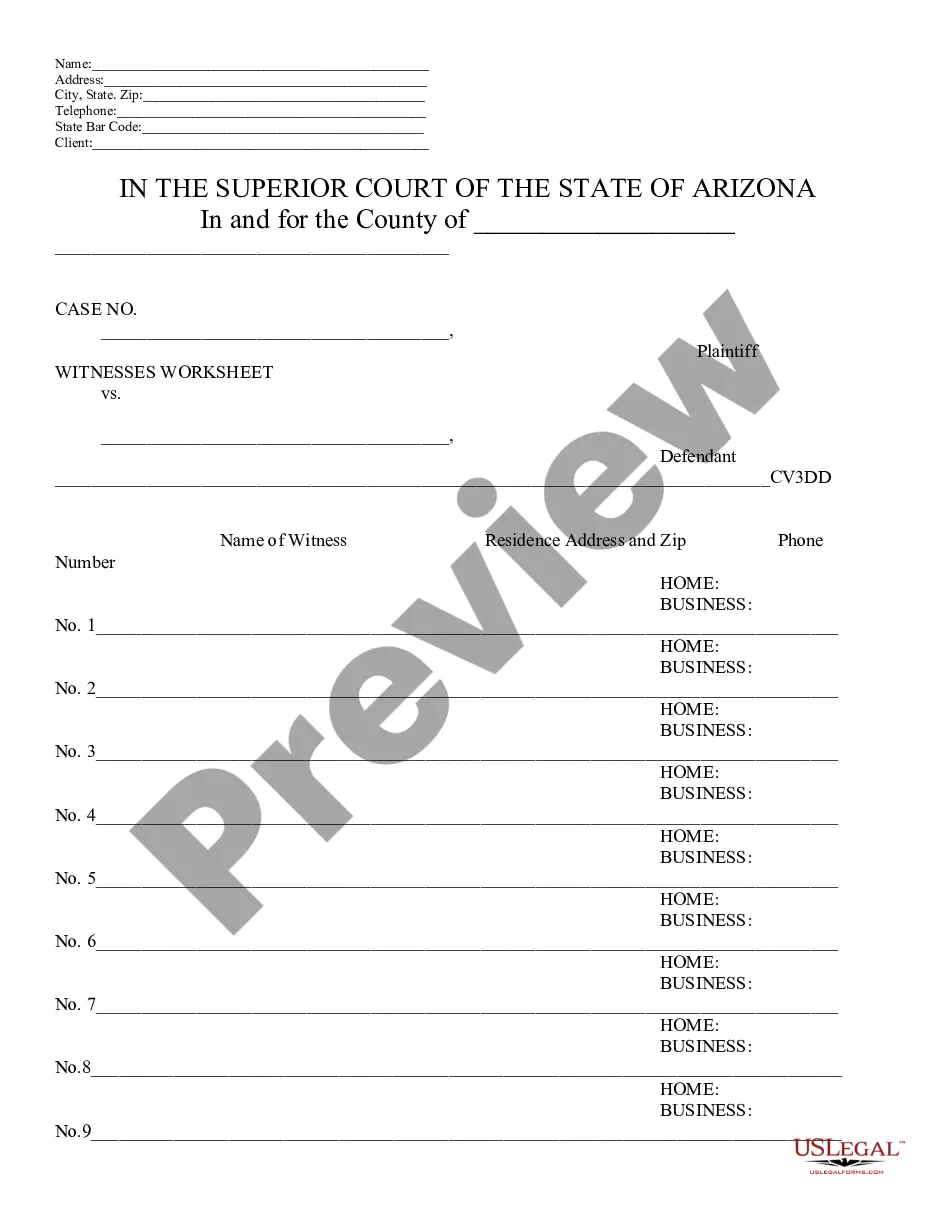
Corporate Resolution Without Meeting In Queens
Description


Get your form ready online
Our built-in tools help you complete, sign, share, and store your documents in one place.
Make edits, fill in missing information, and update formatting in US Legal Forms—just like you would in MS Word.
Download a copy, print it, send it by email, or mail it via USPS—whatever works best for your next step.
Sign and collect signatures with our SignNow integration. Send to multiple recipients, set reminders, and more. Go Premium to unlock E-Sign.
If this form requires notarization, complete it online through a secure video call—no need to meet a notary in person or wait for an appointment.
We protect your documents and personal data by following strict security and privacy standards.

Make edits, fill in missing information, and update formatting in US Legal Forms—just like you would in MS Word.

Download a copy, print it, send it by email, or mail it via USPS—whatever works best for your next step.

Sign and collect signatures with our SignNow integration. Send to multiple recipients, set reminders, and more. Go Premium to unlock E-Sign.

If this form requires notarization, complete it online through a secure video call—no need to meet a notary in person or wait for an appointment.

We protect your documents and personal data by following strict security and privacy standards.
Looking for another form?






Form popularity
FAQ
Corporate Resolution Authorizing Filing Select Bankruptcy menu. Select Other. Enter the case number using correct format and ensure case name and number match the document you are filing. Select Document event: Corp Resolution Auth Filing. Select the party filer. Browse, verify and attach the document (PDF file).
7 steps for writing a resolution Put the date and resolution number at the top. Give the resolution a title that relates to the decision. Use formal language. Continue writing out each critical statement. Wrap up the heart of the resolution in the last statement.
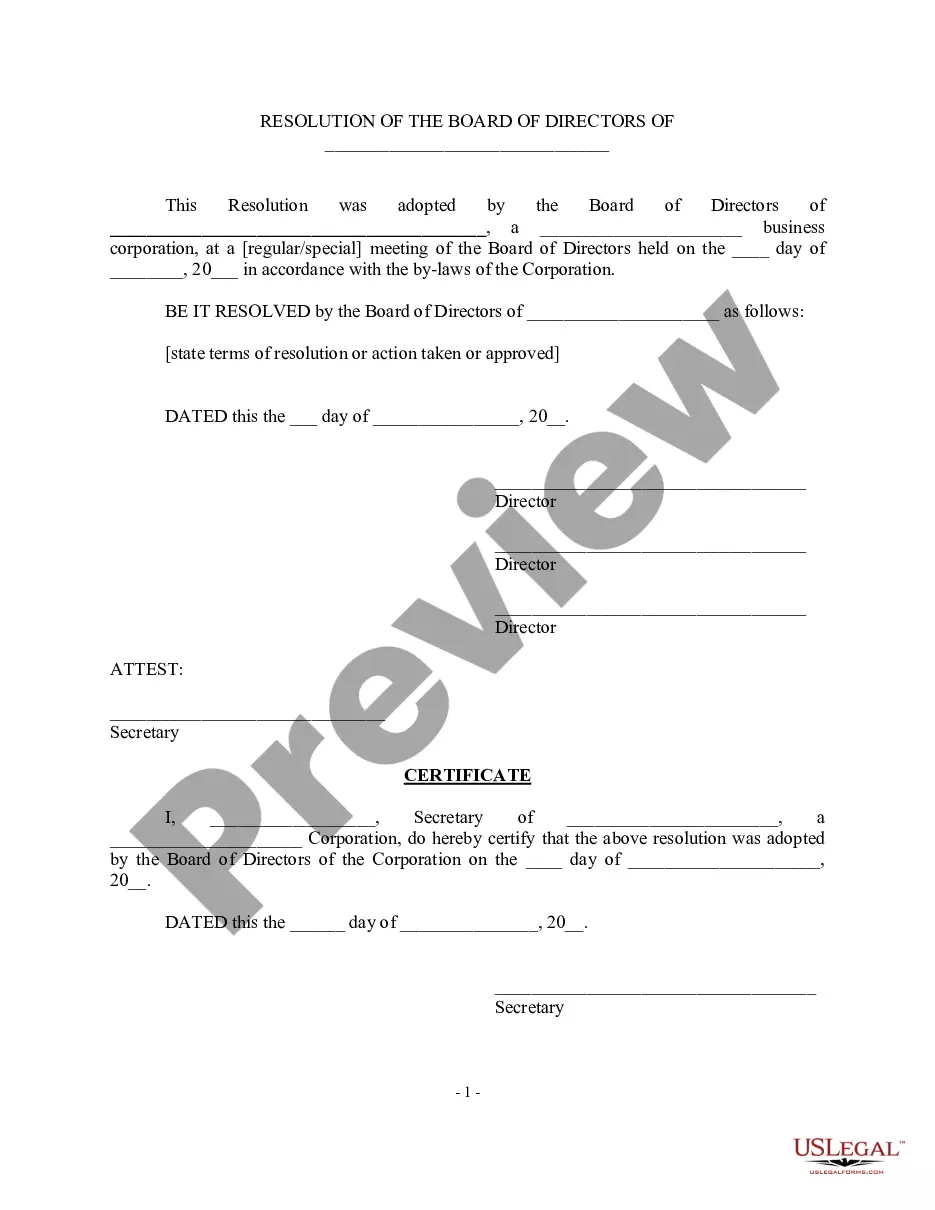
A corporate resolution is a written document created by the board of directors of a company detailing a binding corporate action. A board of directors is a group of people that act as a governing body on behalf of the shareholders of a company.
Corporate Resolution Authorizing Filing Select Bankruptcy menu. Select Other. Enter the case number using correct format and ensure case name and number match the document you are filing. Select Document event: Corp Resolution Auth Filing. Select the party filer. Browse, verify and attach the document (PDF file).
A resolution in writing signed by all the Directors entitled to vote on that resolution at a meeting of Directors or committee of Directors is as valid as if it had been passed at a meeting of Directors or committee of Directors.
Resolutions can be passed by directors without holding a directors' meeting. These are called circulating resolutions. Check the rule book to see how this can be done. All directors entitled to vote on the resolution must sign a statement that says they are in favour of the resolution set out in the document.
Guidelines for Valid Corporate Resolutions. The certification must bear an original signature by an officer of the corporation, (preferably the secretary), and this signature must be someone other than the person who signed the RFP, RFQ, RFI, etc.
A resolution is required to record a formal decision, whether made during a meeting or through a written process without holding a meeting. The company's constitution should be consulted to determine if written resolutions are permissible for the specific decision.
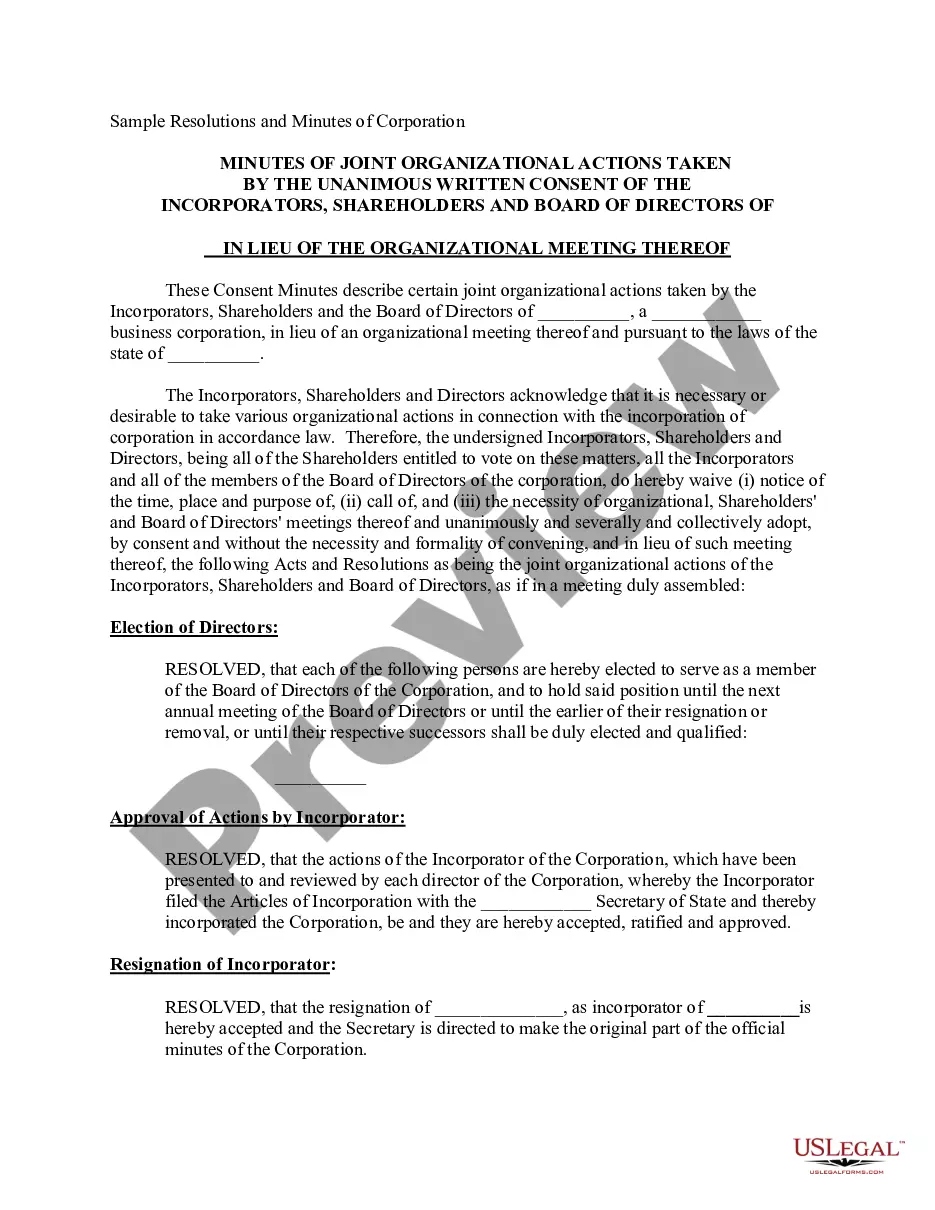
Obtain a copy of the corporate resolution form California from the Secretary of State's website or local office. Fill in the necessary information on the form, such as the name of the corporation, its address, and the date of the resolution.