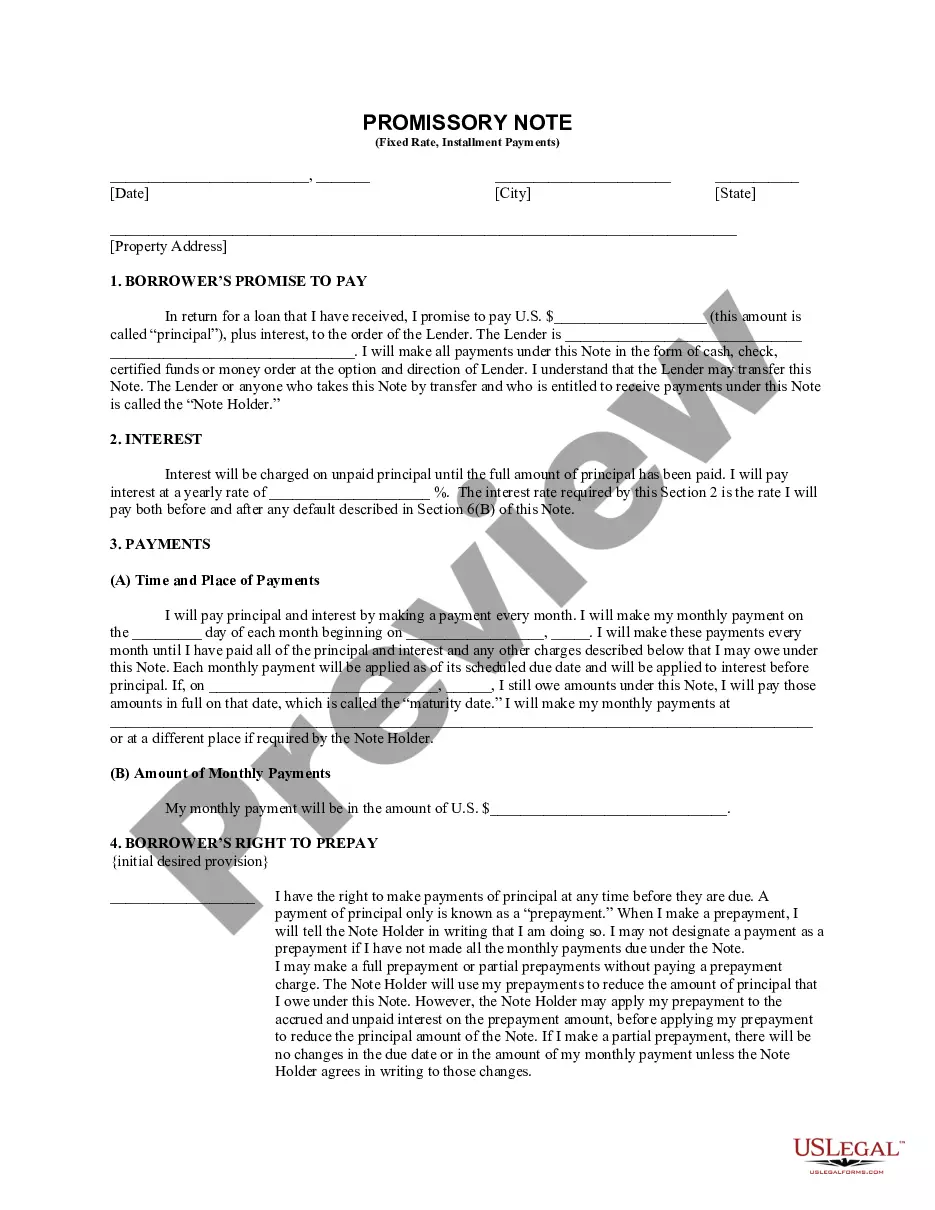
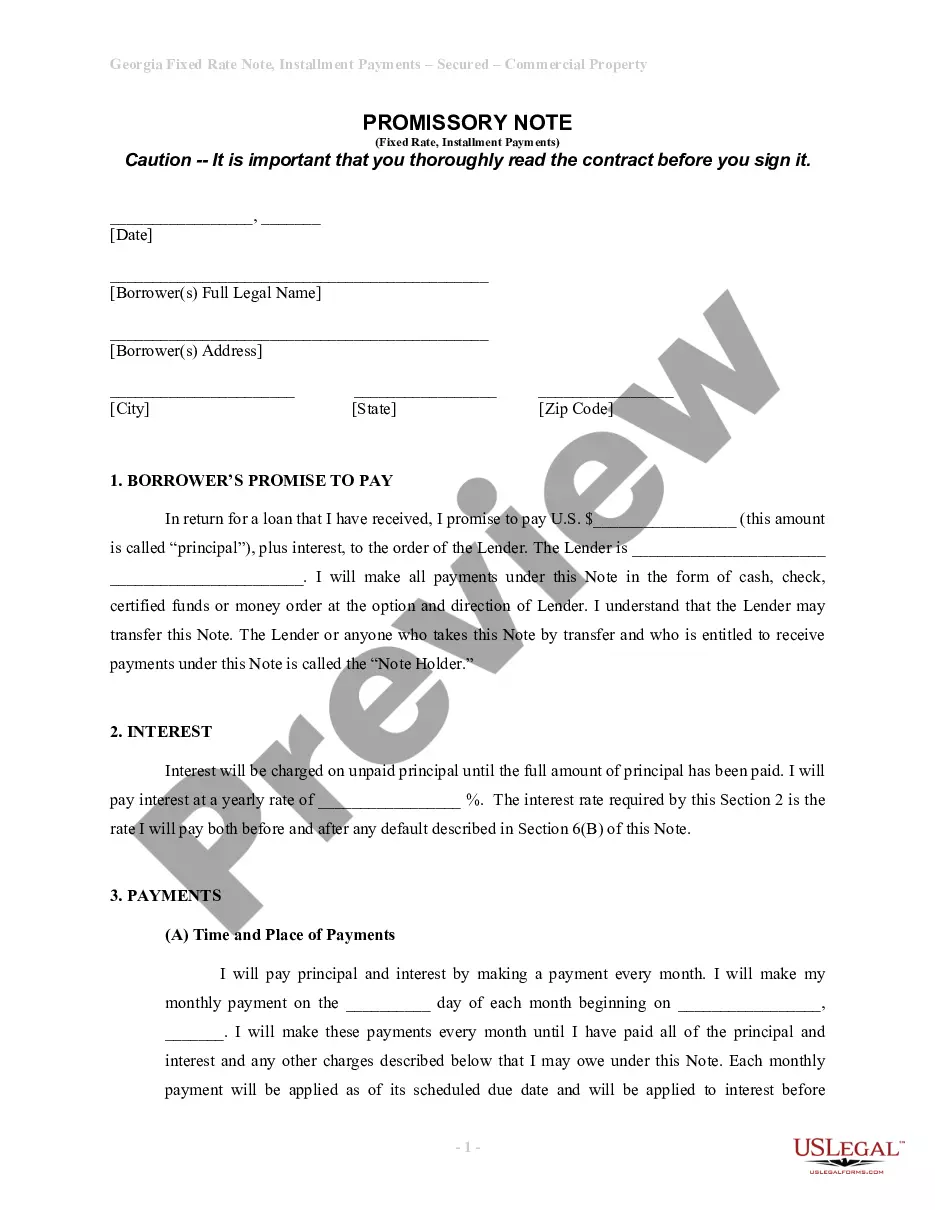
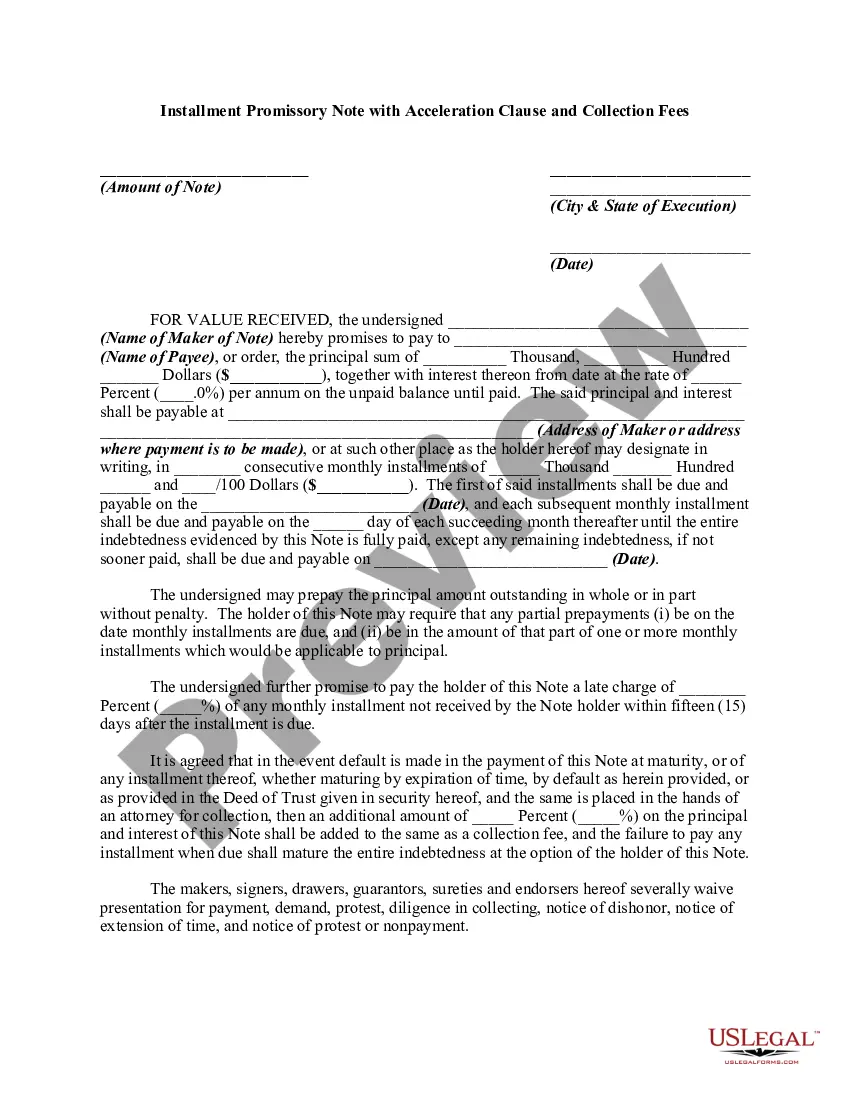
Corporate Resolution Form Pdf In Cook
Description



Get your form ready online
Our built-in tools help you complete, sign, share, and store your documents in one place.
Make edits, fill in missing information, and update formatting in US Legal Forms—just like you would in MS Word.
Download a copy, print it, send it by email, or mail it via USPS—whatever works best for your next step.
Sign and collect signatures with our SignNow integration. Send to multiple recipients, set reminders, and more. Go Premium to unlock E-Sign.
If this form requires notarization, complete it online through a secure video call—no need to meet a notary in person or wait for an appointment.
We protect your documents and personal data by following strict security and privacy standards.

Make edits, fill in missing information, and update formatting in US Legal Forms—just like you would in MS Word.

Download a copy, print it, send it by email, or mail it via USPS—whatever works best for your next step.

Sign and collect signatures with our SignNow integration. Send to multiple recipients, set reminders, and more. Go Premium to unlock E-Sign.

If this form requires notarization, complete it online through a secure video call—no need to meet a notary in person or wait for an appointment.

We protect your documents and personal data by following strict security and privacy standards.
Looking for another form?









Form popularity
FAQ
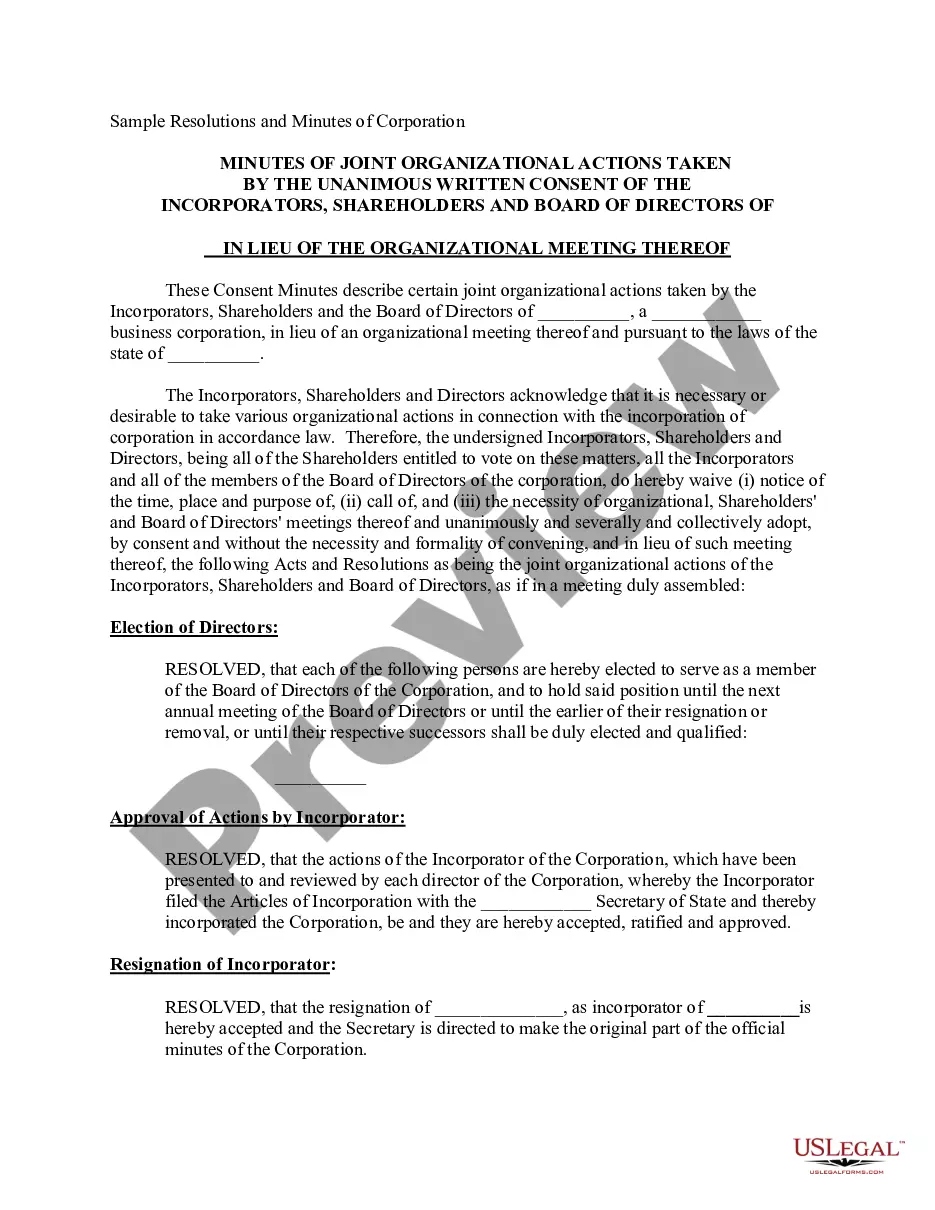
How to write a corporate resolution Hold a board meeting. Board members typically create corporate resolutions at their board meetings to summarize what they discussed. Include introductory elements. Write a statement of consent. List the resolutions. Conclude with a statement of resolution. Proofread the document.
A resolution, on the other hand, describes one action taken by the board at a meeting, is prepared separately during the meeting, and is attested to by the secretary of the corporation before the president approves it.
A corporate resolution document does not need to be notarized, although if it involves other transactions then those might have to be notarized. Once the document has been signed off and dated by the chairperson, vice-chairperson, corporate treasurer, and secretary, it becomes a binding document.
Unlike corporations, LLCs don't need to file business resolutions with the state. Single-member LLCs (SMLLCs) can also use business resolutions, even though there is no chance of disagreement among the members.
Corporate resolution (also known as a board resolution) is a written legal document , issued by the board of directors of a corporation , documenting a binding decision made on behalf of the corporation.
Obtain a copy of the corporate resolution form California from the Secretary of State's website or local office. Fill in the necessary information on the form, such as the name of the corporation, its address, and the date of the resolution.
Obtain a copy of the corporate resolution form California from the Secretary of State's website or local office. Fill in the necessary information on the form, such as the name of the corporation, its address, and the date of the resolution.
Steps to Write a Corporate Resolution Write the Company's Name. Indicate Further Legal Identification. Include Location, Date, and Time. List the Board Resolutions. Sign the Document and Write the Document.
Corporate Resolution Authorizing Filing Select Bankruptcy menu. Select Other. Enter the case number using correct format and ensure case name and number match the document you are filing. Select Document event: Corp Resolution Auth Filing. Select the party filer. Browse, verify and attach the document (PDF file).