Non Profit Resolution Template For Donations In Santa Clara
Description



Get your form ready online
Our built-in tools help you complete, sign, share, and store your documents in one place.
Make edits, fill in missing information, and update formatting in US Legal Forms—just like you would in MS Word.
Download a copy, print it, send it by email, or mail it via USPS—whatever works best for your next step.
Sign and collect signatures with our SignNow integration. Send to multiple recipients, set reminders, and more. Go Premium to unlock E-Sign.
If this form requires notarization, complete it online through a secure video call—no need to meet a notary in person or wait for an appointment.
We protect your documents and personal data by following strict security and privacy standards.

Make edits, fill in missing information, and update formatting in US Legal Forms—just like you would in MS Word.

Download a copy, print it, send it by email, or mail it via USPS—whatever works best for your next step.

Sign and collect signatures with our SignNow integration. Send to multiple recipients, set reminders, and more. Go Premium to unlock E-Sign.

If this form requires notarization, complete it online through a secure video call—no need to meet a notary in person or wait for an appointment.

We protect your documents and personal data by following strict security and privacy standards.
Looking for another form?

Form popularity
FAQ
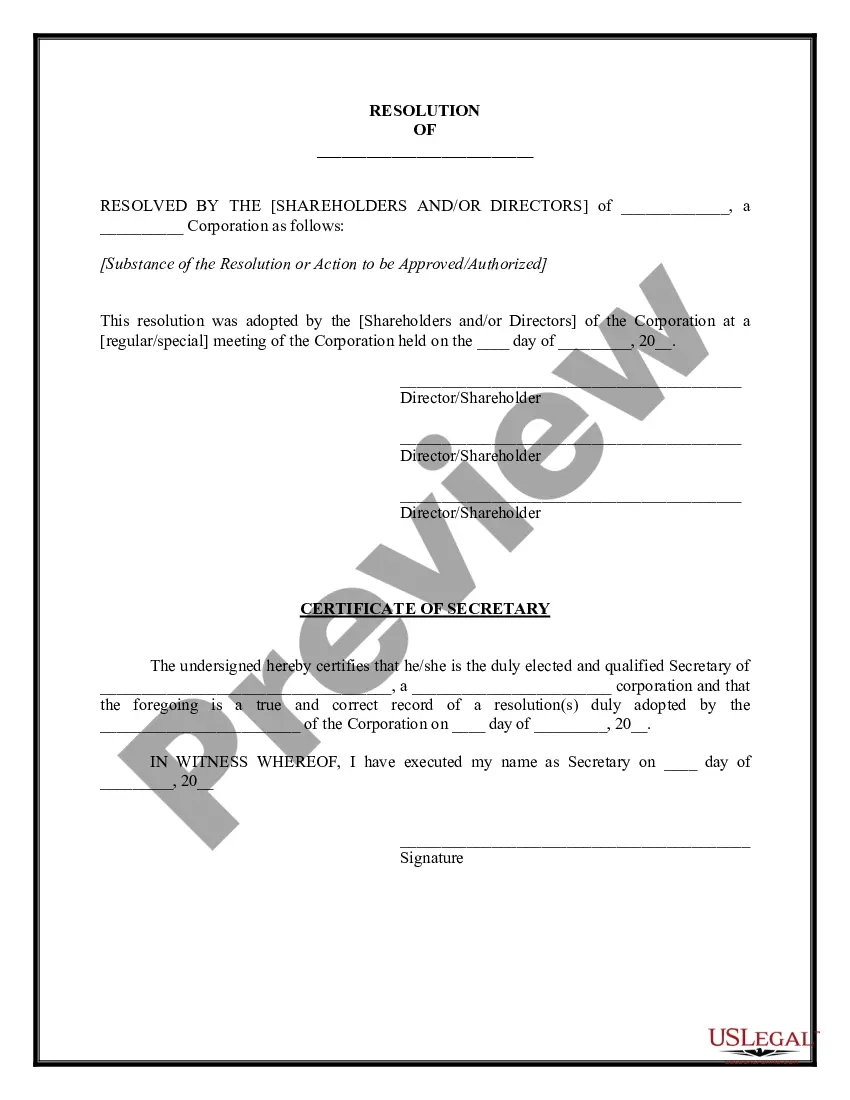
How to write a board resolution Put the date and resolution number at the top. Give the resolution a title that relates to the decision. Use formal language. Continue writing out each critical statement. Wrap up the heart of the resolution in the last statement.
Writing a strong resolution requires a balance of clarity, intention, and practicality. Start by being clear and specific about your goals. A vague resolution like ``I want to be healthier'' can easily lose focus.
Required annual filings File IRS Form 990. Agency. File California Corporate Tax Returns. Agency. File California Corporate Tax Exemption Renewals. Agency. File California Sales Tax Exemption Renewals. File California Statement of Information. Renew the Charitable Solicitation Registration.
Use emotional language: Use powerful, emotionally charged language to help your prospects empathize with the story they're reading. This can inspire a sense of urgency and drive readers to make their own gift. Smartblogger has a great list of power words that you can use when writing your testimonials.
7 steps for writing a resolution Put the date and resolution number at the top. Give the resolution a title that relates to the decision. Use formal language. Continue writing out each critical statement. Wrap up the heart of the resolution in the last statement.
§ 460/4 | Effective Jan. 1, 2024, a charitable organization with annual contributions more than $500,000 must file an audited financial statement prepared by an independent CPA. A charitable organization with contributions between $300,000 and $500,000 must file a financial statement with the Attorney General.
Resolutions begin with "Whereas" statements, which provides the basic facts and reasons for the resolution, and conclude with "Resolved" statements which, identifies the specific proposal for the requestor's course of action.
The most powerful testimonials focus on a single benefit and tell a clear story in a conversational tone. For each nonprofit video template, you can also add more testimonial questions that guide the respondent to tell a story just like this.
Determine what story you want to tell. You want your testimonials to tell a story about your product and business. Ask specific questions. Keep it short and conversational. Use the customer's name and include pictures, if possible.