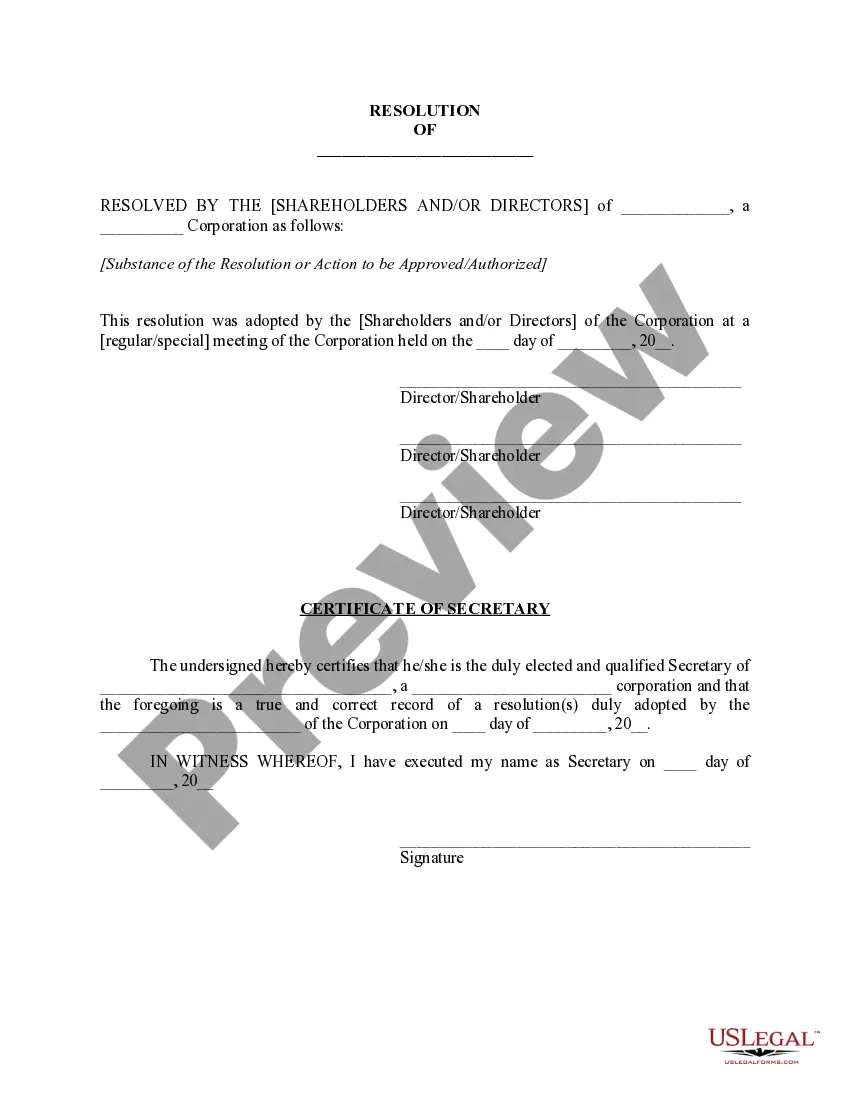
Corporate Resolution Signing Without Meeting In Oakland
Description

Get your form ready online
Our built-in tools help you complete, sign, share, and store your documents in one place.
Make edits, fill in missing information, and update formatting in US Legal Forms—just like you would in MS Word.
Download a copy, print it, send it by email, or mail it via USPS—whatever works best for your next step.
Sign and collect signatures with our SignNow integration. Send to multiple recipients, set reminders, and more. Go Premium to unlock E-Sign.
If this form requires notarization, complete it online through a secure video call—no need to meet a notary in person or wait for an appointment.
We protect your documents and personal data by following strict security and privacy standards.

Make edits, fill in missing information, and update formatting in US Legal Forms—just like you would in MS Word.

Download a copy, print it, send it by email, or mail it via USPS—whatever works best for your next step.

Sign and collect signatures with our SignNow integration. Send to multiple recipients, set reminders, and more. Go Premium to unlock E-Sign.

If this form requires notarization, complete it online through a secure video call—no need to meet a notary in person or wait for an appointment.

We protect your documents and personal data by following strict security and privacy standards.
Looking for another form?









Form popularity
FAQ
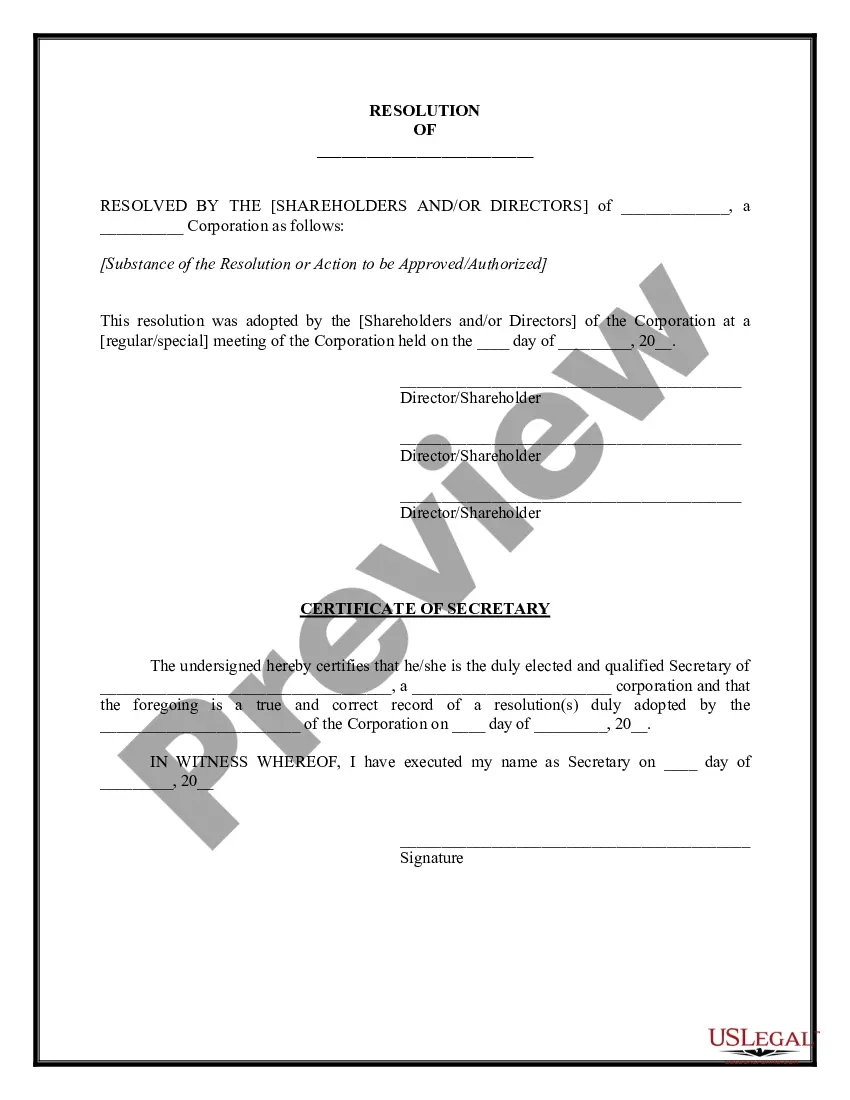
Steps to Write a Corporate Resolution Write the Company's Name. Indicate Further Legal Identification. Include Location, Date, and Time. List the Board Resolutions. Sign the Document and Write the Document.
Must include the specific date and time when the board met to pass the resolution. Must authorize a specific person or persons by name and title. Must include the types of contracts and agreements the specific individual or individuals can execute on behalf of the corporation.
For example, the Director of Human Resources may be given the authority to enter into employment contracts with employees. Or the Director of Sales may have the authority to sign sales contracts.
Power of attorney. A power of attorney is a formal document where a person, known as the principal or donor, gives the legal authority to someone to look after their financial affairs. This authority ceases should the principal pass away.
Guidelines for Valid Corporate Resolutions. The certification must bear an original signature by an officer of the corporation, (preferably the secretary), and this signature must be someone other than the person who signed the RFP, RFQ, RFI, etc.
How to Grant Signature Authorities Identify the need for signing permission. Select the right person. Determine the scope of powers. Writing a letter of authorization. Review and revision of the letter of approval. Monitoring the use of the signature authority.
This permission is typically designated by the board of directors or based on an employee's role, with the signatory's name recorded in official company records. In some cases, multiple authorized signatories may be required to jointly sign documents to ensure compliance with legal obligations and proper oversight.
The following are some steps to follow when granting signing permission: Identify the need for signing permission. Select the right person. Determine the scope of powers. Writing a letter of authorization. Review and revision of the letter of approval. Monitoring the use of the signature authority.
What is "Consent to Action Without Meeting"? Consent to Action Without Meeting is a written document describing an action that has been authorized by the board of directors of a corporation.
It is used to expedite the decision-making process by eliminating the need for a vote when it's highly likely that everyone agrees on a particular issue. Unanimous written consent can be helpful when boards need to make a quick decision on routine procedural issues or non-controversial vendor contracts.