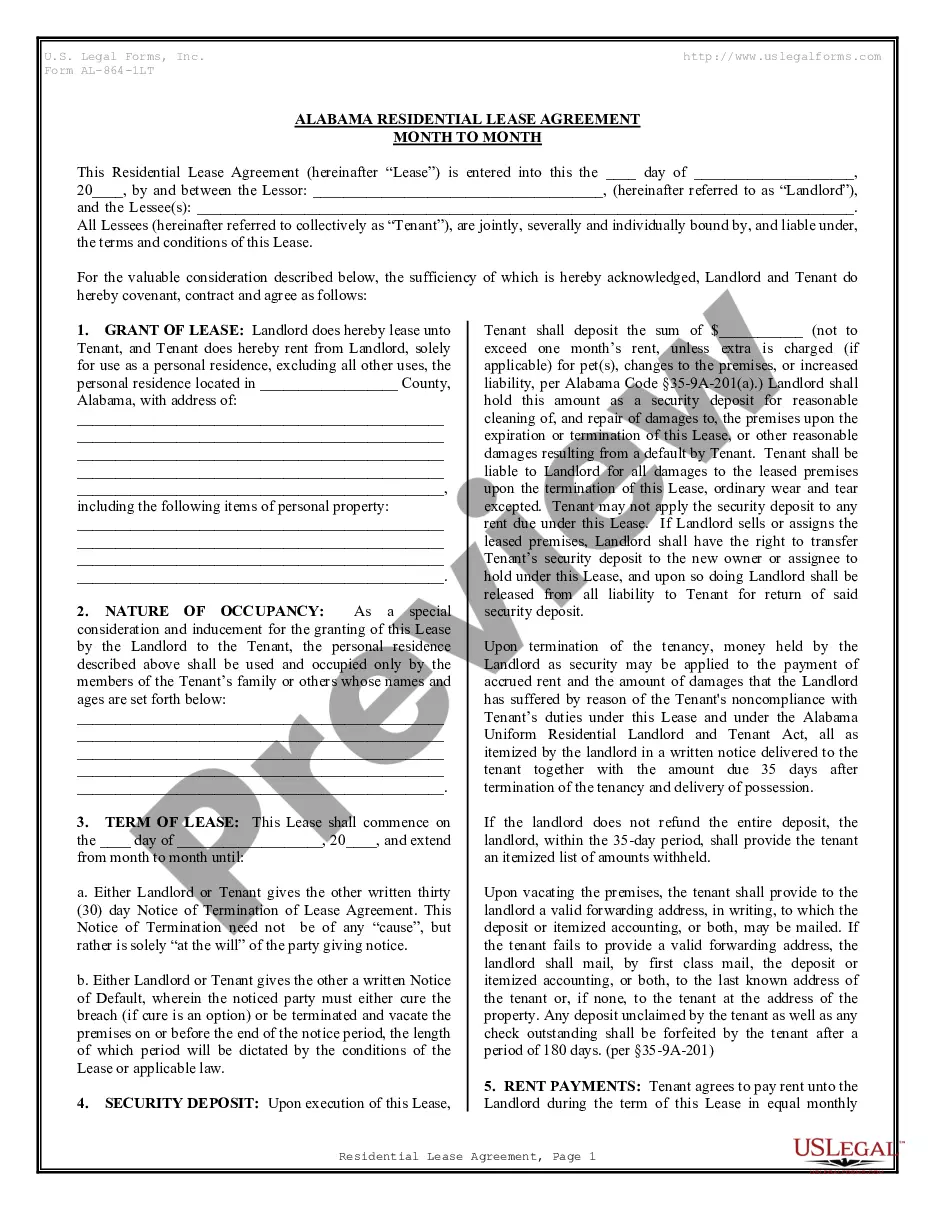
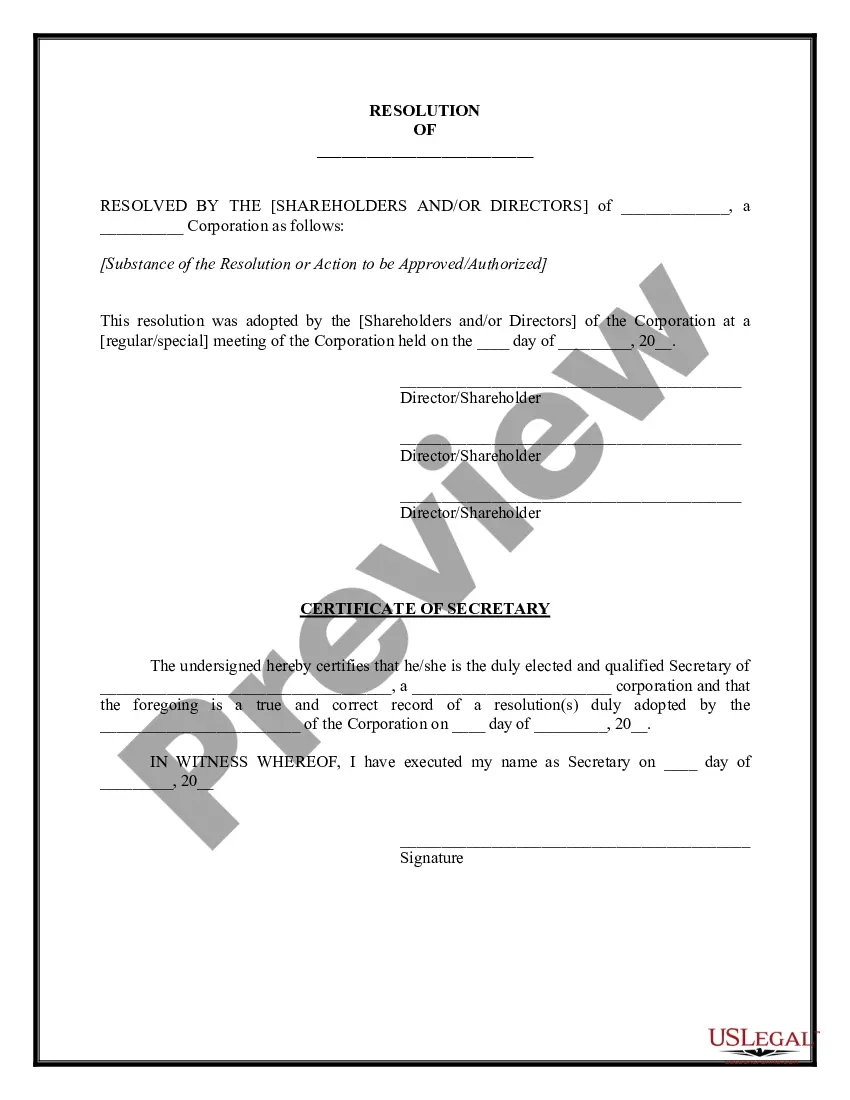
Corporate Resolution Signing Without Meeting In Los Angeles
Description


Get your form ready online
Our built-in tools help you complete, sign, share, and store your documents in one place.
Make edits, fill in missing information, and update formatting in US Legal Forms—just like you would in MS Word.
Download a copy, print it, send it by email, or mail it via USPS—whatever works best for your next step.
Sign and collect signatures with our SignNow integration. Send to multiple recipients, set reminders, and more. Go Premium to unlock E-Sign.
If this form requires notarization, complete it online through a secure video call—no need to meet a notary in person or wait for an appointment.
We protect your documents and personal data by following strict security and privacy standards.

Make edits, fill in missing information, and update formatting in US Legal Forms—just like you would in MS Word.

Download a copy, print it, send it by email, or mail it via USPS—whatever works best for your next step.

Sign and collect signatures with our SignNow integration. Send to multiple recipients, set reminders, and more. Go Premium to unlock E-Sign.

If this form requires notarization, complete it online through a secure video call—no need to meet a notary in person or wait for an appointment.

We protect your documents and personal data by following strict security and privacy standards.
Looking for another form?








Form popularity
FAQ
A corporate resolution document does not need to be notarized, although if it involves other transactions then those might have to be notarized. Once the document has been signed off and dated by the chairperson, vice-chairperson, corporate treasurer, and secretary, it becomes a binding document.
These resolutions are officially recorded by a corporate secretary, signed by the board of directors, and stored among a company's official records in a document repository.
Guidelines for Valid Corporate Resolutions. The certification must bear an original signature by an officer of the corporation, (preferably the secretary), and this signature must be someone other than the person who signed the RFP, RFQ, RFI, etc.
Must include the specific date and time when the board met to pass the resolution. Must authorize a specific person or persons by name and title. Must include the types of contracts and agreements the specific individual or individuals can execute on behalf of the corporation.
For a resolution to pass, it must meet the following criteria: the resolution is passed at a meeting which is properly convened and satisfied any quorum (minimum number of members are present) requirements. the resolution is put into the company's records within one month of the meeting being held, and.
How to fill out the Limited Liability Company Resolution Template? Gather the required company details and officer names. Fill in the meeting date, time, and location. Document the resolutions discussed and decisions made. Sign the resolution as required by company policy.
Steps to Write a Corporate Resolution Write the Company's Name. Indicate Further Legal Identification. Include Location, Date, and Time. List the Board Resolutions. Sign the Document and Write the Document.
The resolution is approved when the majority of the board members vote “yes.” Provide a section for the board president's signature. The resolution is not complete without the board president's signature and the date they signed it. Some boards provide room for all the board's officers to sign resolutions.
Guidelines for Valid Corporate Resolutions. The certification must bear an original signature by an officer of the corporation, (preferably the secretary), and this signature must be someone other than the person who signed the RFP, RFQ, RFI, etc.
Resolutions can be passed by directors without holding a directors' meeting. These are called circulating resolutions. Check the rule book to see how this can be done. All directors entitled to vote on the resolution must sign a statement that says they are in favour of the resolution set out in the document.