Confirmation Letter For Employment In Wayne
Description




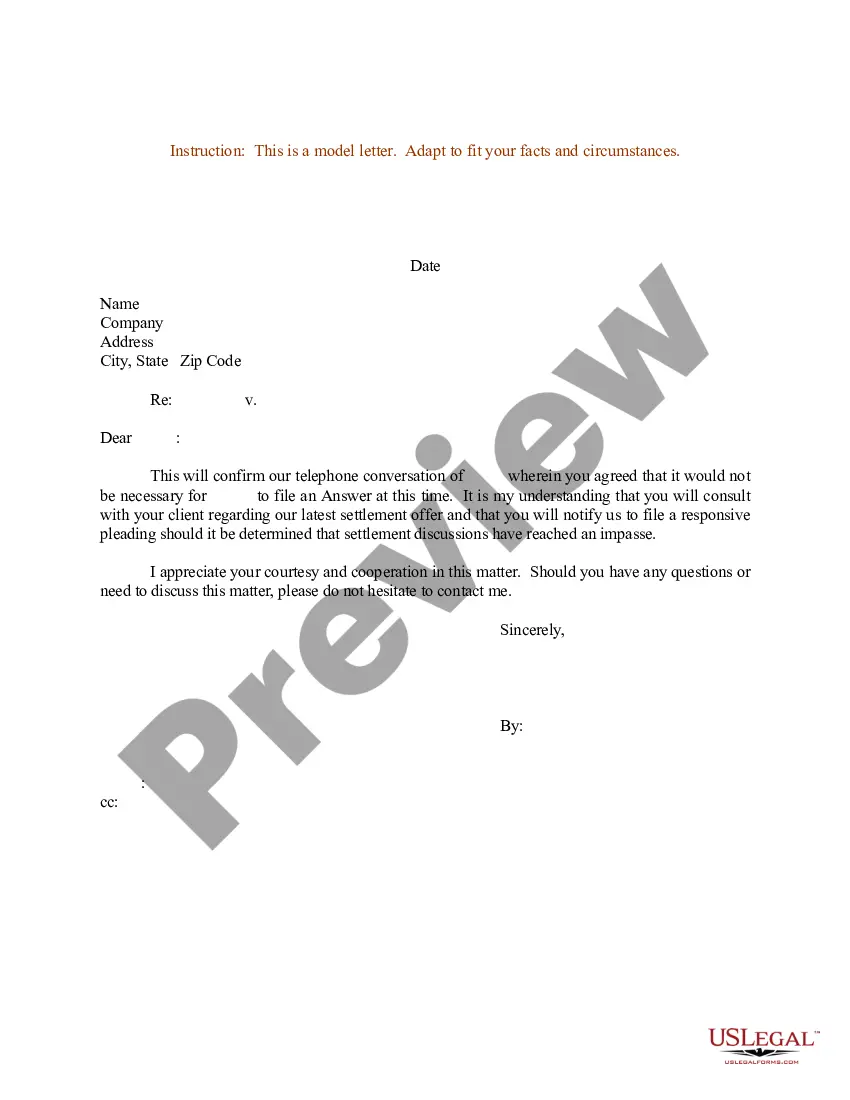
Get your form ready online
Our built-in tools help you complete, sign, share, and store your documents in one place.
Make edits, fill in missing information, and update formatting in US Legal Forms—just like you would in MS Word.
Download a copy, print it, send it by email, or mail it via USPS—whatever works best for your next step.
Sign and collect signatures with our SignNow integration. Send to multiple recipients, set reminders, and more. Go Premium to unlock E-Sign.
If this form requires notarization, complete it online through a secure video call—no need to meet a notary in person or wait for an appointment.
We protect your documents and personal data by following strict security and privacy standards.

Make edits, fill in missing information, and update formatting in US Legal Forms—just like you would in MS Word.

Download a copy, print it, send it by email, or mail it via USPS—whatever works best for your next step.

Sign and collect signatures with our SignNow integration. Send to multiple recipients, set reminders, and more. Go Premium to unlock E-Sign.

If this form requires notarization, complete it online through a secure video call—no need to meet a notary in person or wait for an appointment.

We protect your documents and personal data by following strict security and privacy standards.
Looking for another form?





Form popularity
FAQ
Verification of Employment or Income. Employees or verifiers may verify employment or income of current Postal Service employees by calling The Work Number at 800-367-5690 or by visiting .theworknumber. The requester must use Employer code 12946.
Or speak directly with an experienced HR specialist at the HR Shared Service Center (HRSSC) from 7 a.m. to p.m. Eastern Time Monday through Friday at 877-477-3273, option 5. Or visit a self-service kiosk.
How to Request the Letter Ask your supervisor or manager. This is often the easiest way to request the letter. Contact Human Resources. Get a template from the company or organization requesting the letter. Use an employment verification service.
Contact the human resources department It may be your company's policy that you direct all employment verification requests to the human resources department. In some cases, an HR representative may write the letter, or they may provide a template that your direct supervisor can use.
You will not be automatically disqualified. The Postal Service™ individually evaluates each candidate's employment history, paying close attention to a candidate's reasons given for leaving a job, being fired from a job, or for quitting in lieu of being fired.
The first step in obtaining an employment verification letter is to contact your employer's human resources department. This can be done by email, phone, or in-person. You will need to provide your employer with your full name, job title, and the name of the person or organization requesting the letter.
Click the Personal Information icon. Click Verification of Employment (External Links menu). Follow the instructions to submit your request (you may select a verification with or without your salary). Go to your Workday Inbox to download your letter.
Employees or verifiers may verify employment or income of current Postal Service employees by calling The Work Number at 800-367-5690 or by visiting .theworknumber. The requester must use Employer code 12946. The employee will need to set up a salary key if wages need to be verified.
How to write a letter of employment: Include employer and requesting organisation details. Provide employee information (name, job title, employment dates). Follow a formal business letter format. Clearly state the letter's purpose. Include any additional requested details. Provide contact information and sign off.
What should be included in employment verification letters? Employer address. Name and address of the company requesting verification. Employee name. Employment dates. Employee job title. Employee job description. Employee current salary. Reason for termination (If applicable)