Confirmation Letter Sample For Audit In Queens
Description




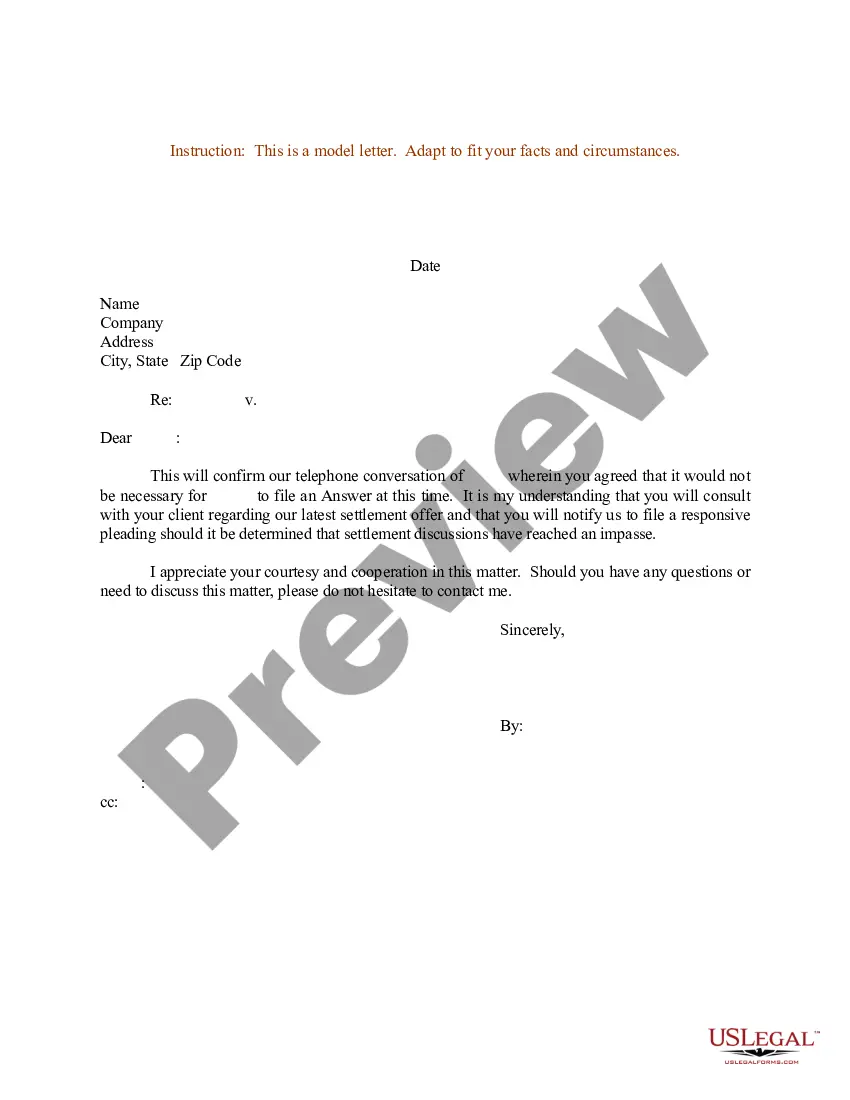
Get your form ready online
Our built-in tools help you complete, sign, share, and store your documents in one place.
Make edits, fill in missing information, and update formatting in US Legal Forms—just like you would in MS Word.
Download a copy, print it, send it by email, or mail it via USPS—whatever works best for your next step.
Sign and collect signatures with our SignNow integration. Send to multiple recipients, set reminders, and more. Go Premium to unlock E-Sign.
If this form requires notarization, complete it online through a secure video call—no need to meet a notary in person or wait for an appointment.
We protect your documents and personal data by following strict security and privacy standards.

Make edits, fill in missing information, and update formatting in US Legal Forms—just like you would in MS Word.

Download a copy, print it, send it by email, or mail it via USPS—whatever works best for your next step.

Sign and collect signatures with our SignNow integration. Send to multiple recipients, set reminders, and more. Go Premium to unlock E-Sign.

If this form requires notarization, complete it online through a secure video call—no need to meet a notary in person or wait for an appointment.

We protect your documents and personal data by following strict security and privacy standards.
Looking for another form?









Form popularity
FAQ
Subject: Confirmation of Employment – Job Classification Dear Mr./Ms. Last Name of Selected Applicant: Welcome to Agency/Department/Office Name. I am pleased to confirm your acceptance of our offer for the full-time/part-time position of job classification reporting to supervisor's name.
Some basic tips to start Let them know how proud of them you are. Give them sound advice that will encourage them to develop and strengthen their faith. Include a blessing. Add an encouraging scripture or a prayer. Choose an appropriate way to sign off before writing your signature.
Confirmation letters include the following components: Recipient Information: The name and contact information of the recipient. Sender Information: The name and contact information of the sender. Date: The date on which the letter is sent. Subject: A brief subject line indicating the purpose of the letter.
| Tinh Huynh. Audit confirmations are information requests, typically distributed by email or through secure portals, in which accountants ask third parties to confirm information provided by the company being audited.
If you need to write a confirmation letter, here are five helpful steps you can use to write your own: Include a letter header. Start with an explanation. Add detailed information. Highlight attachments. End with a supportive statement.
If you need to write a confirmation letter, here are five helpful steps you can use to write your own: Include a letter header. Start with an explanation. Add detailed information. Highlight attachments. End with a supportive statement.
Professional Reply Acknowledge the Email. Start your reply by acknowledging the audit confirmation request. Provide the Requested Information. Clarify Any Discrepancies (If Applicable) ... Offer Further Assistance. End with a Professional Closing.
Professional Reply Acknowledge the Email. Start your reply by acknowledging the audit confirmation request. Provide the Requested Information. Clarify Any Discrepancies (If Applicable) ... Offer Further Assistance. End with a Professional Closing.
I want to be confirmed because I have been preparing for this Sacrament and I feel ready to receive it. I have learned that Confirmation is not the end of my faith life, but just the beginning. I am ready to take my faith seriously, become more active in my parish, and live out my faith through serving others.
Drafting Other Formal Confirmation Letters Type your letter in formal business letter format. Use an appropriate salutation. Confirm the specific arrangement made. Include any other important information. Ask for a follow-up if needed. Thank the recipient. Edit and proofread your letter before printing.