Confirmation Letter Sample For Employees In Orange
Description



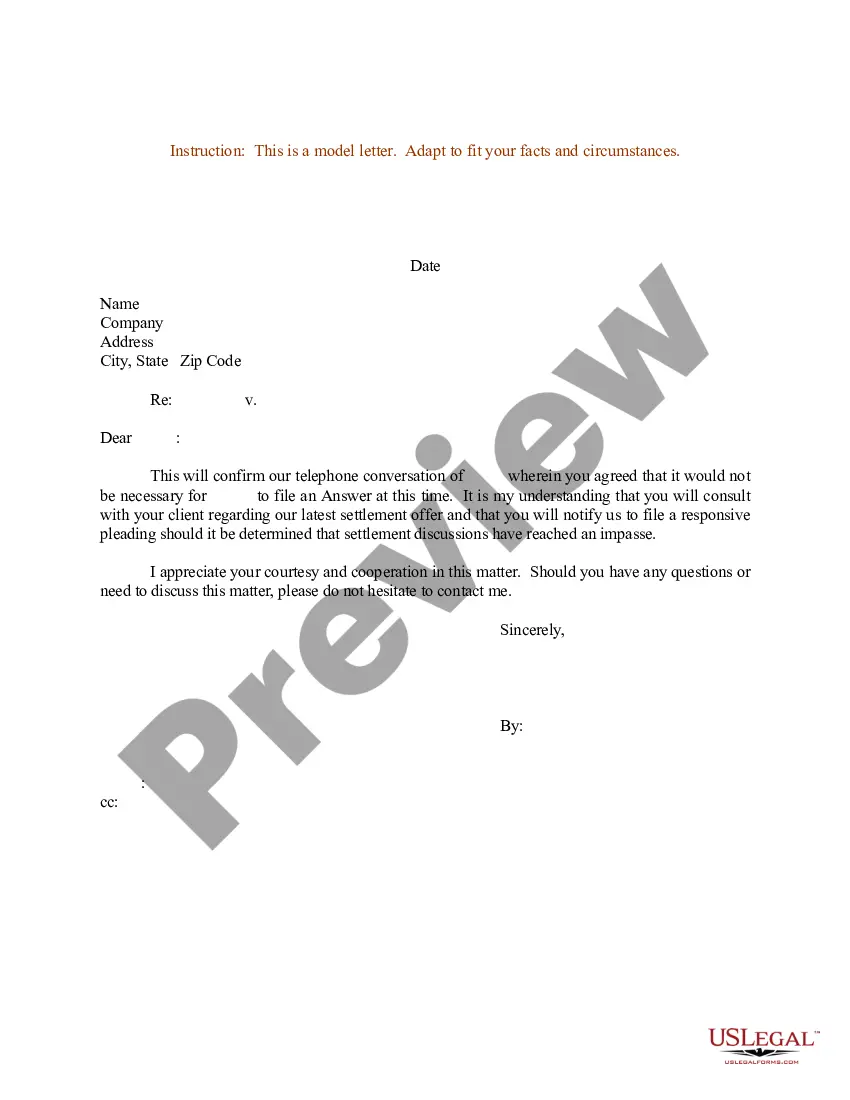
Get your form ready online
Our built-in tools help you complete, sign, share, and store your documents in one place.
Make edits, fill in missing information, and update formatting in US Legal Forms—just like you would in MS Word.
Download a copy, print it, send it by email, or mail it via USPS—whatever works best for your next step.
Sign and collect signatures with our SignNow integration. Send to multiple recipients, set reminders, and more. Go Premium to unlock E-Sign.
If this form requires notarization, complete it online through a secure video call—no need to meet a notary in person or wait for an appointment.
We protect your documents and personal data by following strict security and privacy standards.

Make edits, fill in missing information, and update formatting in US Legal Forms—just like you would in MS Word.

Download a copy, print it, send it by email, or mail it via USPS—whatever works best for your next step.

Sign and collect signatures with our SignNow integration. Send to multiple recipients, set reminders, and more. Go Premium to unlock E-Sign.

If this form requires notarization, complete it online through a secure video call—no need to meet a notary in person or wait for an appointment.

We protect your documents and personal data by following strict security and privacy standards.
Looking for another form?










Form popularity
FAQ
Key takeaways: A well-structured confirmation letter should contain a header with contact details, an explanation of your decision, relevant information about the confirmation, details about attached documents, a supportive statement, and should be thoroughly proofread.
Employee confirmation letter basics An employee confirmation letter is a formal document that verifies an employee's work status. This letter may also be referred to as an employment verification letter. The purpose of the letter is to document the employee's role in the company and history with the organization.
Dear {EmployeeName}, We are pleased to inform you that you have successfully completed your probation period and you are confirmed for the position of {Designation}. The confirmation envisages you to take more responsibility. Other conditions and benefits remain as per your Appointment Letter.
What To Include In The Character Reference Letter How long you have known the person. In what capacity you have known them. What positive qualities you have observed in them. Specific examples of times when you have seen these qualities in action. Why do you believe they would be a good fit for the job they are applying for.
Writing the Confirmation Letter Step 1: Start with a Proper Salutation. Address the recipient using their professional title and name. Step 2: Clearly State the Purpose of the Letter. Step 3: Provide Relevant Details. Step 4: Include Any Necessary Instructions or Next Steps. Step 5: Express Gratitude and Offer Assistance.
There are different ways to request an employment verification letter from a current or former employer: Ask your supervisor or manager. Contact Human Resources. Get a template from the company or organization requesting the letter. Use an employment verification service.
Workday has an amazing feature of creating documents/text blocks that lets you build letters with a similar UI as Word, but with the limitation of very limited formatting.
Hi HR personnel or employee's manager, My name is Employee's name, and I would like to request for an employee verification letter to confirm my current employment under Company name. The reason is because I state the reason you need the letter for, and they have asked to verify my details of employment.
Click the Personal Information icon. Click Verification of Employment (External Links menu). Follow the instructions to submit your request (you may select a verification with or without your salary). Go to your Workday Inbox to download your letter.
Log into Workday. Type “Request reference letter” in the search bar. Click on the “Request Reference Letter” button.