Confirmation Letter For Employment In Michigan
Description




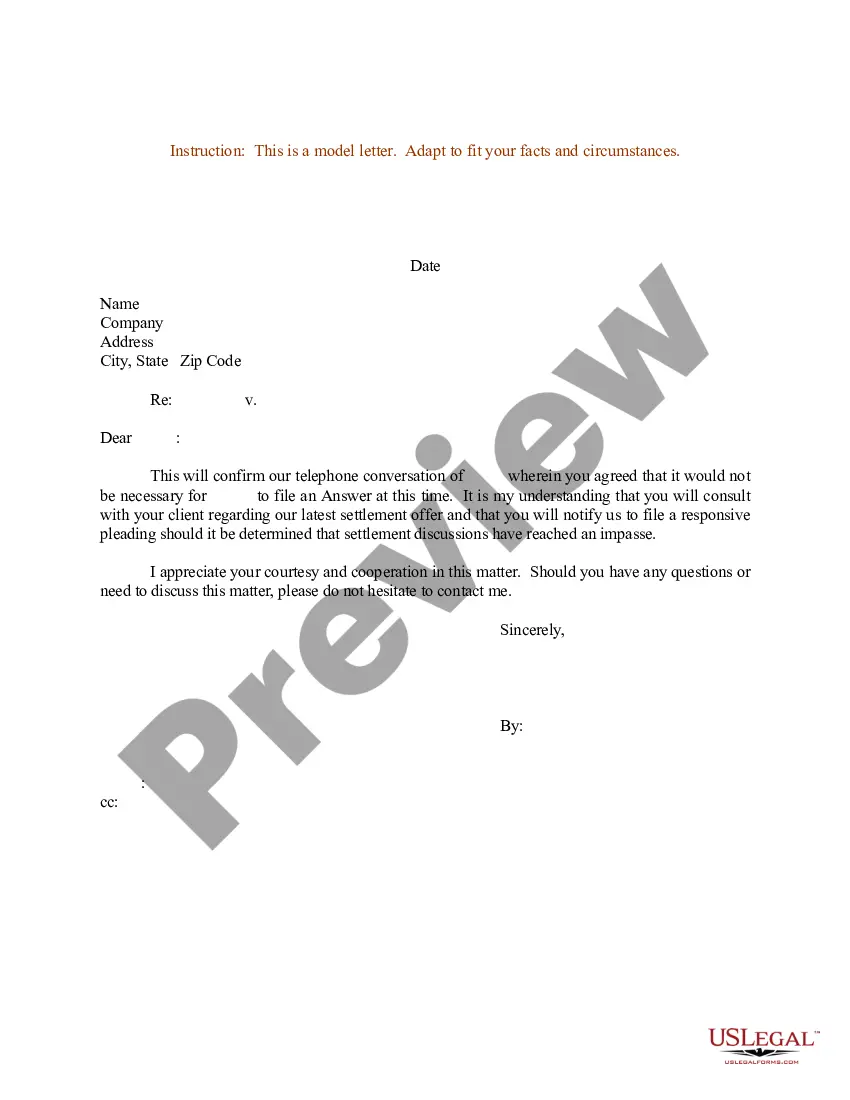
Get your form ready online
Our built-in tools help you complete, sign, share, and store your documents in one place.
Make edits, fill in missing information, and update formatting in US Legal Forms—just like you would in MS Word.
Download a copy, print it, send it by email, or mail it via USPS—whatever works best for your next step.
Sign and collect signatures with our SignNow integration. Send to multiple recipients, set reminders, and more. Go Premium to unlock E-Sign.
If this form requires notarization, complete it online through a secure video call—no need to meet a notary in person or wait for an appointment.
We protect your documents and personal data by following strict security and privacy standards.

Make edits, fill in missing information, and update formatting in US Legal Forms—just like you would in MS Word.

Download a copy, print it, send it by email, or mail it via USPS—whatever works best for your next step.

Sign and collect signatures with our SignNow integration. Send to multiple recipients, set reminders, and more. Go Premium to unlock E-Sign.

If this form requires notarization, complete it online through a secure video call—no need to meet a notary in person or wait for an appointment.

We protect your documents and personal data by following strict security and privacy standards.
Looking for another form?








Form popularity
FAQ
You can also contact the Michigan Department of Talent and Economic Development at (517) 241-9239 for additional assistance.
For verbal employment verification, contact GTM/EX/RIM via phone (202-663-1880) or email GTMVerificationofEmpl@state. Releasable employment data includes salary, position title, grade/step, and length of service.
How to write a letter of employment: Include employer and requesting organisation details. Provide employee information (name, job title, employment dates). Follow a formal business letter format. Clearly state the letter's purpose. Include any additional requested details. Provide contact information and sign off.
Verification of employment can be provided by one of the following methods: Phone Verification. Verify the caller has a legitimate need for the information. Written Verification. The Work Number for Everyone.
Authentication or Apostille Process Step 1: Request your Employment Verification Letter and have it notarized by a local notary. Step 2: Get it authenticated or apostilled by the Secretary of State. Step 3: Get it authenticated or apostilled by the Department of State.
An Employment Confirmation Letter is used to confirm an offer of employment and is sent by the employer to the prospective employee. An Employment Verification letter is used to verify an employee's employment status and may be sent to an employer by a third party financial institution.
An employment confirmation letter confirms the employment and association of an employee with a particular organization. This letter contains the job title, designation, salary proration, and important policies relating to the employment of this particular employee.
A confirmation letter is a letter written to confirm information or an action that has already been discussed verbally. This type of letter is often used in the business world to confirm orders, requests for information, or to follow up on a meeting or phone conversation.
An employment confirmation letter, or employment verification letter, is a formal document you may receive from an employer, giving details of your employment with them and confirming its status.
How to Request the Letter Ask your supervisor or manager. This is often the easiest way to request the letter. Contact Human Resources. Get a template from the company or organization requesting the letter. Use an employment verification service.