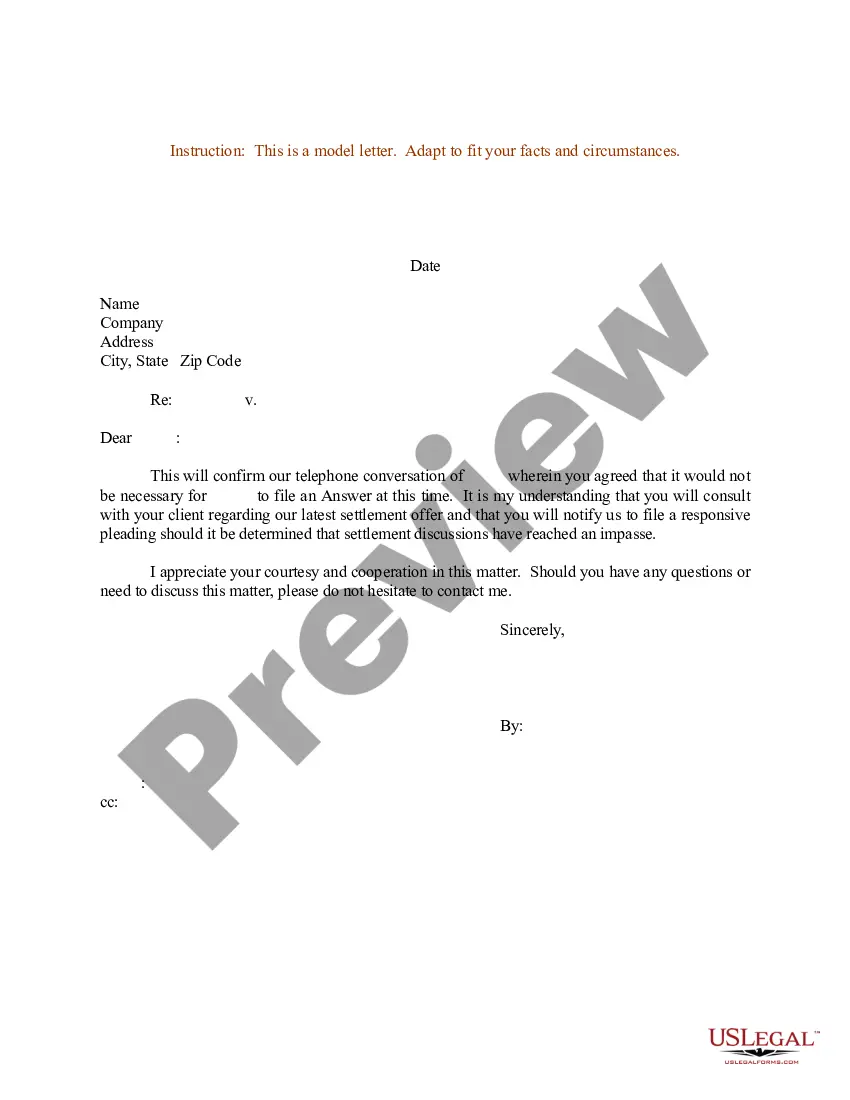
Confirmation Of Settlement Letter Format In Contra Costa
Description




Get your form ready online
Our built-in tools help you complete, sign, share, and store your documents in one place.
Make edits, fill in missing information, and update formatting in US Legal Forms—just like you would in MS Word.
Download a copy, print it, send it by email, or mail it via USPS—whatever works best for your next step.
Sign and collect signatures with our SignNow integration. Send to multiple recipients, set reminders, and more. Go Premium to unlock E-Sign.
If this form requires notarization, complete it online through a secure video call—no need to meet a notary in person or wait for an appointment.
We protect your documents and personal data by following strict security and privacy standards.

Make edits, fill in missing information, and update formatting in US Legal Forms—just like you would in MS Word.

Download a copy, print it, send it by email, or mail it via USPS—whatever works best for your next step.

Sign and collect signatures with our SignNow integration. Send to multiple recipients, set reminders, and more. Go Premium to unlock E-Sign.

If this form requires notarization, complete it online through a secure video call—no need to meet a notary in person or wait for an appointment.

We protect your documents and personal data by following strict security and privacy standards.
Looking for another form?





Form popularity
FAQ
If you are: a person (this includes sole-proprietors) you may claim up to $12,500; if you are a Corporation, limited liability company or partnership, you may claim up to $6,250.
Conclusion: Going to small claims court may be worth it for $500, but it will determine how you weigh your costs versus benefits. At a minimum, it is worth it to send a demand letter.
If you want to ask for more than $10,000 (for individuals) or $5,000 (businesses and other entities), you need to sue in the civil division of the superior court and not in small claims court. In the civil division, lawyers can represent each side.
Generally, you can only sue for up to $12,500 in small claims court (or up to $6,250 if you're a business). You can ask a lawyer for advice before you go to court, but you can't have one with you in court.
The Superior Court of Contra Costa implemented its E-filing system in 2022. They selected Odyssey Case Manager from Tyler Technologies, a software solution in use by 29 of the 58 courts in the state.
California Judicial Council Forms are pre approved pleadings for filing with the Court.
Please tell us as much as you can about what you are looking for, and tell us how we can reach you, including by email. Fill out and send a Request for Judicial Administrative Records form to the Public Information Officer by fax at (925) 608-2658 or by email at: mediainfo@contracostaurts.ca.