Confirmation Letter Sample For Bank In Alameda
Description




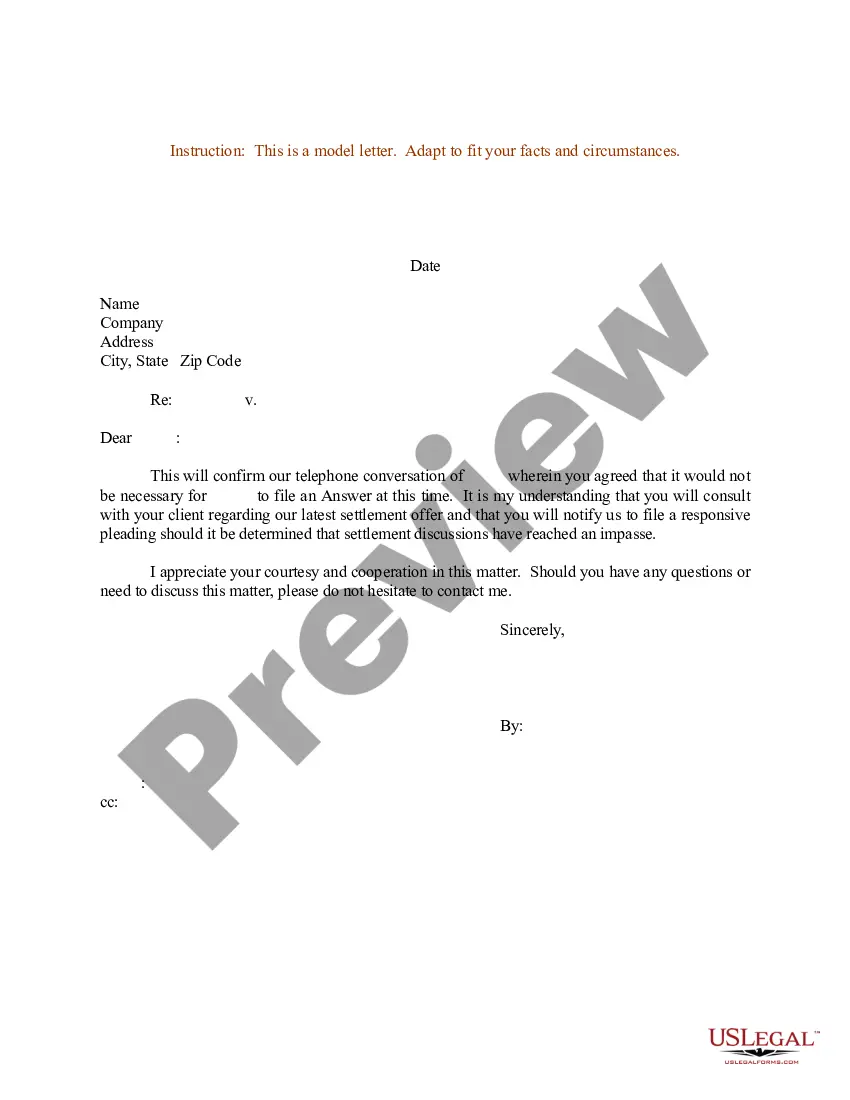
Get your form ready online
Our built-in tools help you complete, sign, share, and store your documents in one place.
Make edits, fill in missing information, and update formatting in US Legal Forms—just like you would in MS Word.
Download a copy, print it, send it by email, or mail it via USPS—whatever works best for your next step.
Sign and collect signatures with our SignNow integration. Send to multiple recipients, set reminders, and more. Go Premium to unlock E-Sign.
If this form requires notarization, complete it online through a secure video call—no need to meet a notary in person or wait for an appointment.
We protect your documents and personal data by following strict security and privacy standards.

Make edits, fill in missing information, and update formatting in US Legal Forms—just like you would in MS Word.

Download a copy, print it, send it by email, or mail it via USPS—whatever works best for your next step.

Sign and collect signatures with our SignNow integration. Send to multiple recipients, set reminders, and more. Go Premium to unlock E-Sign.

If this form requires notarization, complete it online through a secure video call—no need to meet a notary in person or wait for an appointment.

We protect your documents and personal data by following strict security and privacy standards.
Looking for another form?







Form popularity
FAQ
Writing the Confirmation Letter Step 1: Start with a Proper Salutation. Address the recipient using their professional title and name. Step 2: Clearly State the Purpose of the Letter. Step 3: Provide Relevant Details. Step 4: Include Any Necessary Instructions or Next Steps. Step 5: Express Gratitude and Offer Assistance.
How To Write A Confirmation Letter? Start with a header. Begin with an explanation. Include relevant information about the confirmation. Explain the attached documents. Add a supportive statement. Proofread the letter.
Sign in to your account. Choose which one of your bank accounts you'd like the account confirmation letter for. Scroll down to 'Your documents' Under the 'Your documents' tab, click on 'View' Scroll down to 'Bank letters' Select the 3 dots next to 'Bank account confirmation letter'
A Bank Account Confirmation letter is a formal statement released by a bank that confirms the existence of a bank account and confirms the name of the account holder.
This can be done by approaching your nearest bank branch for making an in-person request. While applying for the certificate, make sure you hand over all the required details such as your name, account number, the date for which you need the certificate and the purpose for availing the bank balance certificate.
In response to the auditor's original request, the bank will prepare a standardized bank confirmation for audit purposes (regardless of the amount of information requested).
To obtain a bank confirmation letter from your bank you may request in-person at a bank branch from one of the bankers, by a phone call to the bank, and depending on the financial institution, through their online platform.
Drafting Other Formal Confirmation Letters Type your letter in formal business letter format. Use an appropriate salutation. Confirm the specific arrangement made. Include any other important information. Ask for a follow-up if needed. Thank the recipient. Edit and proofread your letter before printing.
Accepted forms of proof Bank statements. Deposit slips. Cheques. Download 'Proof of account balance' document from bank (blank out account balance)
Sign in to your account. Choose which one of your bank accounts you'd like the account confirmation letter for. Scroll down to 'Your documents' Under the 'Your documents' tab, click on 'View' Scroll down to 'Bank letters' Select the 3 dots next to 'Bank account confirmation letter'