Employment Handbook With Exercises 3rd Edition In King
Description




Get your form ready online
Our built-in tools help you complete, sign, share, and store your documents in one place.
Make edits, fill in missing information, and update formatting in US Legal Forms—just like you would in MS Word.
Download a copy, print it, send it by email, or mail it via USPS—whatever works best for your next step.
Sign and collect signatures with our SignNow integration. Send to multiple recipients, set reminders, and more. Go Premium to unlock E-Sign.
If this form requires notarization, complete it online through a secure video call—no need to meet a notary in person or wait for an appointment.
We protect your documents and personal data by following strict security and privacy standards.

Make edits, fill in missing information, and update formatting in US Legal Forms—just like you would in MS Word.

Download a copy, print it, send it by email, or mail it via USPS—whatever works best for your next step.

Sign and collect signatures with our SignNow integration. Send to multiple recipients, set reminders, and more. Go Premium to unlock E-Sign.

If this form requires notarization, complete it online through a secure video call—no need to meet a notary in person or wait for an appointment.

We protect your documents and personal data by following strict security and privacy standards.
Looking for another form?






Form popularity
FAQ
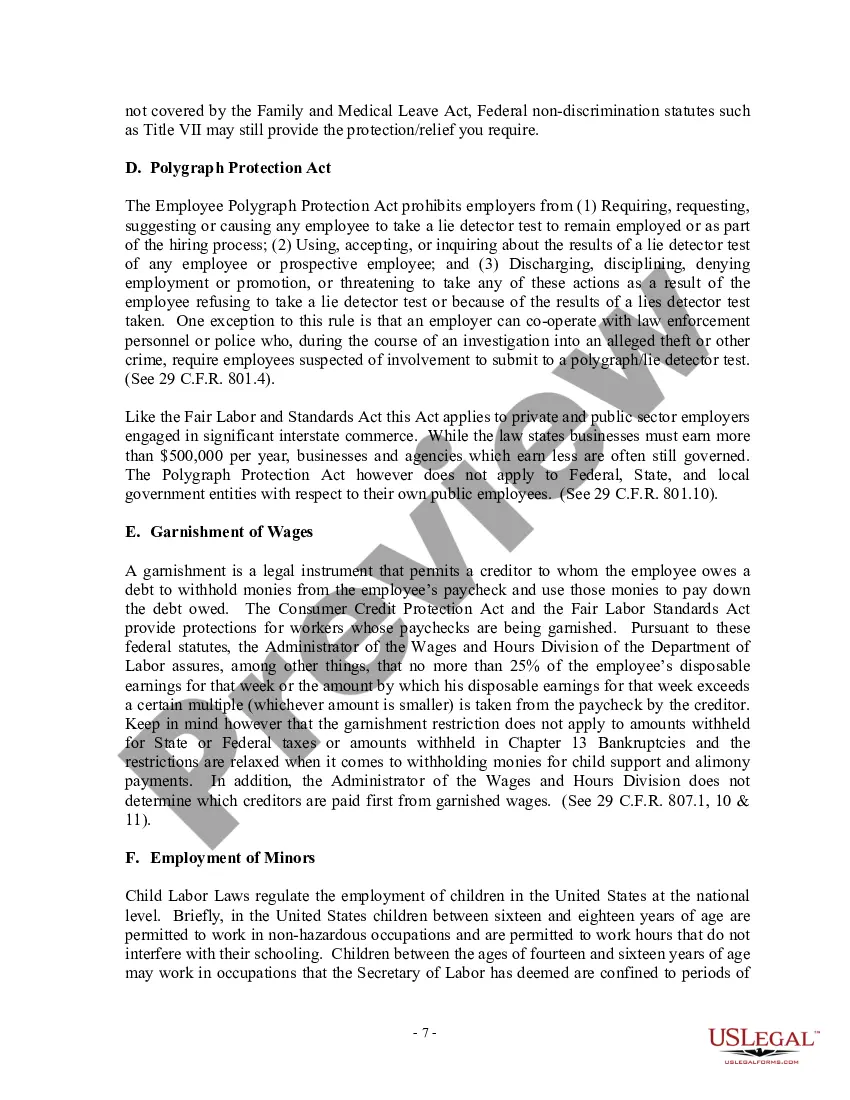
Key Sections and Elements of the Employee Handbook The key overarching categories typically included in an employee handbook are: Company mission statement, values, and/or history. Company policies, standards, and guidelines. Career, compensation and benefits information.
Here's what should be included in an employee handbook; our template covers every important policy of an employee manual: Employment Basics. Workplace Policies. Code of Conduct. Compensation and development. Benefits and Perks. Working Hours, PTO and Vacation. Employee Resignation and Termination.
How To Write an Employee Handbook Use Straightforward Language. Keep your sentences short and to the point. Arrange Information Effectively. Proofread With a Professional. Opt for a Digital Copy. Information About the Company. Employment Essentials. Company Culture. Workplace Policies.
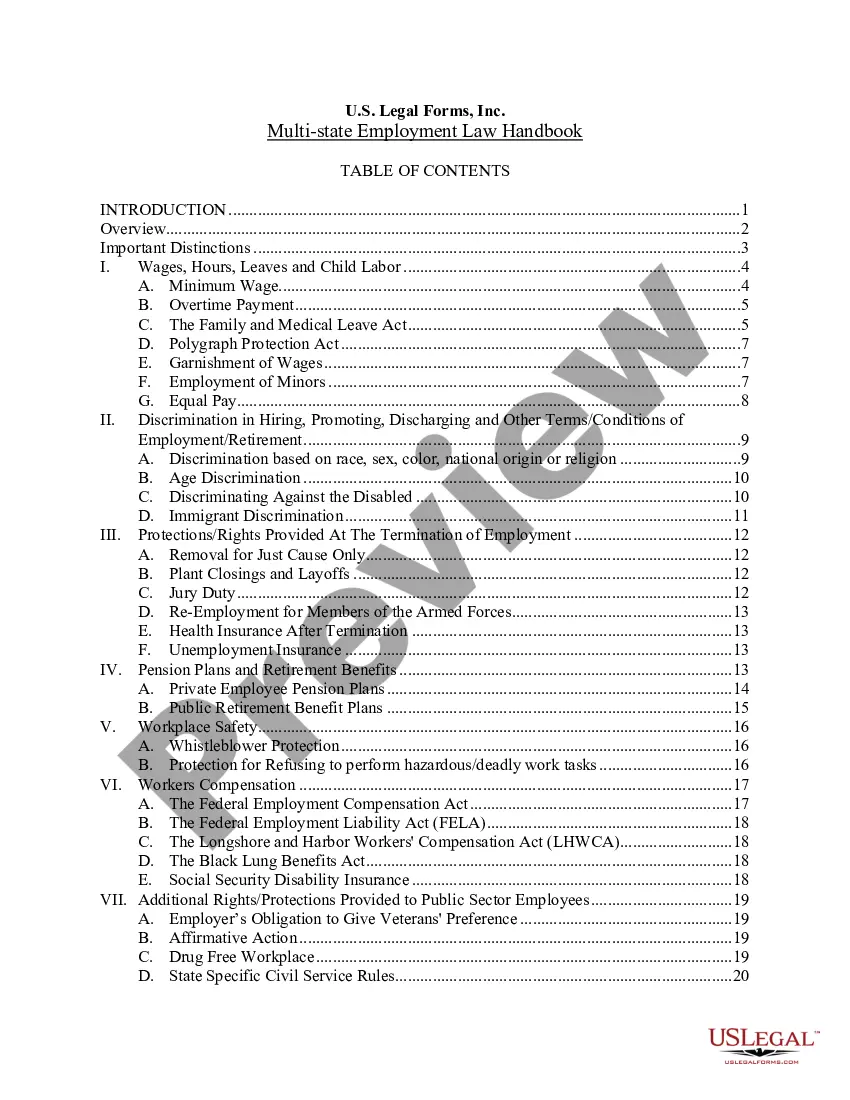
Answer Cover page. Table of contents: It is important to include a table of contents so the reader knows where to look for pertinent information. Welcoming statement: This statement sets the tone for the entire handbook. Introduction to the handbook: What is the history behind the handbook?
Templates are simply pre-made roadmaps that outline for you what your employee handbook should include. A template typically has sections such as organizational structure, performance management, compensation plans, benefits policy, safety protocols, and disciplinary procedure.
Here are some suggested categories to include in your handbook: Include your company's mission statement. Write a brief section on company history. State any legal declarations. Explain your dress code. Include details about work hours. Define duties. Include department-specific policies. Describe company benefits.
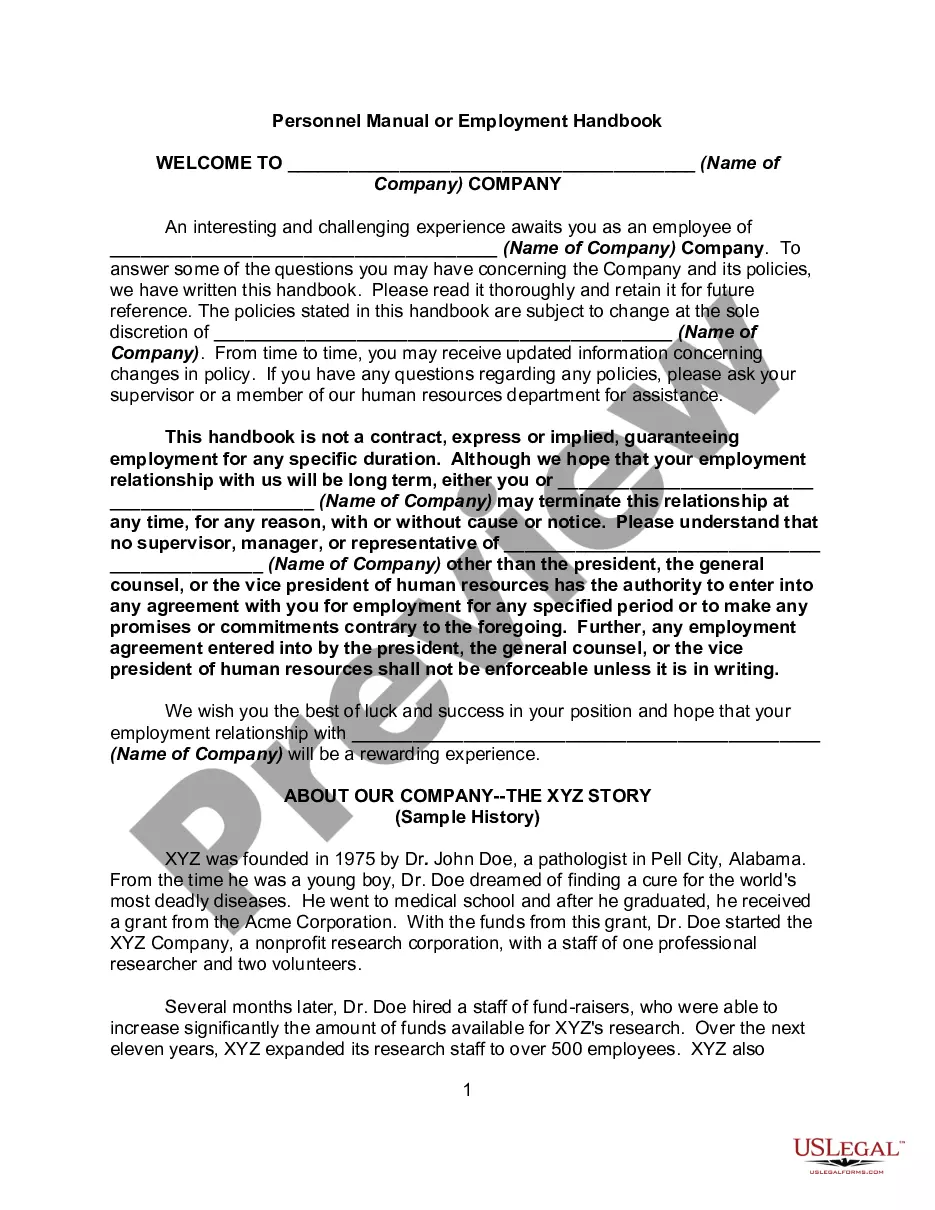
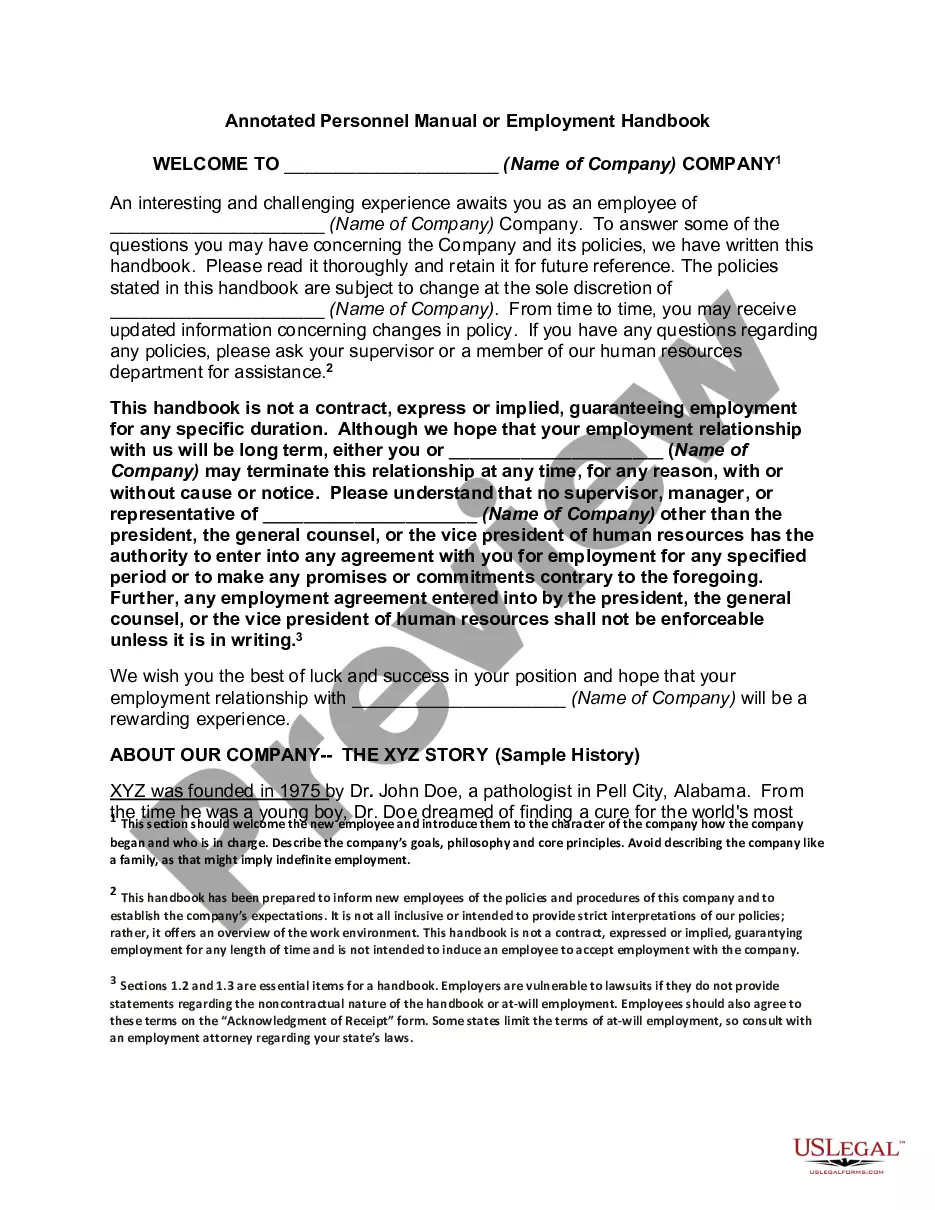
It is our privilege to welcome you to Company Name. We wish you every success in your new job, and we hope that you quickly feel at home.
Most employers are surprised to learn that California does not require companies to have an employee handbook. However, the Fair Employment and Housing Act (FEHA) requires that California employers with at least five employees distribute written harassment, discrimination, and retaliation prevention policies.
Important: To view a document, you must have a compatible app on your device. On the Welcome screen, select. Doc Vault. To search for a document or link, type a word or phrase in the search field. Any files that match your search text are displayed. Select the document or link to save it, and then open it.
How do I access my company's handbook in ADP? Go to the ADP portal website at ( ) Log in with your company's credentials. Click the "Resources" tab. Click the "Company Handbook" link. Read and follow the instructions on the page.
