Employment Handbook With Exercises 3rd Edition In Hennepin
Description

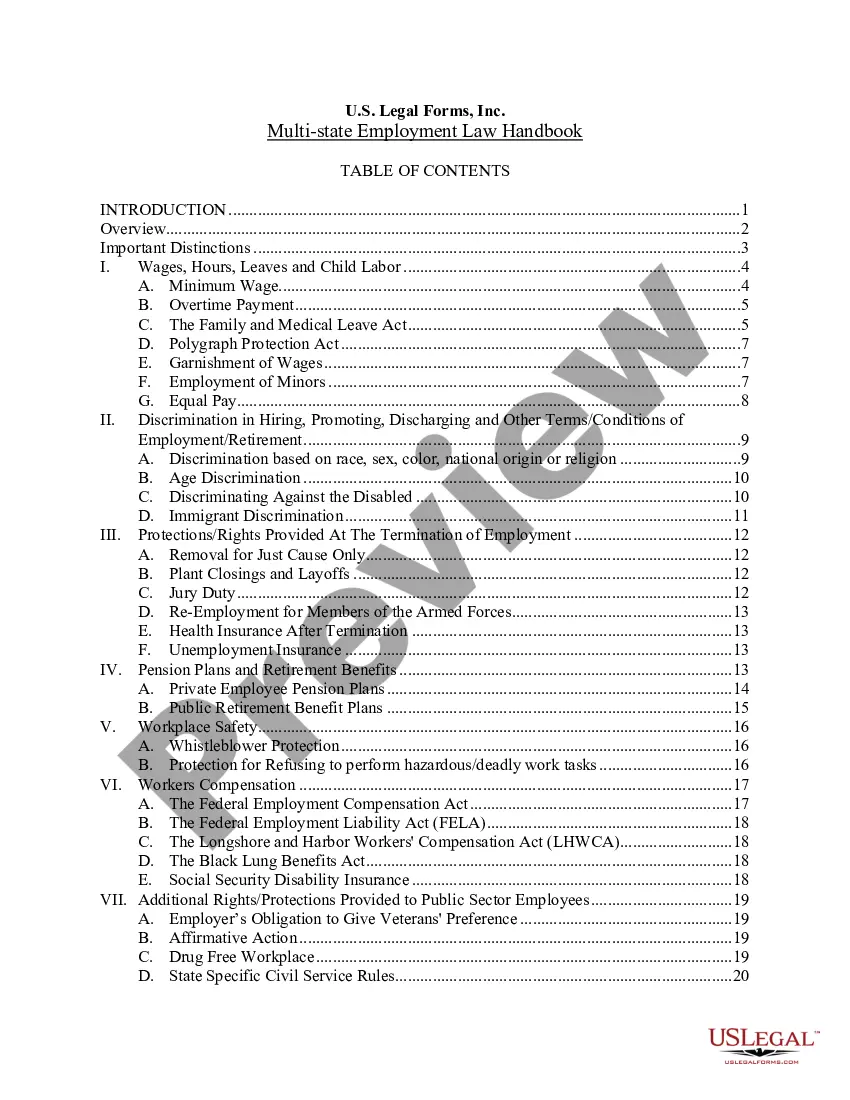
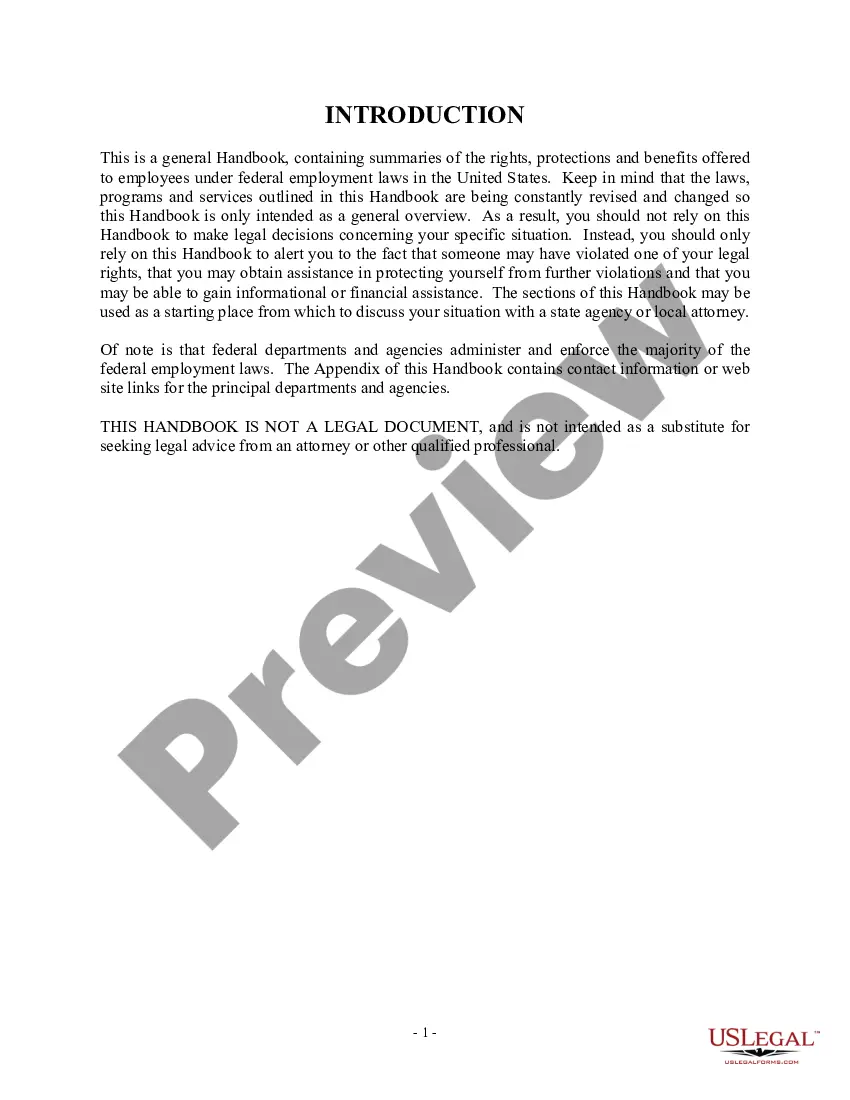
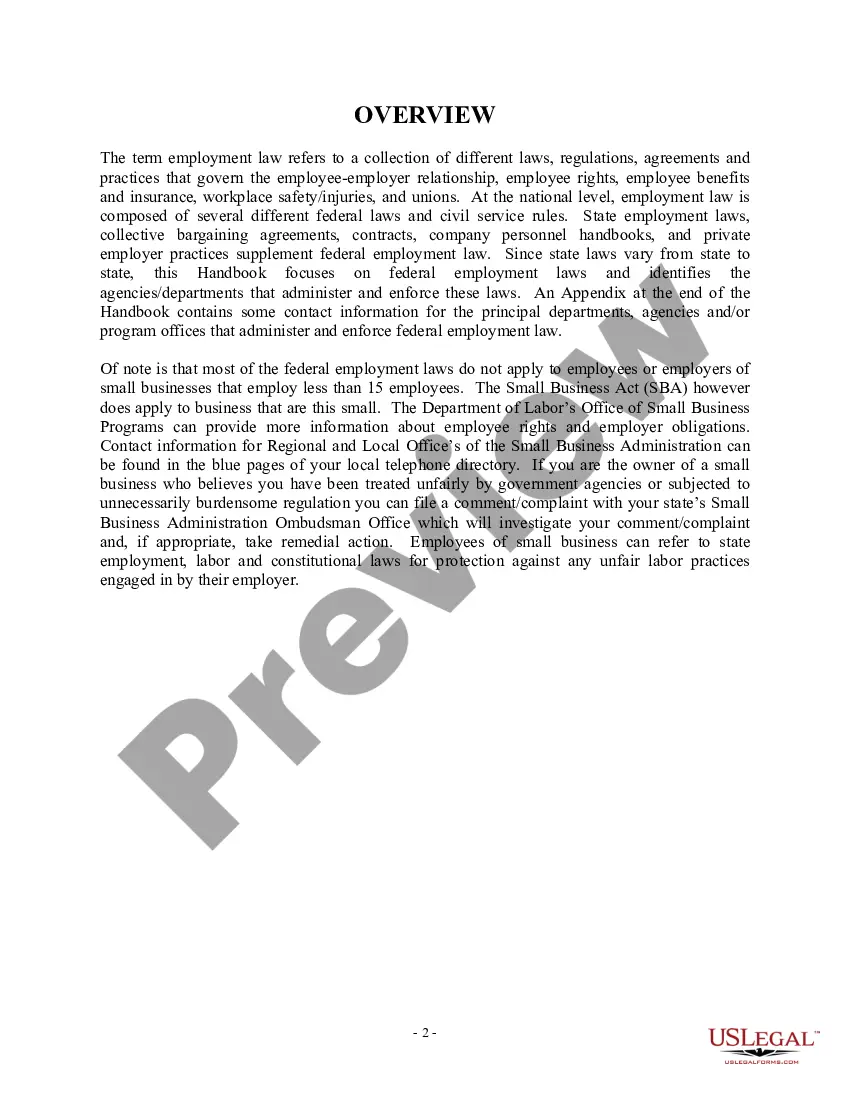



Get your form ready online
Our built-in tools help you complete, sign, share, and store your documents in one place.
Make edits, fill in missing information, and update formatting in US Legal Forms—just like you would in MS Word.
Download a copy, print it, send it by email, or mail it via USPS—whatever works best for your next step.
Sign and collect signatures with our SignNow integration. Send to multiple recipients, set reminders, and more. Go Premium to unlock E-Sign.
If this form requires notarization, complete it online through a secure video call—no need to meet a notary in person or wait for an appointment.
We protect your documents and personal data by following strict security and privacy standards.

Make edits, fill in missing information, and update formatting in US Legal Forms—just like you would in MS Word.

Download a copy, print it, send it by email, or mail it via USPS—whatever works best for your next step.

Sign and collect signatures with our SignNow integration. Send to multiple recipients, set reminders, and more. Go Premium to unlock E-Sign.

If this form requires notarization, complete it online through a secure video call—no need to meet a notary in person or wait for an appointment.

We protect your documents and personal data by following strict security and privacy standards.
Looking for another form?







Form popularity
FAQ
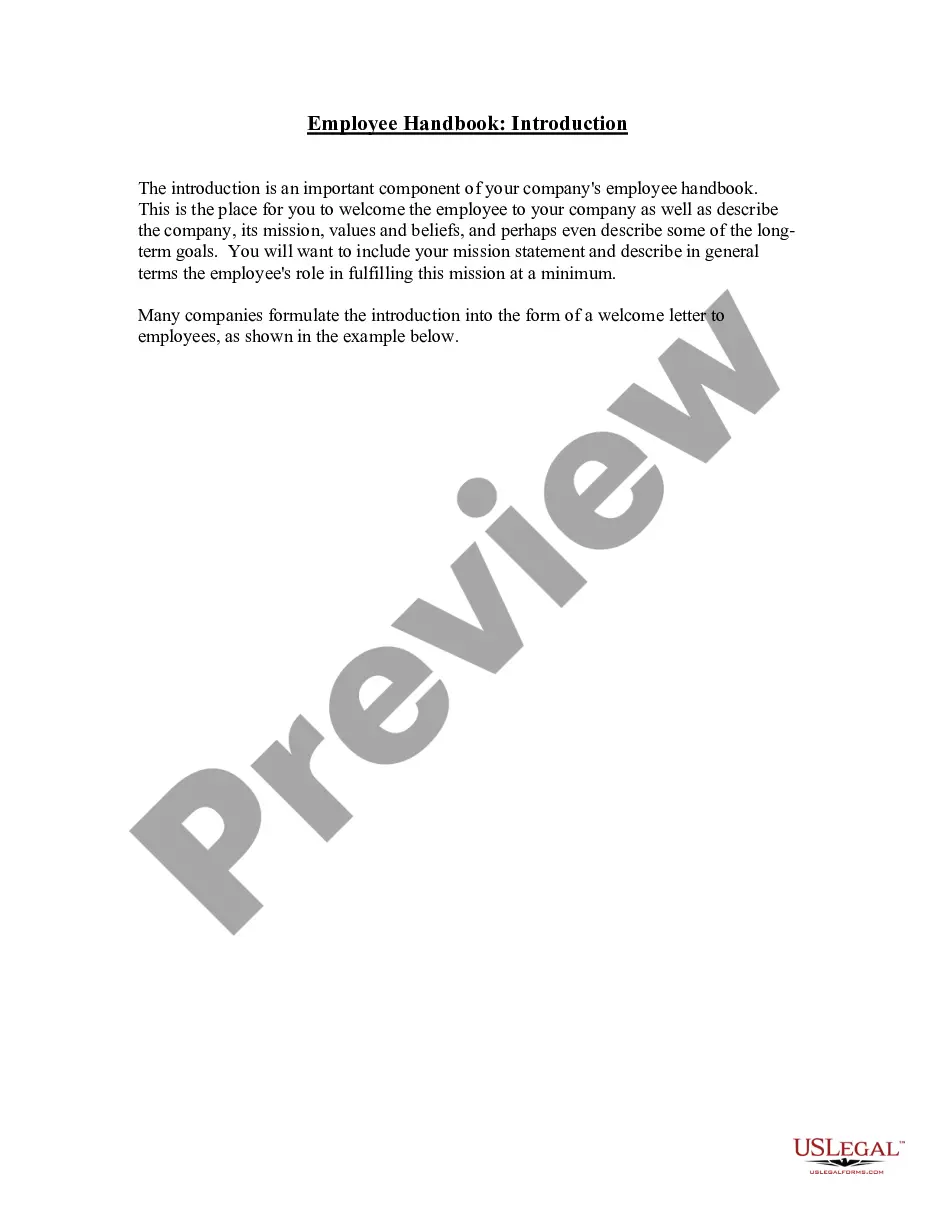
Here's an example: “You'll find everything you need to know in this comprehensive employee handbook. It covers everything from our organizational structure and expectations of new employees to important resources such as our safety and well-being policies and available development opportunities we offer.
Announcing Updates to the Handbook Focus on the changes by outlining what has been updated, the reasons for these updates, and their expected impact. This approach helps employees quickly grasp the significance of the changes and how they apply to their roles.
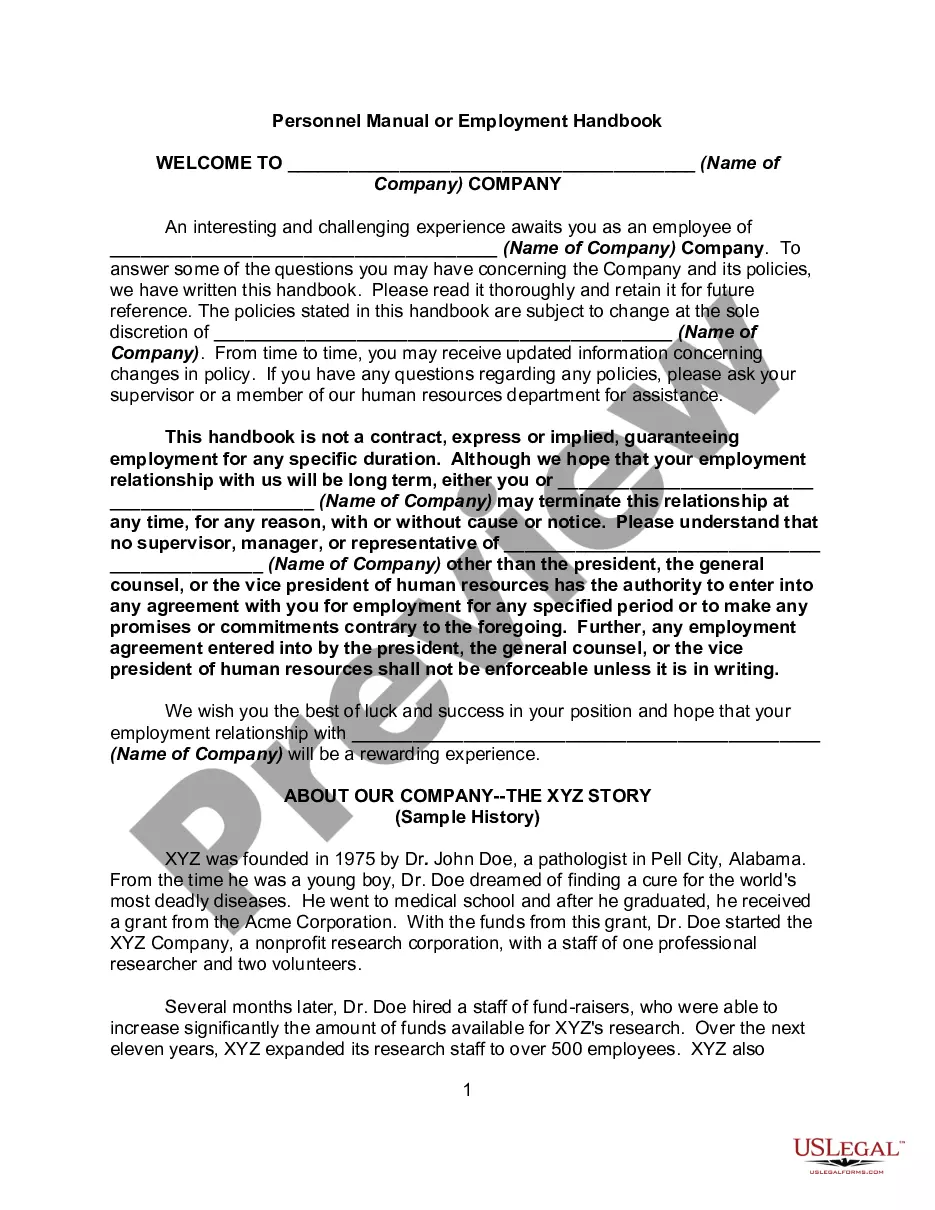
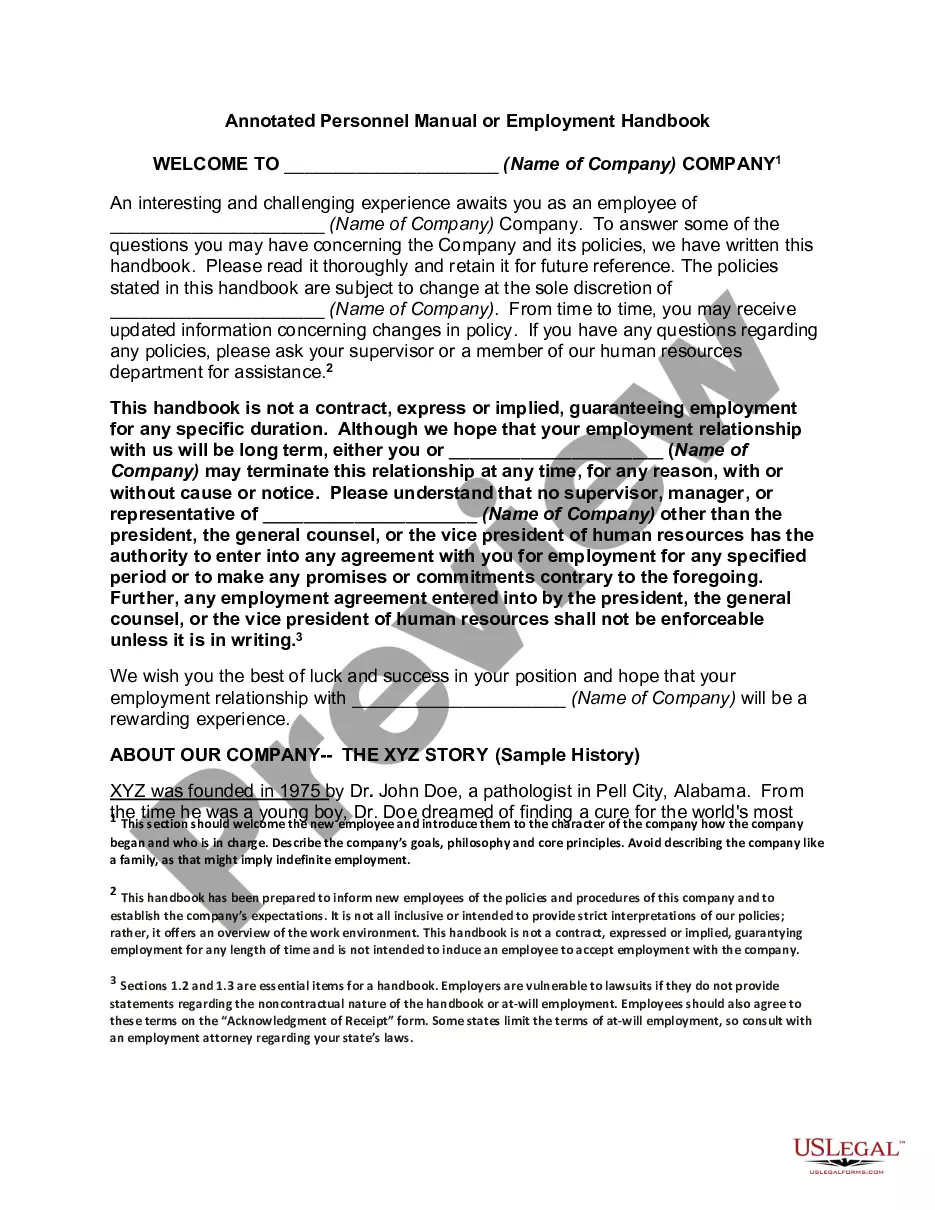
The handbook usually starts with an introduction which mentions the company's history, core values and expected behaviour. It then moves on to policies and procedures. The following policies are essential and should be included in an employee handbook: Data protection.
How to write an employee handbook Include your company's mission statement. Write a brief section on company history. State any legal declarations. Explain your dress code. Include details about work hours. Define duties. Include department-specific policies. Describe company benefits.
It is our privilege to welcome you to Company Name. We wish you every success in your new job, and we hope that you quickly feel at home.
Generally, your employee handbook welcome statement can include: Welcome: First, write a personal welcome to your new employees. Company purpose: Next, you may want to include some information about the company's purpose. Company history: Consider including a brief history of your company.
ClickUp's ChatGPT Prompts for Employee Handbook can help you create an up-to-date document with ease. Our template will provide you with AI-driven content and advice that is tailored to your company's policies and culture. You'll be able to: Easily generate ideas and content for your employee handbook.
