Request For Bid Sample In Tarrant
Description


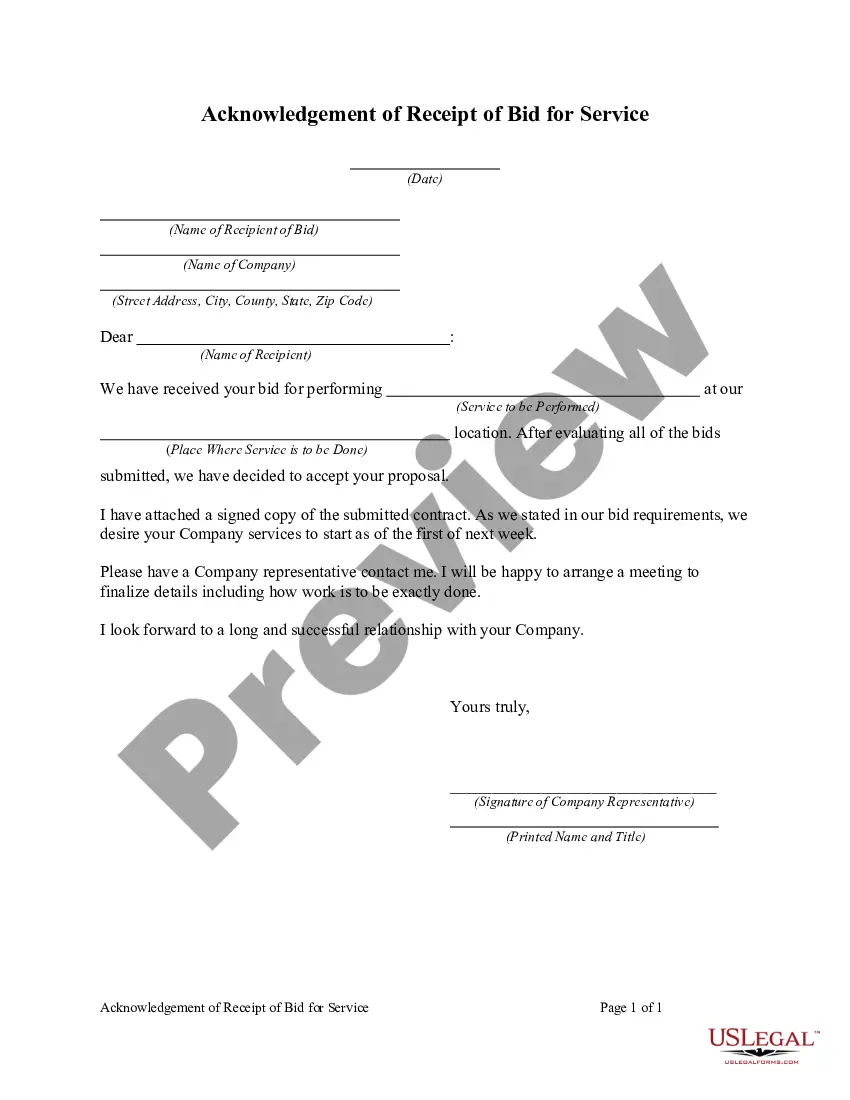

Get your form ready online
Our built-in tools help you complete, sign, share, and store your documents in one place.
Make edits, fill in missing information, and update formatting in US Legal Forms—just like you would in MS Word.
Download a copy, print it, send it by email, or mail it via USPS—whatever works best for your next step.
Sign and collect signatures with our SignNow integration. Send to multiple recipients, set reminders, and more. Go Premium to unlock E-Sign.
If this form requires notarization, complete it online through a secure video call—no need to meet a notary in person or wait for an appointment.
We protect your documents and personal data by following strict security and privacy standards.

Make edits, fill in missing information, and update formatting in US Legal Forms—just like you would in MS Word.

Download a copy, print it, send it by email, or mail it via USPS—whatever works best for your next step.

Sign and collect signatures with our SignNow integration. Send to multiple recipients, set reminders, and more. Go Premium to unlock E-Sign.

If this form requires notarization, complete it online through a secure video call—no need to meet a notary in person or wait for an appointment.

We protect your documents and personal data by following strict security and privacy standards.
Looking for another form?






Form popularity
FAQ
The name and address of the bidder must be shown in the upper left corner of the bid envelope, and the invitation number, the daqte and hour of bid opening and the phrase “Bid for Real Property” must be shown in the lower left corner of the envelope.
The name and address of the bidder must be shown in the upper left corner of the bid envelope, and the invitation number, the daqte and hour of bid opening and the phrase “Bid for Real Property” must be shown in the lower left corner of the envelope.
There are just a few steps to fill out an envelope. You'll put the sender's name and return address on the top left corner and the recipient's name and mailing address in the lower center. And you'll typically place a stamp on it in the top right corner.
The RFP process begins with drafting a request for proposal. Bidders review the solicitation and submit suggestions for improvement. After implementing feedback, the final request for proposal is issued. Bidders then submit their proposals.
Contract Opportunities: Search, find, bid Government agencies use sam to list contracts over $25,000. Find a contract that fits your business and submit a bid.
Sites such as GovernmentContracts, BidSync, BidNet Direct and The RFP Database collect RFP and bid postings from various sources (just like our newly developed bid-finding tool, Bid Banana!). All of these sites list RFPs for public searching.
5 tips for crafting RFP bids that win Centralize your proposal content. Assign proposal tasks early. Make the issuer's job as easy as possible. Highlight how you are different, but don't give away your secret sauce. Leverage purpose-made RFP software.
8 Steps to the Construction Bidding Process Project owner issues request for general contractors to bid on the project. GC sends project out to subcontractors for bidding. Subcontractors work on bids and ask questions. Bid day. Contractor selection. Contract negotiations. Signed contract. Project buyout.
A bid request is a piece of code used to sell display ads and inventory details. It allows visitors to see ads most suited to them, and for multiple advertisers to utilize the same ad spot on a given publisher's platform.
Bid form: A document that outlines all the terms and conditions of a bid on a construction project. Any company responding to a tendering process for construction or renovation projects must fill out a bid form while placing a bid.

