Independent Contractor Contract Example In Santa Clara
Description

Get your form ready online
Our built-in tools help you complete, sign, share, and store your documents in one place.
Make edits, fill in missing information, and update formatting in US Legal Forms—just like you would in MS Word.
Download a copy, print it, send it by email, or mail it via USPS—whatever works best for your next step.
Sign and collect signatures with our SignNow integration. Send to multiple recipients, set reminders, and more. Go Premium to unlock E-Sign.
If this form requires notarization, complete it online through a secure video call—no need to meet a notary in person or wait for an appointment.
We protect your documents and personal data by following strict security and privacy standards.

Make edits, fill in missing information, and update formatting in US Legal Forms—just like you would in MS Word.

Download a copy, print it, send it by email, or mail it via USPS—whatever works best for your next step.

Sign and collect signatures with our SignNow integration. Send to multiple recipients, set reminders, and more. Go Premium to unlock E-Sign.

If this form requires notarization, complete it online through a secure video call—no need to meet a notary in person or wait for an appointment.

We protect your documents and personal data by following strict security and privacy standards.
Looking for another form?







Form popularity
FAQ
Entities provide a Form 1099-Misc to independent contractors and Form W-2 to employees. See this article on worker classification for more information. However, there may be instances where a worker may be serving as an independent contractor and an employee for the same entity.
Form W-9. If you've made the determination that the person you're paying is an independent contractor, the first step is to have the contractor complete Form W-9, Request for Taxpayer Identification Number and Certification.
Submit a paper Report of Independent Contractor(s) (DE 542) using one of the following options: Downloading a fill-in DE 542 (PDF). Ordering the form to be mailed to you through our Online Forms and Publications. Printing your data directly from your computer to the DE 542 by following the Print Specifications (PDF).
Write the contract in six steps Start with a contract template. Open with the basic information. Describe in detail what you have agreed to. Include a description of how the contract will be ended. Write into the contract which laws apply and how disputes will be resolved. Include space for signatures.
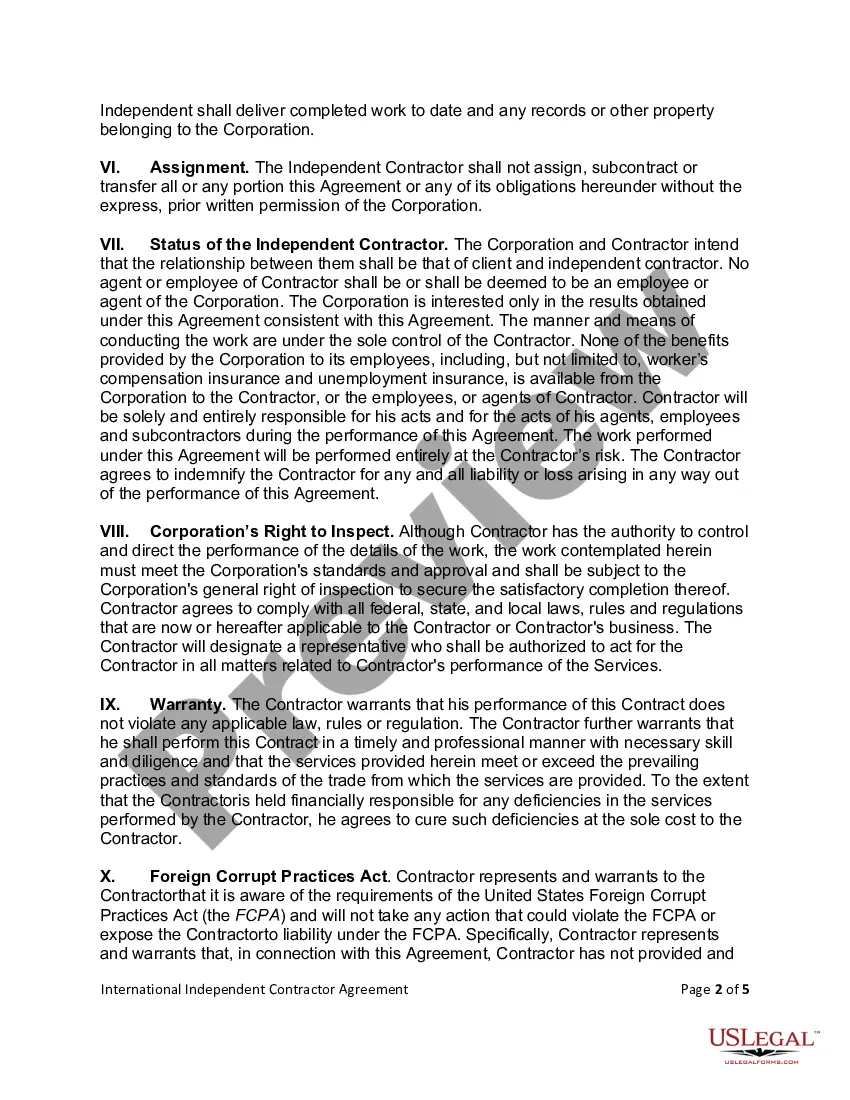
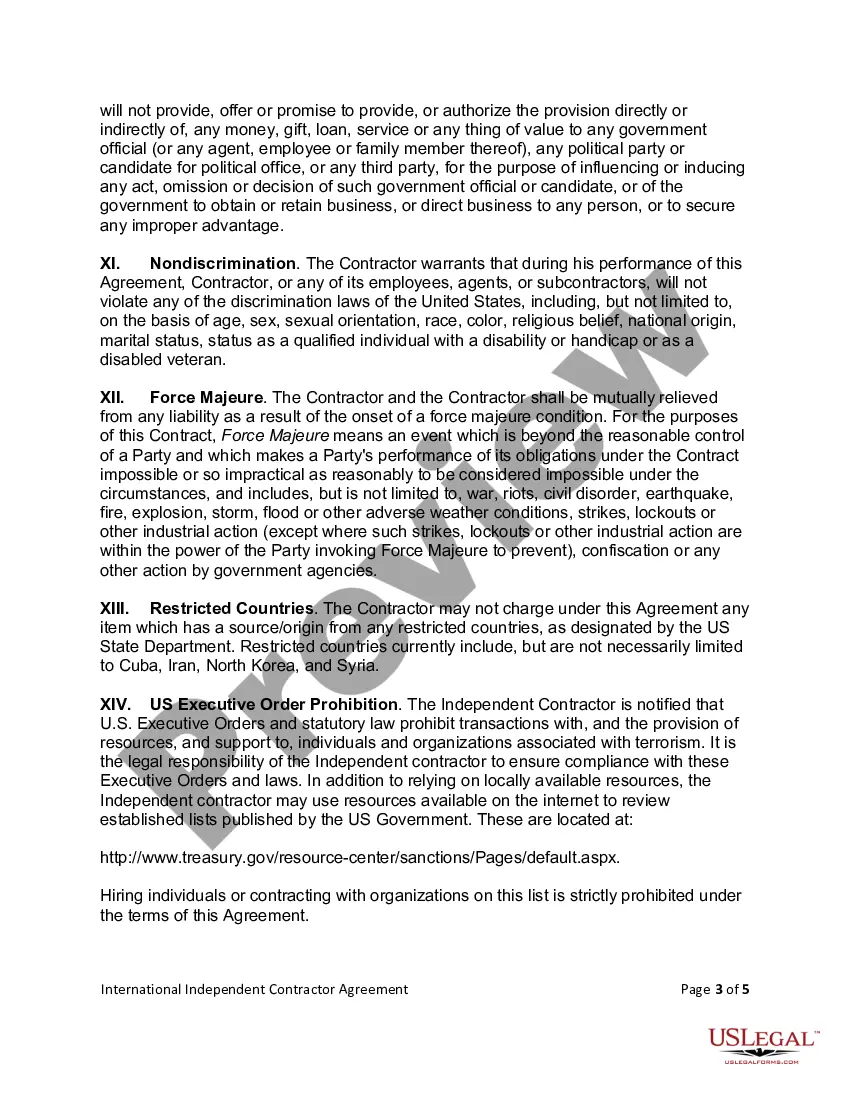
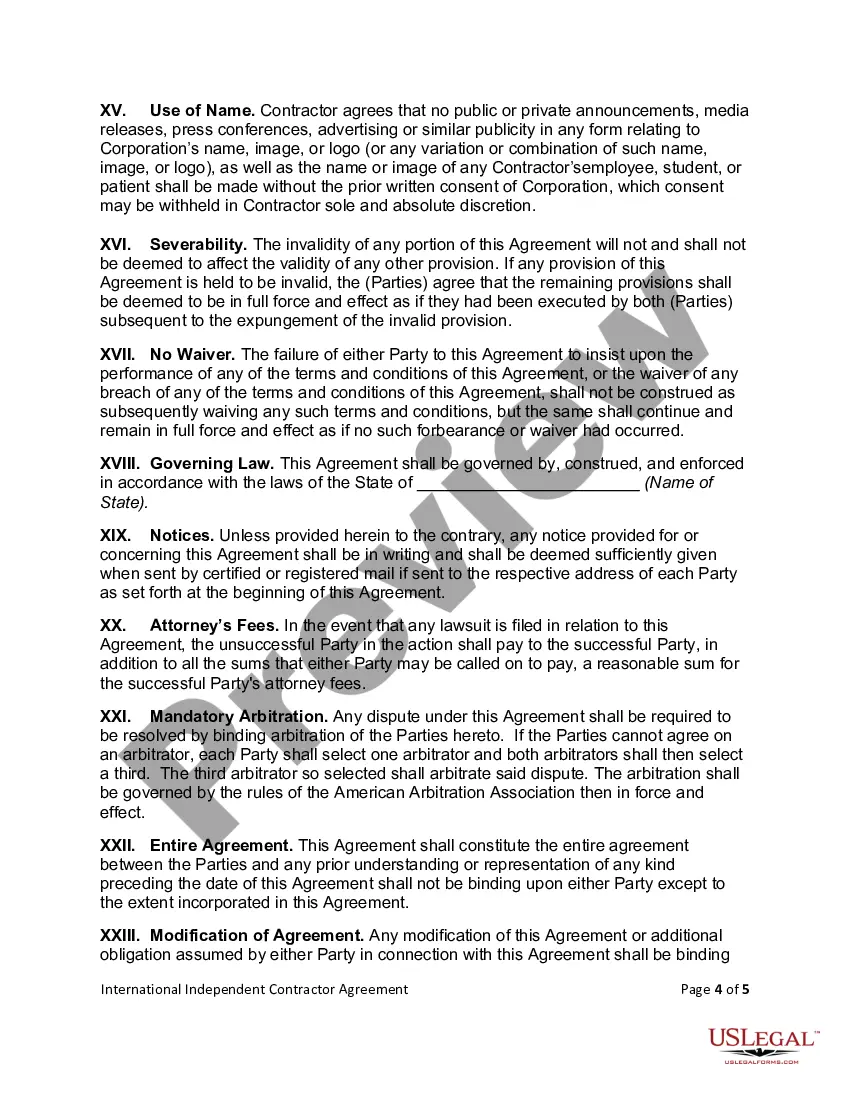
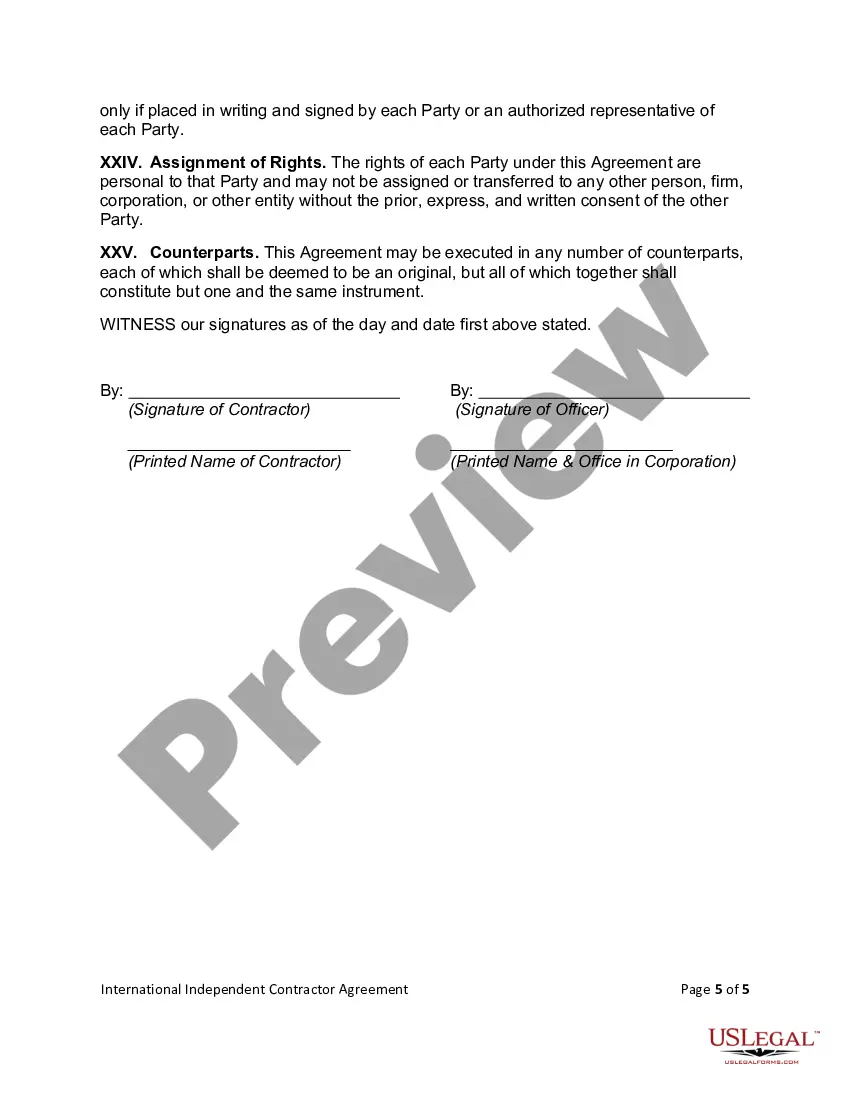
An Independent Contractor Agreement is a contract between a company and an independent contractor to hire the contractor without them becoming an employee. In this agreement, the contractor or freelancer agrees to work for the hiring organization for a specified period of time, on a specific assignment or project.
The new rule, which becomes effective March 11, 2024, rescinds the 2021 independent contractor rule issued under former President Donald Trump and replaces it with a six-factor test that considers: 1) opportunity for profit or loss depending on managerial skill; 2) investments by the worker and the potential employer; ...
There are many situations in which a business will want to engage the services of an independent contractor instead of hiring an employee. In these situations, both parties must sign an independent contractor agreement.
The Independent Contractor shall not be entitled to any of the benefits that the Company may make available to its employees, including, but not limited to, group health or life insurance, profit sharing, or retirement benefits, except as expressly stated in this Agreement.
What Documents Are Needed to Legally Establish Independent Contractor Status? Get a Form W-9. The first step to working with an independent contractor is getting a W-9 form. Agree on the agreement. Request an invoice. Finally, the 1099-NEC.
