Contract Template For General Contractor In North Carolina
Description

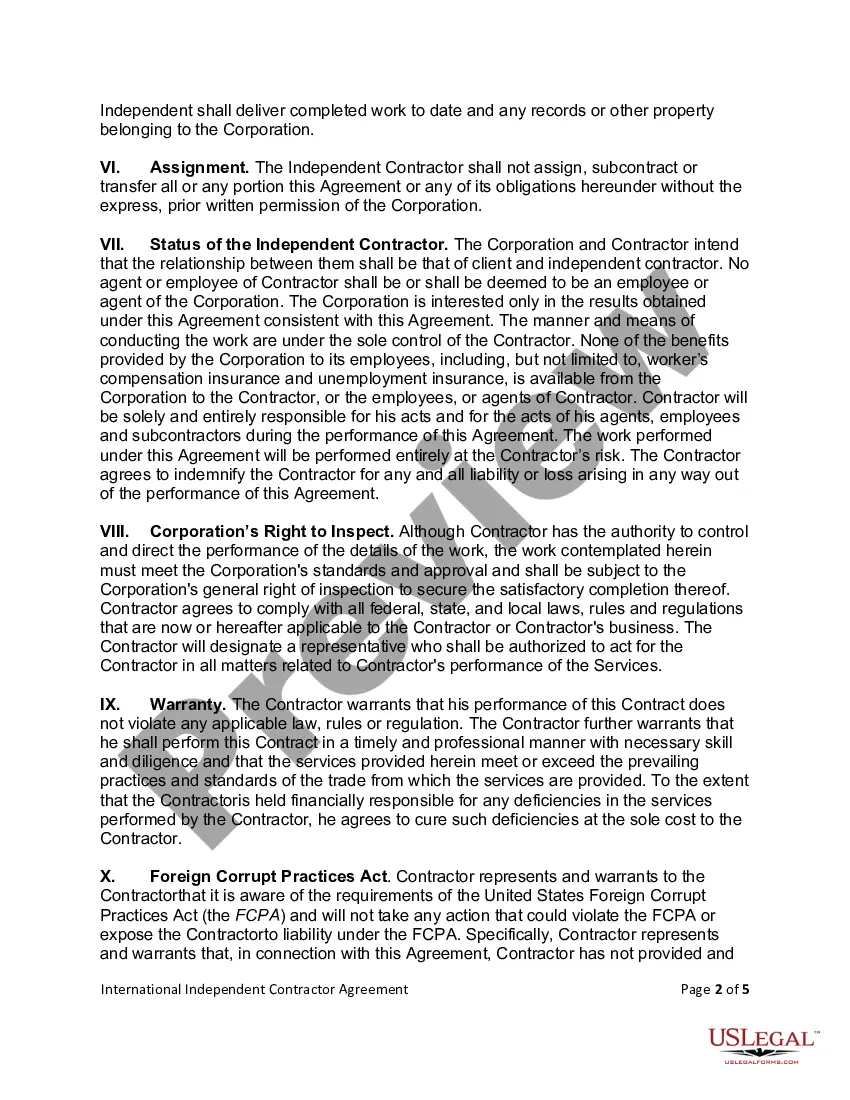
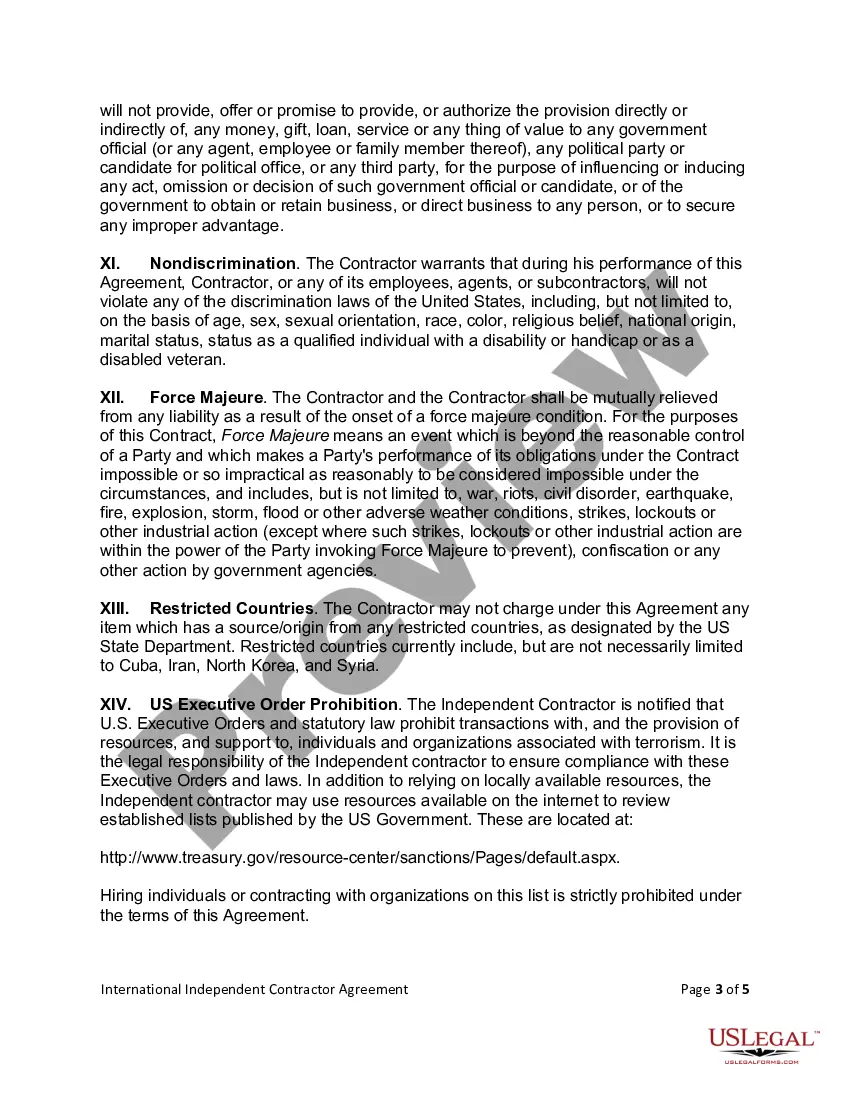
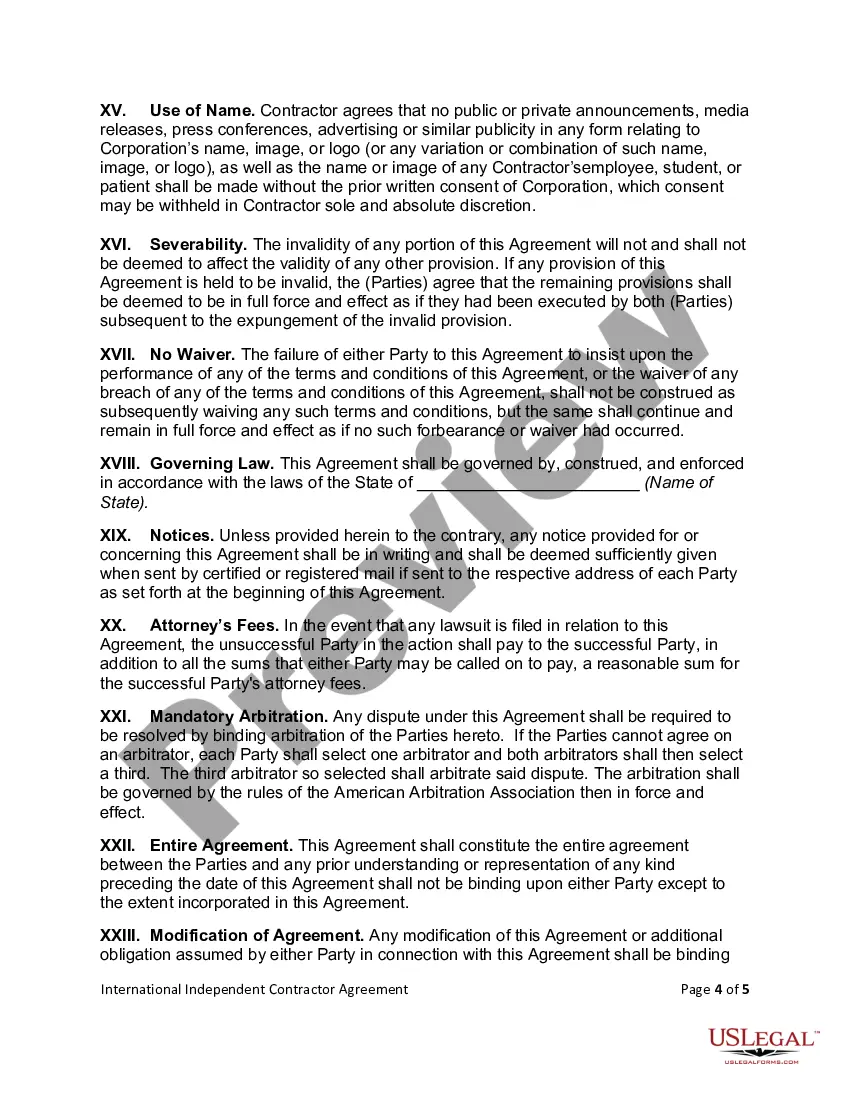
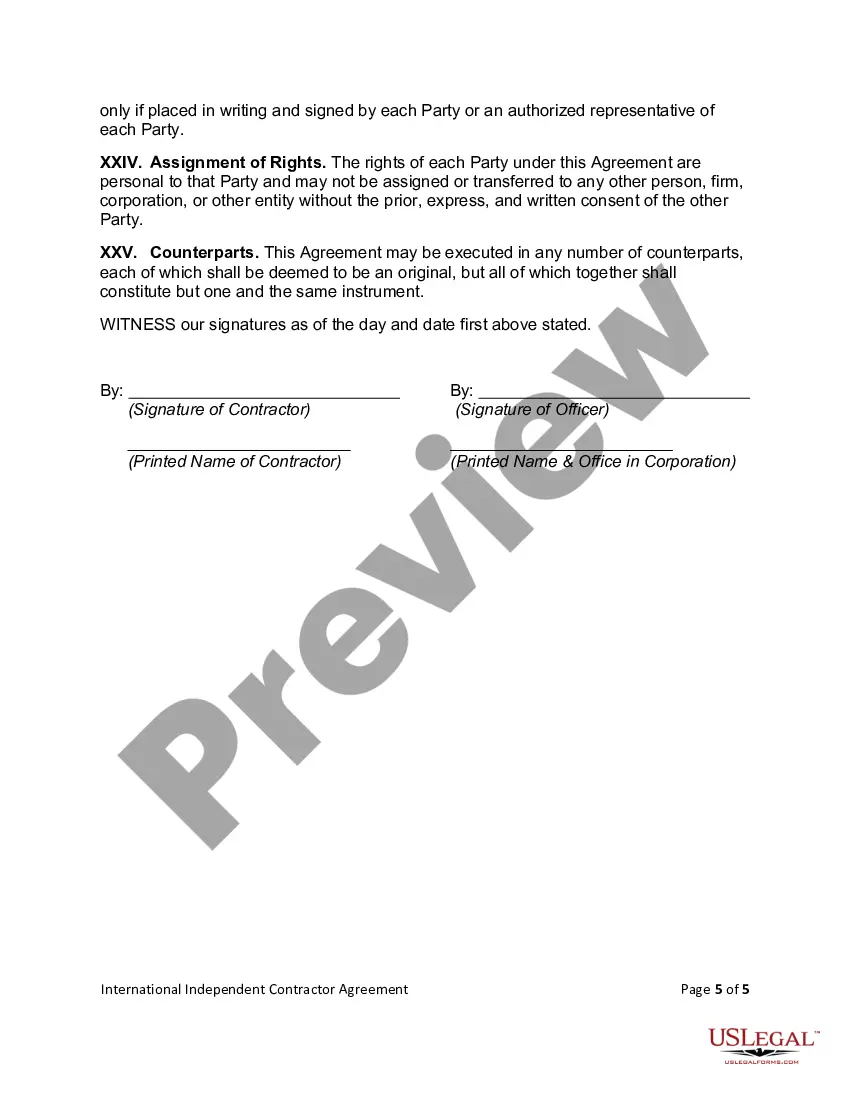
Get your form ready online
Our built-in tools help you complete, sign, share, and store your documents in one place.
Make edits, fill in missing information, and update formatting in US Legal Forms—just like you would in MS Word.
Download a copy, print it, send it by email, or mail it via USPS—whatever works best for your next step.
Sign and collect signatures with our SignNow integration. Send to multiple recipients, set reminders, and more. Go Premium to unlock E-Sign.
If this form requires notarization, complete it online through a secure video call—no need to meet a notary in person or wait for an appointment.
We protect your documents and personal data by following strict security and privacy standards.

Make edits, fill in missing information, and update formatting in US Legal Forms—just like you would in MS Word.

Download a copy, print it, send it by email, or mail it via USPS—whatever works best for your next step.

Sign and collect signatures with our SignNow integration. Send to multiple recipients, set reminders, and more. Go Premium to unlock E-Sign.

If this form requires notarization, complete it online through a secure video call—no need to meet a notary in person or wait for an appointment.

We protect your documents and personal data by following strict security and privacy standards.
Looking for another form?







Form popularity
FAQ
Centralizing your contracts with templates means you don't have to draft contracts from scratch each time. Instead, you can use a standard contract template to enter into business agreements with various parties.
A contractor must post the Notice of Contract in a visible location next to the posted building permit and file the original with the Clerk of Superior Court where the real property to be improved is located.
Yes, you can write your own contract. However, including all necessary elements is crucial to make it legally binding.
A contract template is an outline of a contract and can be defined for certain types of contracts, or for a combination of contracts. A contract template is classified on the basis of contract categories and classes.
North Carolina grants owners an exemption to act as their own general contractor if they meet the following requirements. The property MUST be listed in your name. The property CANNOT be for rent, lease or sale for one year after the project is completed.
Traditionally, most people think only works like music, art or books can be copyrighted. But legally speaking, contracts can be subject to copyright protection as well. So if you lift someone's contract word-by-word without their permission, you could be violating the law.
You can write the contract yourself; there are sites with templates for just about any kind of contract you could ever want, from employment to, well, cabinet making. Some are massive documents; some are short and easy. Most have been set up by the legal profession, and hence are very accurate.
Steps to Being Your Own General Contractor Educate Yourself: If you're not from the construction industry, you'll need to get a handle on the basics. Get the Necessary Permits: Every municipality has its own rules and regulations for construction. Budget and Financing: Establish a clear budget.
Anything below $40,000 as of October 1st, 2023, is fine. You don't have to have a general contractor license in the state of North Carolina to do any sort of work that would be qualified as a general contracting type job.
