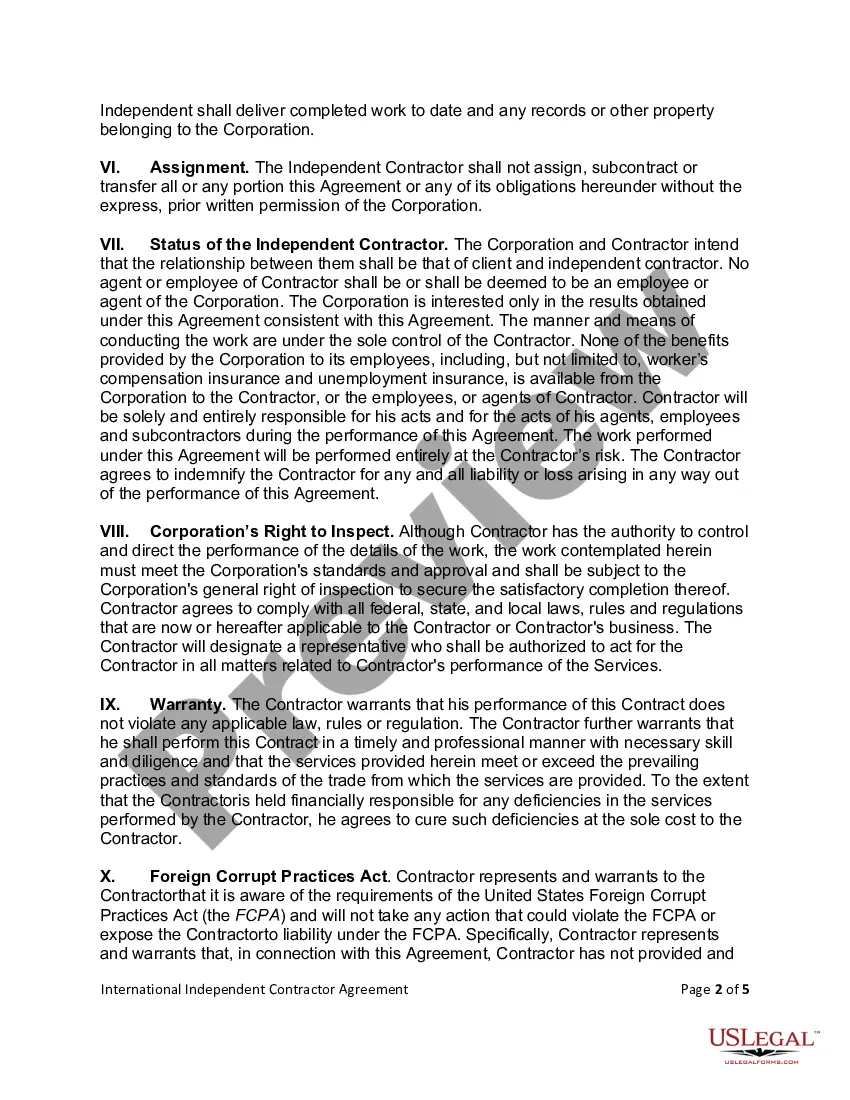
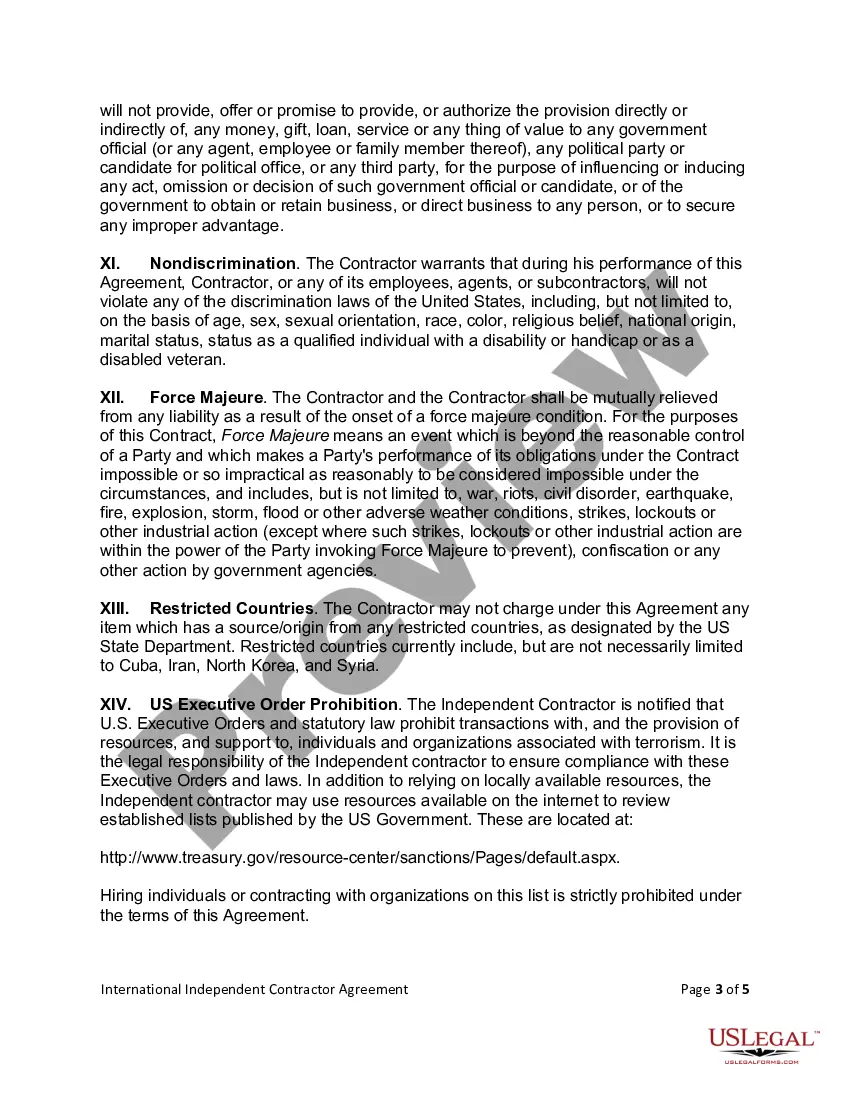
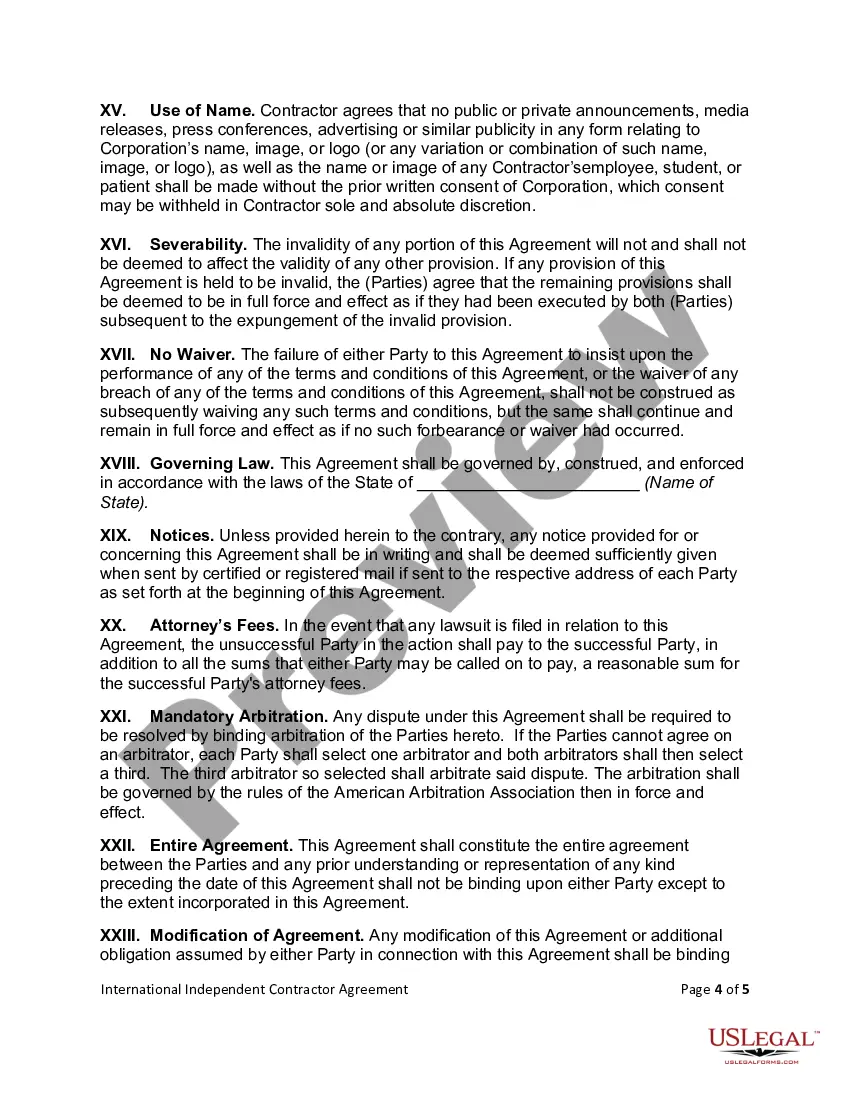
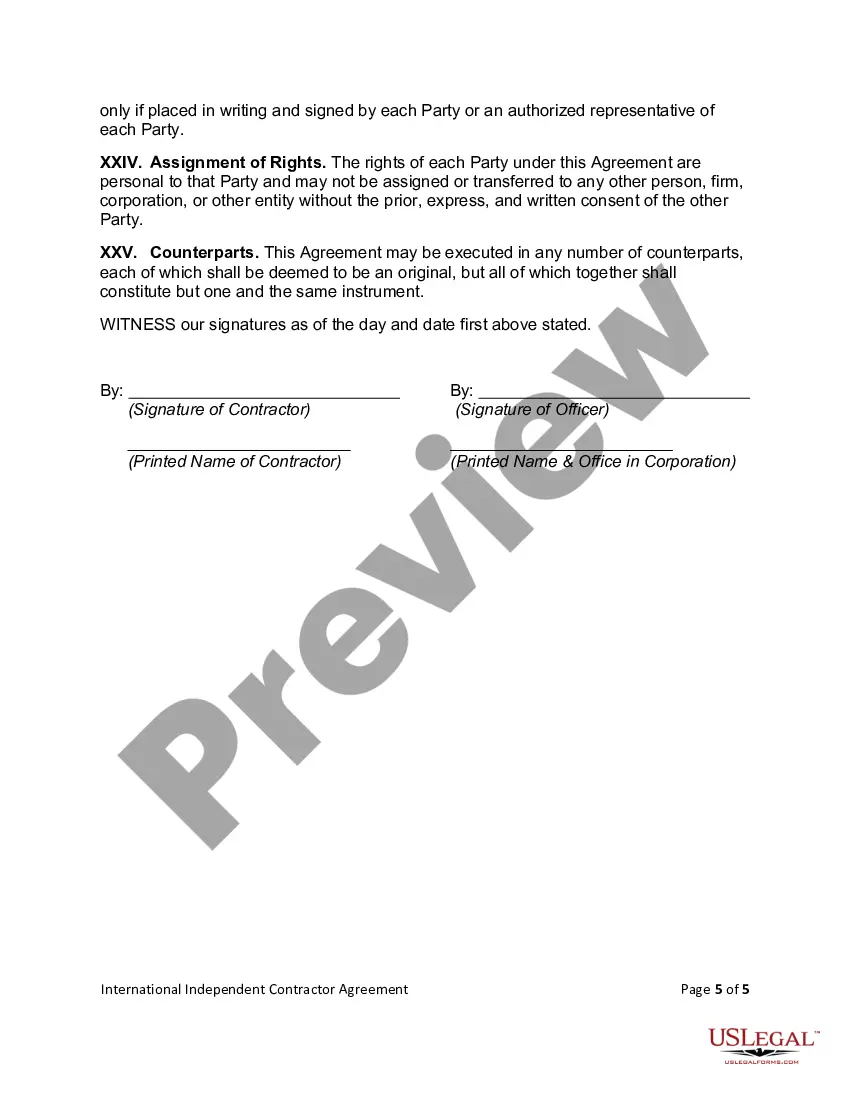
International Contract Agreement Template With Supplier In Maricopa
Description

Get your form ready online
Our built-in tools help you complete, sign, share, and store your documents in one place.
Make edits, fill in missing information, and update formatting in US Legal Forms—just like you would in MS Word.
Download a copy, print it, send it by email, or mail it via USPS—whatever works best for your next step.
Sign and collect signatures with our SignNow integration. Send to multiple recipients, set reminders, and more. Go Premium to unlock E-Sign.
If this form requires notarization, complete it online through a secure video call—no need to meet a notary in person or wait for an appointment.
We protect your documents and personal data by following strict security and privacy standards.

Make edits, fill in missing information, and update formatting in US Legal Forms—just like you would in MS Word.

Download a copy, print it, send it by email, or mail it via USPS—whatever works best for your next step.

Sign and collect signatures with our SignNow integration. Send to multiple recipients, set reminders, and more. Go Premium to unlock E-Sign.

If this form requires notarization, complete it online through a secure video call—no need to meet a notary in person or wait for an appointment.

We protect your documents and personal data by following strict security and privacy standards.
Looking for another form?






Form popularity
FAQ
How to write a contract agreement in 7 steps. Determine the type of contract required. Confirm the necessary parties. Choose someone to draft the contract. Write the contract with the proper formatting. Review the written contract with a lawyer. Send the contract agreement for review or revisions.
Top ten tips in drafting and negotiating an international contract Avoiding retaliation claims. The language of the contract. Clear contract prose. Common law versus civil law. Jurisdictional issues. Terms of art. Personnel. In negotiations, expect the unexpected.
Write the contract in six steps Start with a contract template. Open with the basic information. Describe in detail what you have agreed to. Include a description of how the contract will be ended. Write into the contract which laws apply and how disputes will be resolved. Include space for signatures.
In an international business contract, it's essential to define the jurisdiction that will govern the contract and the laws that will apply in the event of a dispute. Your dispute resolution section should also detail the agreed-upon dispute resolution mechanism.
Top ten tips in drafting and negotiating an international contract Avoiding retaliation claims. The language of the contract. Clear contract prose. Common law versus civil law. Jurisdictional issues. Terms of art. Personnel. In negotiations, expect the unexpected.
An offer can be made to an individual, a group of persons, or even the whole world (all law students have to learn the 1893 case of Carlill v Carbolic Smoke Ball Co in which a gazette advertisement was deemed to constitute a contract offer).
Some common types of international contracts include sales agreements, distribution agreements, licensing agreements, joint venture agreements, and employment contracts.
Creating a New Contract Using the Contract Wizard Sign in to your SAP Ariba solution. On the dashboard, click Create Contract Request. Under What would you like to create?, click Contract Request. Start defining your contract header details, or click a link in the contract wizard to move to a different page. Note.
