Performance Agreement For Administrative Assistant In Phoenix
Description

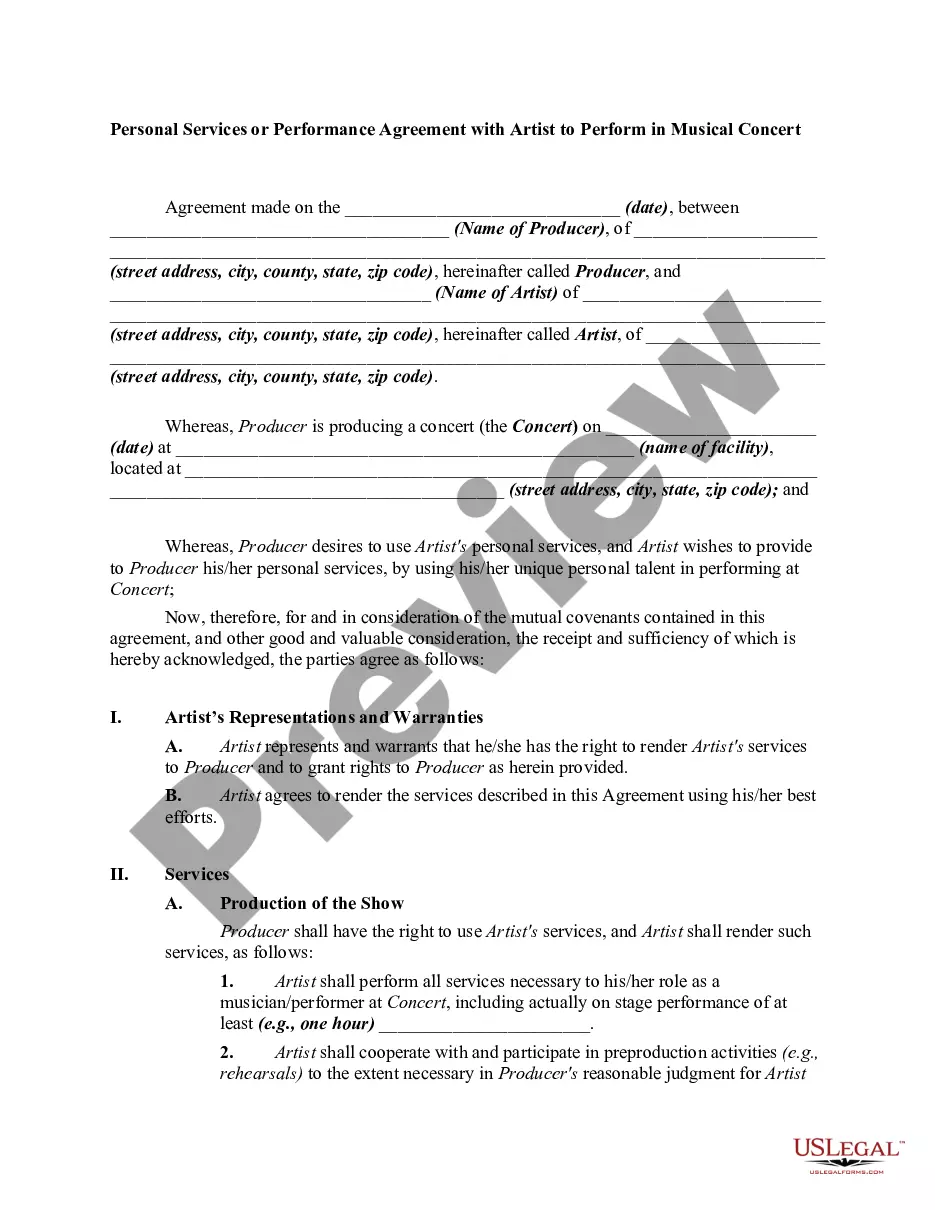
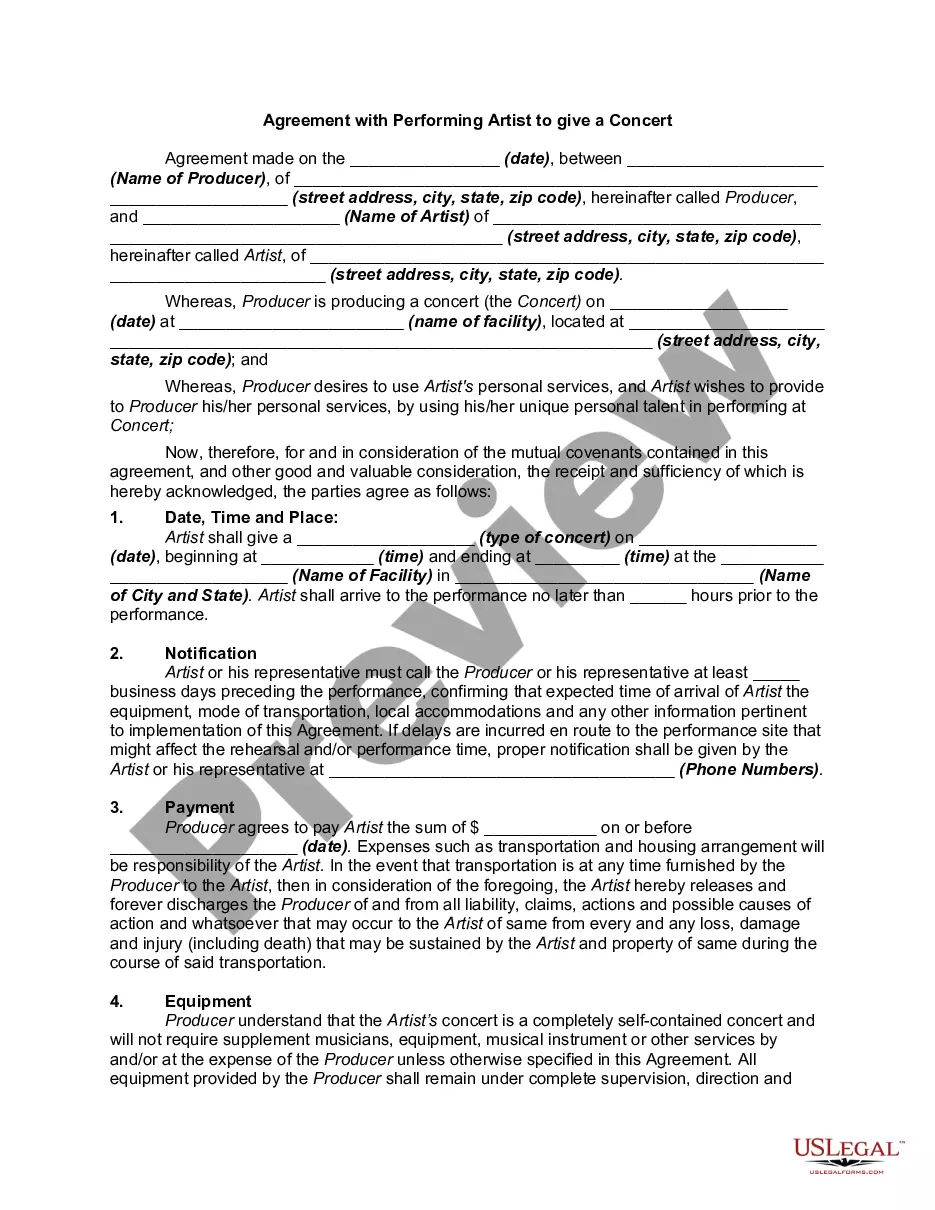
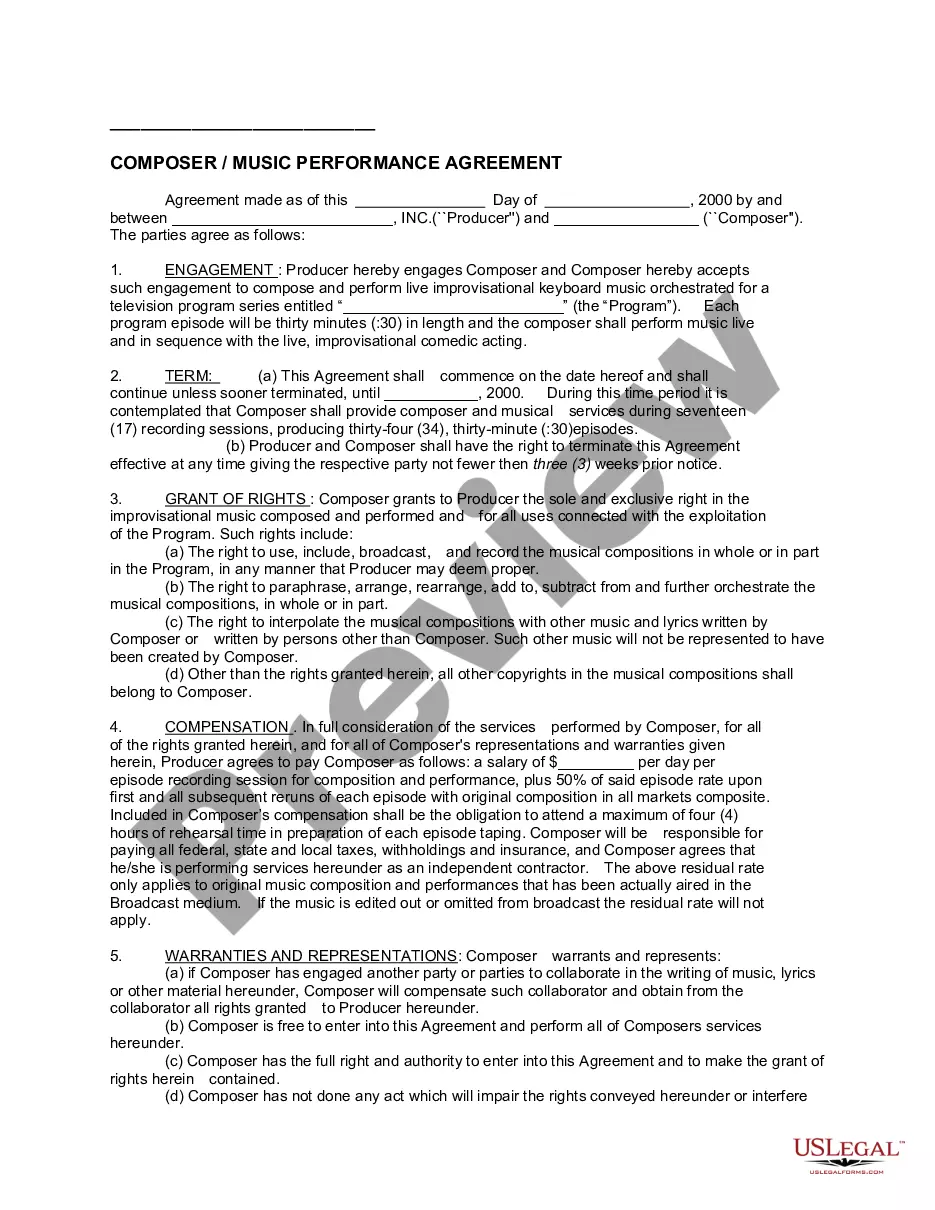
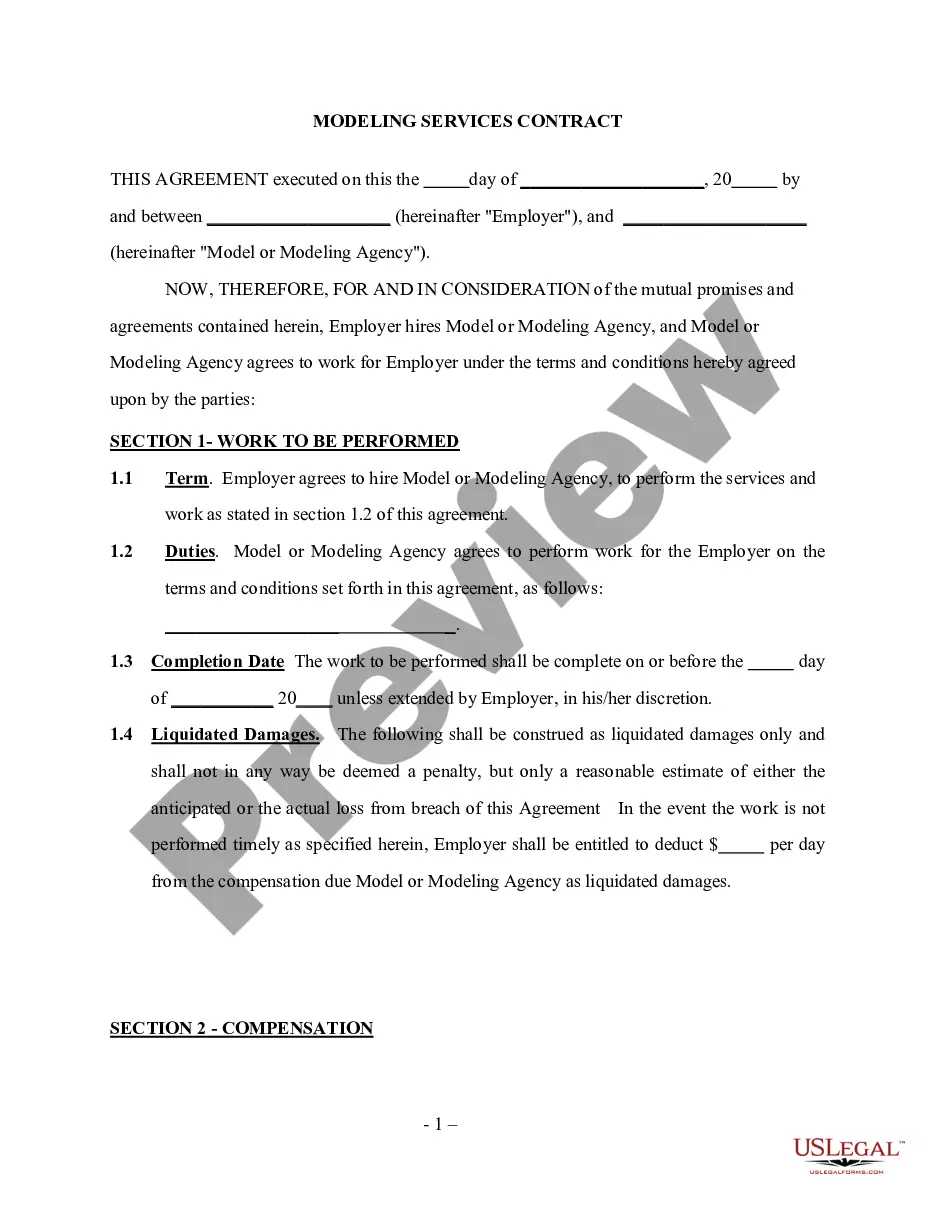
Get your form ready online
Our built-in tools help you complete, sign, share, and store your documents in one place.
Make edits, fill in missing information, and update formatting in US Legal Forms—just like you would in MS Word.
Download a copy, print it, send it by email, or mail it via USPS—whatever works best for your next step.
Sign and collect signatures with our SignNow integration. Send to multiple recipients, set reminders, and more. Go Premium to unlock E-Sign.
If this form requires notarization, complete it online through a secure video call—no need to meet a notary in person or wait for an appointment.
We protect your documents and personal data by following strict security and privacy standards.

Make edits, fill in missing information, and update formatting in US Legal Forms—just like you would in MS Word.

Download a copy, print it, send it by email, or mail it via USPS—whatever works best for your next step.

Sign and collect signatures with our SignNow integration. Send to multiple recipients, set reminders, and more. Go Premium to unlock E-Sign.

If this form requires notarization, complete it online through a secure video call—no need to meet a notary in person or wait for an appointment.

We protect your documents and personal data by following strict security and privacy standards.
Looking for another form?






Form popularity
FAQ
Email management: A SMART goal. Calendar management: A SMART goal. Travel planning: A SMART goal. Meeting support: A SMART goal. Team engagement: A SMART goal.
Timely response to all telephone inquiries/office visitors. Planning for seminars occurs too late to secure optimal meeting space and prepare advance communications. Certain associate editors consistently are behind schedule. All manuscripts progress through the review process ing to established schedule.
Assessing administrative assistants involves evaluating their organizational, communication, time management, and software use skills. This can be done through exercises that test their ability to organize data, handle conflicting demands, manage their time effectively, and use office software proficiently.
Here's how you can evaluate administrative assistants using common criteria. Skills Assessment. Time Management. Problem Solving. Interpersonal Skills. Be the first to add your personal experience. Initiative and Drive. Feedback Responsiveness. Be the first to add your personal experience. Here's what else to consider.
How do you measure and evaluate the performance and productivity of your administrative team? Set clear and SMART goals. Use key performance indicators (KPIs) Conduct regular performance reviews. Implement feedback systems. Encourage collaboration and communication. Reward and recognize your team.
Administrative Uses Performance appraisals help identify strong and weak performers and thereby assist in making decisions regarding promotions, transfers, raises, bonuses and other types of employee rewards. Of course, they can also help determine who gets laid off and who may get terminated from employment.
To identify key performance indicators (KPIs) in your administrative assistant role, focus on metrics such as task completion rate, accuracy of work, timeliness, communication efficiency, and client or colleague satisfaction.
For a 5-point rating scale, a good rating is generally considered to be: 4 (Agree/Above average): This indicates that the employee consistently performs well and often exceeds expectations in their role.
The basic system description uses a five-level rating system: Level 5 – Outstanding, Level 4 – Exceeds Fully Successful, Level 3 – Fully Successful, Level 2 – Minimally Satisfactory and Level 1 – Unsatisfactory.
