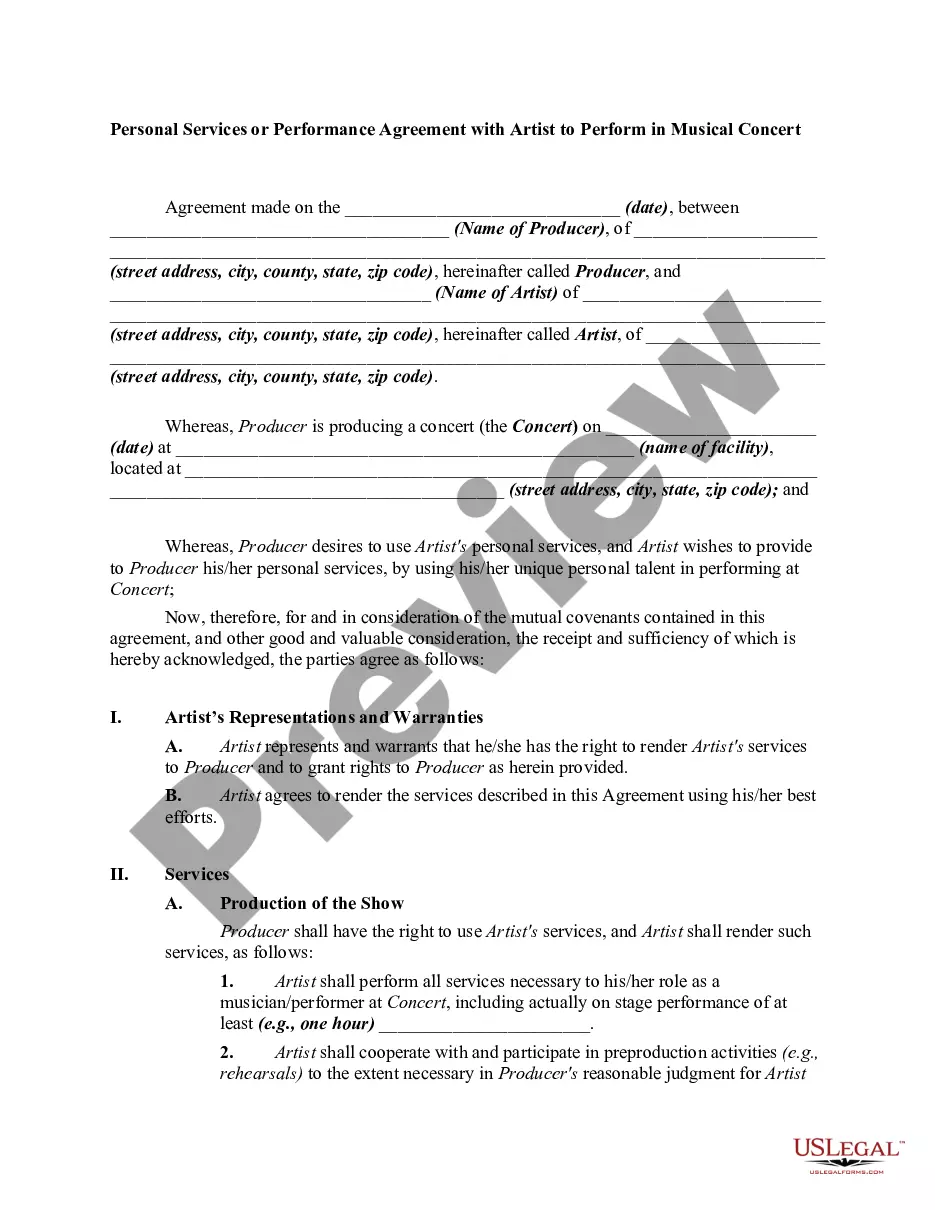
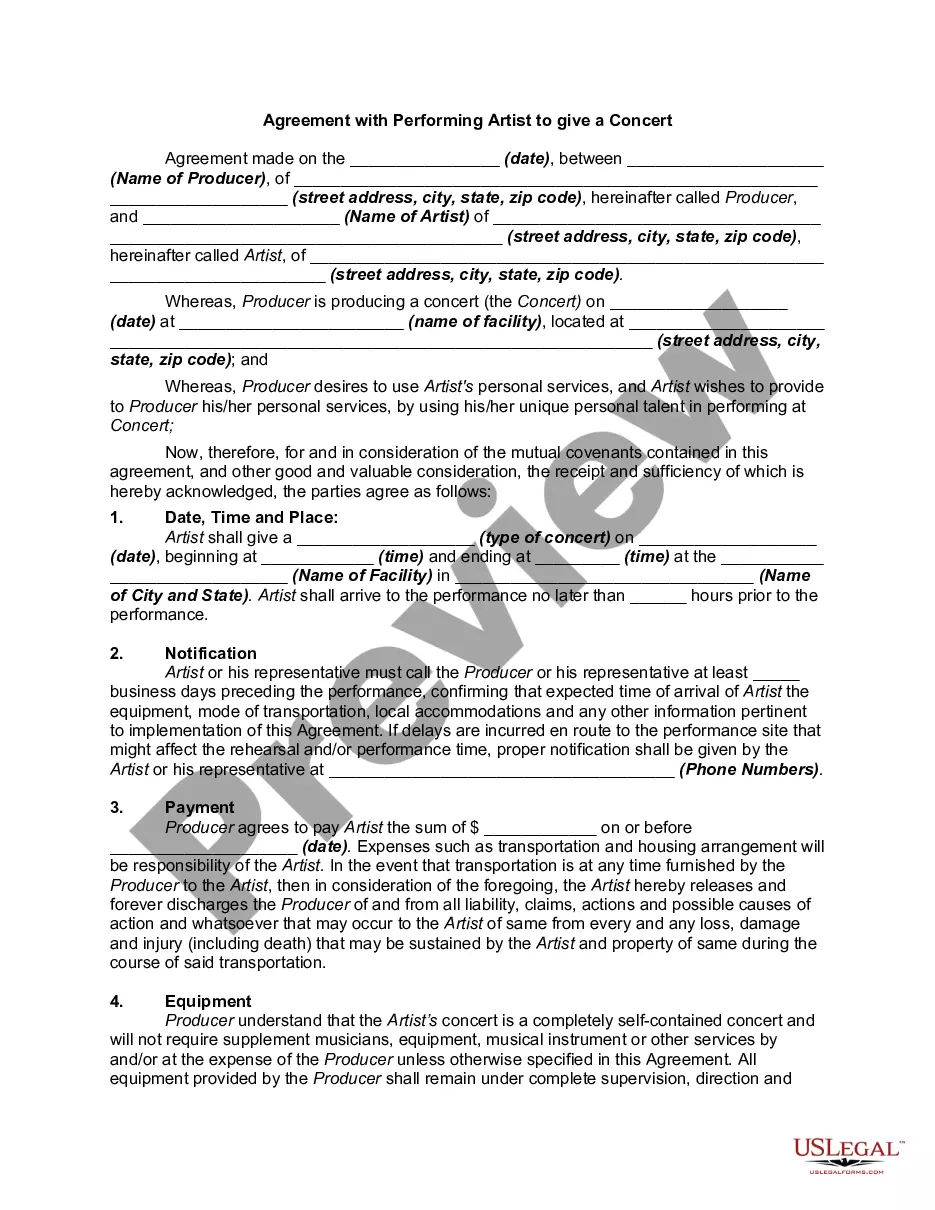
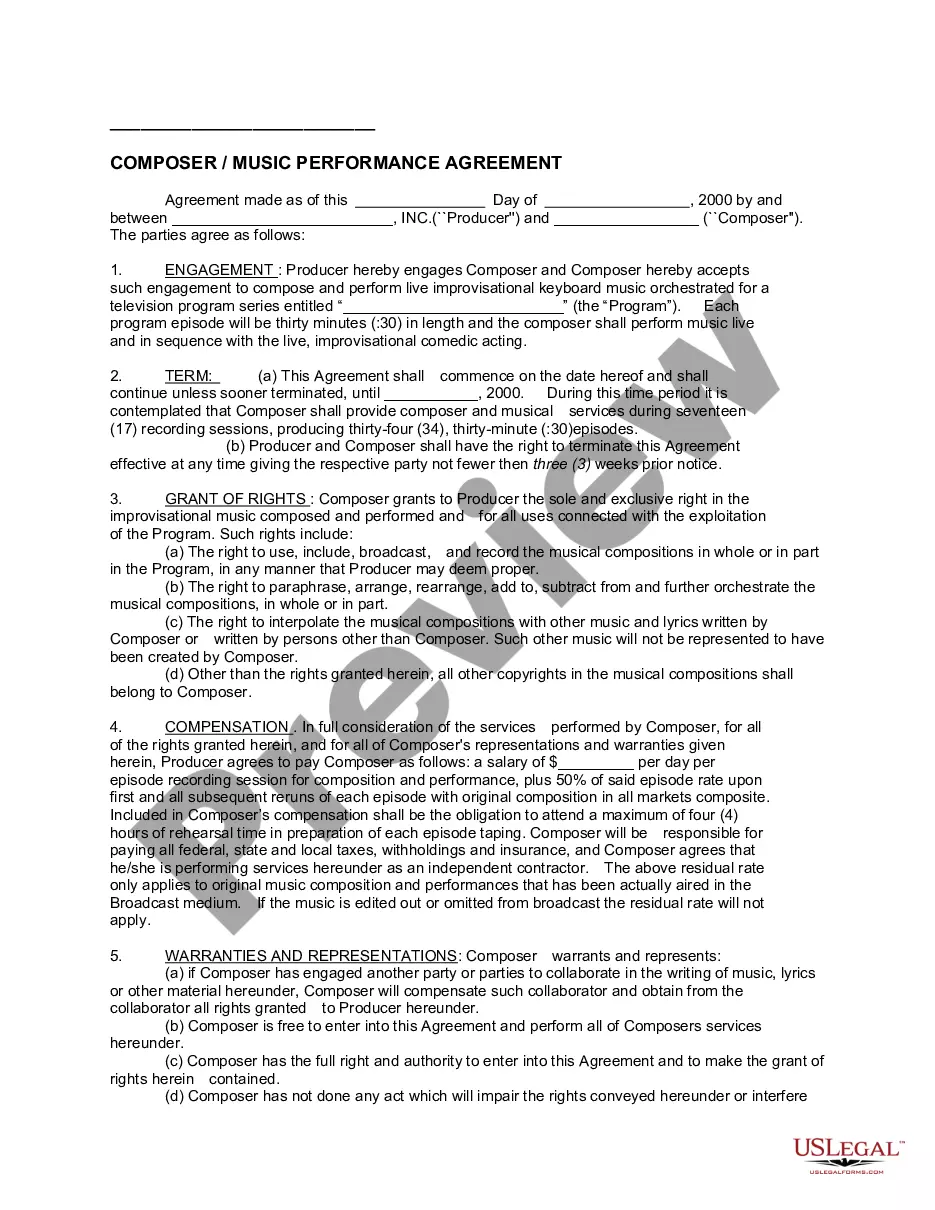
Performance Agreement For Personal Assistant In Collin
Description

Get your form ready online
Our built-in tools help you complete, sign, share, and store your documents in one place.
Make edits, fill in missing information, and update formatting in US Legal Forms—just like you would in MS Word.
Download a copy, print it, send it by email, or mail it via USPS—whatever works best for your next step.
Sign and collect signatures with our SignNow integration. Send to multiple recipients, set reminders, and more. Go Premium to unlock E-Sign.
If this form requires notarization, complete it online through a secure video call—no need to meet a notary in person or wait for an appointment.
We protect your documents and personal data by following strict security and privacy standards.

Make edits, fill in missing information, and update formatting in US Legal Forms—just like you would in MS Word.

Download a copy, print it, send it by email, or mail it via USPS—whatever works best for your next step.

Sign and collect signatures with our SignNow integration. Send to multiple recipients, set reminders, and more. Go Premium to unlock E-Sign.

If this form requires notarization, complete it online through a secure video call—no need to meet a notary in person or wait for an appointment.

We protect your documents and personal data by following strict security and privacy standards.
Looking for another form?





Form popularity
FAQ
Assessing administrative assistants involves evaluating their organizational, communication, time management, and software use skills. This can be done through exercises that test their ability to organize data, handle conflicting demands, manage their time effectively, and use office software proficiently.
How to be a great personal assistant Prioritize well. As a personal assistant, your manager's priorities are your priorities. Get to know your manager and the business inside out. Getting to know your manager's personality and working style will benefit you greatly. Be proactive. Keep topping up your knowledge and skills.
Provide specific and constructive feedback on strengths, areas for improvement, and opportunities for growth, supported by examples and evidence if possible. Invite the assistant to reflect on their performance, identify strengths and areas for development, and share their perspective on the review process.
Self Evaluation Examples and Templates Answers List your most significant accomplishments or contributions since last year. Describe areas you feel require improvement in terms of your professional capabilities. Identify two career goals for the coming year and indicate how you plan to accomplish them.
Use a constructive tone, focusing on how you plan to improve. Introduction: Briefly summarize your role and the evaluation period. Achievements: List accomplishments and contributions. Challenges: Discuss difficulties and how you overcame them. Goals for Improvement: Outline areas for growth.
Include the appropriate elements A self-evaluation can include elements such as your success and accomplishments in your role, how you have achieved your success, critiques of your work habits, your strengths and weaknesses and aspects of your performance that may need improvement.
List the specific projects you've worked on, the goals you've met or exceeded, and the impact these accomplishments have had on your team or the company. Use metrics or specific examples wherever possible to quantify your success and demonstrate the value you bring to your role.
A personal assistant (PA) typically carries out administrative work on behalf of one individual, unlike an administrator who tends to look after a team. This individual is usually a manager or executive in a commercial, not-for-profit or public sector organisation.
Be concise and focus on the impact of the manager's behavior on your work and the team. Choose the Right Time: Find a time when HR is less likely to be busy. It's best to request a private meeting. Be Professional: When you contact HR, be polite and professional in your request for a meeting.
For general HR help, please call the HR General Help Line at 972.985. 3783. Use the buttons to navigate to a specific teams' profiles.
