Judgment Note Form For Default In Alameda
Description


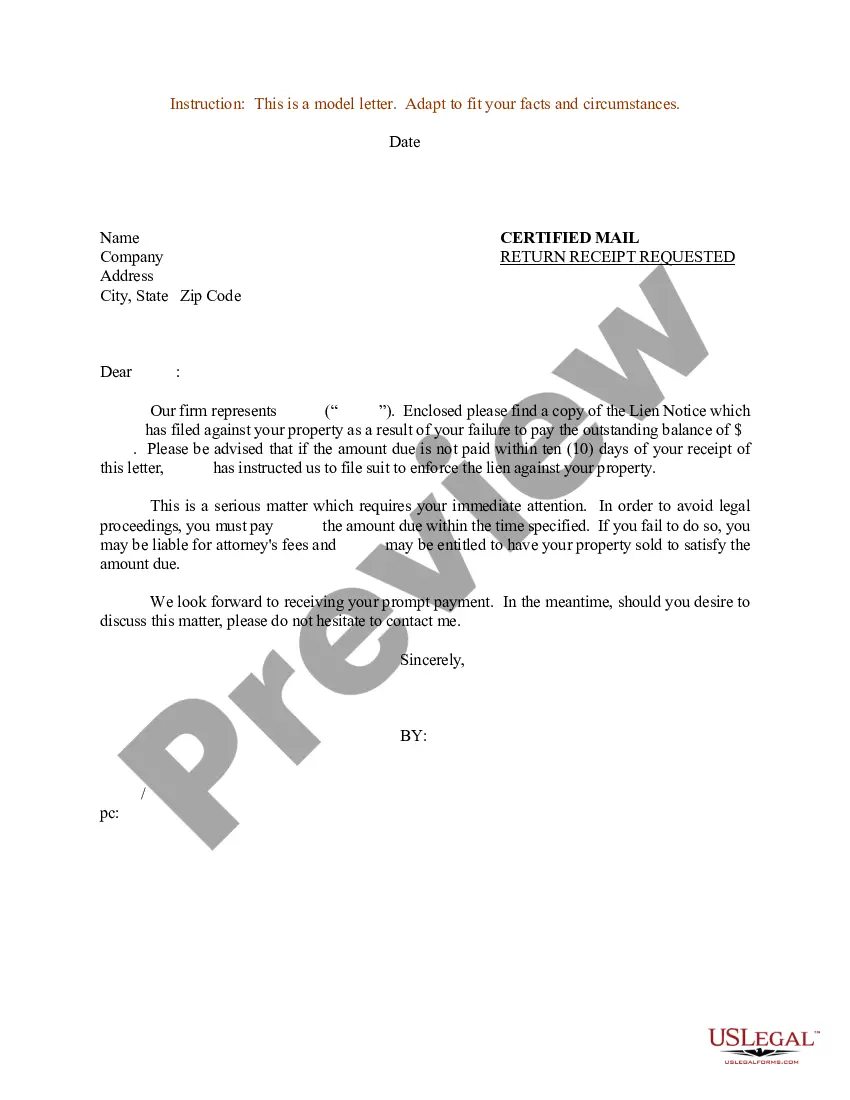

Get your form ready online
Our built-in tools help you complete, sign, share, and store your documents in one place.
Make edits, fill in missing information, and update formatting in US Legal Forms—just like you would in MS Word.
Download a copy, print it, send it by email, or mail it via USPS—whatever works best for your next step.
Sign and collect signatures with our SignNow integration. Send to multiple recipients, set reminders, and more. Go Premium to unlock E-Sign.
If this form requires notarization, complete it online through a secure video call—no need to meet a notary in person or wait for an appointment.
We protect your documents and personal data by following strict security and privacy standards.

Make edits, fill in missing information, and update formatting in US Legal Forms—just like you would in MS Word.

Download a copy, print it, send it by email, or mail it via USPS—whatever works best for your next step.

Sign and collect signatures with our SignNow integration. Send to multiple recipients, set reminders, and more. Go Premium to unlock E-Sign.

If this form requires notarization, complete it online through a secure video call—no need to meet a notary in person or wait for an appointment.

We protect your documents and personal data by following strict security and privacy standards.
Looking for another form?


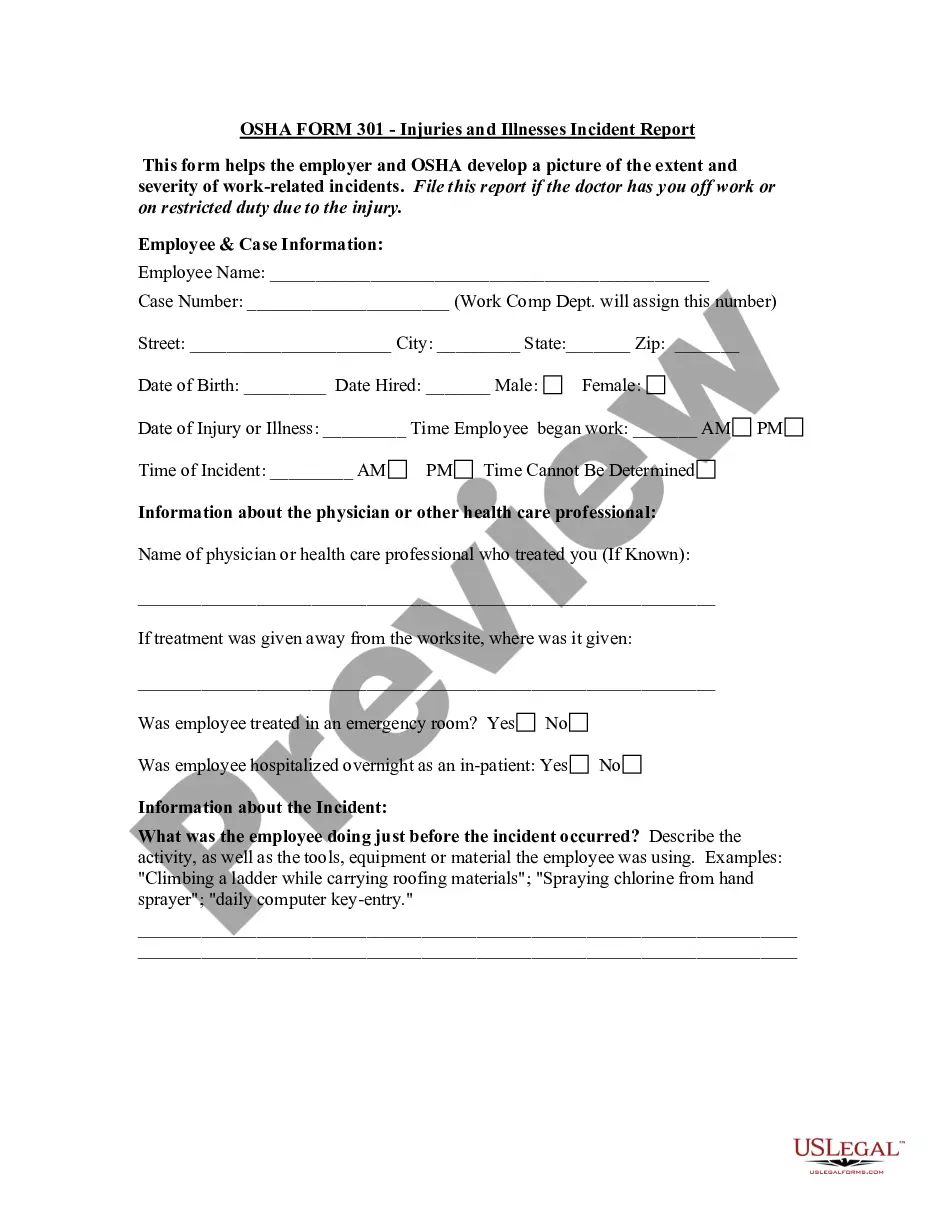



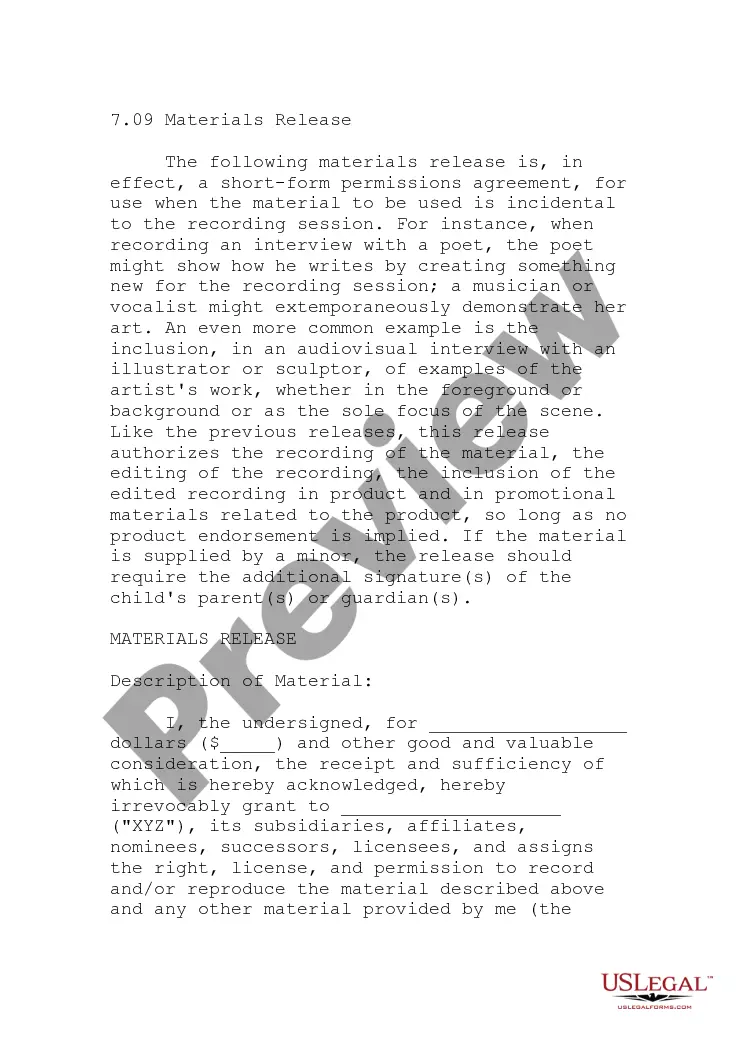
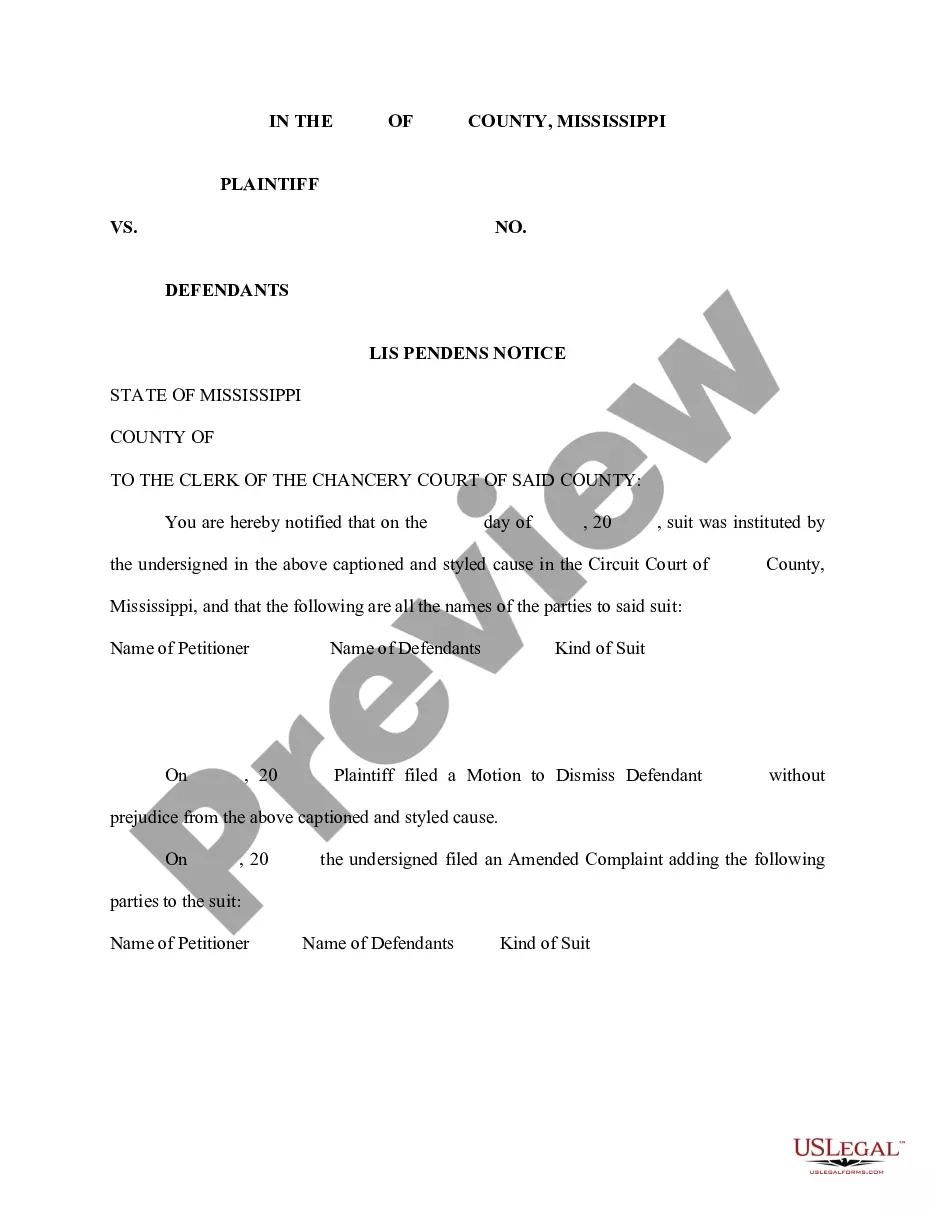

Form popularity
FAQ
How to ask for a default Fill out request for default. Request for Entry of Default (form CIV-100) ... If ready, also fill out forms to ask for a judgement. Judgment (form JUD-100) ... Mail copies to the defendant. Make at least 2 copies of everything. File forms. Bring the Request for Default to the court clerk.
In every case, to present an ex parte application to the court, a party must: reserve a hearing date with the applicable department (for applications that require a hearing.) ... file the motion with the court, and. give notice of the hearing date as required by law.
“When an ex parte decree is passed, the defendant (apart from filing a review petition and a suit for setting aside the ex parte decree on the ground of fraud) has two clear options, one, to file an appeal and another to file an application for setting aside the order in terms of Order IX Rule 13 of the Code.
In every case, to present an ex parte application to the court, a party must: reserve a hearing date with the applicable department (for applications that require a hearing.) ... file the motion with the court, and. give notice of the hearing date as required by law.
The process for setting aside default judgment You will need to make an application to the court regardless of whether consent is obtained, but seeking consent may mean that the claimant does not oppose the application, potentially reducing the costs of the application.
On application a default judgment where the plaintiff has agreed in writing can be rescinded or varied. “On application” means that the applicant needs to serve on the plaintiff a copy of the application and file with the clerk of the court the application.
The basic process to set aside an order or judgment is similar. Figure out if you have a legal reason. You need to give the judge a legal reason why they should set aside the order or judgment. Fill out and file forms. Fill out and file forms with the court. Serve the other side. Go to the court date.
For that purpose the judgment debtor should approach the plaintiff/judgment creditor or his/her/its attorney to obtain the written consent to rescission of judgment. There is however no requirement in law that obliges a plaintiff/judgment creditor to give a consent to rescission of judgment.
How to ask for a default Fill out request for default. Request for Entry of Default (form CIV-100) ... If ready, also fill out forms to ask for a judgement. Judgment (form JUD-100) ... Mail copies to the defendant. Make at least 2 copies of everything. File forms. Bring the Request for Default to the court clerk.
If the court has your address, the clerk mails you a Notice of Entry of Default. If they sent this, you must file and serve the request to set aside within 180 days from the date you were served that notice.

