Exhibition Contract Template With Word In Georgia
Description


Get your form ready online
Our built-in tools help you complete, sign, share, and store your documents in one place.
Make edits, fill in missing information, and update formatting in US Legal Forms—just like you would in MS Word.
Download a copy, print it, send it by email, or mail it via USPS—whatever works best for your next step.
Sign and collect signatures with our SignNow integration. Send to multiple recipients, set reminders, and more. Go Premium to unlock E-Sign.
If this form requires notarization, complete it online through a secure video call—no need to meet a notary in person or wait for an appointment.
We protect your documents and personal data by following strict security and privacy standards.

Make edits, fill in missing information, and update formatting in US Legal Forms—just like you would in MS Word.

Download a copy, print it, send it by email, or mail it via USPS—whatever works best for your next step.

Sign and collect signatures with our SignNow integration. Send to multiple recipients, set reminders, and more. Go Premium to unlock E-Sign.

If this form requires notarization, complete it online through a secure video call—no need to meet a notary in person or wait for an appointment.

We protect your documents and personal data by following strict security and privacy standards.
Looking for another form?









Form popularity
FAQ
The template library in Word includes a wide selection of contract templates for various needs. Users access industry-specific options, ensuring relevance and legal appropriateness. Each template offers a comprehensive structure, including essential clauses and standard legal language.
Make/Create a Contract in Microsoft Word step-by-step Instructions Step 1: Choose a Business Contract Template. Step 2: Choose Your Download Option. Step 3: Open from Your Download Folder. Step 4: Look for the Best Layout Option. Step 5: Edit or Customize Your Business Contract.
The template library in Word includes a wide selection of contract templates for various needs. Users access industry-specific options, ensuring relevance and legal appropriateness. Each template offers a comprehensive structure, including essential clauses and standard legal language.
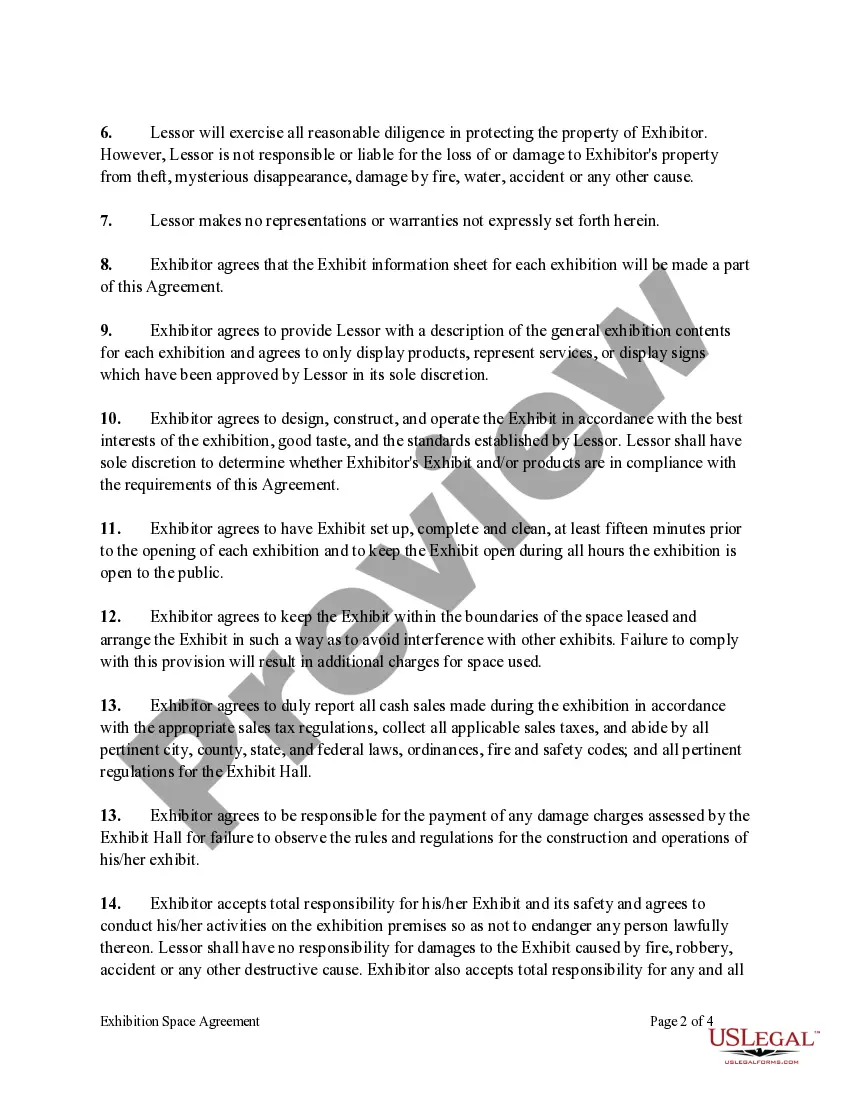
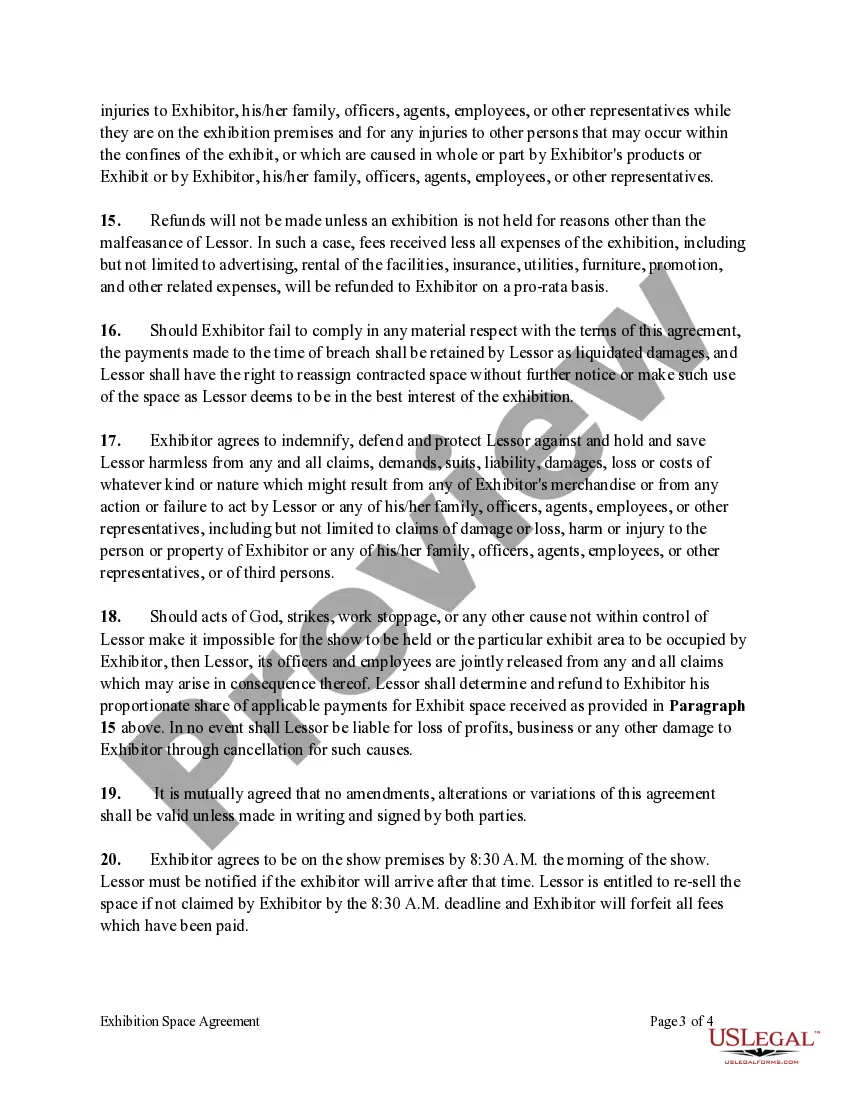
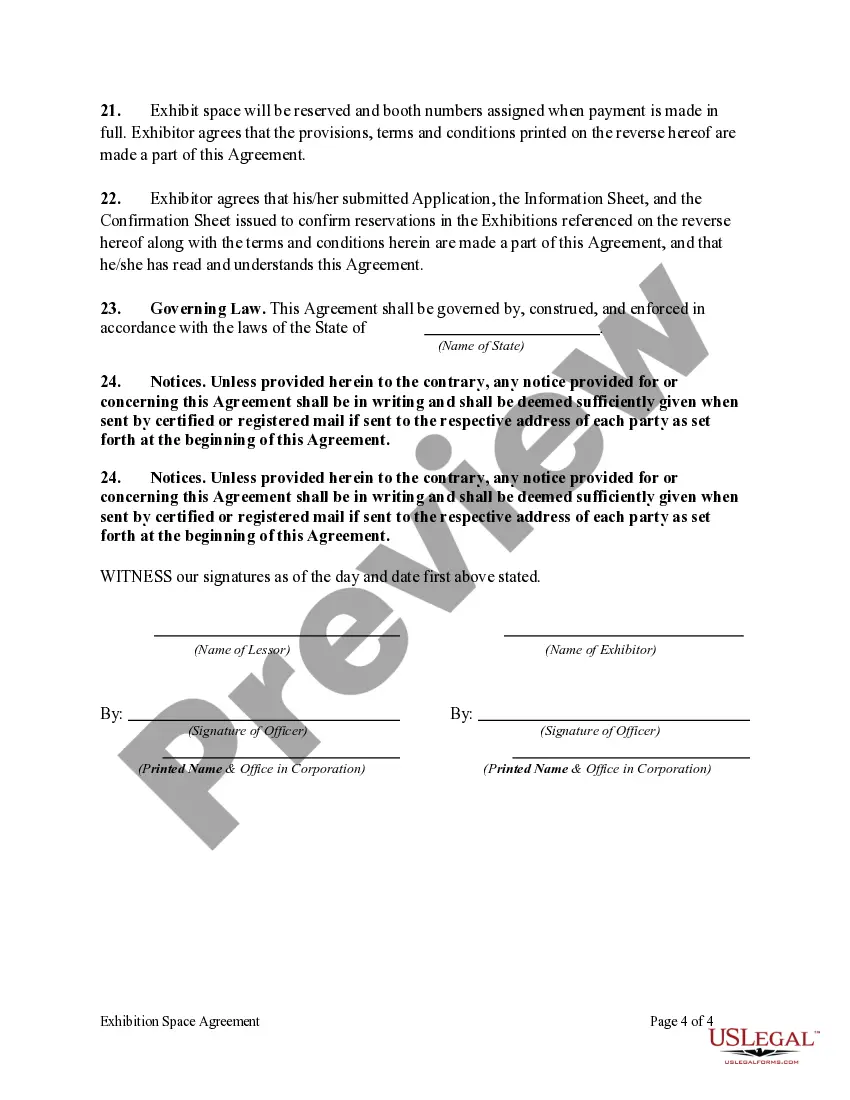
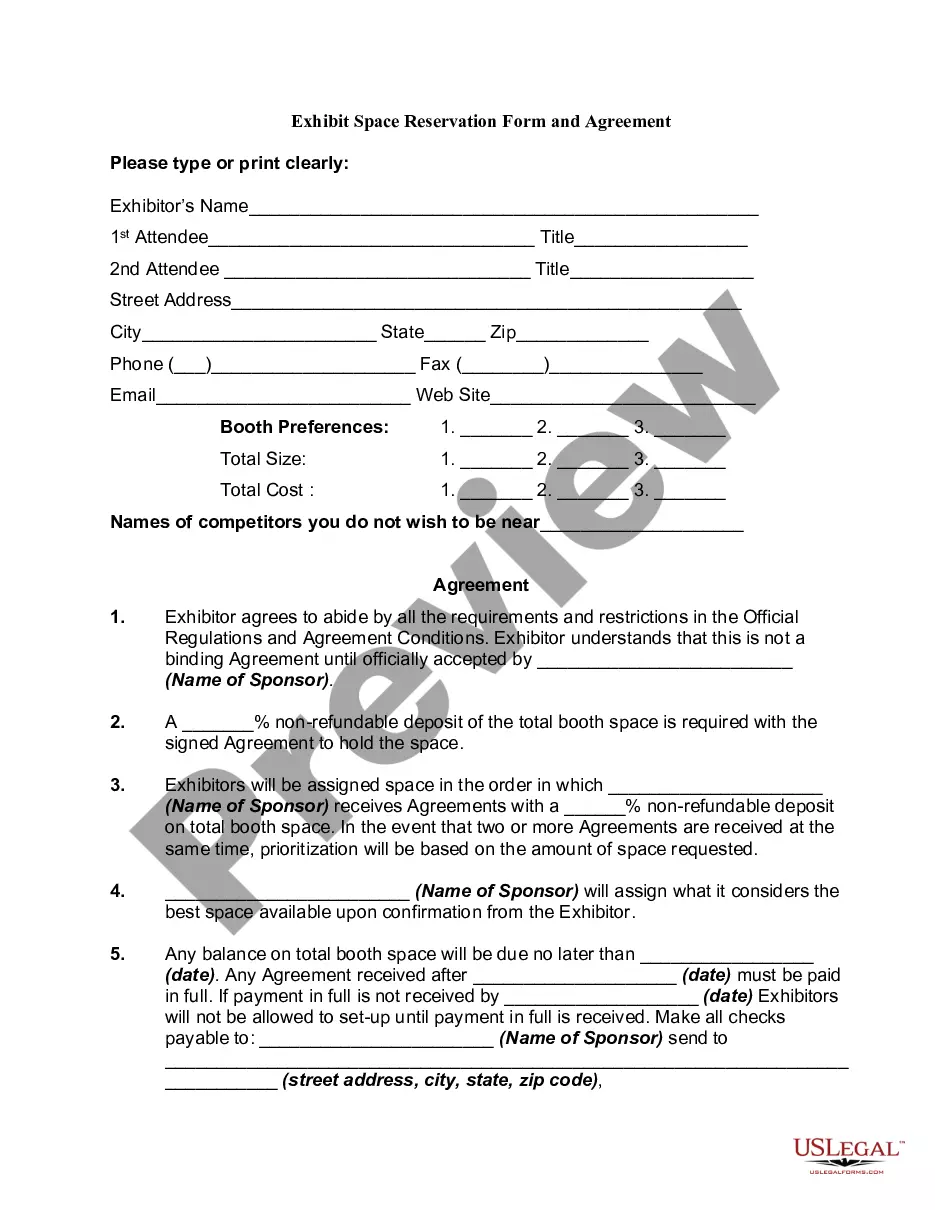
An exhibition agreement is a contract between an exhibition institution and an artist that allows the institution to display art temporarily. The contract identifies the institution and the artist and mentions which works of art are applicable to the contract.
Exhibits provide additional context for agreements. Sometimes, a contract will reference a separate document. The contract will thus inform the reader of the document they need to refer to, e.g., exhibits A, B, etc. Contract exhibits can be split into two groups — boilerplate documents and standalone agreements.
If you are marking the exhibit yourself, mark it with a pen or marker as “Exhibit 1” or “Exhibit A” or whatever number or letter the exhibit is. If you are in a court where the clerk marks the exhibits, you will typically hand the exhibit to the court attendant, who will take it to the clerk for marking.
Include a typed notation within the body of the legal document where the exhibit should be referenced. Thereafter, assign the exhibit with an identifying number or letter. For instance, this notation can state either "See Exhibit A" or "See Exhibit 1". Label the exhibit with the assigned identifying number or letter.
Exhibits accompanying a brief should be cited by alphabetic tab or page number. For example: Respondent's Pre-Hearing Brief, Tab A. For OCAHO, exhibits to a brief should be cited by party and alphabetic or numeric tab and page, e.g., Respondent's Exhibit 3 at 5.
Reference in the Contract: Integrate a clause within the contract that specifies the incorporation of the exhibits. For example: “The specifications detailed in Exhibit A are hereby incorporated into and made a part of this agreement as if fully set forth herein.”
