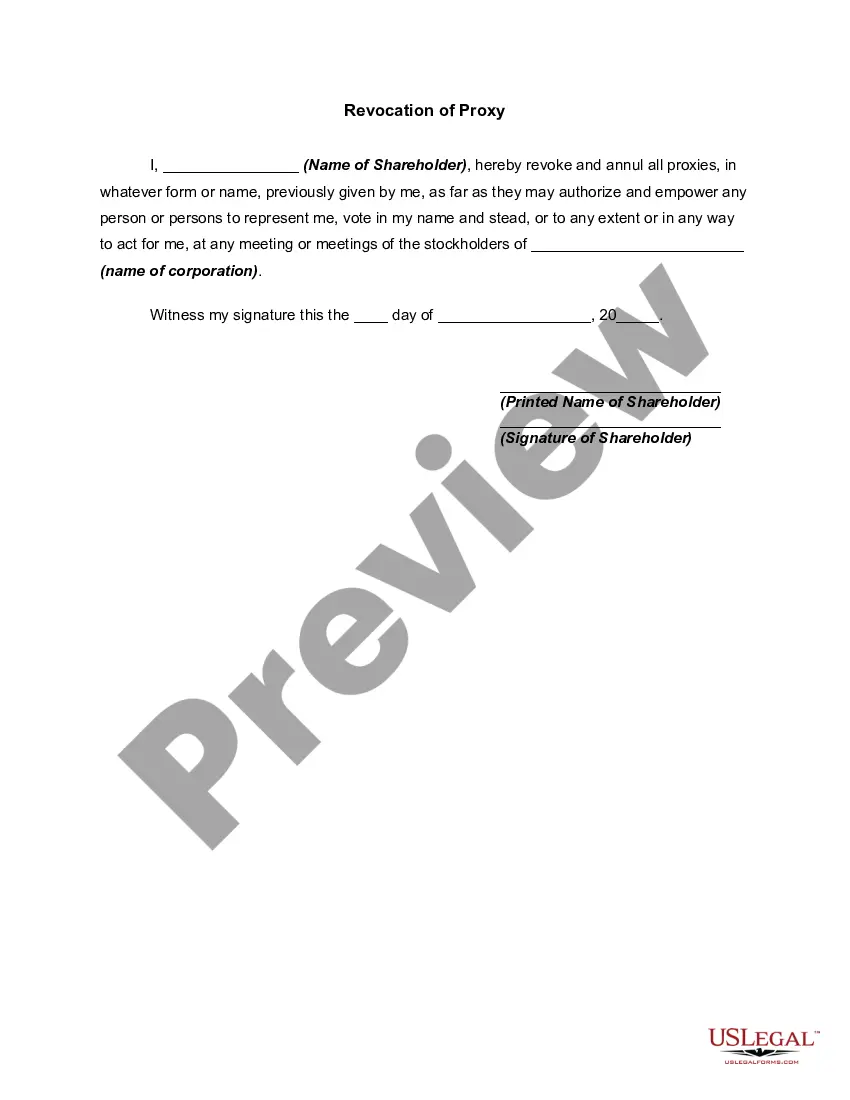
Proxy Corporate Resolutions Form In Suffolk
Description
Get your form ready online
Our built-in tools help you complete, sign, share, and store your documents in one place.
Make edits, fill in missing information, and update formatting in US Legal Forms—just like you would in MS Word.
Download a copy, print it, send it by email, or mail it via USPS—whatever works best for your next step.
Sign and collect signatures with our SignNow integration. Send to multiple recipients, set reminders, and more. Go Premium to unlock E-Sign.
If this form requires notarization, complete it online through a secure video call—no need to meet a notary in person or wait for an appointment.
We protect your documents and personal data by following strict security and privacy standards.

Make edits, fill in missing information, and update formatting in US Legal Forms—just like you would in MS Word.

Download a copy, print it, send it by email, or mail it via USPS—whatever works best for your next step.

Sign and collect signatures with our SignNow integration. Send to multiple recipients, set reminders, and more. Go Premium to unlock E-Sign.

If this form requires notarization, complete it online through a secure video call—no need to meet a notary in person or wait for an appointment.

We protect your documents and personal data by following strict security and privacy standards.
Looking for another form?








Form popularity
FAQ
7 steps for writing a resolution Put the date and resolution number at the top. Give the resolution a title that relates to the decision. Use formal language. Continue writing out each critical statement. Wrap up the heart of the resolution in the last statement.
Corporate Resolution Authorizing Filing Select Bankruptcy menu. Select Other. Enter the case number using correct format and ensure case name and number match the document you are filing. Select Document event: Corp Resolution Auth Filing. Select the party filer. Browse, verify and attach the document (PDF file).
A corporate resolution is a written document created by the board of directors of a company detailing a binding corporate action. A board of directors is a group of people that act as a governing body on behalf of the shareholders of a company.
Corporate Resolution Authorizing Filing Select Bankruptcy menu. Select Other. Enter the case number using correct format and ensure case name and number match the document you are filing. Select Document event: Corp Resolution Auth Filing. Select the party filer. Browse, verify and attach the document (PDF file).
Guidelines for Valid Corporate Resolutions. The certification must bear an original signature by an officer of the corporation, (preferably the secretary), and this signature must be someone other than the person who signed the RFP, RFQ, RFI, etc.
How do I register a business in Suffolk County? Contact the Suffolk County Clerk located in Riverhead at (631) 852-2000.
What is a Proxy Format? A proxy format refers to the specific way information about a proxy server is presented. It typically includes details such as the host URL (or IP address), port number, and, if needed, the authentication credentials like username and password.
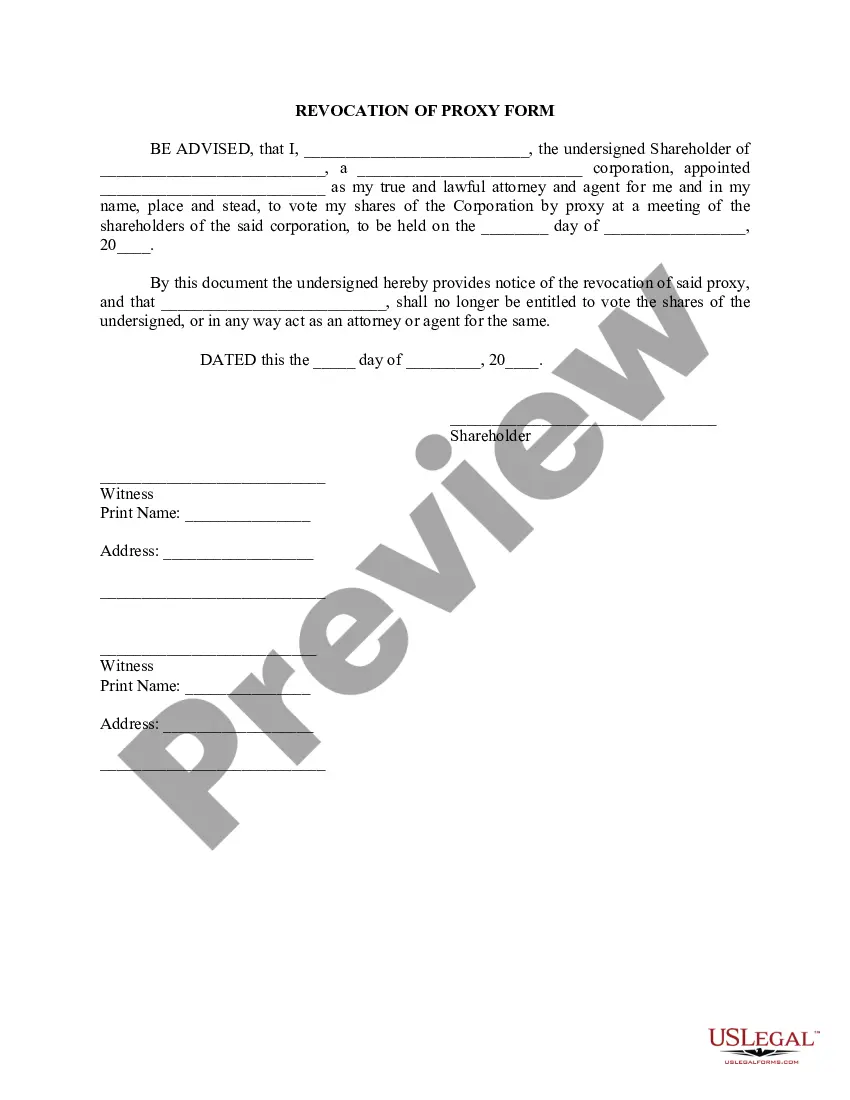
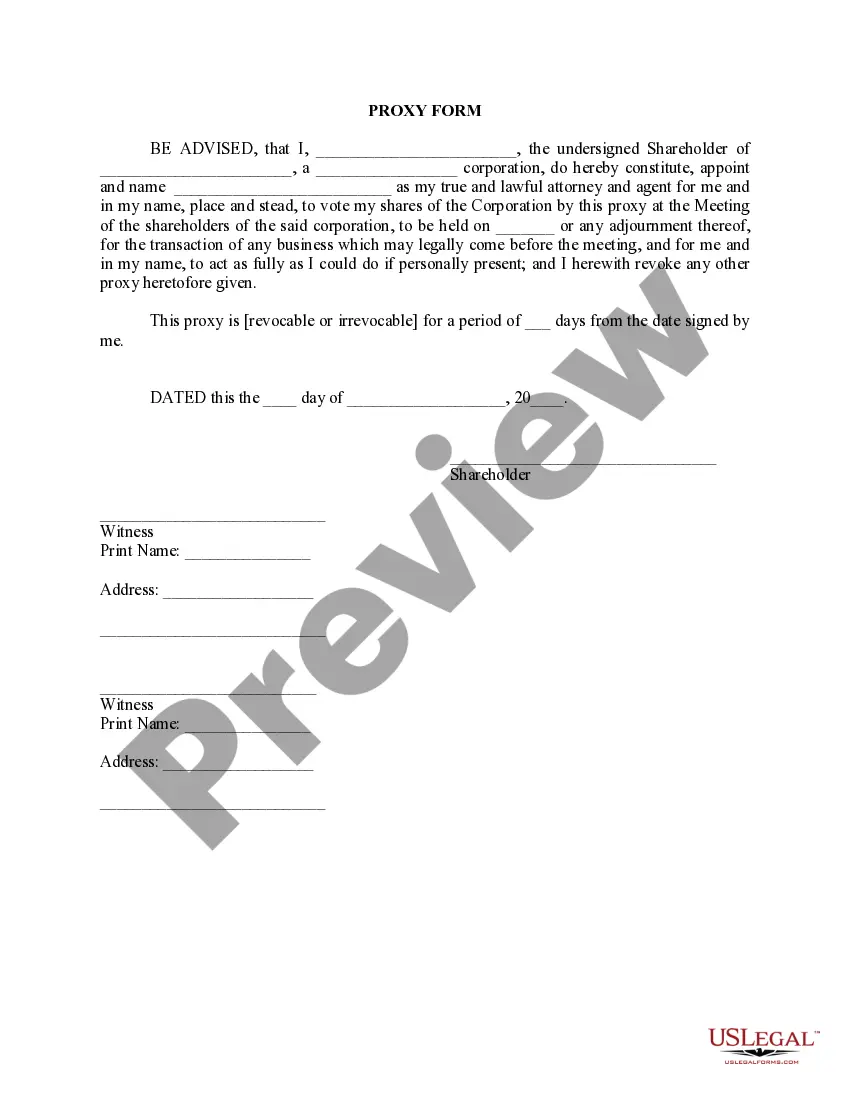
The document should require information about the owner who is giving proxy, it should indicate who is authorized to cast the ballot for the owner, and it should detail how the owner wants to vote/who they want to vote for. The date of which the proxy is to be used must appear on the proxy.
Filling out a voting proxy form is necessary in order to be able to have someone vote on your behalf in an election or referendum. Proxy voting, the act of having some else vote on your behalf, is often allowed in specific circumstances.
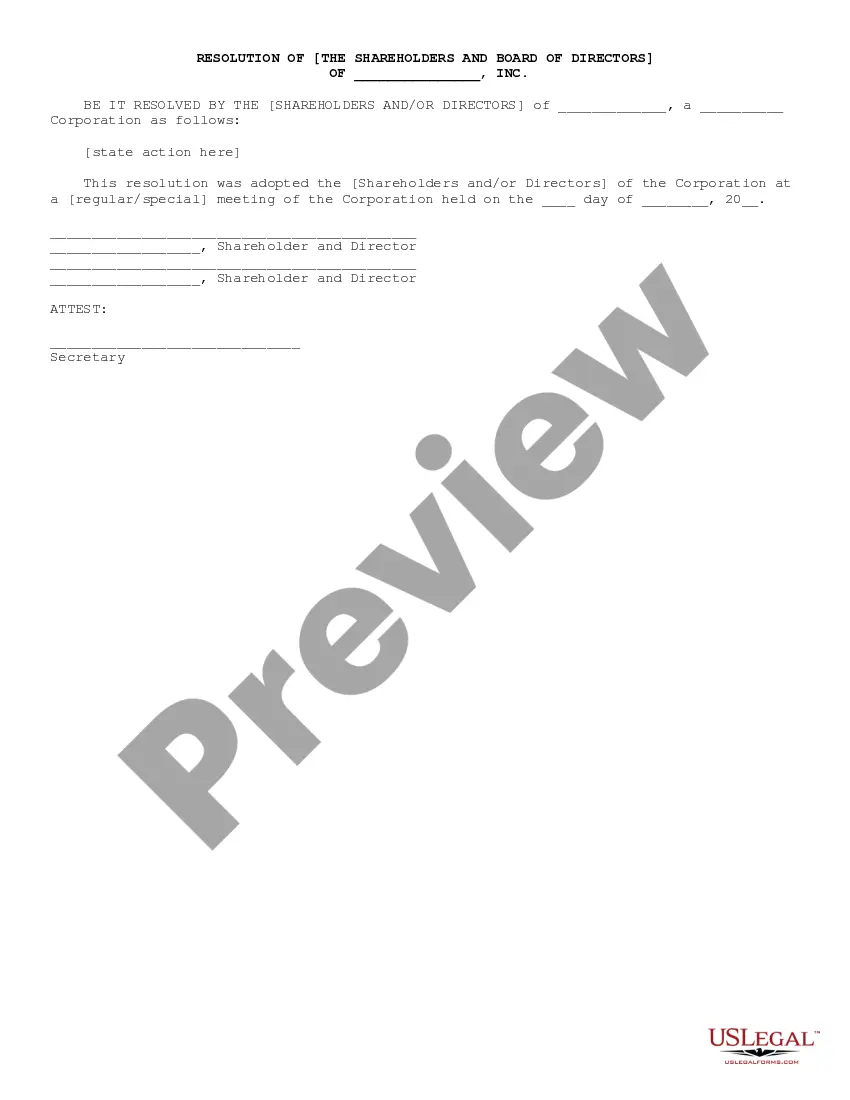
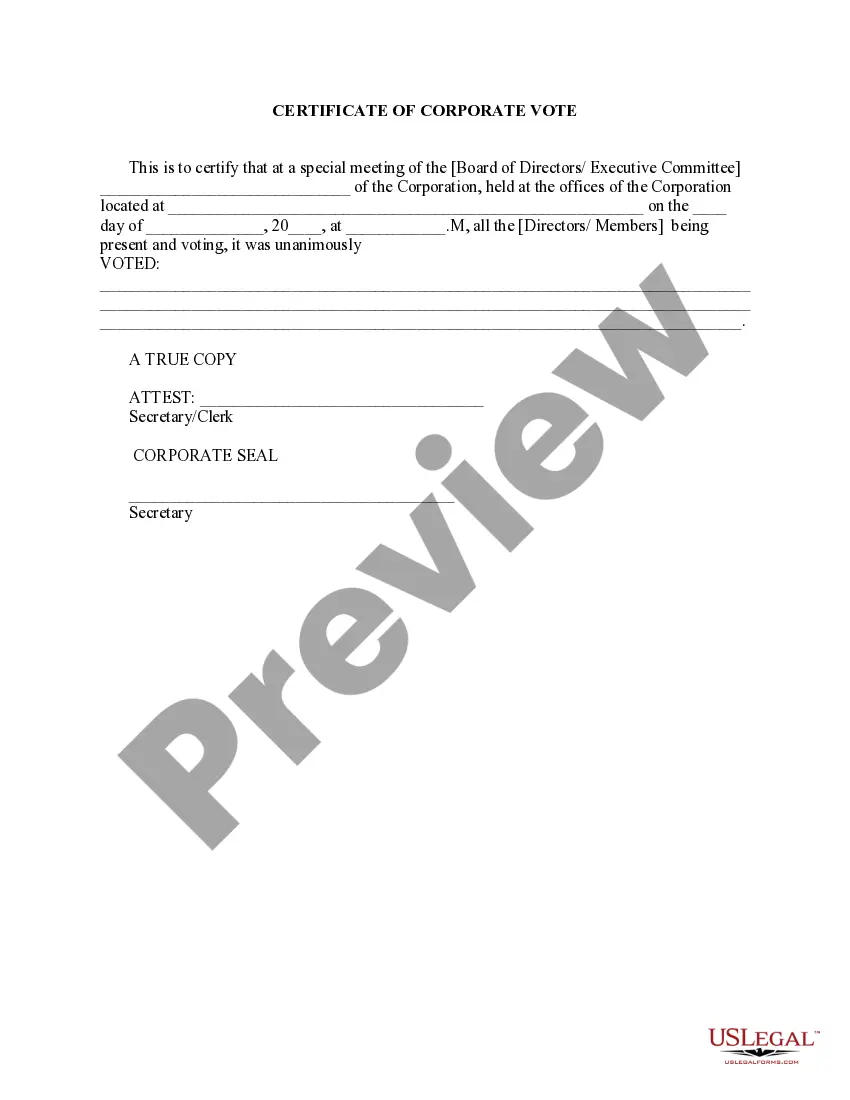
What should corporate resolutions include? Your corporation's name. Date, time and location of meeting. Statement of unanimous approval of resolution. Confirmation that the resolution was adopted at a regularly called meeting. Resolution. Statement authorizing officers to carry out the resolution.