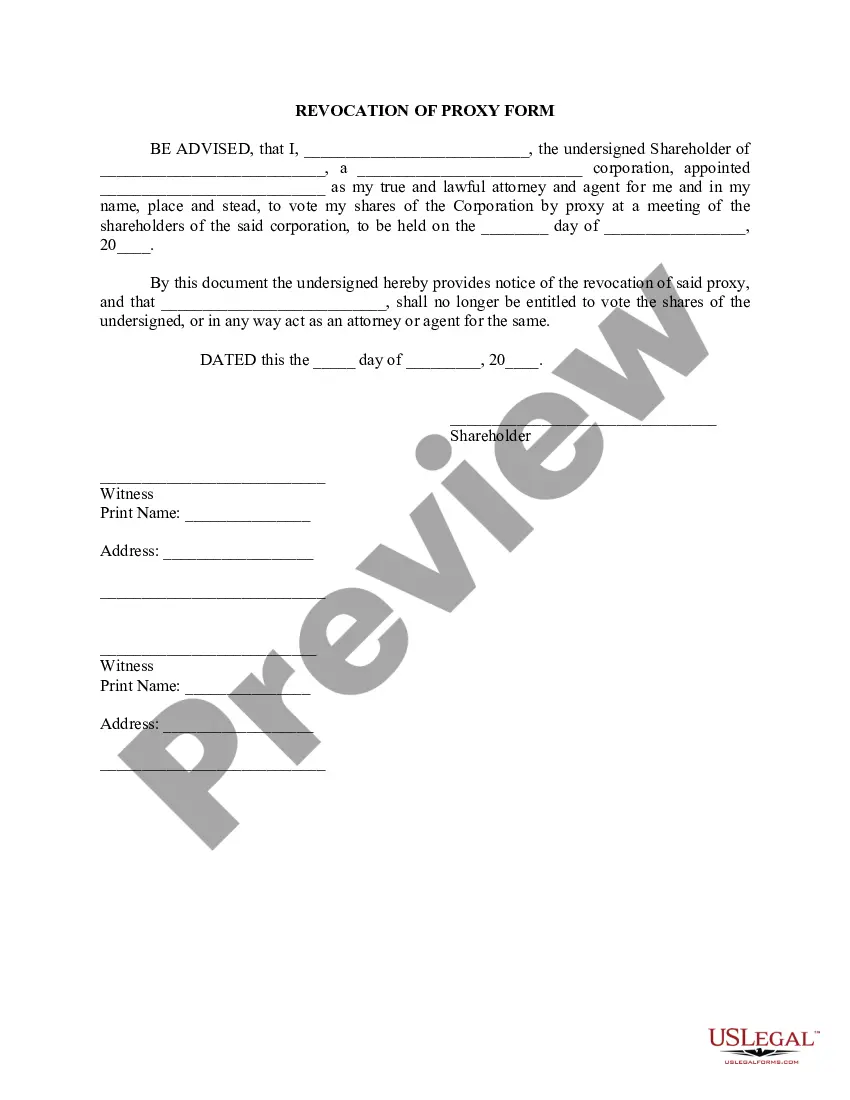
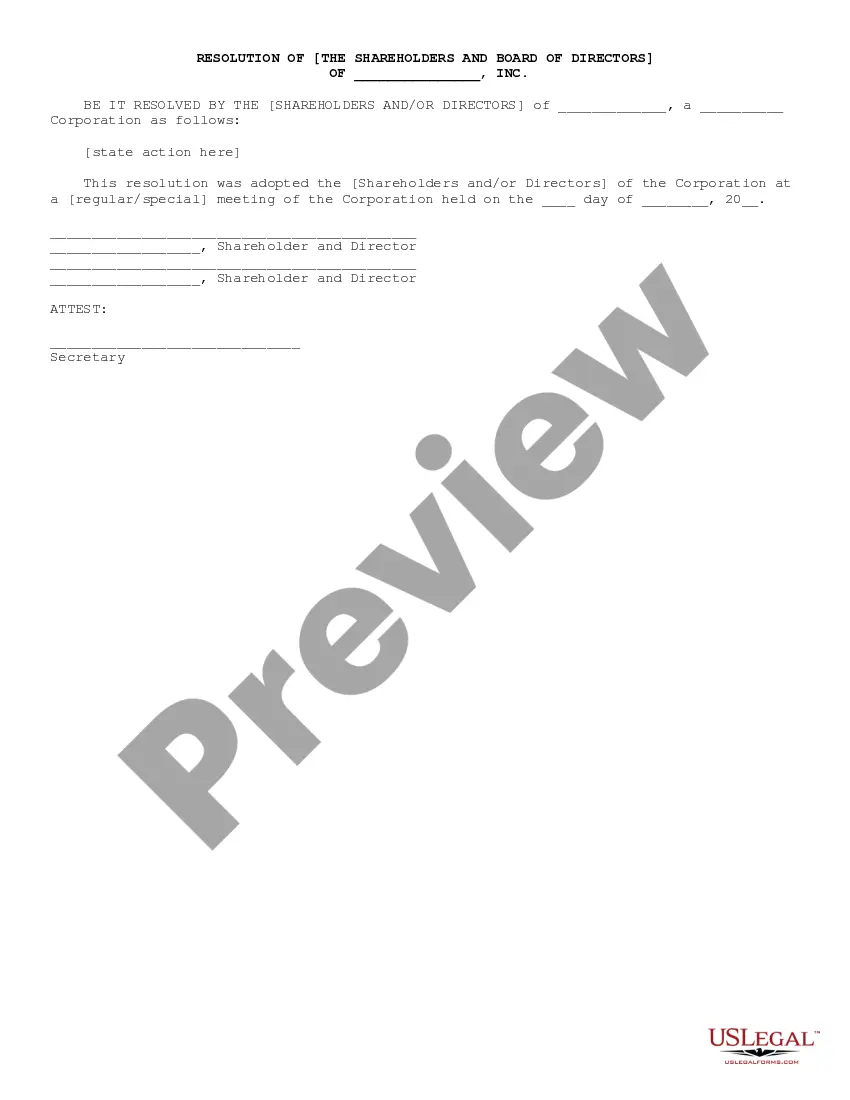
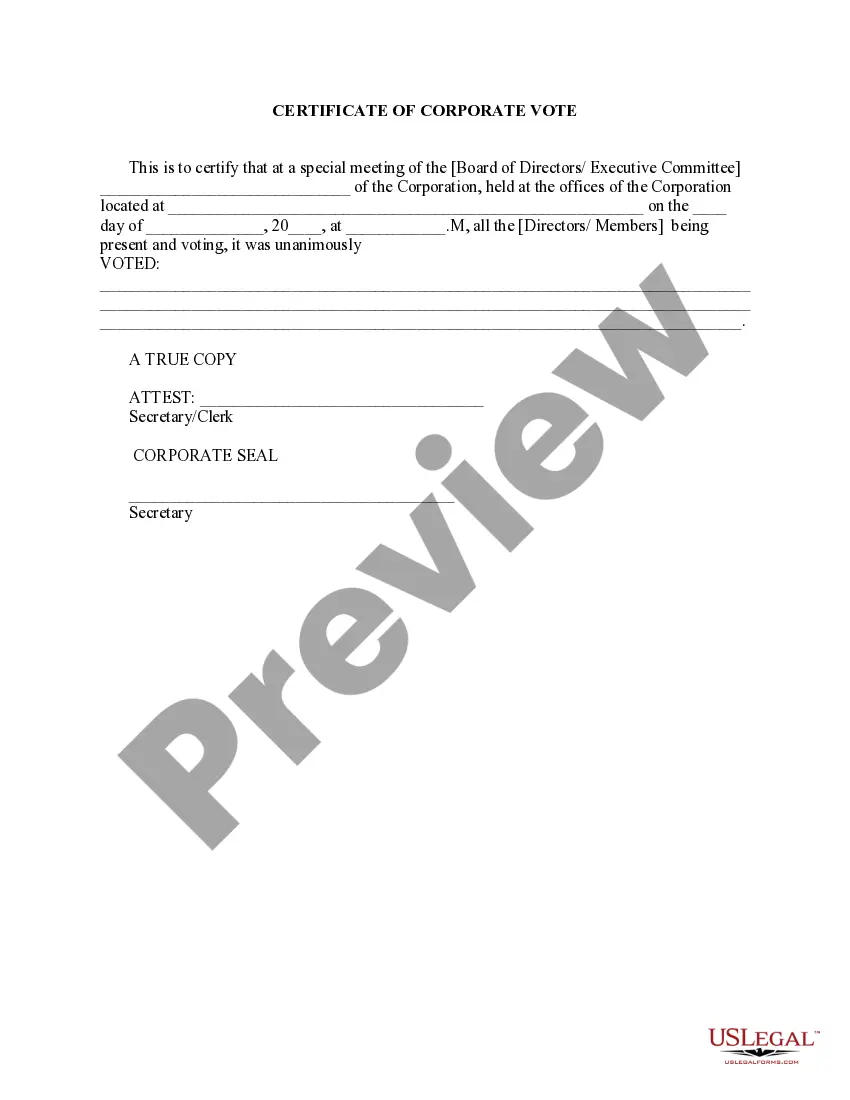
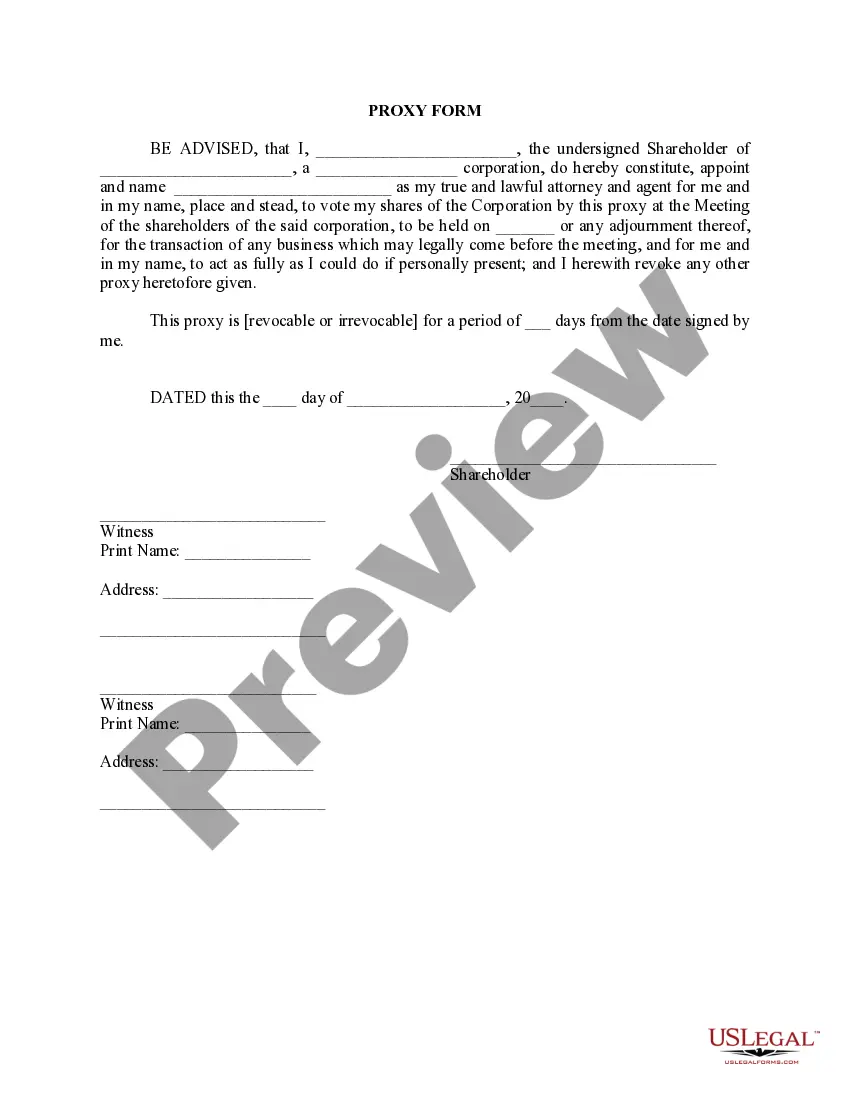
Proxy Corporate Resolutions Form In Pima
Description
Get your form ready online
Our built-in tools help you complete, sign, share, and store your documents in one place.
Make edits, fill in missing information, and update formatting in US Legal Forms—just like you would in MS Word.
Download a copy, print it, send it by email, or mail it via USPS—whatever works best for your next step.
Sign and collect signatures with our SignNow integration. Send to multiple recipients, set reminders, and more. Go Premium to unlock E-Sign.
If this form requires notarization, complete it online through a secure video call—no need to meet a notary in person or wait for an appointment.
We protect your documents and personal data by following strict security and privacy standards.

Make edits, fill in missing information, and update formatting in US Legal Forms—just like you would in MS Word.

Download a copy, print it, send it by email, or mail it via USPS—whatever works best for your next step.

Sign and collect signatures with our SignNow integration. Send to multiple recipients, set reminders, and more. Go Premium to unlock E-Sign.

If this form requires notarization, complete it online through a secure video call—no need to meet a notary in person or wait for an appointment.

We protect your documents and personal data by following strict security and privacy standards.
Looking for another form?








Form popularity
FAQ
Click on Start, then click on the gear icon (Settings) at the far left. In the Windows Settings menu, click on Network & Internet. In the left pane, click on Proxy. Here you have all the settings that are related to setting up a proxy in Windows.
A company is required to file its proxy statements with the SEC no later than the date proxy materials are first sent or given to shareholders. You can see this filing by using the SEC's database, known as EDGAR. Enter the company's name here and select the appropriate company to view its SEC filings.
Tap on "Network & Internet" or "Connections," depending on your device. Select "Wi-Fi" and tap on the connected Wi-Fi network. Tap on "Advanced" or "Modify network." Scroll down to the "Proxy" section to find the proxy server address.
Select "Settings." Click on "System" in the left-hand menu. Under the "Network settings" section, click on "Open your computer's proxy settings." In the Windows settings that open, you will find the proxy server address if it is configured.
Right-click on the Start button and click Control Panel. Click Network and Internet. Select Internet Options. In the Internet Options window, go to the Connections tab and click the LAN Settings button. If "Use a proxy server for your LAN" is not checked, it means that you don't use a proxy server.
Obtain a copy of the corporate resolution form California from the Secretary of State's website or local office. Fill in the necessary information on the form, such as the name of the corporation, its address, and the date of the resolution.
10 steps for writing bylaws for an association Research. Form a committee. Create the structure. Outline your organization's key roles and responsibilities. Establish your meeting rules. Define your membership. Address finances. Outline the amendment process.
Steps to Write a Corporate Resolution Write the Company's Name. Indicate Further Legal Identification. Include Location, Date, and Time. List the Board Resolutions. Sign the Document and Write the Document.
Here are eight key things to include when writing bylaws. Basic corporate information. The bylaws should include your corporation's formal name and the address of its main place of business. Board of directors. Officers. Shareholders. Committees. Meetings. Conflicts of interest. Amendment.
What NOT to Put in Your Nonprofit Organization's Bylaws Organizational Policies and Procedures. Specifically Targeted Policies that Adversely Affect Future Boards. Provisions that Violate State Laws. Inconsistencies with the Articles of Incorporation. Making Bylaws Too Inflexible. Incorporating Robert's Rules of Order.