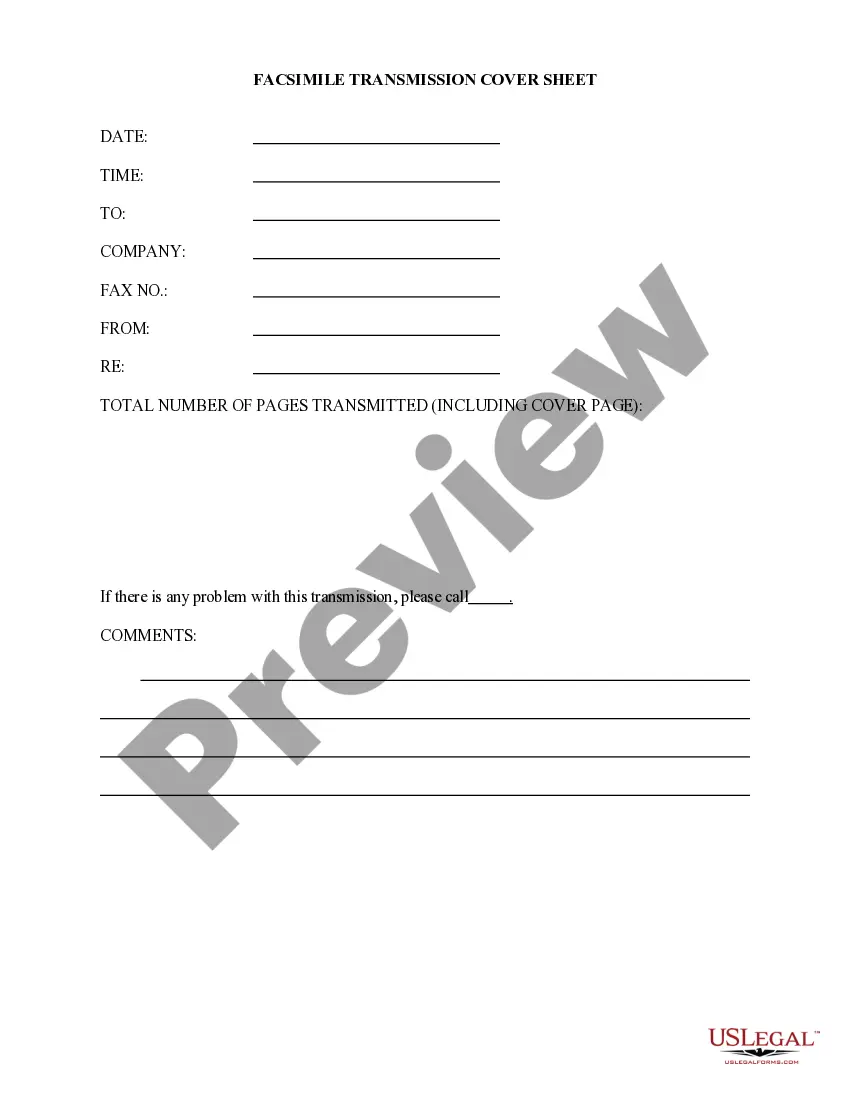
Printable Fax Cover Sheet With Confidentiality Statement In Travis
Description
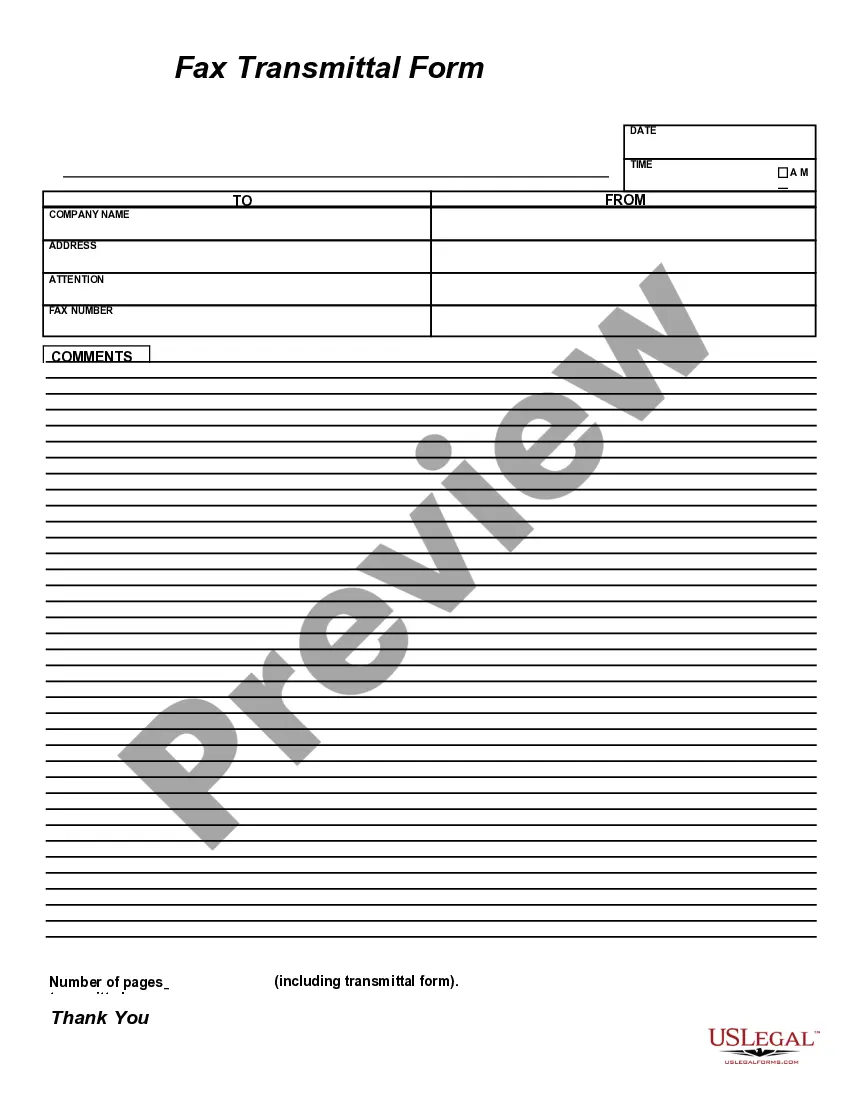
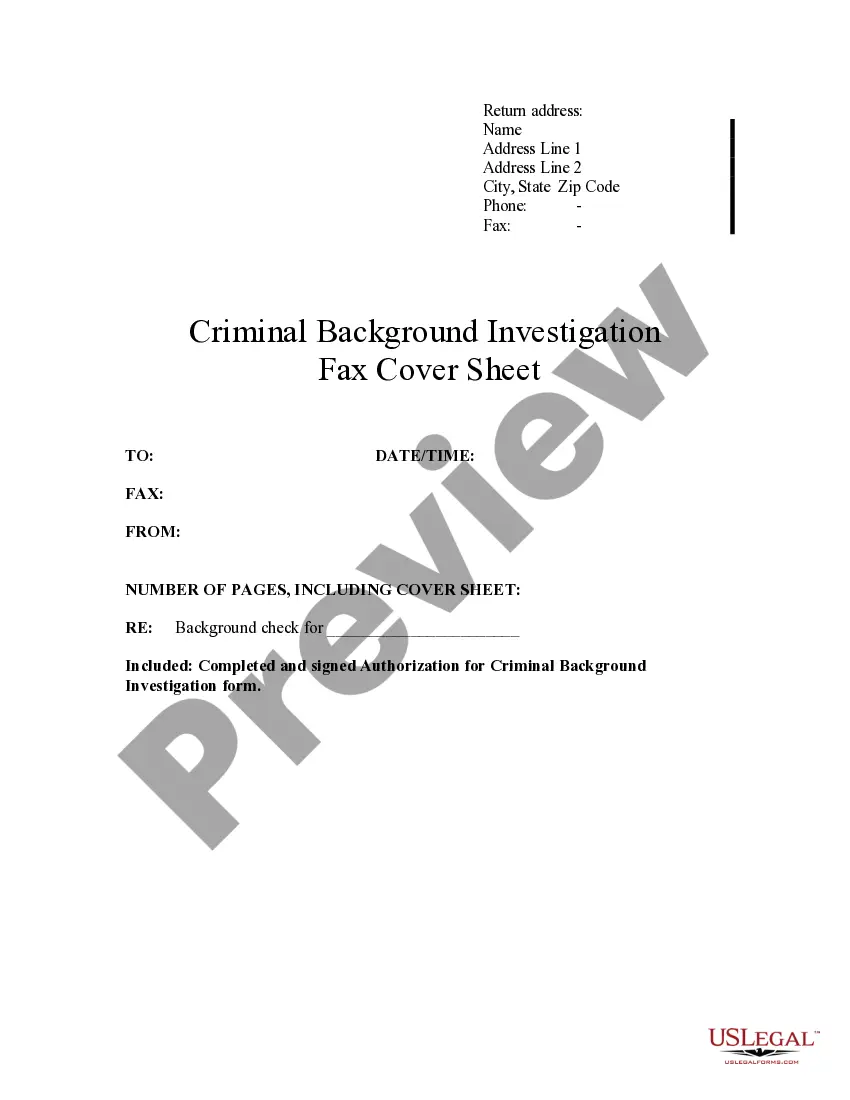
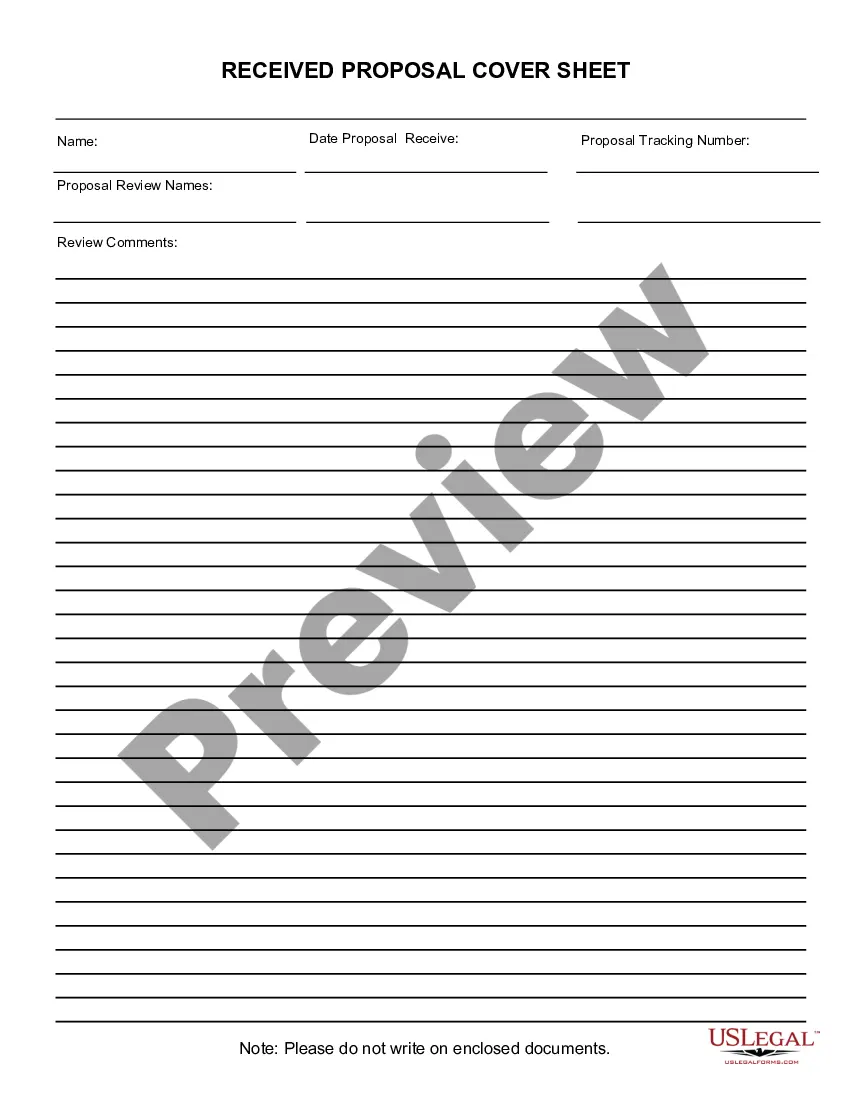
Get your form ready online
Our built-in tools help you complete, sign, share, and store your documents in one place.
Make edits, fill in missing information, and update formatting in US Legal Forms—just like you would in MS Word.
Download a copy, print it, send it by email, or mail it via USPS—whatever works best for your next step.
Sign and collect signatures with our SignNow integration. Send to multiple recipients, set reminders, and more. Go Premium to unlock E-Sign.
If this form requires notarization, complete it online through a secure video call—no need to meet a notary in person or wait for an appointment.
We protect your documents and personal data by following strict security and privacy standards.
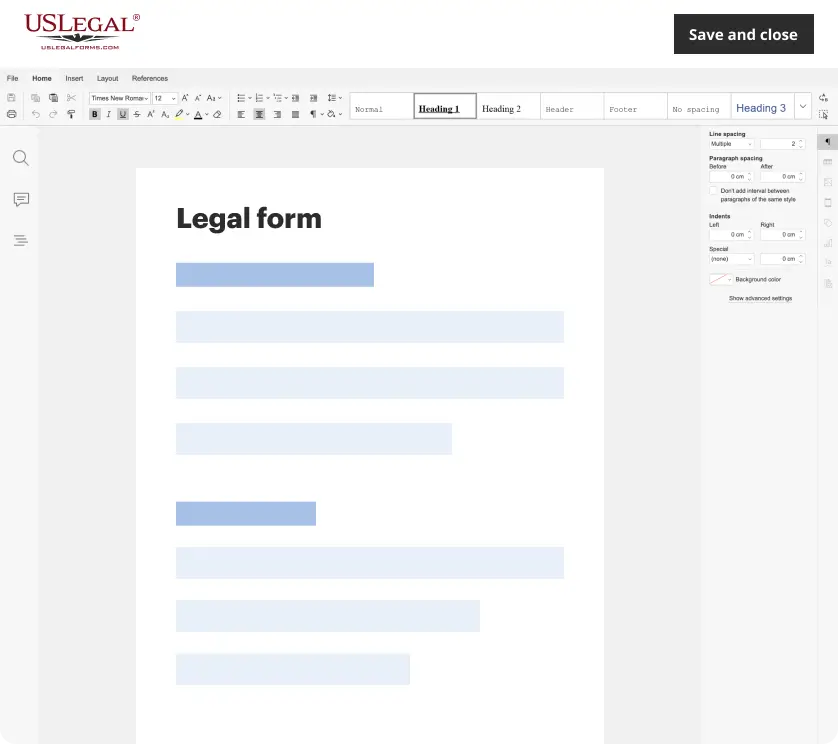
Make edits, fill in missing information, and update formatting in US Legal Forms—just like you would in MS Word.
Download a copy, print it, send it by email, or mail it via USPS—whatever works best for your next step.
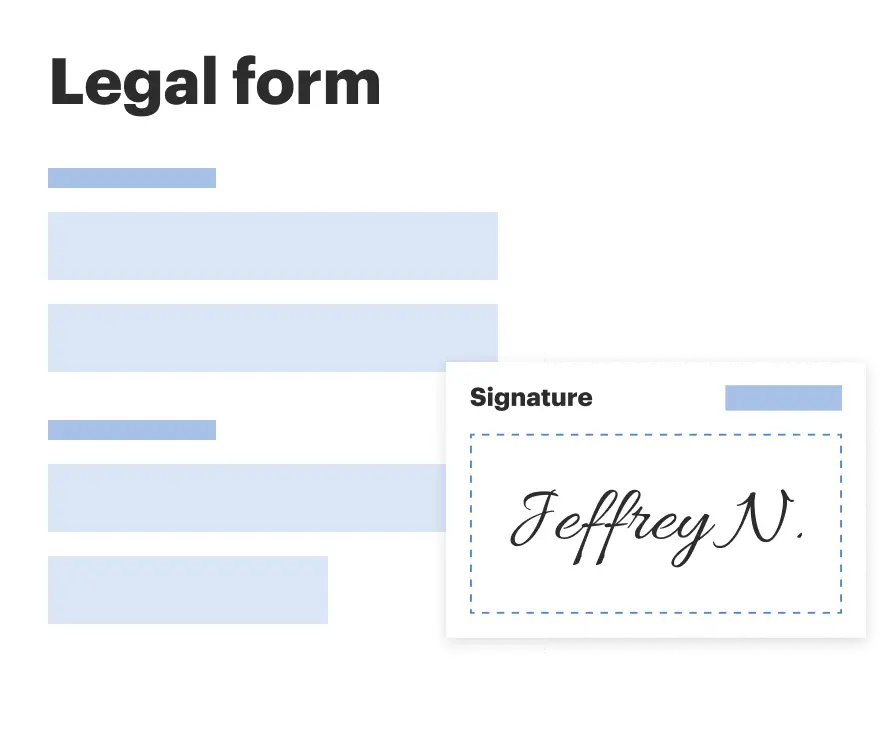
Sign and collect signatures with our SignNow integration. Send to multiple recipients, set reminders, and more. Go Premium to unlock E-Sign.
If this form requires notarization, complete it online through a secure video call—no need to meet a notary in person or wait for an appointment.
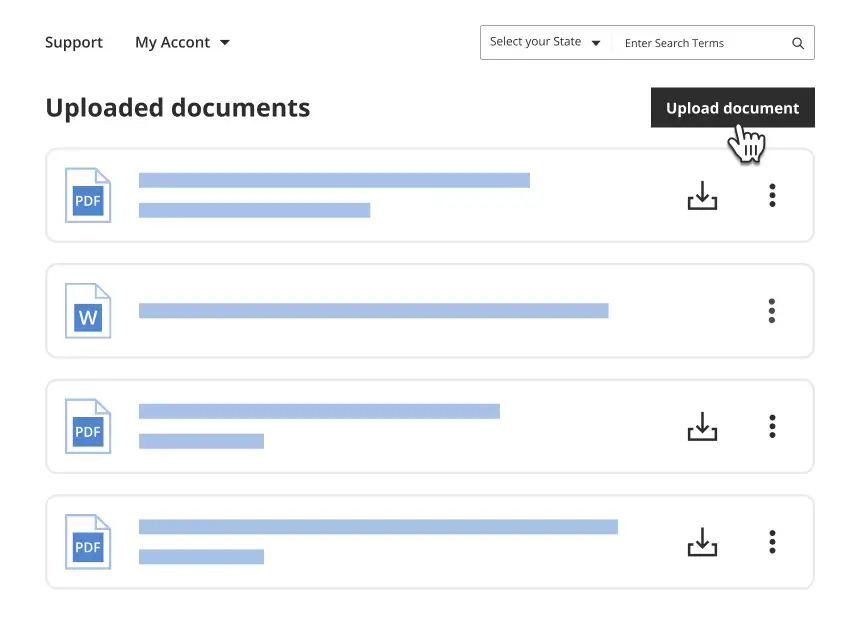
We protect your documents and personal data by following strict security and privacy standards.
Looking for another form?






Form popularity
FAQ
It is highly recommended that the word “confidential” appear prominently (in large type) on the cover page. The confidentiality notice should clearly state that the fax may contain information protected by law and should therefore only be viewed by the intended recipients listed on the cover page.
To print the fax cover sheet, press Ctrl+P, and wait for the Print dialog box. Note: If you don't see a Print dialog box, click the link for opening a PDF version of your fax cover sheet. From there, use the PDF program's Print command.
For example, you may not include the patient's name as this violates HIPAA standards. Instead, a fax cover sheet may have the patient's case number for easy reference. In some cases, you may include the physician's contact number, case number, and insurance policy number on the fax cover sheet.
Therefore, you need to use several precautions when transmitting PHI online or via traditional fax. Coversheet. Verify security measures. Track faxes with an audit trail. Properly use the computer or machine when faxing. Use strong passwords for cloud faxes. Choose a HIPAA compliant cloud fax service.
The confidentiality notice should always appear on the fax's cover sheet, along with a notice of the intended recipients, their contact information, and the contact information of the sender. It is highly recommended that the word “confidential” appear prominently (in large type) on the cover page.
Confidentiality statement: Position the confidentiality statement near the bottom of the cover sheet or in a footer. Use specific language, like “Confidential: This fax contains confidential information intended solely for the named recipient. Unauthorized access is prohibited.”
EFax: The Most Efficient and Secure Way to Fax Online Receiving faxes online, by email, or through a mobile app with eFax offers numerous benefits including convenience, flexibility, efficiency & accessibility.
Online fax services offer a safe and convenient way to send personal information and sensitive documents. When you send a fax through an online platform like eFax Protect or eFax Corporate, your document is encrypted in transit to protect any sensitive information that it might contain.