Examples Of Acknowledgement Letter In Sacramento
Description




Get your form ready online
Our built-in tools help you complete, sign, share, and store your documents in one place.
Make edits, fill in missing information, and update formatting in US Legal Forms—just like you would in MS Word.
Download a copy, print it, send it by email, or mail it via USPS—whatever works best for your next step.
Sign and collect signatures with our SignNow integration. Send to multiple recipients, set reminders, and more. Go Premium to unlock E-Sign.
If this form requires notarization, complete it online through a secure video call—no need to meet a notary in person or wait for an appointment.
We protect your documents and personal data by following strict security and privacy standards.

Make edits, fill in missing information, and update formatting in US Legal Forms—just like you would in MS Word.

Download a copy, print it, send it by email, or mail it via USPS—whatever works best for your next step.

Sign and collect signatures with our SignNow integration. Send to multiple recipients, set reminders, and more. Go Premium to unlock E-Sign.

If this form requires notarization, complete it online through a secure video call—no need to meet a notary in person or wait for an appointment.

We protect your documents and personal data by following strict security and privacy standards.
Looking for another form?






Form popularity
FAQ
How to notarize a document in California Step 1: Personal appearance is required. Step 2: Check over the document before notarizing. Step 3: Carefully identify the signer. Step 4: Complete your journal entry. Step 5: Fill in the notarial certificate.
Given under my hand and seal of office this __________ day of __________, (year). This instrument was acknowledged before me on (date) by (name or names of person or persons acknowledging).
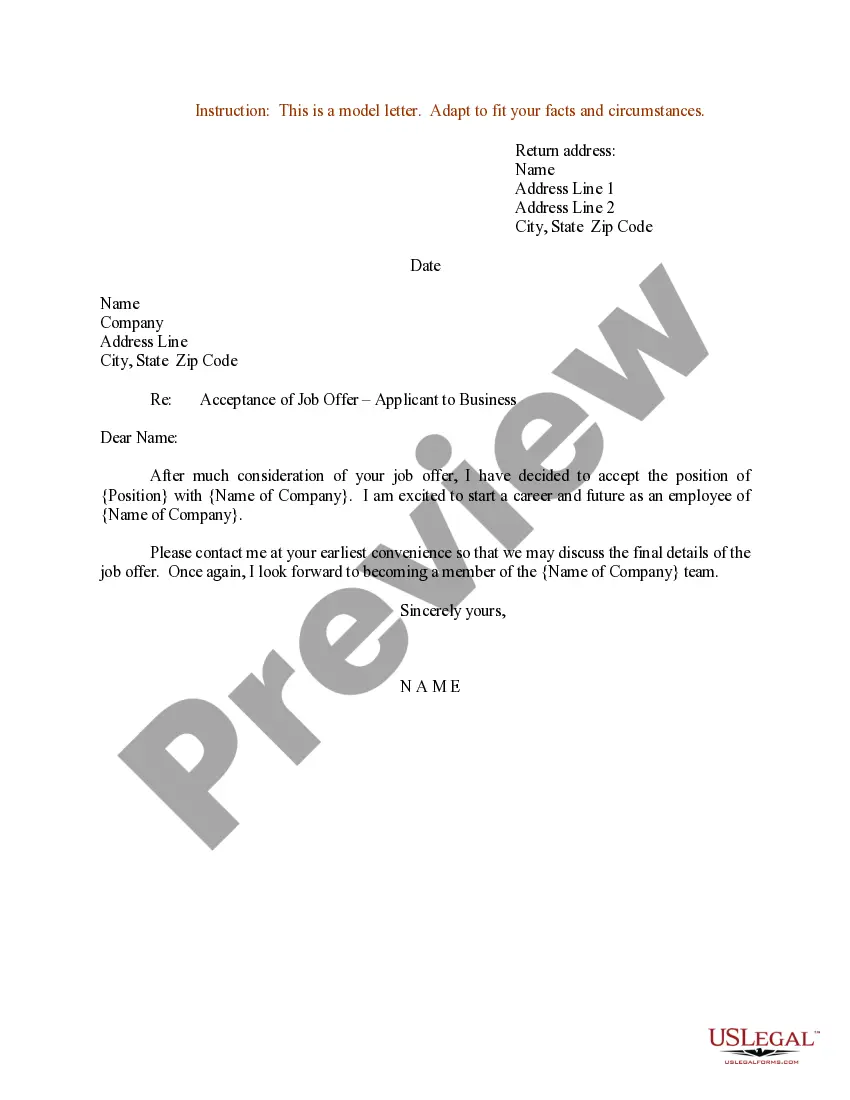
How do you fill out an acknowledgment letter? Date of receipt: State when the document or goods were received. Description: Provide a concise description of the received document or goods. Confirmation statement: Include a statement confirming the safe receipt of the document or goods.
One of the most common mistakes that notaries make is not printing or signing their name exactly as it appears on their notary commission.
How do you fill out an acknowledgment letter? Date of receipt: State when the document or goods were received. Description: Provide a concise description of the received document or goods. Confirmation statement: Include a statement confirming the safe receipt of the document or goods.
We write to advise that we have on Enter Date received delivery of Enter Detail of Item (“Name of Item”). The Name of Item has been inspected and we acknowledge that it has been received in good condition. We appreciate your quick response to our request and thank you for your valued assistance.
Now what do you fill in fill in the venue or county where you are notarizing the date you notarized.MoreNow what do you fill in fill in the venue or county where you are notarizing the date you notarized. Your name and title of office notary. Public next you fill in the name of your signer appearing.
These details describe the facts the Notary is certifying in the particular notarization. An example of acknowledgment wording in the body might read: “… On (today's date), (signer name) personally appeared before me and acknowledged executing the document.”
This certificate must follow the format prescribed in California Civil Code Section 1189. The certificate includes specific elements such as the venue, the notary's name, the signer's name, and a statement confirming the voluntary signature. Notaries must affix their official seal on the acknowledgment certificate.

