Application Job Letter For Teacher In Illinois
Description
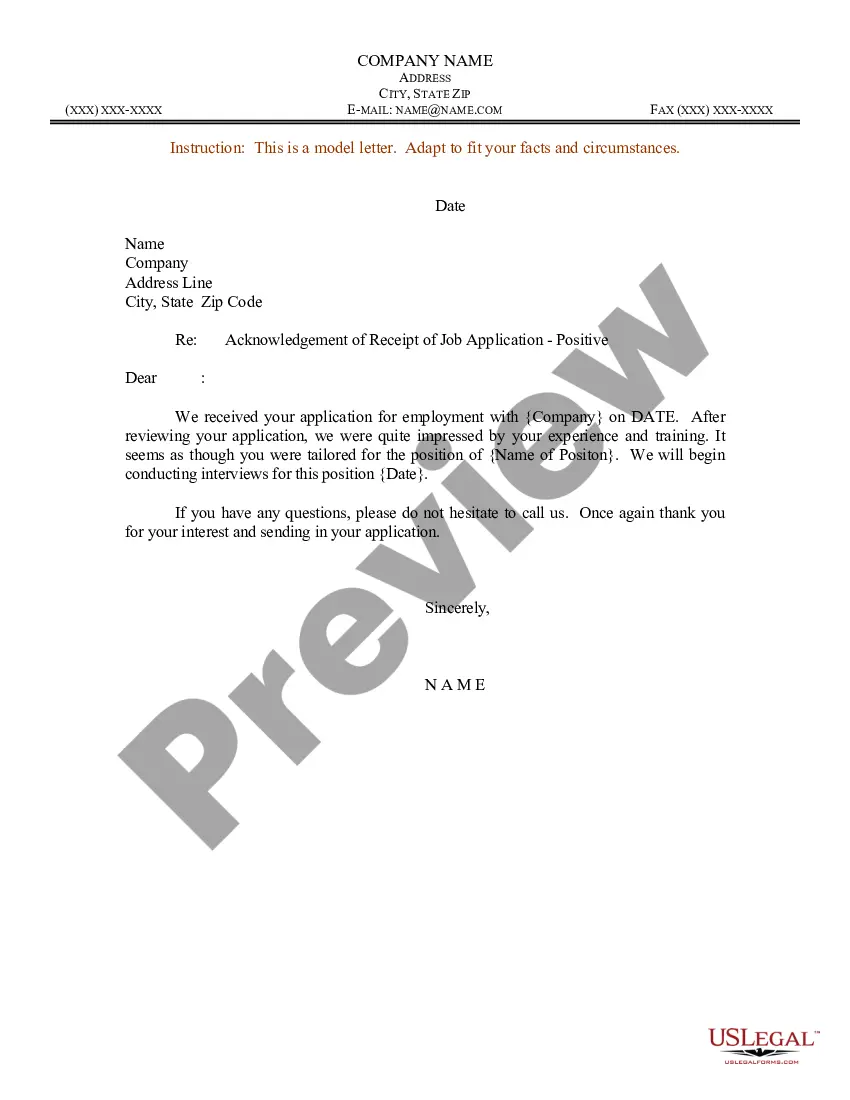



Get your form ready online
Our built-in tools help you complete, sign, share, and store your documents in one place.
Make edits, fill in missing information, and update formatting in US Legal Forms—just like you would in MS Word.
Download a copy, print it, send it by email, or mail it via USPS—whatever works best for your next step.
Sign and collect signatures with our SignNow integration. Send to multiple recipients, set reminders, and more. Go Premium to unlock E-Sign.
If this form requires notarization, complete it online through a secure video call—no need to meet a notary in person or wait for an appointment.
We protect your documents and personal data by following strict security and privacy standards.

Make edits, fill in missing information, and update formatting in US Legal Forms—just like you would in MS Word.

Download a copy, print it, send it by email, or mail it via USPS—whatever works best for your next step.

Sign and collect signatures with our SignNow integration. Send to multiple recipients, set reminders, and more. Go Premium to unlock E-Sign.

If this form requires notarization, complete it online through a secure video call—no need to meet a notary in person or wait for an appointment.

We protect your documents and personal data by following strict security and privacy standards.
Looking for another form?








Form popularity
FAQ
Here are key elements to include in your properly-formatted email: Subject line. Business salutation. Job position in question. Name of the source you used. Description of why you are an ideal candidate. Closing statement. Email signature. Contact details.
How to write a job application email Write a clear subject line. Include a salutation. Introduce yourself in the first sentence. Turn your cover letter into the body of your email. Close with details. Sign your email. Attach your materials. Proofread before you hit “send.”
How do you email a job application? Study the job description. Prepare all your documents (resume, cover letter, portfolio). Start with a clear subject line. Address the recruiter properly. Highlight skills and experiences that match the job description. Include your contact information.
Highlight your relevant qualifications, teaching experience, and skills that align with the job requirements. Demonstrate your enthusiasm for the position and how you can contribute to the school. Conclude by expressing your willingness to discuss further and thank the recipient for considering your application.
How to write a job application email Write a clear subject line. Include a salutation. Introduce yourself in the first sentence. Turn your cover letter into the body of your email. Close with details. Sign your email. Attach your materials. Proofread before you hit “send.”
Once your email message is ready to send, you need to attach your resume and cover letter to your message: Click on Insert > Attach File. Click to select the file you want to add to your email message, and then click on Insert to attach the document to your email message.
Address your cover letter to a specific person, if possible. Call for the name of the hiring manager if not listed, unless the job description says “Please no phone calls.” Never use “To Whom It May Concern.” If a name is unavailable, use a title (e.g., Dear Administrator).
Teacher cover letter template Dear Recipient's Name, I am writing to express my interest in the Specific Teaching Position at School Name. With Your Education and Credentials, and Years of Experience years of experience in the classroom, I am well-equipped to contribute to your team.
How to write a letter of intent for a teaching job Address it to a specific person. Open with a summary. Outline your education. Highlight previous work experience. Describe your teaching style and values. Include a polite and optimistic closing.
Teacher cover letter template Dear Recipient's Name, I am writing to express my interest in the Specific Teaching Position at School Name. With Your Education and Credentials, and Years of Experience years of experience in the classroom, I am well-equipped to contribute to your team.

