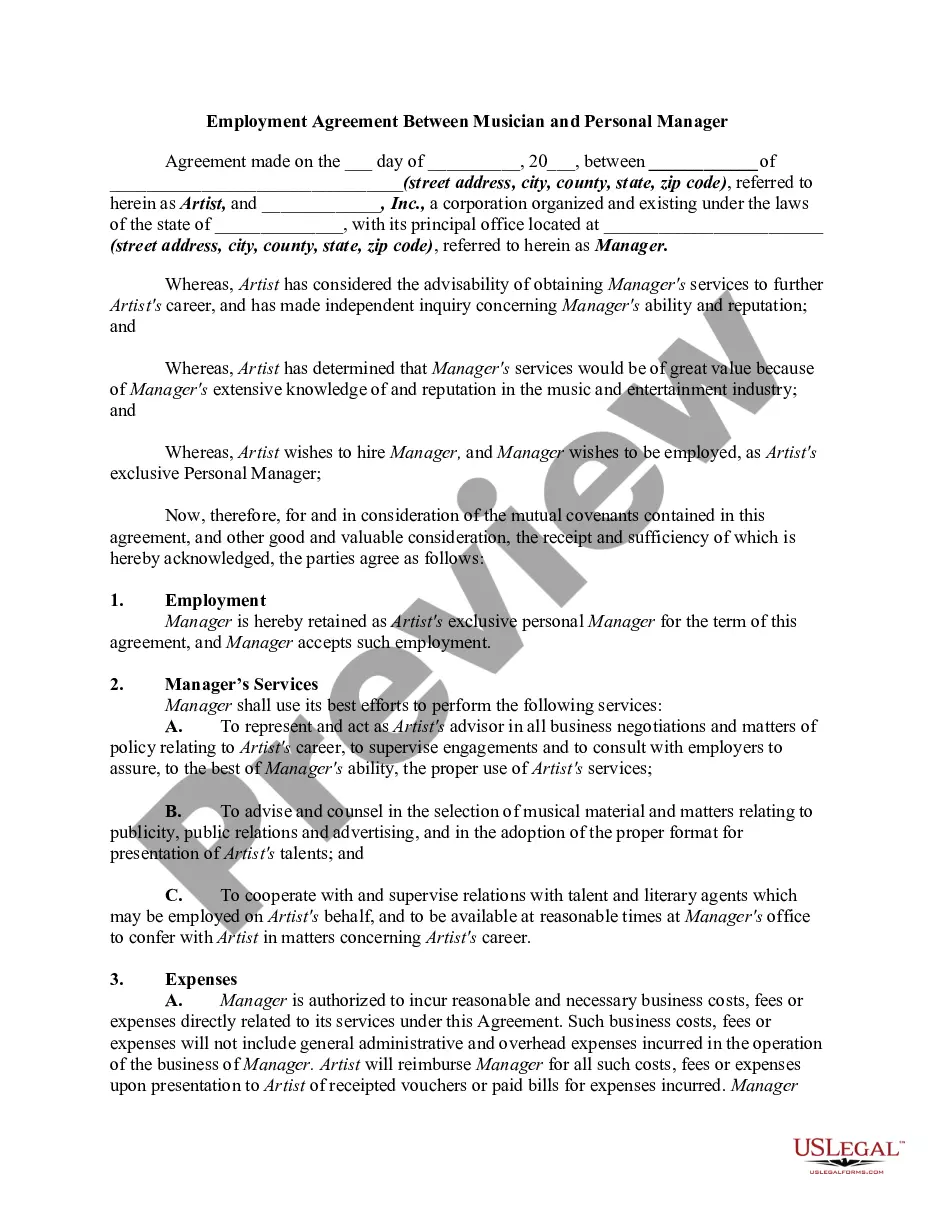
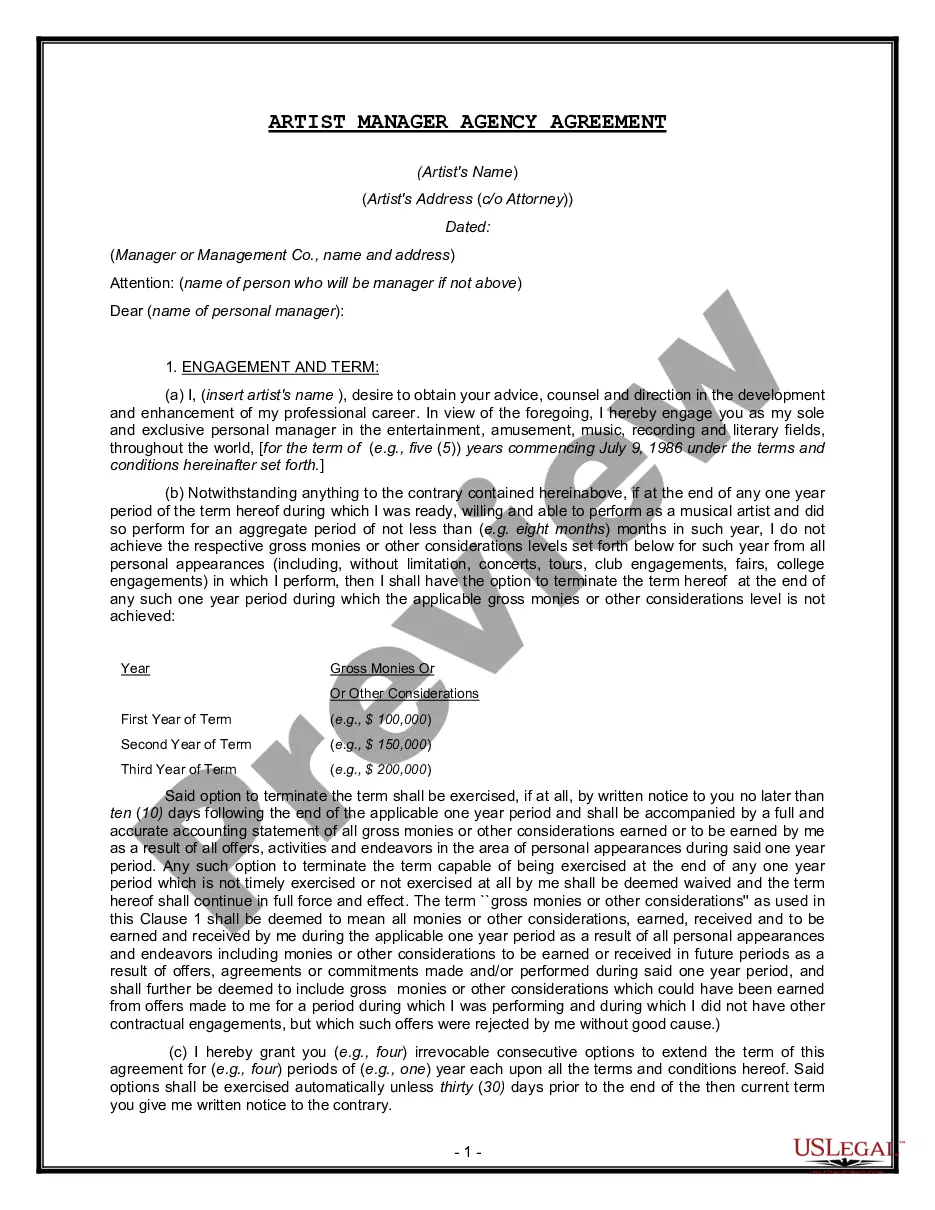
Personal Manager Contract With Apple In Montgomery
Description


Get your form ready online
Our built-in tools help you complete, sign, share, and store your documents in one place.
Make edits, fill in missing information, and update formatting in US Legal Forms—just like you would in MS Word.
Download a copy, print it, send it by email, or mail it via USPS—whatever works best for your next step.
Sign and collect signatures with our SignNow integration. Send to multiple recipients, set reminders, and more. Go Premium to unlock E-Sign.
If this form requires notarization, complete it online through a secure video call—no need to meet a notary in person or wait for an appointment.
We protect your documents and personal data by following strict security and privacy standards.

Make edits, fill in missing information, and update formatting in US Legal Forms—just like you would in MS Word.

Download a copy, print it, send it by email, or mail it via USPS—whatever works best for your next step.

Sign and collect signatures with our SignNow integration. Send to multiple recipients, set reminders, and more. Go Premium to unlock E-Sign.

If this form requires notarization, complete it online through a secure video call—no need to meet a notary in person or wait for an appointment.

We protect your documents and personal data by following strict security and privacy standards.
Looking for another form?







Form popularity
FAQ
Apple has received numerous prime contract awards from a diverse set of federal agencies, including the Departments of State, Justice, Defense, Interior, and Health and Human Services, as well as the U.S. Agency for International Development and the U.S. Agency for Global Media.
Locate the banner at the top of your screen that states “The Apple Developer Program License Agreement has been updated.” To the right of this notification banner, you should see an option to “Review Agreement.” Click “Review Agreement” to launch the pending agreement in a pop-up window.
Yes, the updated iCloud terms are legitimate. They reflect Apple's efforts to enhance user privacy and comply with new regulations, and accepting them is necessary to continue using iCloud services.
BY CLICKING ON THE “AGREE” BUTTON, INSTITUTION, THROUGH ITS AUTHORIZED REPRESENTATIVE, IS AGREEING TO BE BOUND BY AND IS BECOMING A PARTY TO THIS AGREEMENT.
The basic steps involved are: Sign up for a new Apple ID. Get a DUNS Number. Register for the Device Enrolment Program (DEP) Verify your company. Configure Apple Business Manager. Send your Organisation ID and .
The basic steps involved are: Sign up for a new Apple ID. Get a DUNS Number. Register for the Device Enrolment Program (DEP) Verify your company. Configure Apple Business Manager. Send your Organisation ID and .
Select Send to send your information to Apple for verification. The verification process can take up to 5 business days. Do one of the following: If you're a Third-Party Partner or agency or if you don't want to add your brand at this time, select Done.
