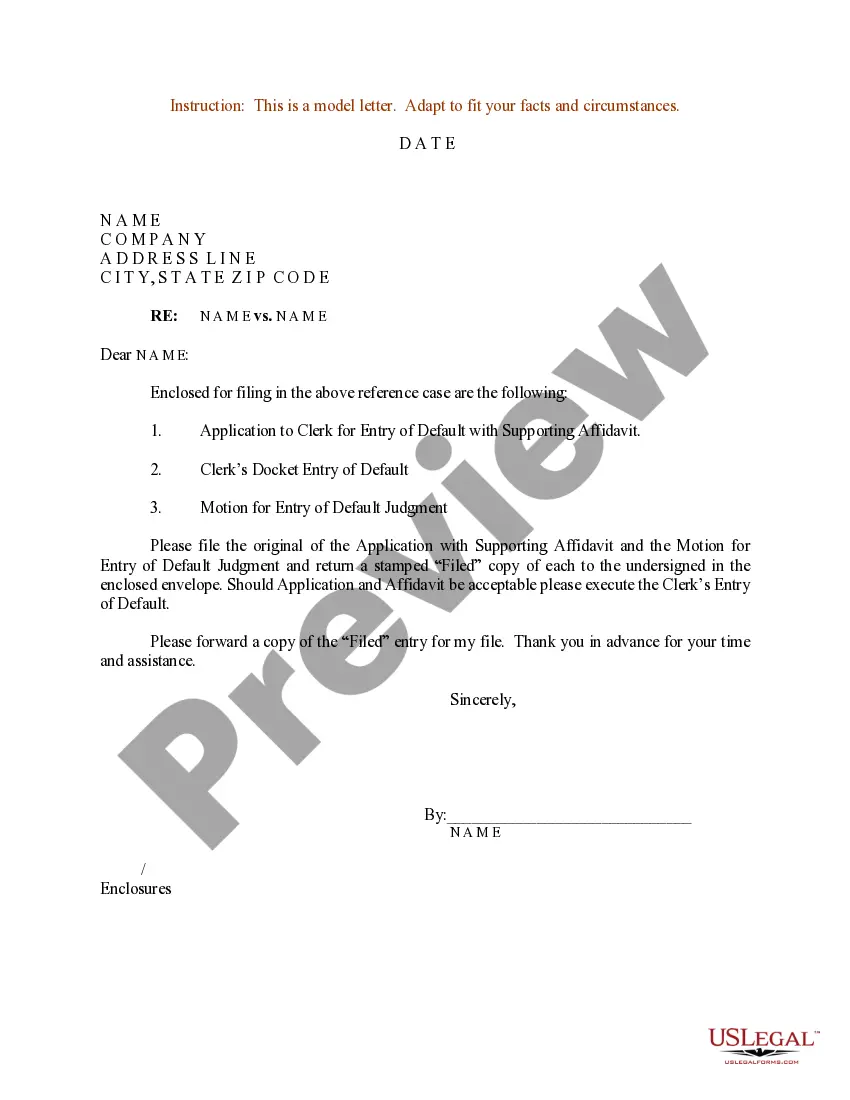
Letter Requesting Motion To Vacate Order Of Default Without Notice In Santa Clara
Description

Get your form ready online
Our built-in tools help you complete, sign, share, and store your documents in one place.
Make edits, fill in missing information, and update formatting in US Legal Forms—just like you would in MS Word.
Download a copy, print it, send it by email, or mail it via USPS—whatever works best for your next step.
Sign and collect signatures with our SignNow integration. Send to multiple recipients, set reminders, and more. Go Premium to unlock E-Sign.
If this form requires notarization, complete it online through a secure video call—no need to meet a notary in person or wait for an appointment.
We protect your documents and personal data by following strict security and privacy standards.

Make edits, fill in missing information, and update formatting in US Legal Forms—just like you would in MS Word.

Download a copy, print it, send it by email, or mail it via USPS—whatever works best for your next step.

Sign and collect signatures with our SignNow integration. Send to multiple recipients, set reminders, and more. Go Premium to unlock E-Sign.

If this form requires notarization, complete it online through a secure video call—no need to meet a notary in person or wait for an appointment.

We protect your documents and personal data by following strict security and privacy standards.
Looking for another form?










Form popularity
FAQ
A judgment is valid in ance with California Law for ten years, and then it will automatically expire. However, a judgment can be extended another ten years at the creditor's request as long as it's before the ten years expires.
If the court sent a Notice of Entry of Default If the court has your address, the clerk mails you a Notice of Entry of Default. If they sent this, you must file and serve the request to set aside within 180 days from the date you were served that notice.
How to ask for a default Fill out request for default. Request for Entry of Default (form CIV-100) ... If ready, also fill out forms to ask for a judgement. Judgment (form JUD-100) ... Mail copies to the defendant. Make at least 2 copies of everything. File forms. Bring the Request for Default to the court clerk.
Once the judgment is set aside, the case starts up again. If you do not file an answer with the court to defend against plaintiff's complaint, you could again be defaulted and another default judgment could be entered against you.
Step-by-Step Instructions Collect Supporting Evidence. Reserve Your Court Hearing and Determine Deadlines to File and Serve Motion. Prepare Your Motion and Proposed Response. Copy and Assemble Your Documents. Have the Motion Served and Attach the Proof of Service to Remaining Copies.
How to complete form CIV-100: a step-by-step guide Verify the deadline: Ensure that the defendant missed the deadline to respond. Obtain the form: Download the CIV-100 form from the California Courts website. Fill in case information: Enter the case number, court name, and the names of the parties involved.
How to ask for a default Fill out request for default. Request for Entry of Default (form CIV-100) ... If ready, also fill out forms to ask for a judgement. Judgment (form JUD-100) ... Mail copies to the defendant. Make at least 2 copies of everything. File forms. Bring the Request for Default to the court clerk.
This means that you do not file any response by the deadline. The Plaintiff then can ask the judge to decide the case without your input. This is called a default or a default judgment.
Step-by-Step Instructions Collect Supporting Evidence. Reserve Your Court Hearing and Determine Deadlines to File and Serve Motion. Prepare Your Motion and Proposed Response. Copy and Assemble Your Documents. Have the Motion Served and Attach the Proof of Service to Remaining Copies.
