Erisa Retirement Plan Form 5500 In Philadelphia
Description

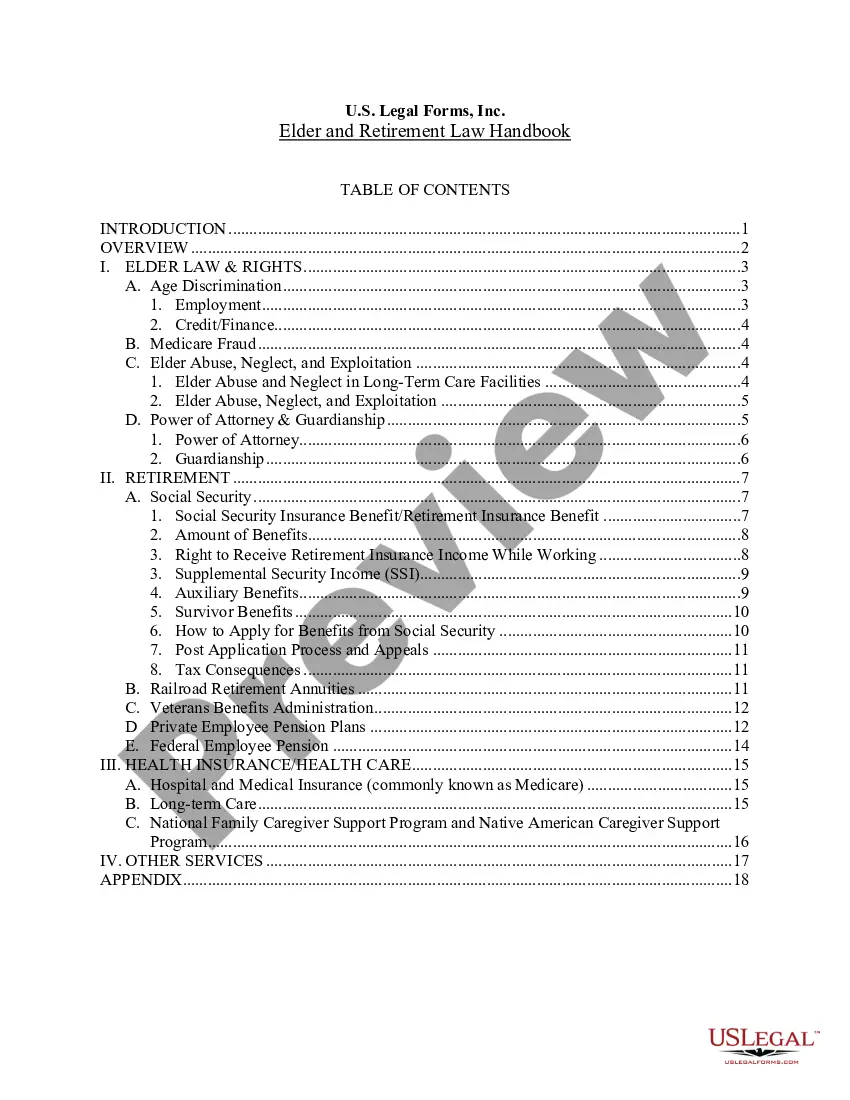
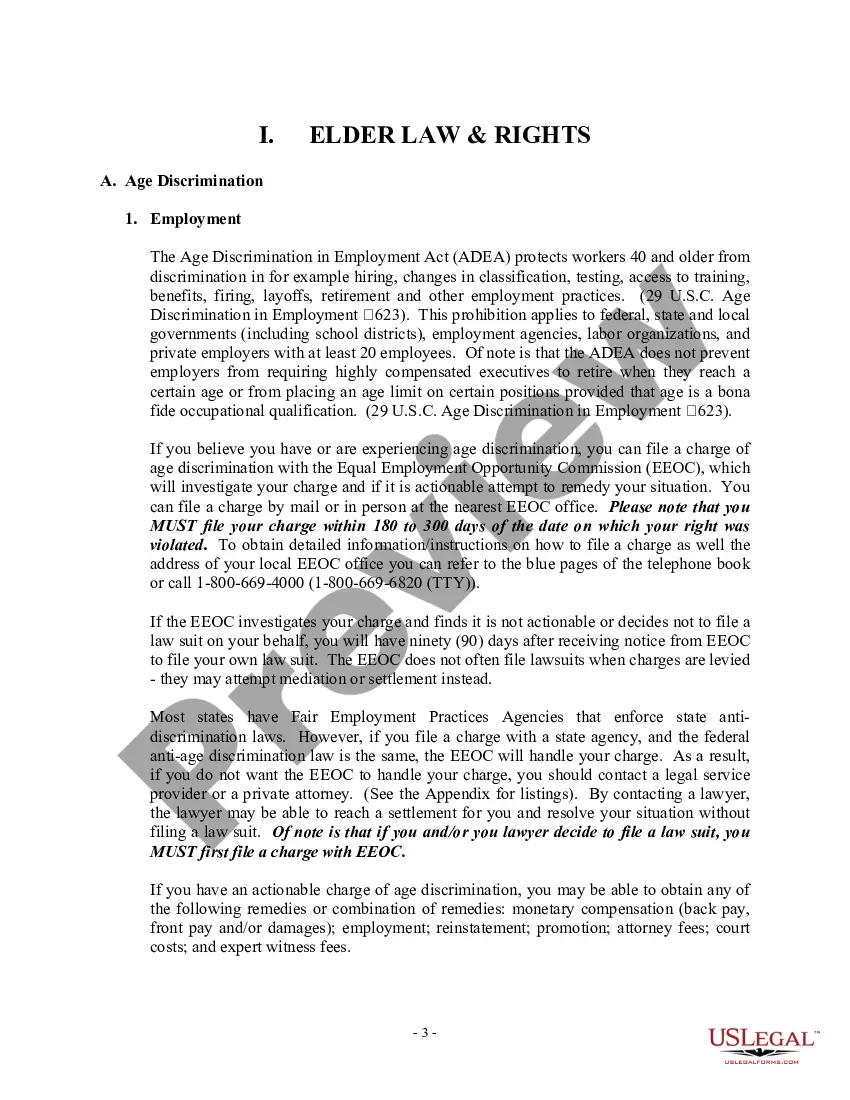




Get your form ready online
Our built-in tools help you complete, sign, share, and store your documents in one place.
Make edits, fill in missing information, and update formatting in US Legal Forms—just like you would in MS Word.
Download a copy, print it, send it by email, or mail it via USPS—whatever works best for your next step.
Sign and collect signatures with our SignNow integration. Send to multiple recipients, set reminders, and more. Go Premium to unlock E-Sign.
If this form requires notarization, complete it online through a secure video call—no need to meet a notary in person or wait for an appointment.
We protect your documents and personal data by following strict security and privacy standards.

Make edits, fill in missing information, and update formatting in US Legal Forms—just like you would in MS Word.

Download a copy, print it, send it by email, or mail it via USPS—whatever works best for your next step.

Sign and collect signatures with our SignNow integration. Send to multiple recipients, set reminders, and more. Go Premium to unlock E-Sign.

If this form requires notarization, complete it online through a secure video call—no need to meet a notary in person or wait for an appointment.

We protect your documents and personal data by following strict security and privacy standards.
Looking for another form?




Form popularity
FAQ
The Plan ID is a 3-digit number that designates one plan from another for the IRS and DOL. Which number goes to what plan is up to the employer in most cases. In the instructions for Form 5500, the IRS informs us that Plan ID numbers are to begin with 501 for a company's first health & welfare plan.
IRS Form 5500 applies to most public and private sector businesses providing plans to 100 or more participants. It must be filed electronically using the DOL ERISA Filing Acceptance System (EFAST2).
At the time of this update, applicable regulations permit the DOL to assess a penalty of up to $2,670 per day. See Federal Civil Penalties Inflation Adjustment Act Annual Adjustments for 2024, 89 Fed. Reg. 1810 (January 15, 2024).
The Form 5500 Series is part of ERISA's overall reporting and disclosure framework, which is intended to assure that employee benefit plans are operated and managed in ance with certain prescribed standards and that participants and beneficiaries, as well as regulators, are provided or have access to sufficient ...
The Form 5500 Series is part of ERISA's overall reporting and disclosure framework, which is intended to assure that employee benefit plans are operated and managed in ance with certain prescribed standards and that participants and beneficiaries, as well as regulators, are provided or have access to sufficient ...
Filing Form 5500 is the responsibility of the plan administrator. This role is typically filled by someone in the company's finance, HR or operations department.
Filing Form 5500-EZ electronically using the EFAST2 filing system: • File online using EFAST2's web-based filing system or • File through an EFAST2-approved vendor. Detailed information on electronic filing is available on the EFAST2 website at .efast.dol.
The U.S. Department of Labor, Internal Revenue Service, and the Pension Benefit Guaranty Corporation jointly developed the Form 5500 Series so employee benefit plans could utilize the Form 5500 Series forms to satisfy annual reporting requirements under Title I and Title IV of ERISA and under the Internal Revenue Code.
Sign a Form Filing Signer Filing signers are: Plan administrators, employers/plan sponsors, or Direct Filing Entities who electronically sign the Form 5500/5500-SF/5500-EZ. Plan service providers that have written authorization to file on behalf of the plan administrator under the EFAST2 e-signature option.
If you would like the raw data from all filings, including schedules, you can download Form 5500 datasets from EBSA's electronic FOIA webpage. If you are unable to find a filing that you believe has been submitted, please contact the EFAST2 Help Line at 1-866-463-3278.