Retirement Plans With 401k In Oakland
Description

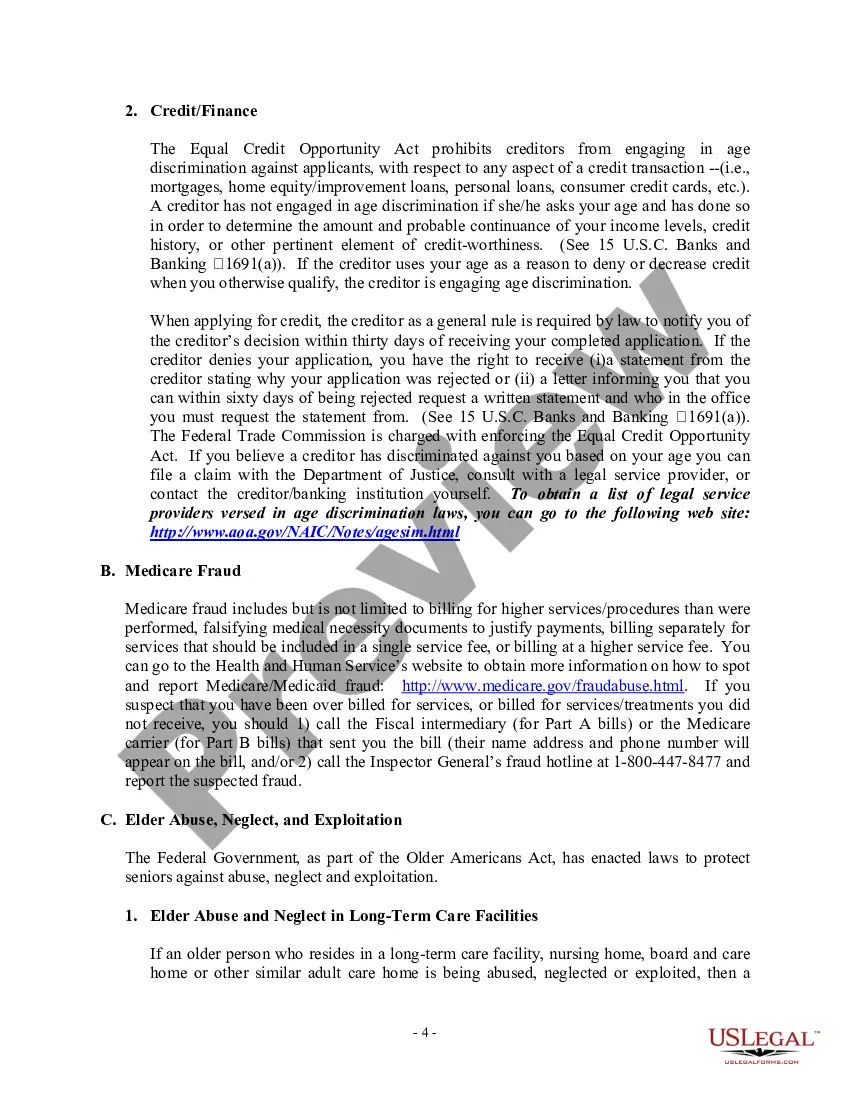
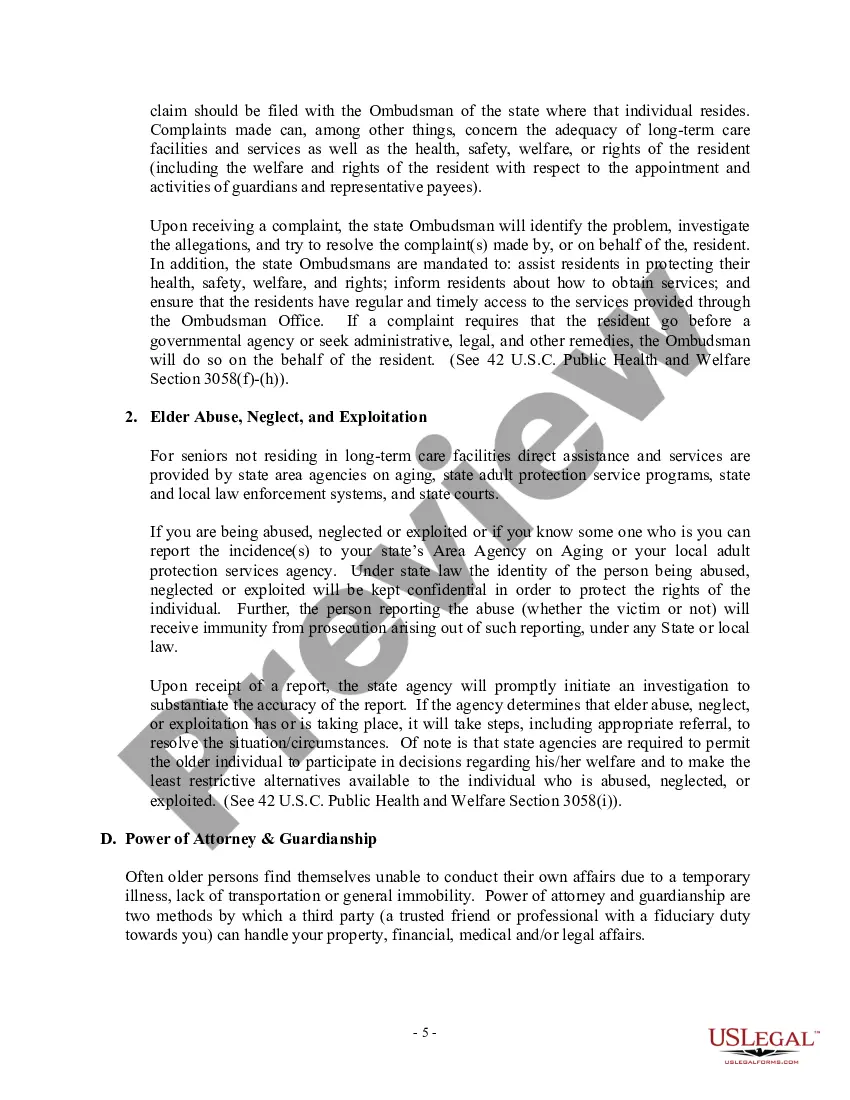
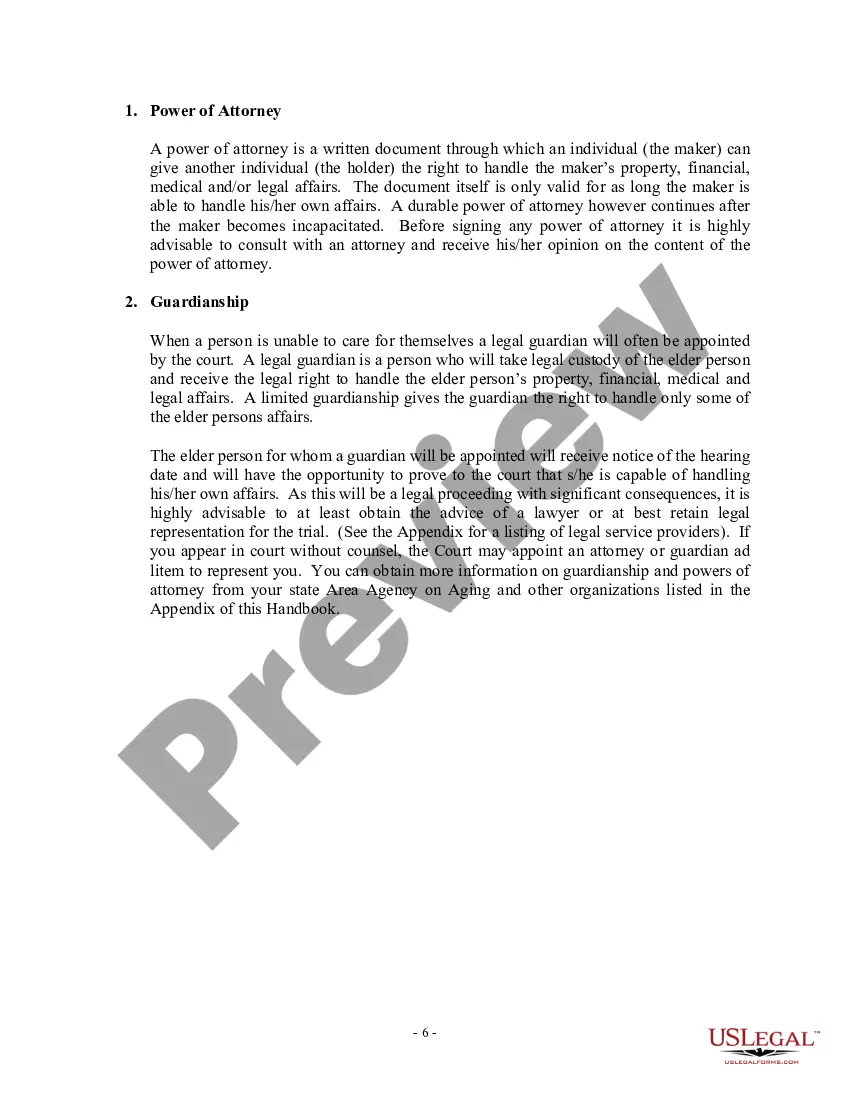
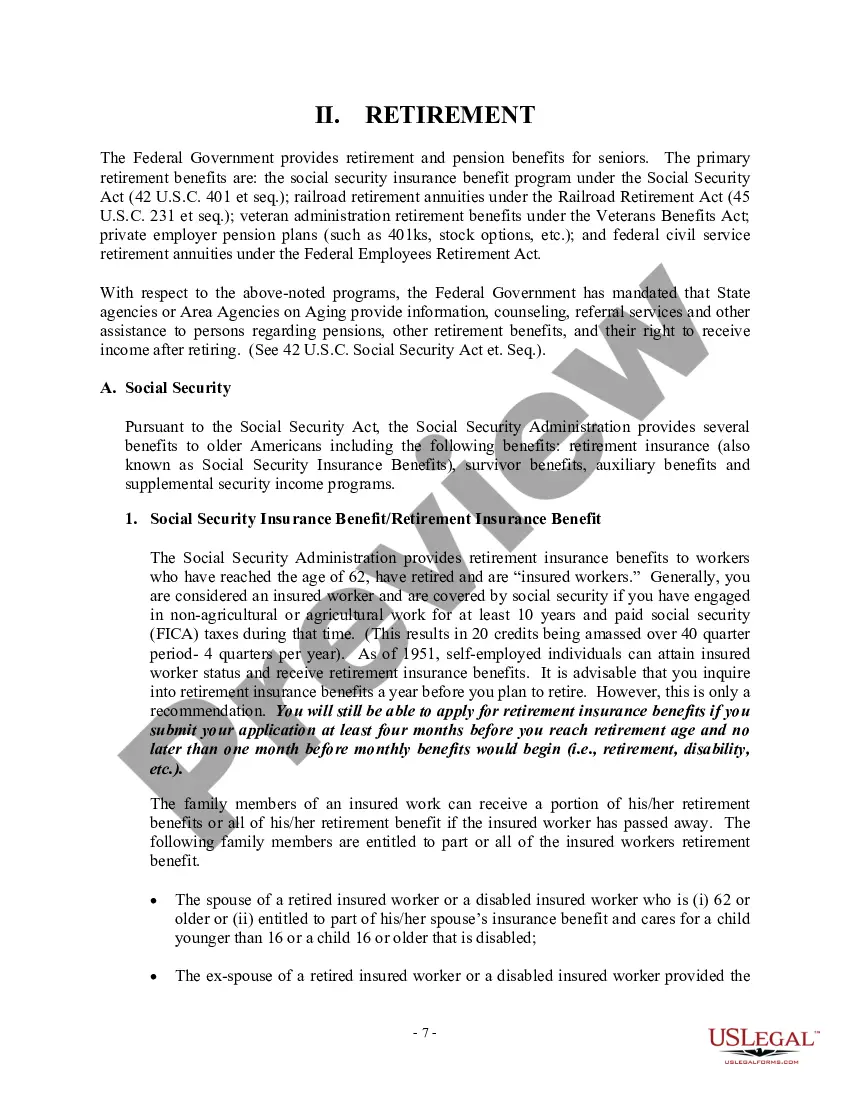





Get your form ready online
Our built-in tools help you complete, sign, share, and store your documents in one place.
Make edits, fill in missing information, and update formatting in US Legal Forms—just like you would in MS Word.
Download a copy, print it, send it by email, or mail it via USPS—whatever works best for your next step.
Sign and collect signatures with our SignNow integration. Send to multiple recipients, set reminders, and more. Go Premium to unlock E-Sign.
If this form requires notarization, complete it online through a secure video call—no need to meet a notary in person or wait for an appointment.
We protect your documents and personal data by following strict security and privacy standards.

Make edits, fill in missing information, and update formatting in US Legal Forms—just like you would in MS Word.

Download a copy, print it, send it by email, or mail it via USPS—whatever works best for your next step.

Sign and collect signatures with our SignNow integration. Send to multiple recipients, set reminders, and more. Go Premium to unlock E-Sign.

If this form requires notarization, complete it online through a secure video call—no need to meet a notary in person or wait for an appointment.

We protect your documents and personal data by following strict security and privacy standards.
Looking for another form?









Form popularity
FAQ
Per IRS rules, lump-sum payments are subject to mandatory 20 percent federal income tax withholding and an additional 2 percent in California state tax if you reside in California at the time of the withdrawal.
Once you start withdrawing from your traditional 401(k), your withdrawals are usually taxed as ordinary taxable income. That said, you'll report the taxable part of your distribution directly on your Form 1040 for any tax year that you make a distribution.
6 steps to managing your 401(k) Sign up (if your employer hasn't done it for you) ... Choose an account type. Review the investment choices. Compare investment fees. Consider contributing enough to get any employer match. Decide whether you want to supplement your savings outside of a 401(k)
Deferring Social Security payments, rolling over old 401(k)s, setting up IRAs to avoid the mandatory 20% federal income tax, and keeping your capital gains taxes low are among the best strategies for reducing taxes on your 401(k) withdrawal.
California law requires employers who don't already offer retirement benefits to either enroll their employees in CalSavers or sponsor a qualified retirement plan on their own.
Here's how to set up your 401(k) and what to watch out for. Get enrolled. Set a contribution amount you're comfortable with. Maximize your employer's 401(k) match. Choose between traditional and Roth options. Choose your investments wisely. Take fees into consideration.
A 401(k) plan can only be established by an employer, but you yourself can be that employer. If you want to open a 401(k) just for yourself, you need to be self-employed with no employees of your own.
Employers with 5 or more employees within the previous year are already required to have CalSavers or offer a retirement benefit. If your Company had 5 or more employees in 2022, and you do not have a qualified plan or CalSavers, you should apply for CalSavers or obtain a qualified retirement plan as soon as possible.
No, you can't open your own 401k. You can contribute to an IRA. The limit is 5500 for 2018. Note not all 401k have employer matches.
The $1,000 per month rule is designed to help you estimate the amount of savings required to generate a steady monthly income during retirement. ing to this rule, for every $240,000 you save, you can withdraw $1,000 per month if you stick to a 5% annual withdrawal rate.